Introduction to Pinbar Trading
Pinbar candlestick patterns are among the most reliable and widely used price action signals in forex trading. Characterized by a small body and a long wick, pinbars often indicate potential reversals in market direction. Traders rely on these patterns to identify high-probability entry and exit points. The Pure Pinbar Signal Indicator for MT4 enhances this strategy by automating the detection of pinbar patterns, saving time and improving accuracy for traders using the MetaTrader 4 (MT4) platform.
This blog post explores the Pure Pinbar Signal Indicator, its features, installation process, customization options, and how to integrate it into your trading strategy. Whether you’re a beginner or an experienced trader, this tool can streamline your analysis and help you make informed decisions.
What is the Pure Pinbar Signal Indicator?
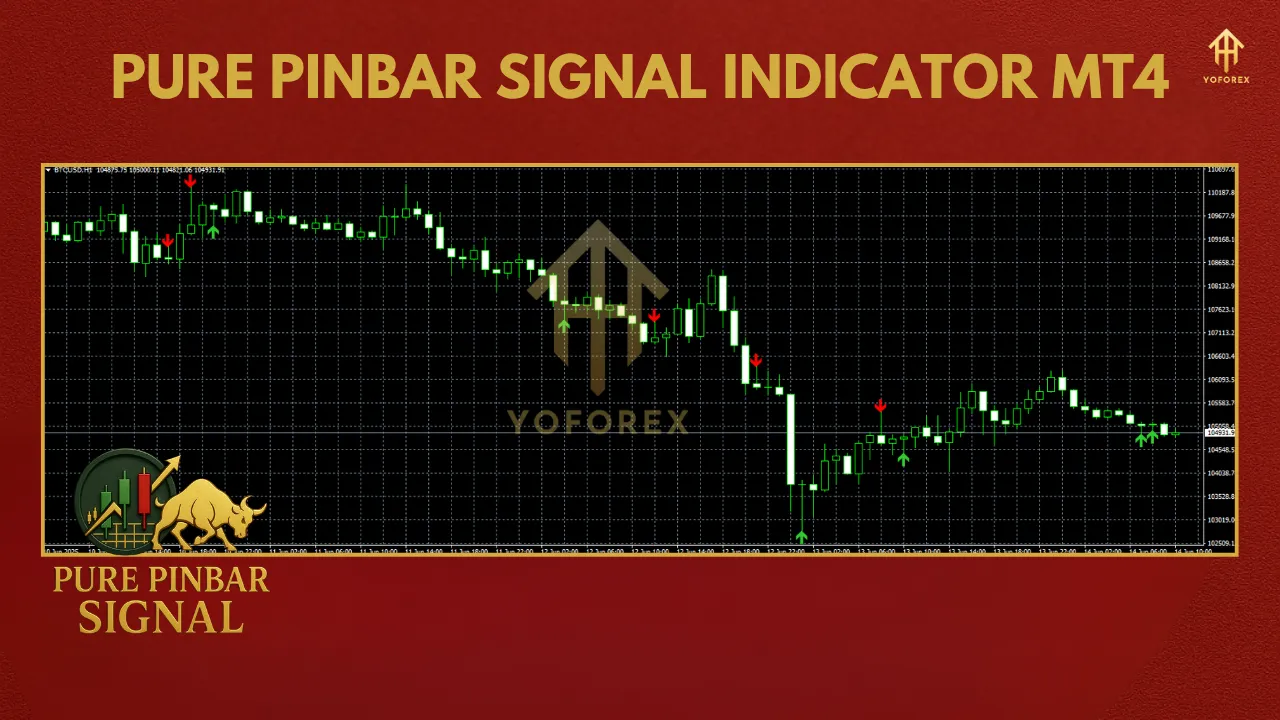
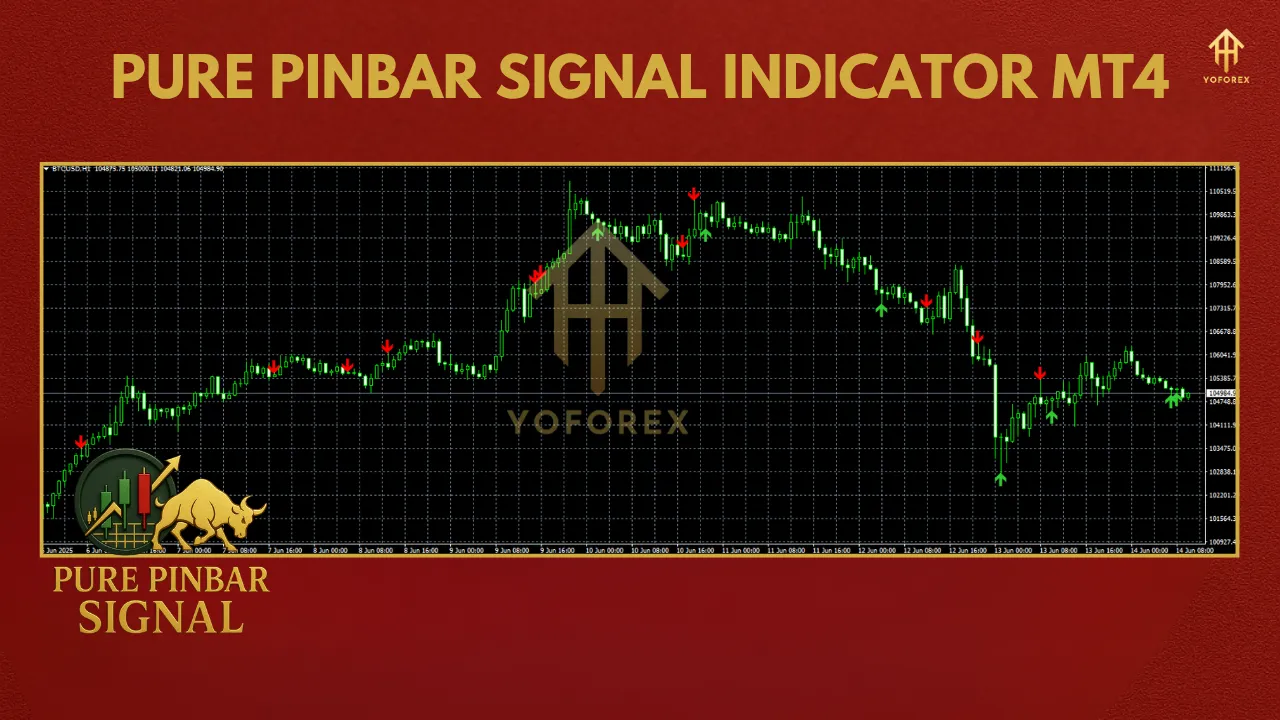
The Pure Pinbar Signal Indicator is a custom technical tool designed for the MT4 platform. It scans price charts for pinbar patterns and displays visual or audible alerts when a valid pinbar forms. Unlike manual analysis, which can be subjective and time-consuming, this indicator applies predefined criteria to identify pinbars with precision. It marks bullish and bearish pinbars directly on the chart, allowing traders to quickly spot potential trading opportunities.
Key Features
- Automatic Detection: Identifies pinbars based on user-defined parameters, reducing manual effort.
- Customizable Settings: Adjust pinbar size, wick length, and body proportions to suit your trading style.
- Alerts: Provides pop-up, sound, or email notifications when a pinbar is detected.
- Multi-Timeframe Support: Works across all timeframes, from M1 to D1, catering to scalpers, day traders, and swing traders.
- User-Friendly Interface: Easy to install and configure, even for traders new to MT4.
Why Use the Pure Pinbar Signal Indicator?
Pinbars are powerful because they reflect market rejection of certain price levels, often signaling a reversal. However, spotting them manually across multiple currency pairs and timeframes can be exhausting. The Pure Pinbar Signal Indicator automates this process, offering several benefits:
- Time Efficiency: Instantly highlights pinbars, allowing you to focus on trade execution.
- Consistency: Eliminates subjective interpretation by using objective criteria.
- Versatility: Compatible with forex, stocks, commodities, and other assets available on MT4.
- Enhanced Decision-Making: Combines with other indicators or strategies for confluence.
How to Install the Indicator on MT4
Installing the Pure Pinbar Signal Indicator on MT4 is straightforward. Follow these steps:
- Download the Indicator: Obtain the indicator file (usually a .mq4 or .ex4 file) from a reputable source. Ensure it’s compatible with your MT4 version.
- Access MT4 Data Folder: Open MT4, go to File > Open Data Folder.
- Copy the File: Navigate to MQL4 > Indicators, and paste the downloaded file into the Indicators folder.
- Restart MT4: Close and reopen the MT4 platform to refresh the indicator list.
- Add to Chart: In the MT4 Navigator panel, locate the Pure Pinbar Signal Indicator, drag it onto your desired chart, or double-click to apply.
- Configure Settings: A pop-up window will appear, allowing you to customize parameters like wick-to-body ratio, alert preferences, and colors.
Customizing the Indicator
The Pure Pinbar Signal Indicator offers flexibility to align with your trading preferences. Key settings include:
- Wick-to-Body Ratio: Defines the minimum ratio between the wick and the body to qualify as a pinbar (e.g., 3:1 for stronger signals).
- Minimum Wick Length: Sets the minimum wick size in pips to filter out insignificant pinbars.
- Alert Options: Enable or disable pop-up alerts, sound notifications, or email alerts.
- Visual Customization: Adjust colors for bullish and bearish pinbars to enhance chart readability.
- Timeframe Filtering: Restrict pinbar detection to specific timeframes for targeted analysis.
Experiment with these settings in a demo account to find the optimal configuration for your trading style.
Integrating the Indicator into Your Trading Strategy
The Pure Pinbar Signal Indicator is most effective when used as part of a broader trading strategy. Here are some tips to maximize its potential:
1. Combine with Support and Resistance
Pinbars are more reliable when they form at key support or resistance levels. Use the indicator to identify pinbars at these zones for higher-probability trades. For example, a bullish pinbar at a strong support level could signal a buy opportunity.
2. Use with Trend Analysis
In trending markets, pinbars can indicate pullbacks or reversals. Pair the indicator with tools like moving averages or trendlines to confirm the market direction before entering a trade.
3. Incorporate Other Indicators
Combine the pinbar indicator with oscillators like the Relative Strength Index (RSI) or Stochastic to confirm overbought or oversold conditions. This confluence can improve trade accuracy.
4. Risk Management
Always use proper risk management. Set stop-loss orders below the pinbar’s low (for bullish pinbars) or above its high (for bearish pinbars). Aim for a risk-to-reward ratio of at least 1:2 to ensure long-term profitability.
5. Backtest Your Strategy
Before using the indicator in live trading, backtest it on historical data. MT4’s Strategy Tester can help you evaluate its performance across different market conditions.
Advantages and Limitations
Advantages
- Automation: Saves time by automating pinbar detection.
- Customizability: Adapts to various trading styles and preferences.
- Reliability: Reduces human error in identifying valid pinbars.
Limitations
- False Signals: Pinbars, even when detected accurately, can fail in choppy markets.
- Lagging Nature: As a price action tool, it confirms patterns after they form, not predicting future price.
- Dependency on Settings: Incorrect settings may lead to missed or invalid signals.
Best Practices for Using the Indicator
- Test on Demo Accounts: Familiarize yourself with the indicator’s behavior before risking real capital.
- Avoid Overtrading: Focus on high-probability setups, such as pinbars at confluence zones.
- Stay Disciplined: Stick to your trading plan and avoid chasing every signal.
- Monitor Market Conditions: Pinbars perform best in trending or range-bound markets, so assess the broader context.
Where to Find the Pure Pinbar Signal Indicator
The indicator is available from various online sources, including trading forums, marketplaces, and developer websites. Always download from trusted platforms to avoid malware or corrupted files. Some versions are free, while premium versions may offer additional features like advanced filtering or multi-pair monitoring.
Conclusion
The Pure Pinbar Signal Indicator for MT4 is a valuable tool for traders seeking to capitalize on pinbar patterns without the hassle of manual analysis. Its automation, customization, and alert features make it suitable for traders of all levels. By integrating it with sound trading principles, such as support and resistance analysis, trend confirmation, and risk management, you can enhance your trading performance.
Before using the indicator in live markets, test it thoroughly in a demo environment and refine its settings to match your strategy. With discipline and proper use, the Pure Pinbar Signal Indicator can become a powerful ally in your forex trading journey.