
Unlocking Gold’s Potential: A Deep Dive into EA onetwothreefourx3 Gold Edition V1.12
The Gold (XAUUSD) market is the stuff of legends. Its glittering allure draws traders from all corners of the globe, promising thrilling volatility and substantial profit potential. But with this high reward comes significant risk. Gold’s wild swings can build fortunes in hours or dismantle accounts just as quickly. For many, successfully navigating this market requires discipline, a robust strategy, and near-constant vigilance. This is where automated trading solutions, or Expert Advisors (EAs), enter the picture.
Today, we’re taking an in-depth look at a highly specialized tool designed exclusively for this challenging environment: the EA onetwothreefourx3 Gold Edition V1.12 for the MT4 platform. This isn’t just another generic trading robot; it’s a purpose-built system focused on mastering a single, formidable asset. If you’ve ever sought a way to automate your Gold trading with a clear set of rules and powerful controls, this comprehensive review will guide you through everything you need to know.
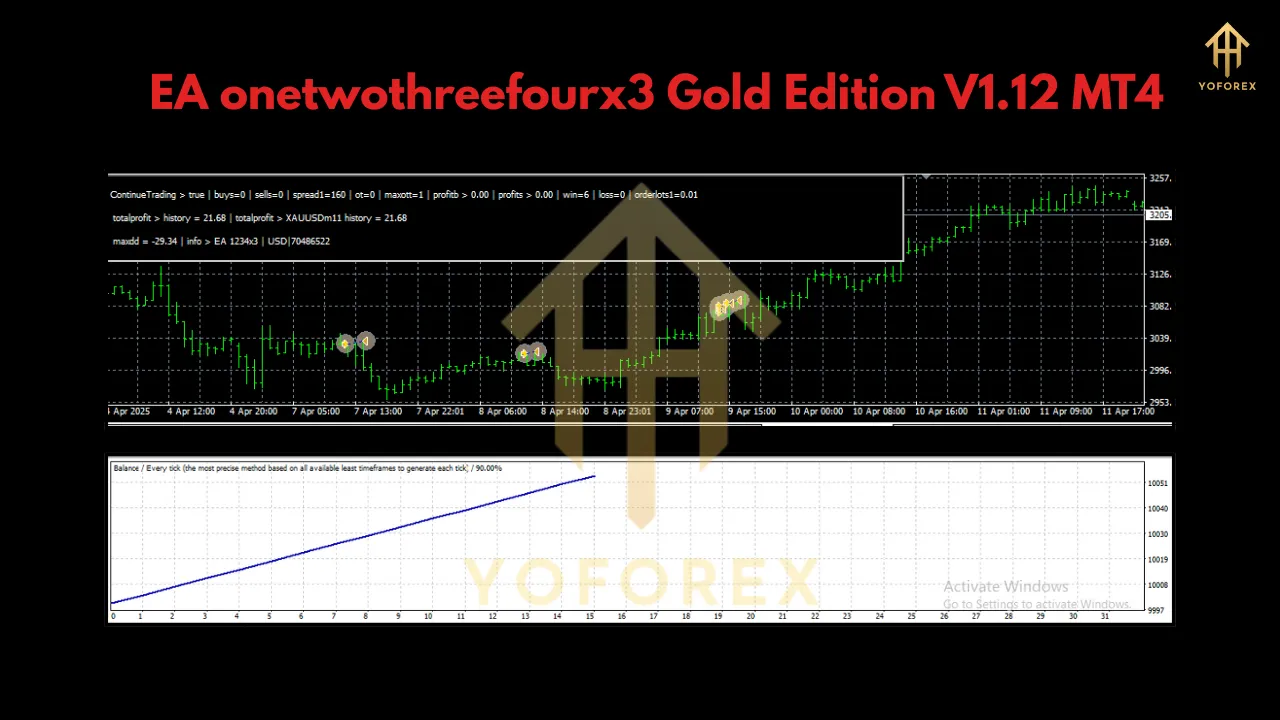
What is the EA onetwothreefourx3 Gold Edition?
At its core, the EA onetwothreefourx3 Gold Edition is an automated trading strategy encapsulated in software. It attaches to your MetaTrader 4 (MT4) platform and takes full control of trading operations on the XAUUSD chart, from analysis to trade execution and management.
The “Gold Edition” moniker is crucial—it signifies that the algorithm, its risk parameters, and its internal logic have been optimized specifically for the unique behavior of Gold. Unlike multi-currency EAs that apply a one-size-fits-all approach, this EA’s developer has concentrated all its efforts on a single pair, aiming for a deeper and more nuanced understanding of its price action.
One of its key features is its operational timeframe. The EA is designed to work on a higher timeframe (H1 or above). In fact, it automatically configures this, meaning the user doesn’t need to worry about setting the chart to the “correct” timeframe. This design choice suggests the EA is not a scalper chasing tiny pips. Instead, it likely focuses on more significant market movements, aiming for quality over quantity and riding larger swings or trends. This approach can help filter out market noise and reduce the negative impact of spreads and commissions.
Getting Started: The Foundation for Success
Before you even consider the parameters, it’s vital to understand the foundational requirements. Getting this part right is non-negotiable for the EA’s stability and long-term performance.
1. The Asset: Gold (XAUUSD) Only
This cannot be stressed enough. This EA is a specialist. Do not attempt to run it on EURUSD, GBPJPY, or any other instrument. Its entire strategy is calibrated for the volatility, liquidity, and characteristic patterns of Gold.
2. The Platform: MetaTrader 4 (MT4)
This EA is built for the world’s most popular trading platform, MT4. Ensure you have a stable MT4 installation from a reputable broker.
3. Capital and Lot Sizing: Your Financial Bedrock
This is perhaps the most critical aspect of the setup. The EA provides two clear paths for capital management:
-
Standard Account: The minimum recommended capital is $1,000 USD for every 0.01 lot size. This is not an arbitrary number. It’s a risk management directive. This capital-to-lot ratio ensures your account has sufficient margin and a buffer to withstand potential drawdowns. Gold can move aggressively, and a strategy designed to handle these moves needs financial breathing room. Running with less capital per lot size is highly discouraged and could lead to a premature margin call.
-
Cent Account (The Accessible Alternative): For those with smaller initial capital, the developer recommends a cent account. Here, the requirement is 10,000 cents (equivalent to $100 USD) per 0.01 lot size. This is a fantastic option for two types of traders:
-
New Users: It lowers the barrier to entry, allowing you to test the EA in a live market environment with significantly less financial risk.
-
Cautious Veterans: It provides a way to verify the EA’s performance and your broker’s execution quality without committing a large sum of money upfront.
-
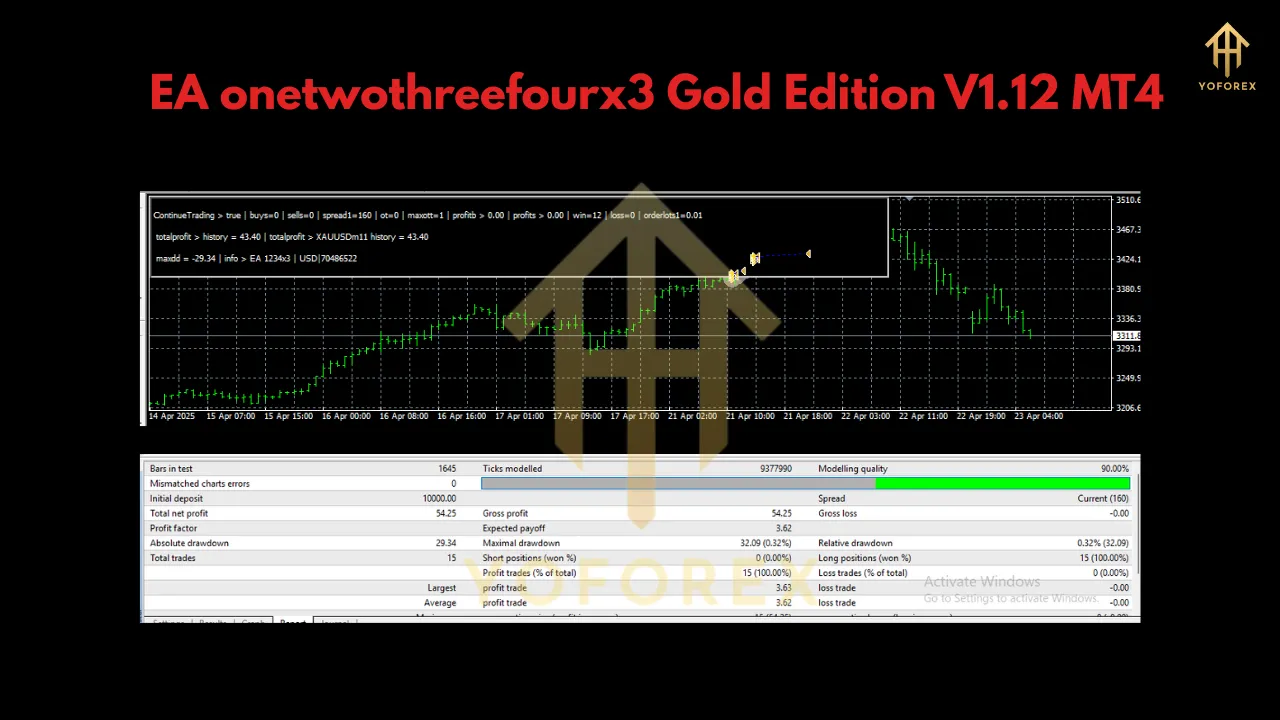
A Guided Tour of the Parameters: Your Control Panel
The true power of this EA lies in its transparent and user-friendly parameters. They allow you to manage its operation without needing to understand the complex code underneath. Let’s break them down.
ContinueTrading (Default: true)
Think of this as your “graceful shutdown” switch.
-
true: The EA operates normally, opening new trades according to its strategy.
-
false: The EA will stop looking for new trading opportunities. However, it will continue to manage any currently open trades until they are closed by its strategy (e.g., hitting a take profit or being closed by a trailing stop). This is the perfect tool for when you want to stop trading without abruptly interfering. For example, you might set it to false ahead of a major news event like the NFP report or if you plan to withdraw funds.
FullPerformanceMode (Default: false)
This is a unique and responsible feature that acts as a user sanity check.
-
false: The EA runs in a “restricted mode.” This is a safety feature to prevent users from running the EA at full capacity without first understanding its functions and risks.
-
true: This unlocks the EA’s full potential. By setting this to true, you are effectively telling the EA, “I have read the manual, I understand the capital requirements, and I accept the risks involved.” It’s a deliberate action that ensures the user is actively engaged in the setup process. You must set this to true for proper operation.
UseAutoLotSize (Default: true)
This parameter controls the EA’s automatic money management engine, a key to long-term growth.
-
true: The EA will automatically calculate the lot size for new trades based on your account balance. It uses the built-in ratio of 0.01 lots for every $1,000 in balance. For example, if your account grows to $2,000, it will start trading with 0.02 lots. If it reaches $3,500, it will trade with 0.03 lots. This feature automates compounding, allowing your position sizes to grow in tandem with your account, potentially accelerating your equity curve. It also works in reverse, reducing lot size if your balance drops, which is a crucial risk management feature.
ManualLotSize (Default: 0.01)
This parameter is your override switch for money management. It is only considered if UseAutoLotSize is set to false.
-
If you prefer fixed-lot trading, set UseAutoLotSize to false and then input your desired lot size here (e.g., 0.01, 0.05). This is suitable for traders who want absolute control over their risk per trade or are following a specific, static trading plan. However, be aware that you lose the benefit of automatic compounding.
MagicWand (Default: any unique number)
This is the EA’s digital fingerprint. Every trade opened by the EA is tagged with this unique “Magic Number.”
-
Why is it important? It allows the EA to distinguish its trades from any other trades on your account. If you are running another EA or placing manual trades on the same MT4 account, the MagicWand ensures that this EA only manages the trades it opened itself. It prevents catastrophic interference between different systems. It’s good practice to assign a unique number to every EA you run.
Best Practices for Optimal Performance
-
Demo First, Always: Before going live, run the EA on a demo account for at least two to four weeks. This allows you to understand its trading frequency, drawdown characteristics, and overall behavior without risking real money.
-
Use a VPS (Virtual Private Server): An EA needs to run 24/7 without interruption. A VPS is a remote computer that is always on and connected to the internet. It ensures your EA never misses a trade due to your home computer shutting down or your internet connection failing. Low latency to your broker’s server is a bonus.
-
Start Small: When you go live, even if you have a large account, start with the minimum settings. Use the cent account option or a standard account with the base 0.01 lot size. Build confidence in the system before scaling up.
-
Respect the Risk: No EA is a holy grail. The Gold market is unpredictable. Past performance is not a guarantee of future results. Treat the EA as a tool to execute a specific strategy with discipline, not as a magic money printer.
Conclusion
The EA onetwothreefourx3 Gold Edition V1.12 presents itself as a serious, well-thought-out tool for the disciplined trader. Its specialization in Gold, clear capital requirements, and intuitive user controls set it apart. The emphasis on features like FullPerformanceMode and a built-in auto-lot system shows a developer who prioritizes both performance and user responsibility.
By combining its automated strategy with proper user oversight and robust risk management, this EA offers a compelling way to tackle the XAUUSD market. For the trader who is ready to embrace automation while respecting the inherent risks of the market, the EA onetwothreefourx3 Gold Edition provides a powerful and flexible key to potentially unlock the vast potential of Gold.