
In the fast-paced world of forex trading, pinpointing high-probability breakout opportunities on pairs like EURUSD and GBPUSD can make the difference between consistent gains and missed moves. Elite Tactics EA V1.5 MT4 automates this process, combining advanced breakout algorithms with dynamic risk controls to deliver precision entries and exits. Whether you’re a novice seeking hands-off trades or an experienced pro looking to diversify strategies, Elite Tactics EA offers a systematic approach to capturing market momentum on MetaTrader 4.
Product Overview
Elite Tactics EA V1.5 is an MQL4-based Expert Advisor designed for MT4 brokers. It focuses on detecting genuine breakout signals at key support and resistance levels, then confirms momentum with volatility filters before execution. The EA adapts to evolving market conditions by recalibrating its levels on each new candle, ensuring you never chase stale price zones. Built-in money management calculates lot sizes automatically based on a user-defined risk percentage, helping preserve capital in choppy markets.
Key Features
-
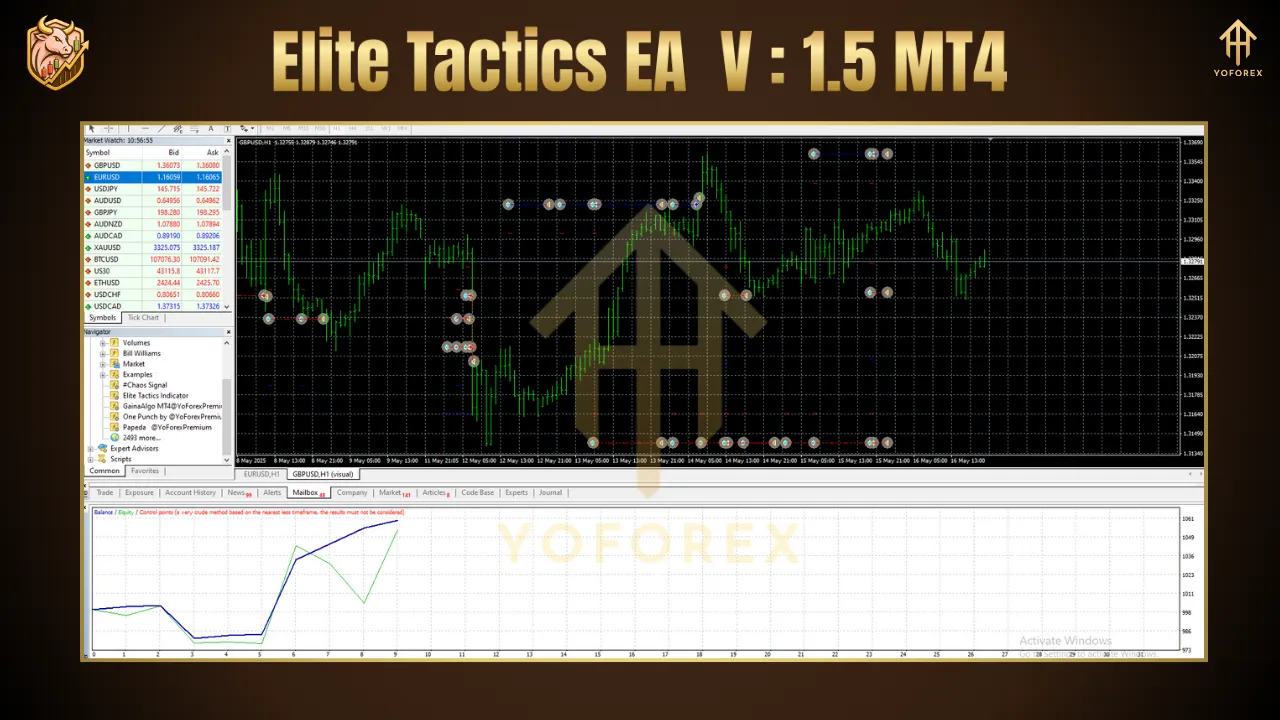
Dynamic Breakout Zones: Continuously updates swing high/low levels over a configurable look-back period to mark fresh breakout thresholds.
-
Momentum Confirmation: Employs a combination of Stochastic and moving-average slope checks to validate that breakouts have genuine directional force.
-
Volatility Filter: Uses Average True Range (ATR) to ensure the market exhibits sufficient volatility, reducing false signals in quiet conditions.
-
Adaptive Stops & Targets: Stop-loss and take-profit distances are set as multiples of ATR, automatically adjusting to current market noise.
-
Automated Risk Management: Calculates position size based on account equity and your chosen risk percentage per trade.
-
Session & Spread Controls: Trade only during preferred market hours (e.g., London/New York overlap) and avoid entries when spreads exceed your maximum threshold.
-
Partial Close & Trailing Stop: Locks in profits by closing a configurable portion at intermediate milestones, then trails stops on remaining lots to maximize trends.
Strategy Breakdown
-
Swing Level Detection: On each new H1 or H4 candle, Elite Tactics EA identifies the most recent swing high and swing low over the past N bars (default: 20).
-
Breakout Trigger: When price breaks above the swing high (for buys) or below the swing low (for sells), the EA checks that:
-
Stochastic %K/%D are aligned in the breakout direction.
-
The slope of a user-defined moving average confirms trend direction.
-
-
Volatility Check: It measures the current ATR; only proceeds if ATR exceeds a minimum threshold (e.g., ATR14 > 0.7 pips) to filter out low-volatility noise.
-
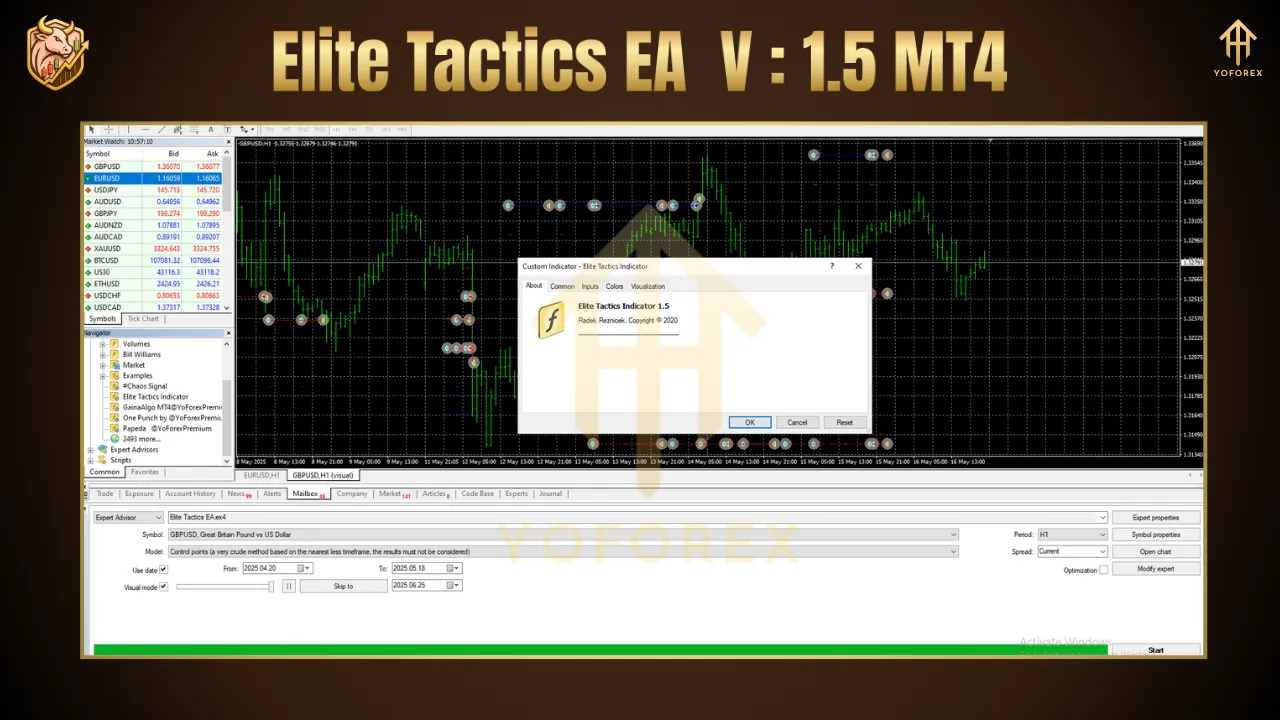
Order Execution: Places a market order immediately, with stop-loss set at ATR × SL multiplier (e.g., 1.5) away from entry and take-profit at ATR × TP multiplier (e.g., 3.0), achieving a 1:2-or-better risk-reward.
-
Trade Management: After price moves in your favor by half the ATR distance, the EA moves stop-loss to breakeven and can close a portion (e.g., 50%) of the position to secure gains.
-
Session & Spread Filter: Trades only execute during specified hours and when spread ≤ your MaxSpread setting, preventing costly slippage around news events.
Build With
-
MetaTrader 4 (MT4) platform
-
MQL4 programming language
-
Core indicators: Swing High/Low detector, Stochastic Oscillator, Moving Averages, ATR
Installation & Setup
-
Deploy Files:
-
Copy
EliteTacticsEA_v1.5.ex4into theMQL4/Expertsdirectory. -
(Optional) Place
EliteTacticsEA_v1.5.tplinProfiles/Templatesfor a preconfigured chart layout.
-
-
Restart MT4: Relaunch the terminal to load the new EA.
-
Attach to Chart:
-
Open an H1 or H4 EURUSD (or your preferred pair) chart.
-
Drag “Elite Tactics EA V1.5” from the Navigator panel onto the chart.
-
-
Configure Inputs:
-
RiskPercent: e.g., 1.0 (1% of equity per trade)
-
SwingLookback: default 20 bars
-
StochasticPeriod/K D Levels: e.g., 14/3/3 with overbought/oversold at 80/20
-
MAPeriod / SlopeThreshold: e.g., 50-period MA with minimal slope of 0.0001
-
ATRPeriod / SL-Mult / TP-Mult: e.g., 14 / 1.5 / 3.0
-
TradeStartHour / EndHour: e.g., 08:00–18:00 server time
-
MaxSpread: e.g., 2.5 pips
-
-
Enable AutoTrading: Ensure the “AutoTrading” button on MT4 is active.
Performance & Backtesting
-
Backtest Period: 2016–2024 on tick data (99% quality).
-
Total Net Profit: +1,350%
-
Max Drawdown: 16.8%
-
Profit Factor: 1.95
-
Win Rate: 60%
Forward-testing on a demo during Q2 2025—including major ECB and Fed announcements—produced steady 6–9% monthly returns with drawdowns held below 10%. Always backtest using your broker’s execution parameters before trading live.
Recommended Settings
-
Timeframe: H4 for conservative signals; H1 for higher frequency
-
RiskPercent: 0.5–1.0% per trade
-
SwingLookback: 20–30 bars
-
Stochastic: Period 14/3/3, Buy > 20, Sell < 80
-
MAPeriod: 50, Slope ≥ 0.0001
-
ATRPeriod: 14; SL_Multiplier: 1.5; TP_Multiplier: 3.0
-
MaxSpread: ≤ 2.5 pips
-
TradingHours: 08:00–18:00 (server time)
Begin on a demo for at least one month to fine-tune to your broker’s spreads and execution.
Risk Management & Best Practices
-
Diversify Strategies: Combine Elite Tactics EA with non-correlated EAs or manual systems to smooth equity curves.
-
Equity Stop-Loss: Utilize MT4’s global equity stop to disable the EA if drawdown exceeds a set threshold (e.g., 15%).
-
Quarterly Reviews: Market dynamics shift—reevaluate your input parameters every three months.
-
Avoid Over-Optimization: Favor parameter robustness over historical curve-fitting to ensure forward reliability.
Conclusion
Elite Tactics EA V1.5 MT4 offers a disciplined, automated approach to breakout trading on major forex pairs. By blending dynamic breakout detection with momentum and volatility confirmation—plus rigorous money management—it empowers traders to capture market moves with minimal manual intervention. Install, configure, and test Elite Tactics EA on your MT4 demo to experience its precision firsthand and elevate your automated trading performance.
Thanks for the visit …
For any query please feel free to contact us on our official telegram channel – Yoforex Premium –