The 10x Swings Indicator V1.0 for MetaTrader 4 (MT4) is a powerful technical analysis tool designed to help traders identify swing highs and lows, detect trend reversals, and make informed trading decisions. Whether you’re a novice or an experienced trader, this indicator offers a robust framework for navigating the complexities of the forex market. In this 800-word guide, we’ll dive into what makes the 10x Swings Indicator V1.0 unique, how it works, its key features, and how you can integrate it into your trading strategy to potentially achieve consistent results.
What is the 10x Swings Indicator V1.0?
The 10x Swings Indicator V1.0 is a custom-built tool for the MetaTrader 4 platform, tailored specifically for swing traders. Swing trading involves capturing price movements, or “swings,” over a period ranging from a few hours to several days. This indicator excels at identifying significant swing points—highs and lows in price action—that signal potential entry and exit points. By filtering out market noise, it provides traders with clear, actionable signals to capitalize on market trends or reversals.
Unlike traditional indicators like the ZigZag, which can sometimes repaint or lag, the 10x Swings Indicator V1.0 is designed to minimize false signals and enhance accuracy. It combines elements of trend analysis, momentum, and support/resistance identification to give traders a comprehensive view of market dynamics. This makes it particularly effective for trading forex pairs, commodities, and other assets on timeframes like H1, H4, or daily charts.
Key Features of the 10x Swings Indicator V1.0
- Swing Point Detection: The indicator uses advanced algorithms to pinpoint major and minor swing highs and lows. These points are marked with visual cues (such as circles or arrows) on the MT4 chart, making it easy to spot potential reversal or continuation patterns.
- Non-Repainting Signals: One of the standout features is its non-repainting nature, ensuring that once a swing point is identified, it remains fixed, providing reliable signals for backtesting and live trading.
- Customizable Parameters: Traders can adjust settings like depth, deviation, and backstep to fine-tune the indicator’s sensitivity to price movements. This flexibility allows it to adapt to various market conditions and trading styles.
- Trend Confirmation: The indicator incorporates a moving average or trend line to confirm the direction of the market, helping traders avoid false breakouts during choppy conditions.
- Alerts and Notifications: The 10x Swings Indicator V1.0 supports alerts via pop-ups, email, or mobile notifications, ensuring you never miss a trading opportunity, even when monitoring multiple charts.
- Multi-Timeframe Compatibility: It works seamlessly across different timeframes, making it suitable for scalping, day trading, or longer-term swing trading strategies.
How the 10x Swings Indicator Works
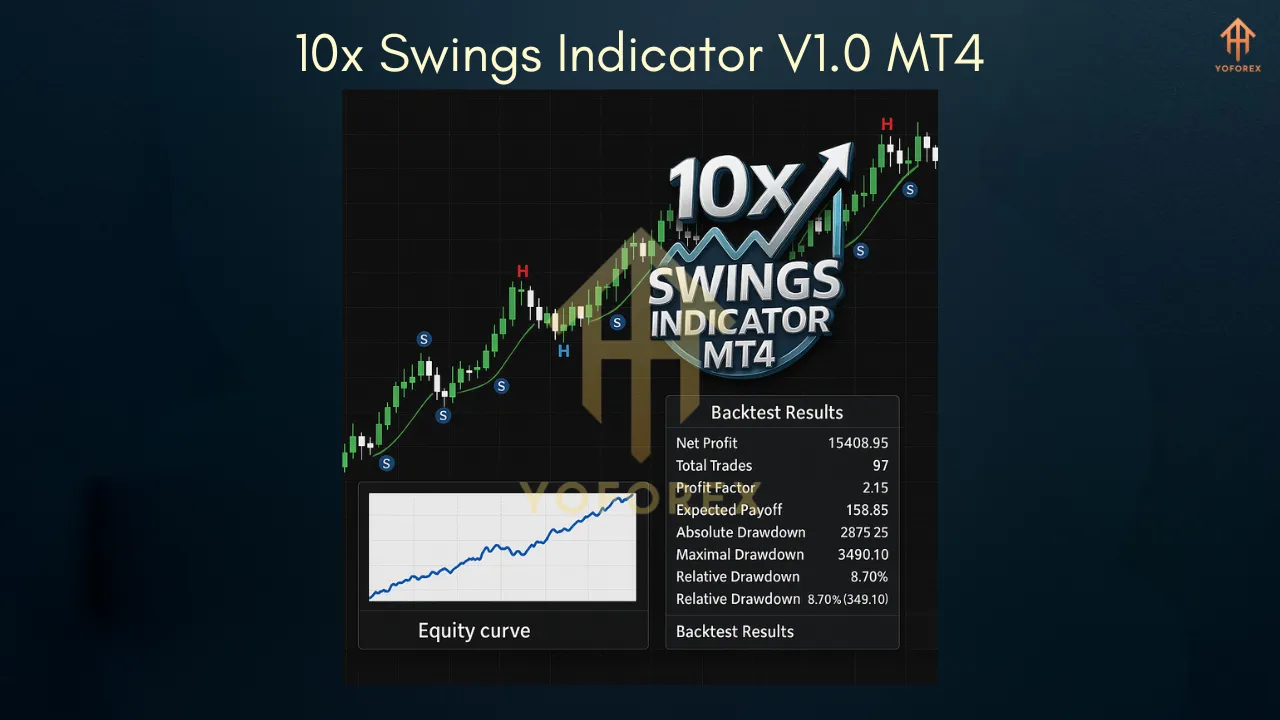
The 10x Swings Indicator V1.0 operates by analyzing price action to identify significant peaks and troughs in the market. It uses a combination of price movement thresholds and historical data to determine valid swing points. For example, a swing high is identified when a candle’s high is greater than the highs of the surrounding candles by a specified number of pips, and vice versa for a swing low.
Once these points are plotted, the indicator connects them to form a visual representation of the market’s structure, similar to a ZigZag pattern but with enhanced precision. The inclusion of a trend confirmation tool, such as a moving average, helps traders determine whether to trade in the direction of the trend or anticipate a reversal. For instance:
- Bullish Signals: A buy signal is generated when the price breaks above a previous swing high, confirmed by the trend line sloping upward.
- Bearish Signals: A sell signal occurs when the price falls below a previous swing low, with the trend line pointing downward.
Setting Up the 10x Swings Indicator on MT4
- Download and Install: Obtain the indicator file (.ex4 or .mq4) from a reputable source. Copy it to the “Indicators” folder in your MT4 directory (typically found under MQL4 > Indicators).
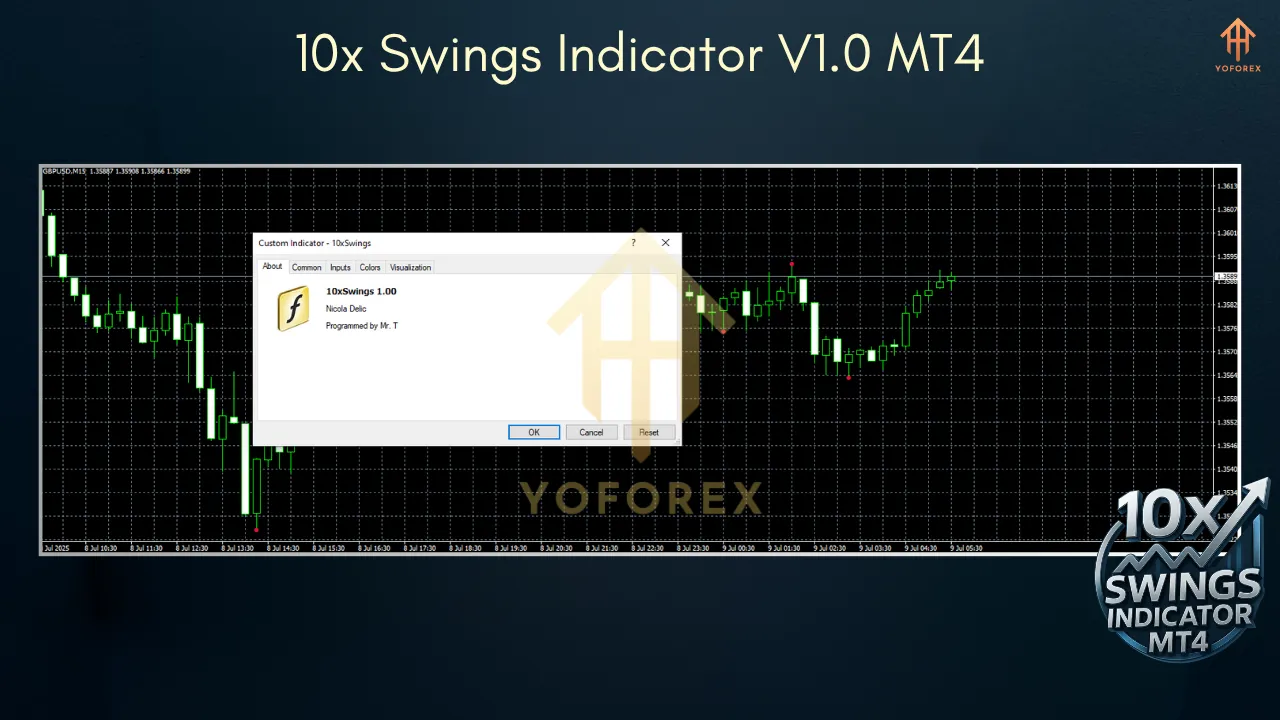
- Apply to Chart: Open MT4, select your desired chart, and drag the 10x Swings Indicator from the Navigator panel onto the chart.
- Customize Settings: Adjust parameters like Depth (minimum bars for a swing), Deviation (price distance in pips), and Backstep (bars to confirm a swing). Default settings are often optimized, but you can tweak them based on your trading style.
- Enable Alerts: Configure notifications in the indicator settings to receive real-time updates on swing points or breakouts.
- Test on Demo: Before using it in a live account, test the indicator on a demo account to understand its behavior in different market conditions.
Trading Strategies with the 10x Swings Indicator
1. Trend-Following Strategy
- Setup: Use the indicator on a higher timeframe (e.g., H4 or D1) to identify the major trend. Confirm the trend direction with the built-in moving average.
- Entry: Enter a buy trade when the price breaks above a swing high in an uptrend, or a sell trade when it breaks below a swing low in a downtrend.
- Stop-Loss: Place the stop-loss below the most recent swing low (for buys) or above the swing high (for sells).
- Take-Profit: Target the next swing point or use a risk-reward ratio of 1:2 or higher.
2. Reversal Trading
- Setup: Look for swing points near key support or resistance levels, especially when the price shows signs of exhaustion (e.g., long wicks or divergence with an oscillator like RSI).
- Entry: Enter a trade when the price reverses at a swing high/low, confirmed by a change in the trend line direction.
- Stop-Loss: Set the stop-loss beyond the swing point to account for potential false breakouts.
- Take-Profit: Aim for the next significant swing point or a predefined reward level.
3. Breakout Strategy
- Setup: Identify consolidation zones where swing highs and lows form a tight range.
- Entry: Enter a trade when the price breaks above a swing high or below a swing low with strong momentum.
- Stop-Loss: Place the stop-loss on the opposite side of the range.
- Take-Profit: Target a multiple of the range’s height or the next swing point.
Tips for Maximizing the Indicator’s Potential
- Combine with Other Tools: Pair the 10x Swings Indicator with oscillators (e.g., RSI, MACD) or volume indicators to confirm signals and filter out false breakouts.
- Avoid Overtrading: Focus on high-probability setups in trending markets, as choppy conditions can lead to whipsaws.
- Backtest Thoroughly: Use MT4’s strategy tester to evaluate the indicator’s performance across different currency pairs and timeframes.
- Risk Management: Never risk more than 1-2% of your account on a single trade, and always use a stop-loss to protect your capital.
Why Choose the 10x Swings Indicator V1.0?
The 10x Swings Indicator V1.0 stands out due to its precision, versatility, and user-friendly design. Its non-repainting signals provide confidence in trade setups, while customizable settings cater to various trading styles. By helping traders identify key market turning points and trends, it simplifies decision-making and enhances profitability potential. Whether you’re trading forex, stocks, or commodities, this indicator is a valuable addition to your MT4 toolkit.
Conclusion
The 10x Swings Indicator V1.0 for MT4 is a must-have for swing traders looking to gain an edge in the forex market. Its ability to identify swing points, confirm trends, and provide real-time alerts makes it a versatile tool for both beginners and seasoned traders. By integrating it into a well-defined trading strategy and practicing sound risk management, you can unlock its full potential and take your trading to the next level. Download the 10x Swings Indicator V1.0 today, test it on a demo account, and start capturing those market swings with confidence!