Candlestick Patterns Scanner Indicator V1.2 for MT4: A Comprehensive Guide for Traders
Introduction
Candlestick charts have been a cornerstone of technical analysis since their inception in 18th-century Japan, where rice traders used them to track price movements. Today, they remain one of the most popular tools for traders across financial markets, particularly in forex trading. Candlestick patterns provide a visual representation of price action, capturing the open, high, low, and close of an asset within a specific timeframe. These patterns reveal market sentiment, offering insights into potential trend continuations, reversals, or consolidation phases.
For traders using MetaTrader 4 (MT4), a widely adopted trading platform, identifying these patterns manually can be time-consuming and prone to errors, especially in fast-moving markets. This is where the Candlestick Patterns Scanner Indicator V1.2 for MT4 comes in—a powerful tool designed to automate the detection of candlestick patterns, enabling traders to make informed decisions efficiently. In this blog, we’ll explore the features, benefits, installation process, and practical applications of this indicator, as well as tips for integrating it into your trading strategy.
What is the Candlestick Patterns Scanner Indicator V1.2 for MT4?
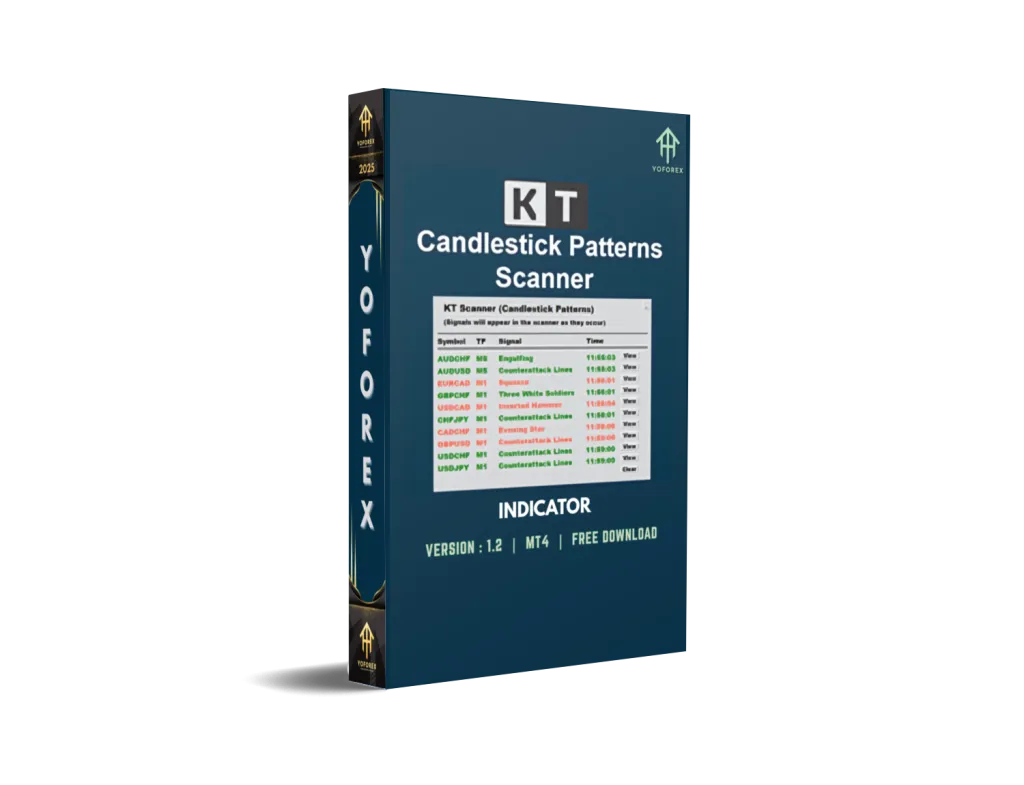
The Candlestick Patterns Scanner Indicator V1.2 is a technical analysis tool designed for the MetaTrader 4 platform. It scans price charts across multiple currency pairs and timeframes to identify and highlight candlestick patterns, such as bullish and bearish reversals, continuation patterns, and exhaustion signals. By automating pattern recognition, the indicator saves traders time and reduces the likelihood of missing high-probability trading opportunities.
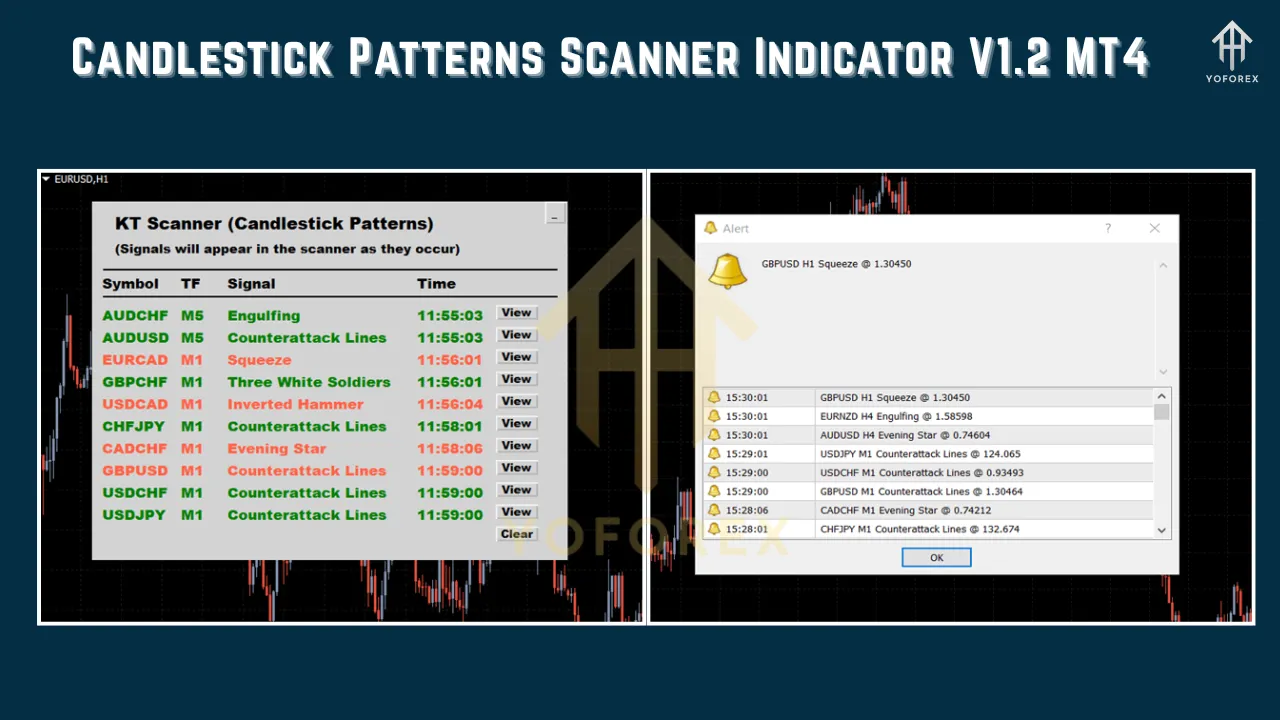
Unlike manual chart analysis, which requires constant monitoring, this indicator provides real-time alerts through pop-ups, sound notifications, email, or push notifications to mobile devices. It’s customizable, allowing traders to select specific patterns to monitor, adjust lookback periods, and fine-tune visual settings for a personalized experience. The V1.2 update typically includes improvements over earlier versions, such as enhanced pattern detection algorithms, better user interface, and compatibility with modern MT4 builds.
Key Features
-
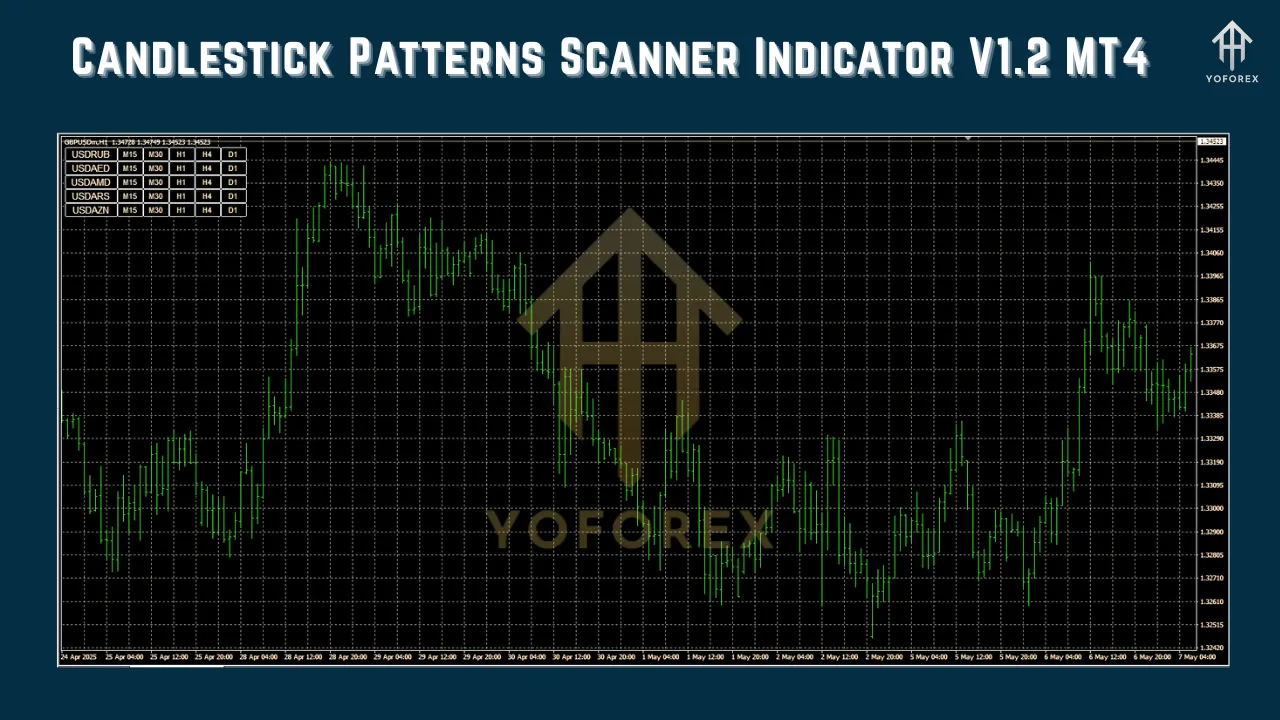
Multi-Symbol and Multi-Timeframe Scanning: The indicator can analyze multiple currency pairs and timeframes simultaneously, covering up to 252 combinations from a single chart. This feature is ideal for traders who monitor diverse markets or trade across different timeframes (e.g., M5, H1, D1).
-
Comprehensive Pattern Recognition: The indicator detects a wide range of candlestick patterns, including:
-
Reversal Patterns: Bullish and bearish engulfing, morning star, evening star, hammer, shooting star, and pin bars.
-
Continuation Patterns: Tasuki Gap, Rising Three, Falling Three, and other multi-candle formations.
-
Exhaustion Patterns: Signals indicating potential trend reversals due to market indecision.
-
-
Real-Time Alerts: Traders receive instant notifications when a pattern forms, ensuring timely decision-making. Alerts can be customized to include pop-ups, audio signals, email, or push notifications.
-
Customizable Settings: Users can toggle specific patterns on or off, adjust the number of bars to analyze (lookback period), and modify visual elements like colors, font sizes, and line styles for better chart clarity.
-
Non-Repainting Signals: The indicator provides reliable, non-repainting signals, meaning once a pattern is detected, it remains fixed on the chart, ensuring consistency in analysis.
-
Trade Level Suggestions: Some versions of the indicator offer trade ideas, such as potential entry points, stop-loss levels, and take-profit targets, although these are typically suggestions and should be validated with other analysis.
-
Compatibility and Ease of Use: Designed for MT4, the indicator is easy to install and configure, making it accessible for both novice and experienced traders.
Why Use Candlestick Patterns in Trading?
Candlestick patterns are rooted in price action, reflecting the psychology of market participants. They provide critical insights into:
-
Trend Reversals: Patterns like the bullish engulfing or morning star often signal a shift from a downtrend to an uptrend, or vice versa for bearish patterns like the evening star.
-
Trend Continuations: Continuation patterns, such as the Tasuki Gap, indicate that the current trend is likely to persist, helping traders stay in profitable trades.
-
Support and Resistance Levels: Many patterns form at key price levels, reinforcing the significance of these zones for entry or exit decisions.
-
Market Sentiment: Patterns reveal the balance between buyers and sellers, helping traders gauge whether bulls or bears are in control.
The Candlestick Patterns Scanner Indicator V1.2 enhances these insights by automating the detection process, allowing traders to focus on strategy development rather than manual chart scanning.
Installing the Candlestick Patterns Scanner Indicator V1.2 on MT4
Installing the indicator is straightforward. Follow these steps to get started:
-
Download the Indicator: Obtain the indicator file (.ex4 or .mq4) from a trusted source, such as the provider’s website or a reputable marketplace like MQL5. Ensure the file is compatible with MT4.
-
Open MT4 Data Folder:
-
Launch MetaTrader 4.
-
Go to File > Open Data Folder.
-
Navigate to the MQL4 > Indicators folder.
-
-
Copy the Indicator File:
-
Paste the downloaded .ex4 or .mq4 file into the Indicators folder.
-
-
Restart MT4:
-
Close and reopen MetaTrader 4, or right-click the Navigator window and select Refresh to load the indicator.
-
-
Apply the Indicator to a Chart:
-
Open a chart for your desired currency pair.
-
In the Navigator window, locate the Candlestick Patterns Scanner Indicator V1.2.
-
Drag and drop it onto the chart or double-click to apply it.
-
Configure the settings in the pop-up window (e.g., select patterns, set alerts, adjust lookback period).
-
-
Verify Installation:
-
Once applied, the indicator should display detected patterns on the chart with arrows, labels, or colored markers, depending on your settings.
-
Note: If the indicator requires external DLL files, you may need to enable DLL imports in MT4 (Tools > Options > Expert Advisors > Allow DLL imports). Only do this if you trust the source, as DLLs can pose security risks.
Configuring the Indicator for Optimal Performance
To maximize the effectiveness of the Candlestick Patterns Scanner Indicator V1.2, consider the following configuration tips:
-
Select Relevant Patterns: Not all patterns perform equally well across all markets or timeframes. For example, bullish engulfing patterns may be more reliable on EUR/USD H1 charts than on USD/JPY M15 charts. Experiment with enabling/disabling patterns to find the best fit for your trading style.
-
Adjust Lookback Period: The lookback period determines how many past candles the indicator analyzes. A shorter period (e.g., 50 bars) is suitable for scalping, while a longer period (e.g., 200 bars) is better for swing trading.
-
Set Alerts: Enable alerts that suit your trading routine. For example, use push notifications for mobile trading or email alerts if you’re away from your desk.
-
Combine with Other Tools: Candlestick patterns are most effective when used alongside other technical indicators, such as support/resistance levels, moving averages, or RSI. This confluence increases the reliability of signals.
-
Optimize for Success Rate: Some versions of the indicator allow you to set a “Success Benchmark Pips” parameter to filter signals based on historical performance. Adjust this setting to prioritize high-probability setups.
Practical Applications in Trading
The Candlestick Patterns Scanner Indicator V1.2 can be integrated into various trading strategies. Here are a few examples:
-
Trend Reversal Trading:
-
Use the indicator to identify reversal patterns like the morning star or bearish engulfing at key support or resistance levels.
-
Confirm the signal with additional indicators, such as RSI divergence or a break of a trendline.
-
Enter a trade in the direction of the reversal, placing a stop-loss beyond the pattern’s high/low and targeting the next significant price level.
-
-
Trend Continuation Trading:
-
Look for continuation patterns like the Rising Three or Tasuki Gap during strong trends.
-
Combine with a trend-following indicator, such as the 50-period EMA, to ensure the trend is intact.
-
Enter trades in the direction of the trend, with a stop-loss below the pattern and a take-profit at a projected target based on Fibonacci extensions.
-
-
Scalping on Lower Timeframes:
-
On M5 or M15 charts, use the indicator to spot high-probability patterns like pin bars or engulfing candles.
-
Focus on high-liquidity pairs like EUR/USD or GBP/USD to minimize slippage.
-
Use tight stop-losses and quick take-profits to capitalize on short-term price movements.
-
-
Multi-Timeframe Analysis:
-
Use the indicator’s multi-timeframe scanning feature to identify patterns across different timeframes (e.g., H1 and H4).
-
Align trades with the higher timeframe trend for better accuracy. For example, trade a bullish engulfing pattern on H1 only if the H4 chart shows an uptrend.
-
Advantages of the Candlestick Patterns Scanner Indicator V1.2
-
Time Efficiency: Automates pattern detection, eliminating the need for manual chart analysis.
-
Versatility: Works across forex, crypto, stocks, and indices, making it suitable for diverse markets.
-
Improved Decision-Making: Provides clear visual cues and alerts, helping traders act quickly on high-probability setups.
-
Educational Value: Helps novice traders learn candlestick patterns by displaying their names and formations on the chart.
Limitations and Considerations
-
Not a Standalone Tool: Candlestick patterns alone are not sufficient for consistent profitability. Always combine the indicator with other forms of analysis to validate signals.
-
False Signals: No indicator is foolproof. Some patterns may fail, especially in choppy markets or during low-liquidity periods.
-
Learning Curve: While user-friendly, configuring the indicator effectively requires some understanding of candlestick patterns and market dynamics.
-
Broker Dependency: The indicator’s performance may vary depending on your broker’s data feed and chart settings.
Tips for Maximizing Success
-
Backtest Thoroughly: Before using the indicator in live trading, backtest it on historical data to assess its performance for your chosen currency pairs and timeframes.
-
Use Risk Management: Always apply proper risk management, such as risking no more than 1-2% of your account per trade and setting appropriate stop-loss levels.
-
Stay Updated: Ensure you’re using the latest version of the indicator (V1.2) to benefit from bug fixes and performance improvements.
-
Combine with Fundamental Analysis: Monitor economic news and events that could impact price action, as candlestick patterns may be less reliable during volatile news releases.
Conclusion
The Candlestick Patterns Scanner Indicator V1.2 for MT4 is a powerful tool for traders seeking to leverage the predictive power of candlestick patterns without the hassle of manual analysis. Its ability to scan multiple symbols and timeframes, provide real-time alerts, and offer customizable settings makes it a valuable addition to any trader’s toolkit. Whether you’re a scalper, swing trader, or long-term investor, this indicator can enhance your trading efficiency and decision-making process.
However, like any trading tool, it’s not a magic bullet. Success depends on combining the indicator with sound technical and fundamental analysis, disciplined risk management, and a well-tested trading strategy. By understanding its features, configuring African appropriately, and integrating it into a robust trading plan, you can unlock the full potential of the Candlestick Patterns Scanner Indicator V1.2 for MT4.
Disclaimer: Trading forex and other financial instruments carries a high level of risk and may not be suitable for everyone. Past performance is not indicative of future results. Always conduct thorough research and seek advice from a financial advisor before trading.