Understanding the GZT Indicator for MT4: A Comprehensive Guide for Forex Traders
Introduction
The world of forex trading is filled with tools and indicators designed to simplify market analysis and enhance trading decisions. Among these, the GZT Indicator for MetaTrader 4 (MT4) stands out as a versatile tool for traders seeking to identify market trends and potential reversal points. While not as widely discussed as mainstream indicators like the Moving Average or RSI, the GZT Indicator is a custom tool that has gained traction among traders for its ability to filter market noise and highlight significant price movements. This blog explores the GZT Indicator in detail, covering its functionality, setup, trading applications, and strategies to help traders maximize its potential.
What is the GZT Indicator?
The GZT Indicator, often associated with the ZigZag family of indicators, is a technical analysis tool designed for the MT4 platform. It is primarily used to identify significant price swings by connecting key highs and lows on a price chart, effectively filtering out minor price fluctuations or “market noise.” By doing so, it provides a clearer view of the market’s underlying trend and structure, making it easier for traders to spot potential entry and exit points.
Unlike traditional trend-following indicators, the GZT Indicator emphasizes price action by plotting lines that connect significant swing highs and lows. This makes it particularly useful for identifying support and resistance levels, trend reversals, and market structure patterns such as higher highs, lower lows, or breakouts. While the exact origins of the GZT Indicator are less documented, it is often considered a variation or enhancement of the classic ZigZag Indicator, customized to suit specific trading styles.
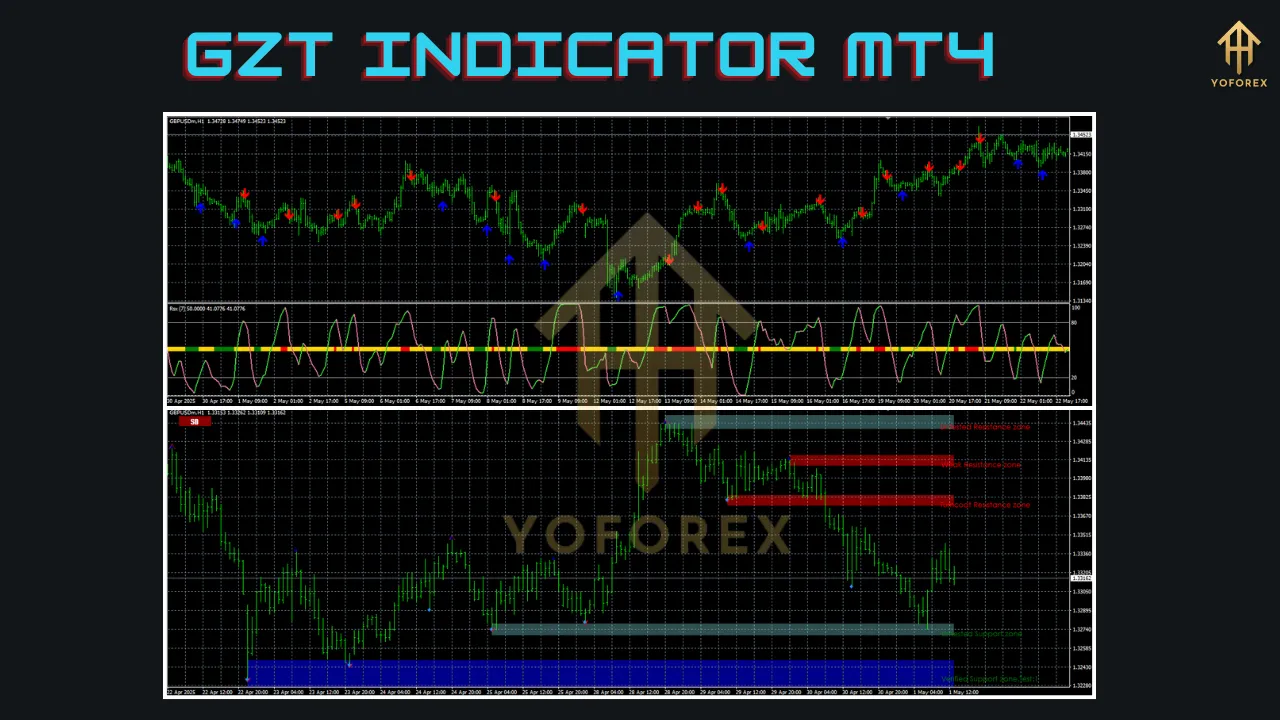
Key Features
The GZT Indicator offers several features that make it a valuable addition to a trader’s toolkit:
-
Noise Reduction: By focusing only on significant price movements, the GZT Indicator eliminates minor fluctuations, providing a cleaner chart for analysis.
-
Swing Identification: It highlights swing highs and lows, helping traders identify key market turning points and potential support/resistance zones.
-
Customizable Parameters: Traders can adjust settings such as depth, deviation, and backstep to tailor the indicator to their trading style or timeframe.
-
Trend Visualization: The indicator draws clear trend lines, making it easier to identify bullish or bearish market conditions.
-
Compatibility with Other Tools: The GZT Indicator can be combined with other technical indicators like Moving Averages, RSI, or Fibonacci retracement for enhanced analysis.
These features make the GZT Indicator suitable for various trading strategies, including swing trading, trend following, and scalping.
How the GZT Indicator Works
The GZT Indicator operates by analyzing price data and plotting lines that connect significant swing points based on user-defined parameters. These parameters typically include:
-
Depth: The minimum number of bars between a high and a low to consider it a valid swing point.
-
Deviation: The minimum price movement (in percentage or points) required to form a new swing point.
-
Backstep: The number of bars the indicator looks back to confirm a swing point, ensuring it avoids repainting.
For example, if the depth is set to 12 and the deviation to 5%, the indicator will only plot a swing high or low if the price movement exceeds 5% over at least 12 bars. This process filters out smaller price movements and highlights only the most significant trends or reversals.
The indicator then draws lines connecting these swing points, creating a zigzag pattern on the chart. This pattern helps traders visualize the market’s structure, making it easier to identify trends, reversals, or consolidation phases.
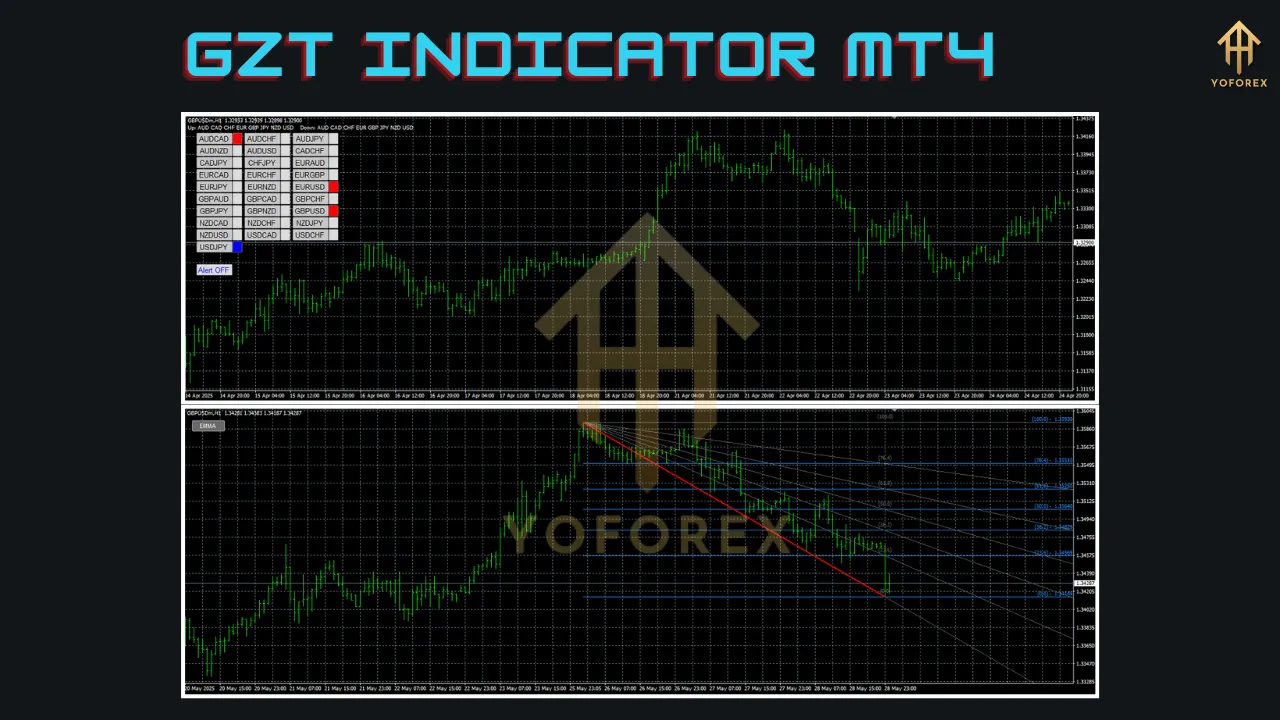
Installing the GZT Indicator on MT4
To use the GZT Indicator, traders must first install it on their MT4 platform. Since it is a custom indicator, it may not come pre-installed, requiring manual installation. Here’s a step-by-step guide:
-
Download the Indicator: Obtain the GZT Indicator file (typically in .ex4 or .mq4 format) from a trusted source, such as a reputable forex indicator website or trading community.
-
Access the MT4 Data Folder: Open MT4, go to File > Open Data Folder, and navigate to the MQL4 > Indicators folder.
-
Install the File: Copy and paste the downloaded GZT Indicator file into the Indicators folder.
-
Restart MT4: Close and reopen the MT4 platform to refresh the indicator list.
-
Apply the Indicator: Open a chart, go to Insert > Indicators > Custom, and select the GZT Indicator. Adjust the settings (depth, deviation, backstep) as needed and click OK to apply it to the chart.
If the indicator requires external Dynamic Link Libraries (DLLs), ensure that DLL imports are enabled in MT4 (Tools > Options > Expert Advisors > Allow DLL imports). Always download indicators from trusted sources to avoid security risks.
Customizing the GZT Indicator
The GZT Indicator’s flexibility lies in its customizable parameters, which allow traders to adapt it to different markets, timeframes, and strategies. Key settings include:
-
Depth: A higher depth (e.g., 12–20) filters out smaller swings, suitable for swing or position trading. A lower depth (e.g., 5–10) captures shorter-term movements, ideal for scalping.
-
Deviation: A higher deviation (e.g., 5–10%) focuses on larger price movements, while a lower deviation (e.g., 1–3%) includes smaller swings.
-
Backstep: A smaller backstep (e.g., 3–5) ensures the indicator is less likely to repaint, providing more reliable signals.
-
Visualization: Traders can adjust the color, thickness, and style of the zigzag lines for better chart readability.
Testing different settings on a demo account is crucial to determine the optimal configuration for your trading style and the specific currency pair or asset.
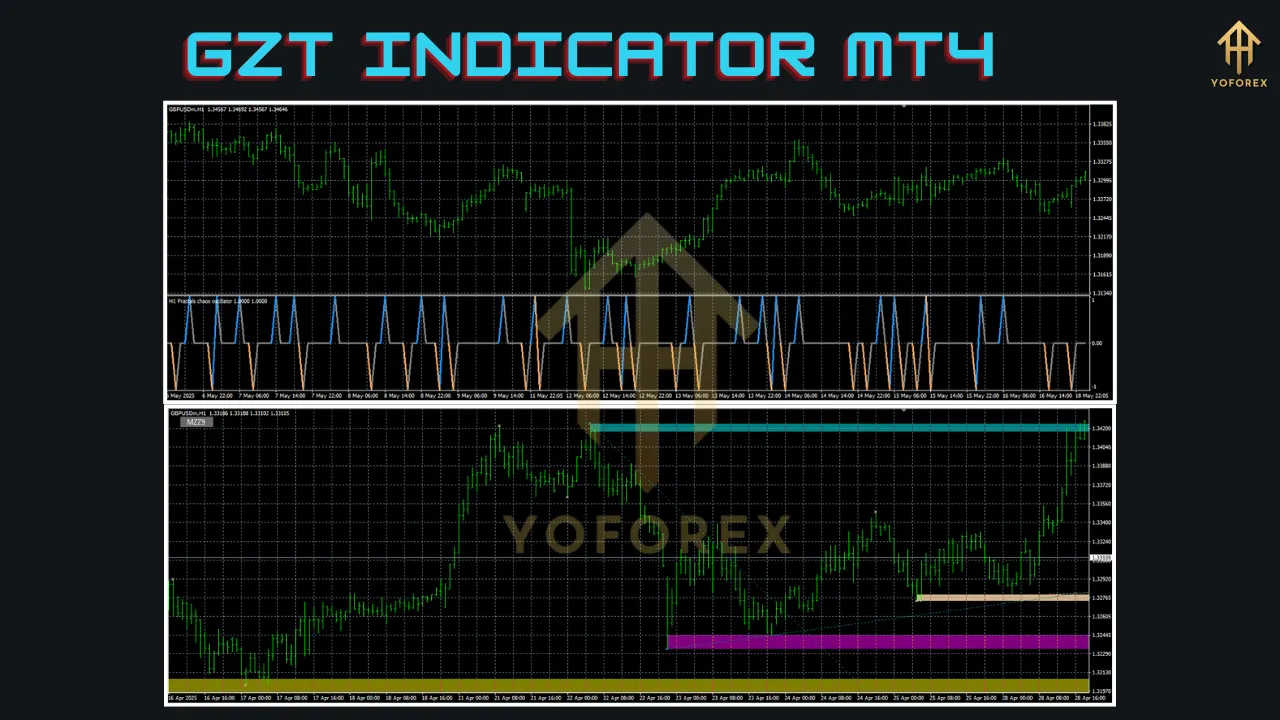
Trading Strategies Using the GZT Indicator
The GZT Indicator can be used in various trading strategies, depending on the trader’s goals and market conditions. Below are three practical approaches:
1. Trend-Following Strategy
The GZT Indicator excels at identifying the direction of the market trend by plotting higher highs and higher lows (bullish) or lower highs and lower lows (bearish). To implement a trend-following strategy:
-
Identify the Trend: Look for a series of higher highs and higher lows for a bullish trend or lower highs and lower lows for a bearish trend.
-
Entry Points: Enter a buy trade when the price breaks above a previous swing high in a bullish trend or a sell trade when it breaks below a previous swing low in a bearish trend.
-
Confirmation: Combine the GZT Indicator with a trend-following indicator like the 50-period Exponential Moving Average (EMA) to confirm the trend direction.
-
Stop-Loss and Take-Profit: Place a stop-loss below the most recent swing low (for buys) or above the swing high (for sells). Set take-profit targets at key resistance/support levels or use a trailing stop to capture larger trends.
2. Support and Resistance Trading
The swing highs and lows plotted by the GZT Indicator often act as natural support and resistance levels. To trade these levels:
-
Identify Key Levels: Mark swing highs as resistance and swing lows as support.
-
Entry Points: Enter a buy trade when the price approaches a swing low (support) and shows signs of reversal (e.g., bullish candlestick patterns). Enter a sell trade at a swing high (resistance) with bearish confirmation.
-
Confirmation: Use additional indicators like the Relative Strength Index (RSI) to confirm overbought or oversold conditions at these levels.
-
Risk Management: Place stop-losses just beyond the support/resistance level to account for potential breakouts.
3. Divergence Trading
The GZT Indicator can help identify divergence between price and momentum indicators, signaling potential reversals. For example:
-
Bullish Divergence: If the price forms a lower low on the GZT Indicator, but the RSI forms a higher low, it suggests weakening bearish momentum and a potential reversal.
-
Bearish Divergence: A higher high on the GZT Indicator with a lower high on the RSI indicates weakening bullish momentum.
-
Entry Points: Enter trades in the direction of the divergence once confirmed by price action or other indicators.
-
Risk Management: Use tight stop-losses to minimize risk, as divergences can sometimes lead to false signals.
Combining the GZT Indicator with Other Tools
To enhance the effectiveness of the GZT Indicator, combine it with complementary tools:
-
Moving Averages: Use EMAs or SMAs to confirm the trend direction identified by the GZT Indicator.
-
Oscillators: Pair with RSI or Stochastic Oscillator to identify overbought/oversold conditions or divergences.
-
Fibonacci Retracement: Apply Fibonacci levels to swing highs and lows identified by the GZT Indicator to pinpoint precise entry and exit points.
-
Volume Indicators: Use volume-based indicators to confirm the strength of price movements at swing points.
For example, combining the GZT Indicator with the Average True Range (ATR) can help traders set dynamic stop-losses based on market volatility, as outlined in a guide by OpoFinance.
Advantages and Limitations
Advantages
-
Clarity: Simplifies complex price charts by focusing on significant movements.
-
Versatility: Suitable for various trading styles and timeframes.
-
Customization: Adjustable settings allow tailoring to specific markets or strategies.
-
Compatibility: Works well with other MT4 indicators for comprehensive analysis.
Limitations
-
Lagging Nature: As a reactive indicator, it may lag behind real-time price action, requiring confirmation from other tools.
-
Repainting Risk: Improper settings (e.g., low backstep) may cause the indicator to repaint, leading to false signals.
-
Not a Standalone Tool: Best used in conjunction with other indicators or price action analysis for reliable signals.
Tips for Using the GZT Indicator Effectively
-
Test on a Demo Account: Before using the GZT Indicator in live trading, test it on a demo account to understand its behavior across different market conditions.
-
Optimize Settings: Experiment with depth, deviation, and backstep settings to find the best configuration for your trading style.
-
Avoid Over-Reliance: Use the GZT Indicator as part of a broader trading strategy rather than a standalone signal generator.
-
Stay Updated: Regularly check for updates to the indicator, as developers may release improved versions with additional features.
-
Backtest Strategies: Use MT4’s backtesting feature to evaluate the indicator’s performance on historical data, as recommended by PAXFOREX.
Conclusion
The GZT Indicator for MT4 is a powerful tool for forex traders looking to simplify market analysis and identify key price movements. By filtering out noise and highlighting significant swing points, it provides valuable insights into trends, support/resistance levels, and potential reversals. Its customizable settings and compatibility with other indicators make it adaptable to various trading styles, from scalping to swing trading. However, like all technical tools, it is not infallible and should be used in conjunction with other forms of analysis and proper risk management.
By mastering the GZT Indicator and integrating it into a well-rounded trading strategy, traders can gain a competitive edge in the dynamic forex market. Whether you’re a beginner or an experienced trader, the GZT Indicator offers a practical way to navigate price charts with confidence. Start by testing it on a demo account, experimenting with different settings, and combining it with complementary tools to unlock its full potential.
Support & Disclaimer
Got questions or need help? Reach out anytime:
- WhatsApp: https://wa.me/+443300272265
- Telegram: https://t.me/yoforexrobot
Disclaimer: Past performance is no guarantee of future results. All trading carries risk. Always demo-test the System Haos Indicator MT4 in a risk-free environment before deploying on a live account.