
Unveiling the Private Wealth Ghost EA V1.0 for MT5
Introduction
Automation has revolutionized forex trading by enhancing efficiency, removing emotional bias, and capturing opportunities around the clock. The Private Wealth Ghost EA V1.0 for MetaTrader 5 leverages advanced algorithms and AI-driven analysis to execute trades with precision and discretion. This guide walks you through what it is, how it works, its benefits, and how to get started.
What Is the Private Wealth Ghost EA V1.0?
The Private Wealth Ghost EA V1.0 is an Expert Advisor built specifically for MT5, designed to:
-
Automate trade execution based on predefined strategies
-
Maximize profitability through data-driven decision‑making
-
Minimize risk via built‑in money‑management tools
Why MT5?
MT5 offers enhancements over MT4, including:
-
Faster order execution
-
More order types (e.g., partial fills, market depth)
-
Expanded asset support (stocks, commodities alongside forex)
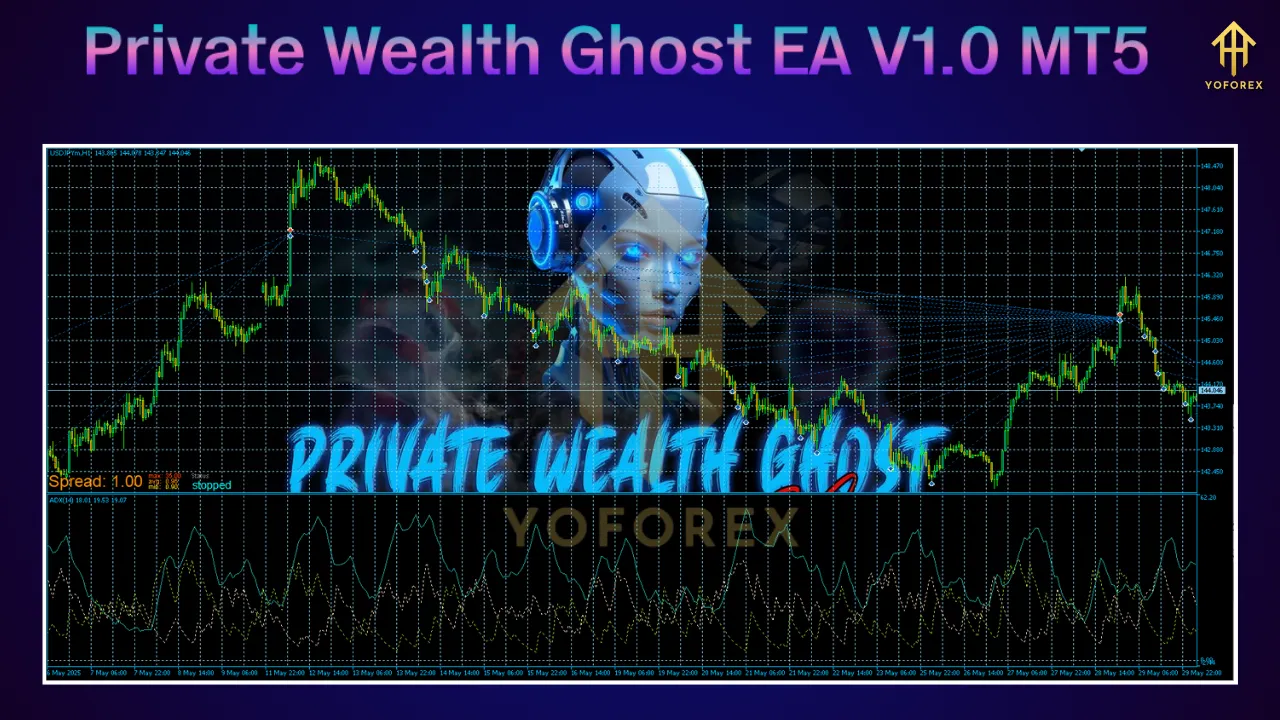
Key Features
-
Advanced Algorithmic Trading
Combines Moving Averages, RSI, Bollinger Bands, and more to pinpoint high‑probability entry/exit points. -
AI Integration
Continuously adapts its strategy by learning from historical and real‑time market data. -
Robust Risk Management
Automatic placement of stop‑loss and take‑profit orders, plus dynamic position sizing. -
Customizable Settings
Tailor parameters like lot size, risk level, and indicator thresholds to match your style. -
User-Friendly Interface
Seamless MT5 integration makes setup and operation intuitive for all experience levels. -
Backtesting Capabilities
Leverage MT5’s Strategy Tester to validate performance on historical data. -
24/5 Operation
Trades continuously across sessions without manual intervention.
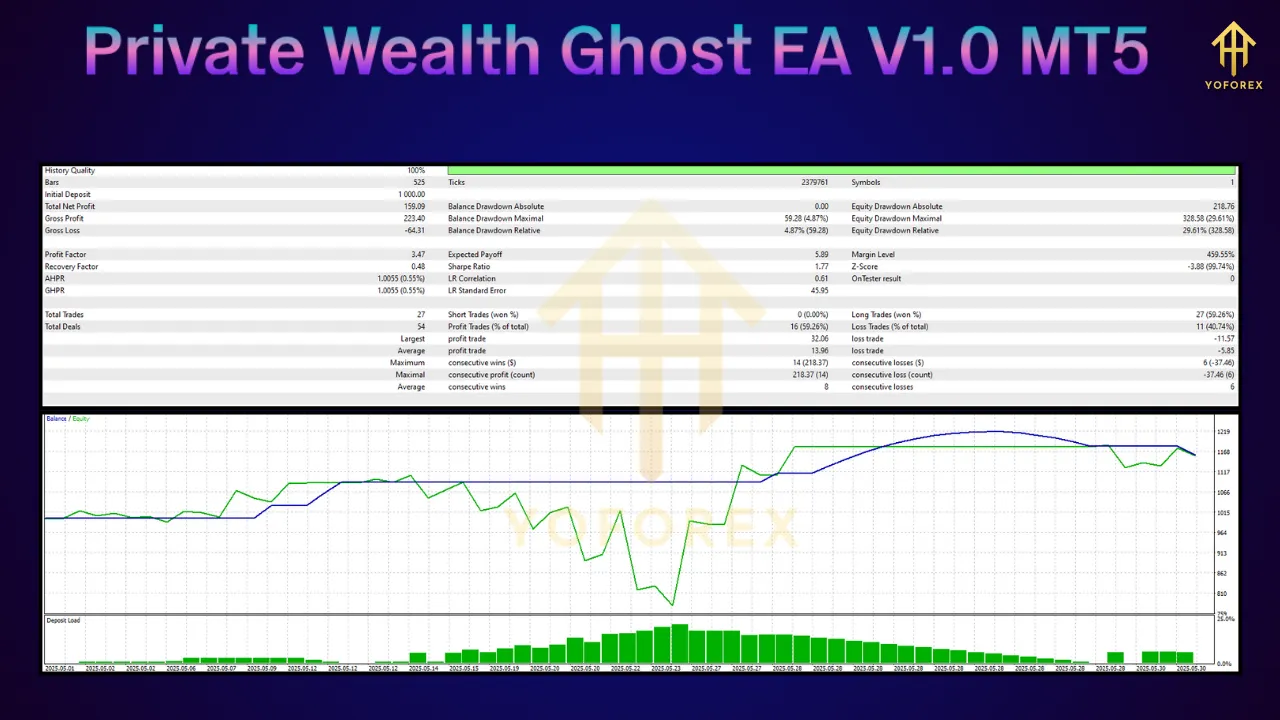
Benefits
-
Emotion‑Free Trading
Eliminates fear and greed that can derail manual strategies. -
Consistency
Applies strategies uniformly, leading to more predictable outcomes. -
Time Savings
Frees you from screen‑watching so you can focus on strategy and research. -
Precision Execution
Reduces slippage by entering/exiting exactly at programmed levels. -
Diversification
Trades multiple instruments—forex, commodities, indices—on one platform.
Recommended Trading Parameters
Minimum Deposit
-
$300 recommended to ensure adequate margin for multiple simultaneous positions.
Optimal Time Frames
-
M15 (15‑minute): Captures quick moves with frequent signals.
-
H1 (1‑hour): Balances signal frequency with trend clarity.
Suitable Currency Pairs
-
EUR/USD: Tight spreads and high liquidity.
-
GBP/USD: Good volatility for dynamic signals.
-
USD/JPY: Well‑defined trend behavior.
-
AUD/USD: Consistent patterns and ample liquidity.
Risk Settings
-
Conservative: Smaller lot sizes, tighter stop‑loss levels.
-
Aggressive: Higher lot sizes with broader stops—only if comfortable with drawdowns.
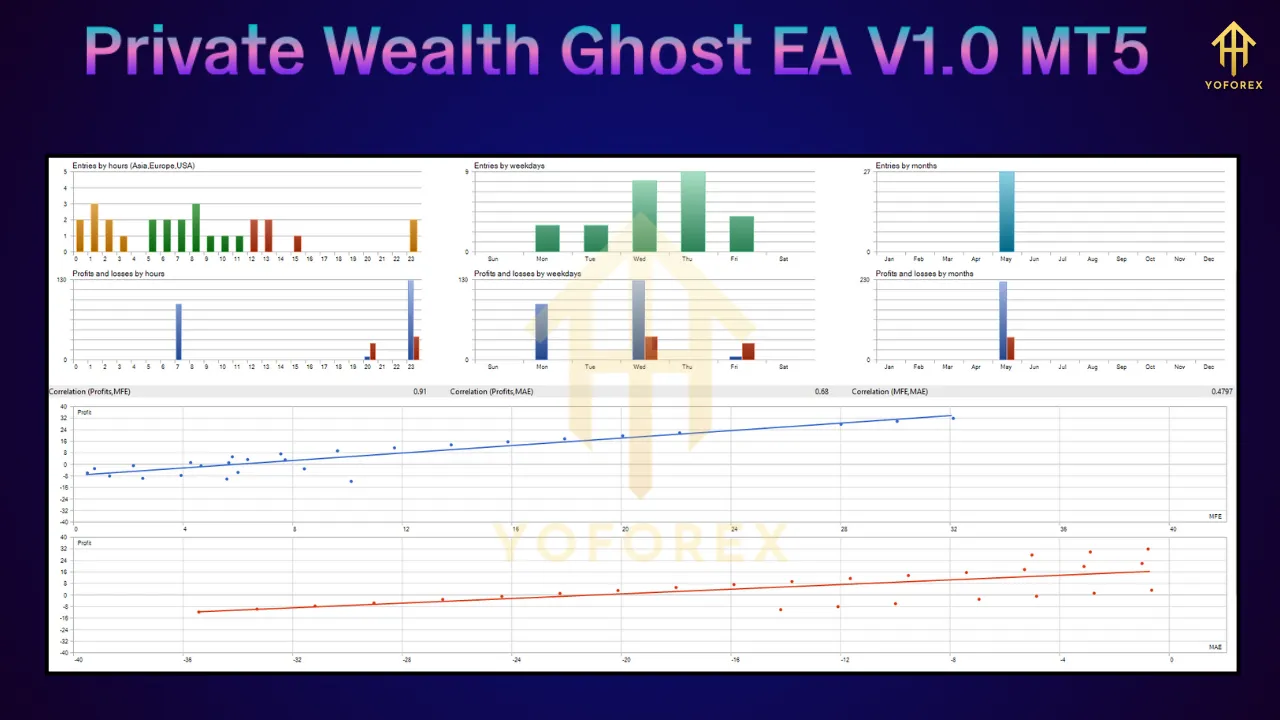
How the EA Operates
-
Market Analysis
Uses technical indicators to gauge trend direction and volatility. -
Signal Generation
Triggers buy/sell alerts when indicator conditions are met. -
Trade Execution
Opens and closes positions automatically at precise levels. -
Risk Management
Attaches stop‑loss and take‑profit orders to each trade. -
Continuous Monitoring
AI module updates its parameters in response to evolving market behavior.
Setup Guide for MT5
-
Download the EA
Obtain the.ex5file from your provider (ensure MT5 compatibility). -
Install on MT5
-
Open MT5 → File → Open Data Folder → MQL5 → Experts
-
Copy the EA file into Experts and restart MT5.
-
-
Configure the EA
-
Drag the EA onto your chosen chart (pair & timeframe).
-
Adjust input parameters (lot size, stops, indicators).
-
Enable AutoTrading.
-
-
Backtest & Optimize
-
Open Strategy Tester, select your EA, symbol, and period.
-
Run backtests and fine‑tune settings for best historical performance.
-
-
Deploy on Live Account
-
Start with a demo to verify real‑time behavior.
-
Once comfortable, switch to a live account with your chosen deposit.
-
Considerations & Risks
-
Market Volatility: Sudden spikes can impact performance despite risk controls.
-
Technical Reliability: Platform freezes or network issues may interrupt operations.
-
Proper Configuration: Misconfigured settings can lead to sub‑optimal results.
-
Cost of Licensing: EA purchase price and any subscription fees should be factored in.
Community & Support
-
Telegram Groups: Join peer communities for shared settings and live tips.
-
Dedicated Forums: Access tutorials, updates, and direct support from the EA provider.
By following this structured approach—understanding its core features, setting recommended parameters, and conducting thorough testing—you can harness the power of the Private Wealth Ghost EA V1.0 on MT5 to enhance your automated trading journey.