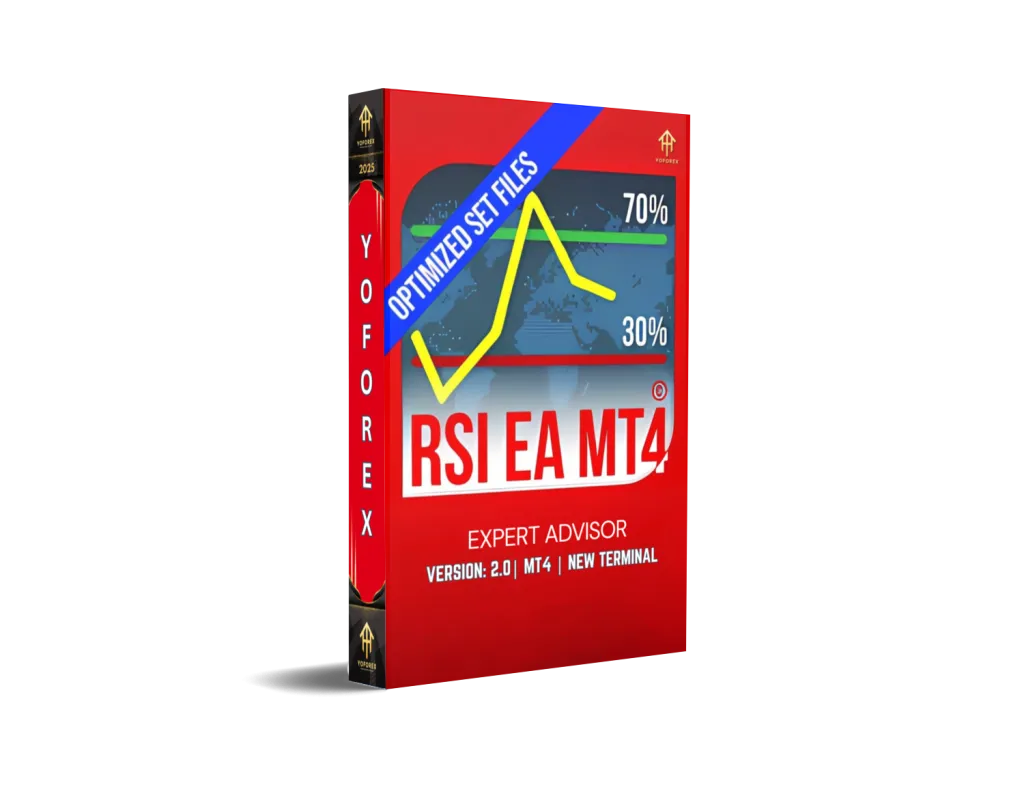
Exploring the RSI BOT EA V2.0 MT4: A Comprehensive Guide to Automated Forex Trading
Introduction
The world of forex trading moves quickly, and keeping up can be overwhelming—especially if you have other commitments or are just starting out. Automated trading systems, or Expert Advisors (EAs), simplify the process by executing trades based on predefined rules. The RSI BOT EA V2.0 MT4 is one such tool: it leverages the Relative Strength Index (RSI) to spot market extremes and place trades automatically. In this guide, we’ll cover:
-
What the RSI BOT EA V2.0 is
-
How RSI works
-
The EA’s trading logic
-
Key features and installation steps
-
Performance considerations, benefits, and risks
-
Tips for getting the best out of it
What Is the RSI BOT EA V2.0 MT4?
-
Platform: MetaTrader 4 (MT4)
-
Core Indicator: Relative Strength Index (RSI)
-
Primary Markets: Major Forex pairs (e.g., EURUSD, GBPUSD, USDJPY)
-
Timeframes Supported: M5 (5‑min) and H1 (1‑hour)
-
Account Size: Requires as little as $100–$300 to start
-
Strategy Focus: Scalping with tight risk controls
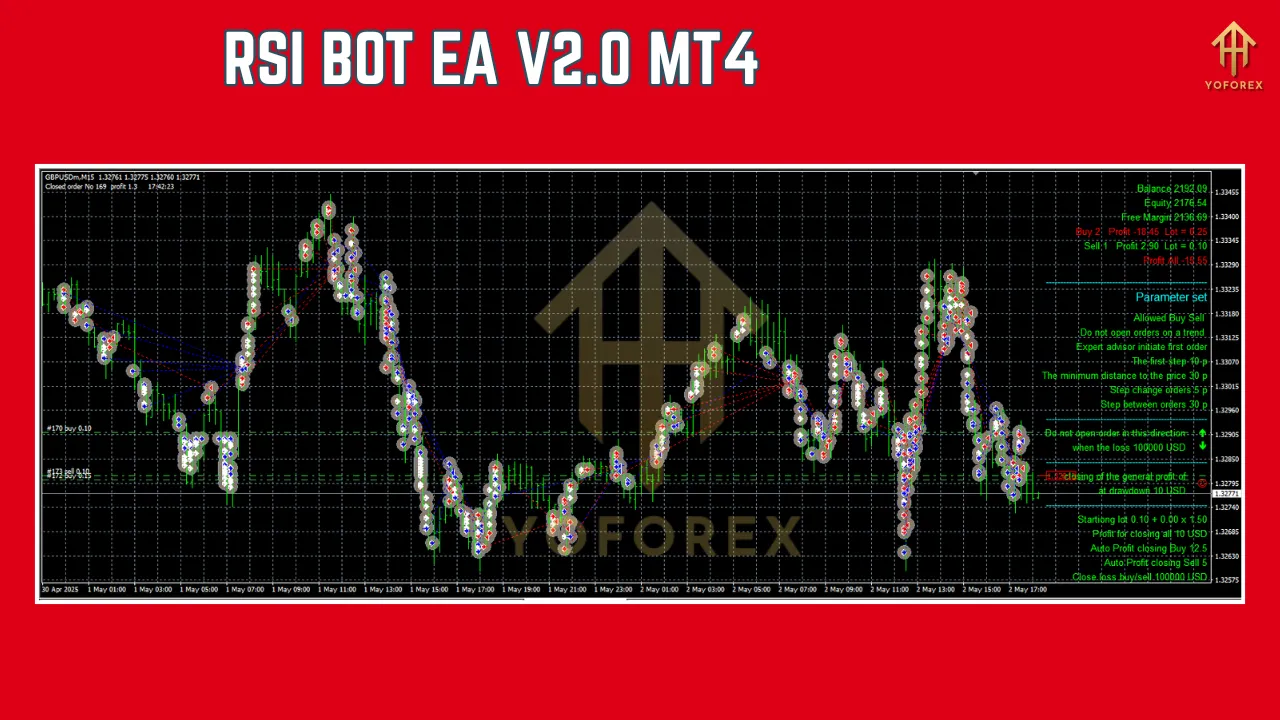
Understanding the RSI Indicator
-
Developed by: J. Welles Wilder
-
Range: 0–100
-
Overbought signal: RSI > 70
-
Oversold signal: RSI < 30
-
-
Purpose: Identify potential price reversals by measuring momentum
-
Application:
-
Cross above 70 → possible sell opportunity
-
Cross below 30 → possible buy opportunity
-
How the RSI BOT EA V2.0 Operates
-
Monitor RSI Levels
-
Continuously reads RSI on selected pairs/timeframes.
-
-
Generate Signals
-
RSI > overbought threshold → sell signal
-
RSI < oversold threshold → buy signal
-
-
Execute Trades
-
Opens positions with predefined lot size, stop‑loss, and take‑profit.
-
-
Close Trades
-
Exits when RSI returns toward neutral or when TP/SL is hit.
-
Note: Hedging can be enabled/disabled depending on your broker’s policies.
Key Features
-
High‑Speed Scalping: Targets small, frequent profits
-
Built‑In RSI Logic: Time‑tested momentum indicator
-
Robust Risk Management:
-
Fixed stop‑loss and take‑profit
-
Optional trailing stop and break‑even
-
-
Customizable Parameters:
-
RSI period and thresholds
-
Lot size, TP/SL levels
-
Maximum simultaneous trades
-
-
Low Capital Requirement: Accessible for smaller accounts
-
Multi‑Pair & Multi‑Timeframe: Backtest and trade across EURUSD, GBPUSD, USDJPY, etc. on M5 or H1
-
Backtesting Ready: Optimize settings in MT4’s Strategy Tester
Installation Guide
-
Download EA Files
-
Obtain the
.ex4file and any.setpresets from a trusted source.
-
-
Copy to MT4 Folder
-
In MT4: File > Open Data Folder →
MQL4/Experts→ paste the.ex4. -
If there are
.dllfiles, put them inMQL4/Libraries.
-
-
Enable Automated Trading
-
In MT4: Tools > Options > Expert Advisors
-
Check Allow automated trading and Allow DLL imports.
-
-
Attach to Chart
-
Open your chosen chart (e.g., EURUSD, M15).
-
Drag “RSI BOT EA V2.0” from the Navigator onto the chart.
-
-
Configure Settings
-
Load a
.setfile or manually adjust:-
Lot size (e.g., 0.01)
-
Stop‑loss (e.g., 20 pips)
-
Take‑profit (e.g., 10 pips)
-
RSI period and thresholds
-
-
-
Activate
-
Ensure the “AutoTrading” button on the MT4 toolbar is green.
-
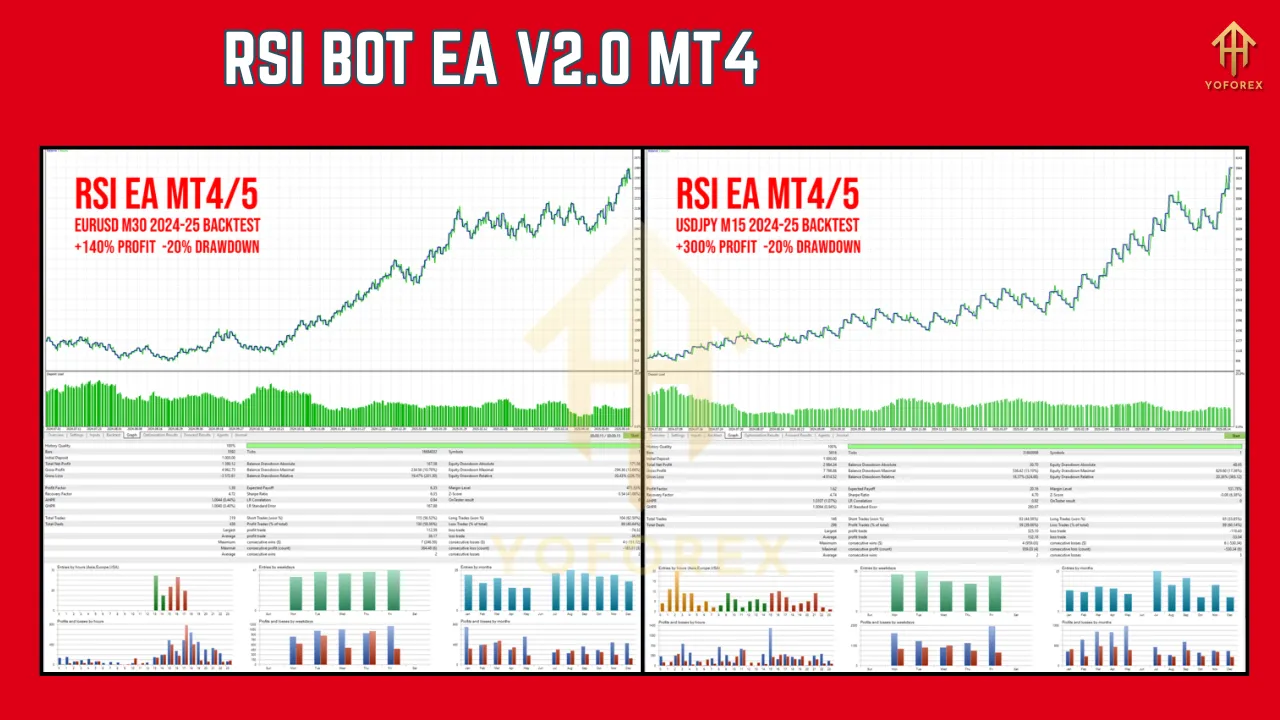
Performance & Backtesting
-
Why Backtest?
-
Validates strategy against historical data
-
Reveals optimal RSI and risk settings
-
-
Recommended Setup:
-
Use real tick data, variable spreads, and include commissions
-
Test on EURUSD M5 and GBPUSD H1 for at least 1–3 years
-
-
Example Benchmark:
-
A similar RSI scalper on EURUSD M5 netted ~$450 profit vs. $1,200 max drawdown over 3 years (approx. 7 trades/month)
-
Benefits of the RSI BOT EA V2.0
-
Automation & Time Savings: No need for 24/7 monitoring
-
Emotion‑Free Trading: Eliminates fear and greed
-
Accessibility: Low minimum deposit requirement
-
Consistent Risk Controls: Built‑in SL, TP, trailing stops
-
Versatility: Multiple pairs/timeframes
Risks & Considerations
-
News‐Driven Volatility: RSI cross signals may whipsaw during major events
-
Over‑Optimization: Avoid curve‑fitting to past data—look for robustness
-
Broker Rules: Confirm hedging permissions if you plan to enable that feature
-
No Guarantees: Past performance ≠ future results; always demo‑test first
Tips for Optimization
-
Demo Testing First: Learn the EA’s behavior without risking capital
-
Pair‑Specific Settings: Backtest various pairs/timeframes to find winners
-
Risk Adjustment: Calibrate lot sizes and SL/TP to your risk tolerance
-
Performance Review: Monitor live trades and tweak underperforming setups
-
Limit Exposure: Cap simultaneous trades, especially before news releases
-
Stay Updated: Upgrade to the latest MT4 Build (e.g., 1425+) to benefit from fixes
Where to Find the RSI BOT EA V2.0
-
Vendor Websites: Official EA developer portals
-
Forex Marketplaces: Payhip, ForexCracked, MQL5 Market
-
Signal Providers: Some signal services bundle EAs with subscriptions
Support & Disclaimer
Got issues or questions? Ping our support team on WhatsApp: https://wa.me/+443300272265 or jump into our Telegram group: https://t.me/yoforexrobot. We’re here 24/5 to help you get the most out of RSI BOT EA V2.0 MT4.
Disclaimer: Past performance isn’t a guarantee of future results. Always demo-test your configurations before going live, and never risk more than you can afford to lose.