Understanding the RCS System Indicator for MT4: A Comprehensive Guide
Introduction
MetaTrader 4 (MT4) remains one of the most popular trading platforms for retail forex traders, thanks to its intuitive interface, extensive charting capabilities, and seamless support for custom indicators and Expert Advisors. Among the myriad tools available to enhance decision‑making, the Relative Currency Strength (RCS) System Indicator stands out for its ability to measure the intrinsic strength of individual currencies across multiple pairs. By quantifying and visualizing currency strength in real time, the RCS Indicator empowers traders to identify high‑probability opportunities, confirm trends, and manage risk more effectively.
In this guide, we will explore the fundamental principles behind the RCS System Indicator, walk through the installation and setup process on MT4, demonstrate practical trading applications, and outline strategies for integrating it into a systematic trading plan. Whether you are a scalper seeking quick entries on lower timeframes or a swing trader looking for robust trend signals, mastering the RCS Indicator can provide a clear edge in navigating the complex interactions of the forex market.
What Is the RCS System Indicator?
The Relative Currency Strength (RCS) System Indicator is a custom technical tool designed specifically for MT4. Its primary function is to:
-
Calculate Strength Scores: Derive a numerical value for each major currency (e.g., USD, EUR, GBP, JPY) based on its performance across a basket of currency pairs over a defined lookback period.
-
Visualize Strength Dynamics: Plot strength scores as lines or histograms in a separate indicator window, enabling quick comparison of multiple currencies at a glance.
-
Highlight Imbalances: Expose when one currency is significantly stronger or weaker than others, signaling potential directional bias in related currency pairs.
Unlike single-pair momentum indicators such as the Relative Strength Index (RSI) or Rate of Change (ROC), the RCS Indicator aggregates data from several pairs to focus on currency-to-currency comparisons. For example, if the RCS shows USD strength increasing across EUR/USD, GBP/USD, and USD/JPY, this suggests broad-based dollar demand—valuable insight for selecting trades involving the dollar as either the base or quote currency.
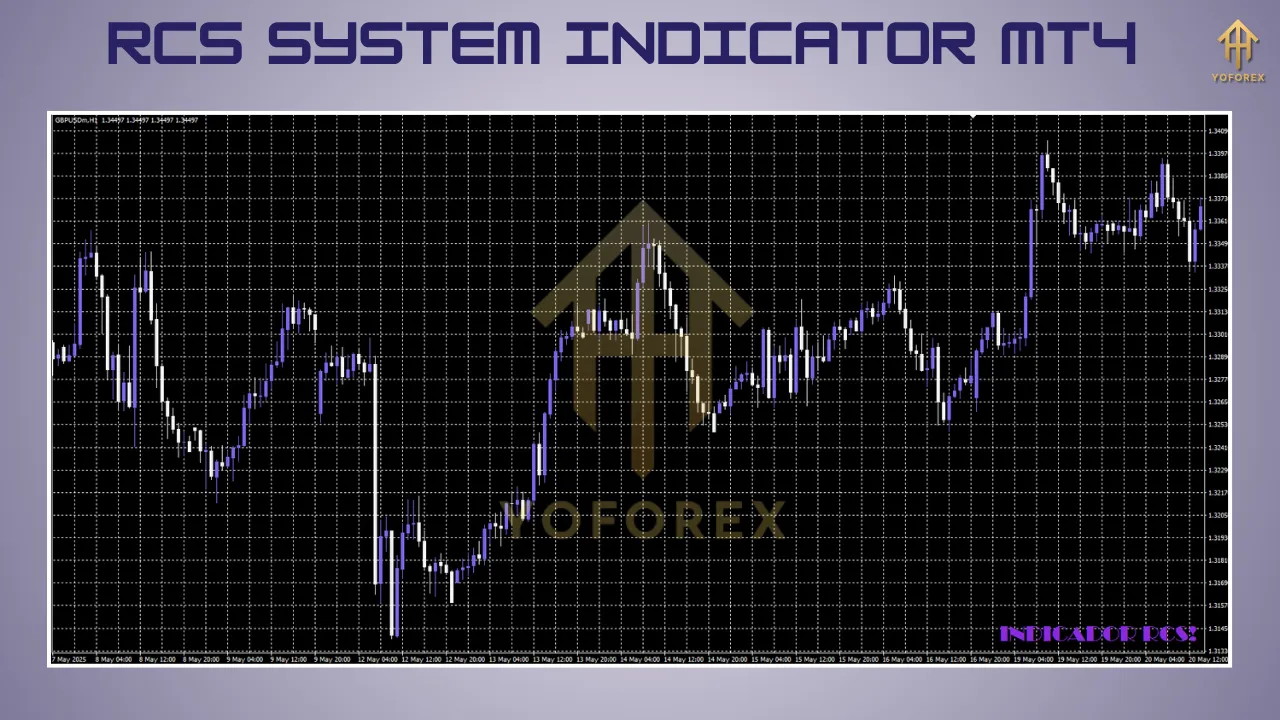
Installing the RCS System Indicator on MT4
Because the RCS Indicator is a custom add‑on, you must install it manually on your MT4 platform. Follow these steps:
-
Download the Indicator File
-
Obtain the
.mq4or compiled.ex4file from a reputable source such as mql5.com or a trusted forex forum. -
Verify the file’s integrity and compatibility with your MT4 build.
-
-
Locate the MT4 Data Folder
-
In MT4, click File → Open Data Folder.
-
This will open the root directory where MT4 stores configurations, logs, and custom files.
-
-
Copy the Indicator File
-
Navigate to the MQL4 folder, then open the Indicators subfolder.
-
Paste the downloaded RCS Indicator file into this directory.
-
-
Restart MT4
-
Close and reopen MetaTrader 4 to force a refresh of installed indicators.
-
-
Apply the Indicator to a Chart
-
Press Ctrl+N to open the Navigator pane, or click the Navigator icon.
-
Expand Indicators, locate RCS System Indicator, then drag it onto your chosen chart.
-
-
Configure Settings
-
In the indicator’s properties window, adjust parameters such as:
-
Lookback Period: Number of bars used in strength calculations (e.g., 14).
-
Currency Basket: Select which currencies or pairs to include.
-
Display Options: Customize line colors, widths, histogram styles, and alert thresholds.
-
-
-
Test on a Demo Account
-
Always validate performance and visual behavior on a demo account before deploying on live charts to ensure it meets your requirements and does not conflict with other custom tools.
-
How the RCS System Indicator Works
Under the hood, the RCS Indicator employs a formula that compares price changes of each currency across multiple pairs over the chosen lookback period. Core mechanics include:
-
Aggregation of Pair Returns: For each major currency, the indicator sums or averages percentage changes of relevant pairs (e.g., EUR/USD, USD/JPY for USD strength).
-
Normalization: Scores are often normalized around a zero baseline to allow direct comparison; positive values denote strength, negative values reflect weakness.
-
Smoothing: A moving average or smoothing factor may be applied to reduce noise and highlight genuine strength shifts.
-
Threshold Levels: Some implementations plot horizontal lines (e.g., +70 and –70) to mark extreme overbought or oversold currency conditions.
As price data feeds in tick by tick, the RCS lines update in real time, providing an ongoing snapshot of how each currency is performing relative to its peers. Traders can thus quickly identify which currencies are driving market moves and which are lagging, forming the foundation for informed trade selection.
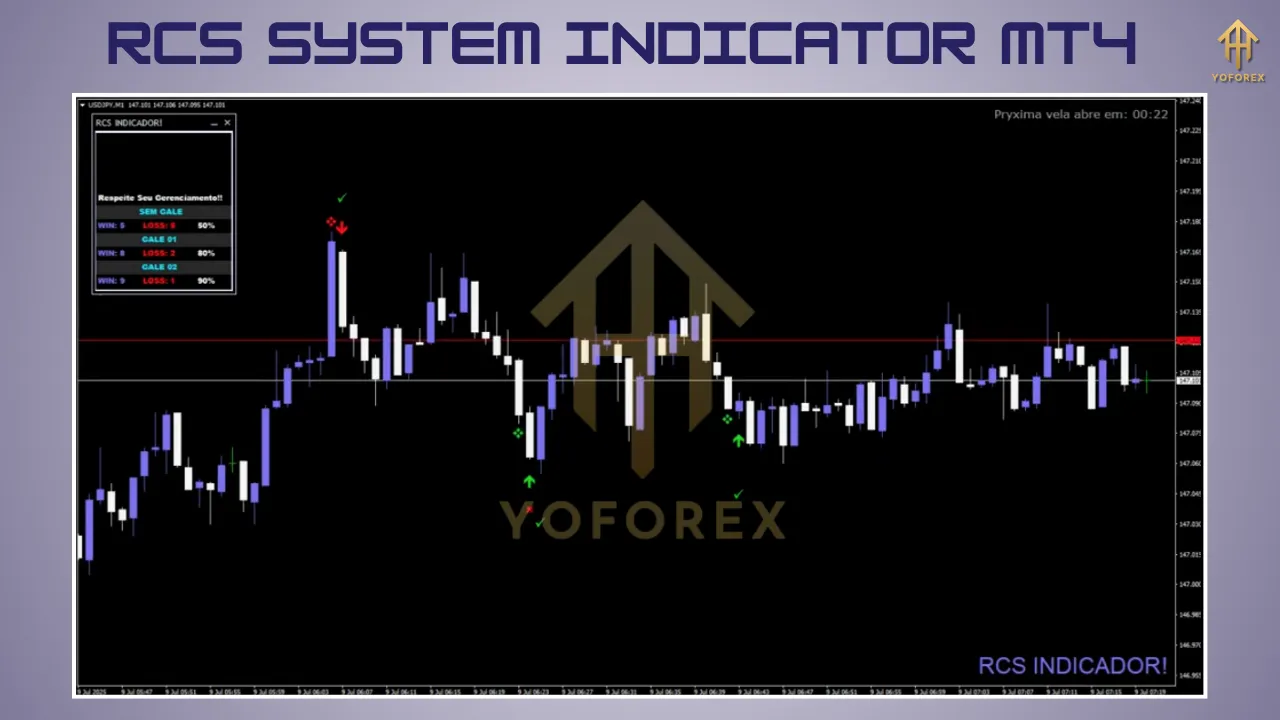
Practical Applications in Trading
The true value of the RCS System Indicator lies in its versatility. Below are several ways to incorporate it into live forex strategies:
-
Pair Selection
-
Identify the strongest and weakest currencies to form high‑probability pairs.
-
Example: If GBP strength reads +85 while JPY strength is –50, consider long positions on GBP/JPY.
-
-
Trend Confirmation
-
Use RCS signals to validate price‑based trend indicators (e.g., moving averages).
-
Enter trades only when both price action and RCS momentum align in the same direction.
-
-
Divergence Trading
-
Spot potential reversals by comparing RCS trends with price highs/lows.
-
Bearish divergence: Price makes higher highs, but the base currency’s RCS score makes lower highs.
-
-
Scalping and Day Trading
-
Apply the RCS on lower timeframes (M1, M5) to catch rapid currency strength shifts.
-
Use tight stop filters to manage risk in fast‑moving sessions.
-
-
Risk Management and Avoidance
-
Avoid trading pairs where both currencies have neutral RCS scores (around zero), indicating likely consolidation.
-
Position size can be scaled based on the magnitude of strength difference: larger scores justify higher risk allocation.
-
Integrating the RCS Indicator into a Trading Strategy
To illustrate how the RCS Indicator can fit into a structured trading plan, consider the following sample workflow:
-
Scan for Imbalances
-
Open the RCS dashboard and note the top three strongest and weakest currencies across major pairs.
-
-
Select Candidate Pair
-
Choose the pair with the greatest strength differential (e.g., most positive versus most negative).
-
-
Confirm with Price Action
-
Switch to the pair’s chart and look for confirming signals such as:
-
Breakout above a key resistance line for long setups.
-
Bullish candlestick patterns (e.g., engulfing, hammer).
-
-
-
Overlay Auxiliary Indicators
-
Add complementary tools like RSI or MACD to verify momentum and detect overextended moves.
-
-
Define Entry and Exit
-
Entry: Initiate the trade once price breaks above/below the confirmation level and RCS continues in favor.
-
Stop‑Loss: Place just beyond recent swing high or low to guard against false breakouts.
-
Take‑Profit: Use a fixed risk‑reward ratio (e.g., 1:2) or target the next major support/resistance.
-
-
Monitor Ongoing Strength
-
Keep an eye on the RCS lines throughout the trade; if the currency strength reverses significantly, consider scaling out or closing early.
-
-
Record and Review
-
Log each trade’s RCS readings, price action signals, and outcomes.
-
Periodically analyze your trade journal to refine RCS thresholds and filter criteria.
-
Advantages of the RCS System Indicator
-
Holistic Market Perspective: Aggregates data from multiple pairs to deliver a complete view of each currency’s performance.
-
Versatility Across Styles: Equally effective for scalping, day trading, or swing trading depending on chosen timeframes.
-
Customizable Parameters: Tailor lookback periods, pair selection, and display styles to suit individual risk tolerance and trading objectives.
-
Enhanced Signal Quality: By focusing on relative currency imbalances, RCS often yields higher‑probability setups compared to single‑pair momentum tools.
Limitations of the RCS System Indicator
-
Lagging Nature: Relies on historical price changes and may respond slowly during abrupt market shifts.
-
Complexity for Beginners: Interpreting multiple currency lines simultaneously can overwhelm novice traders without a clear framework.
-
False Signals in Ranges: In low‑volatility or range‑bound markets, strength readings can oscillate around zero, generating misleading entries.
-
Dependency on Data Quality: Accurate strength calculations require consistent tick data; any feed interruptions or platform lag may skew results.
Conclusion
The RCS System Indicator for MT4 offers a powerful lens through which to view the underlying currents of the forex market. By translating price movements across a basket of pairs into intuitive strength scores, it equips traders with actionable insights for pair selection, trend confirmation, divergence spotting, and risk avoidance. To unlock its full potential, integrate RCS with robust price‑action rules, complementary indicators, and disciplined risk management. Whether you are refining a scalping approach on the M1 chart or hunting swing trades on the H4 timeframe, mastering the RCS Indicator can be a significant step toward more consistent, data‑driven forex results.