Introduction: Trade Like a VIP with SM Precision
In a volatile forex market, trading success depends on your ability to identify clear entries, exits, and trends. That’s where the SM VIP Indicator V1.0 MT4 comes in—a powerful MetaTrader 4 tool engineered to detect high-probability trading opportunities across all major forex pairs on any timeframe.
Whether you’re a beginner looking for visual signals or a professional adding precision tools to your arsenal, this indicator delivers clarity, consistency, and confidence in every trade.
What Is SM VIP Indicator V1.0 MT4?
The SM VIP Indicator is a sophisticated yet user-friendly buy/sell signal indicator for MetaTrader 4. It’s designed to scan the market for key reversal zones, trend continuations, and momentum breakouts, offering traders visual cues in the form of arrows and alerts.
Its core strength lies in its non-repainting logic, multi-timeframe compatibility, and ability to adapt to any major forex currency pair—including EURUSD, GBPUSD, USDJPY, and more.
This indicator acts as your trading assistant, allowing you to stay focused, eliminate emotion, and trade based on proven technical logic.
Key Features of SM VIP Indicator V1.0
Supports All Major Forex Pairs
EURUSD, GBPUSD, USDJPY, AUDUSD, USDCAD, USDCHF, NZDUSD—optimized for top market movers.
Any Timeframe Compatibility
Use on M1 for scalping, M15 for intraday, H1 for swing trading, or even D1 for longer-term positions.
Non-Repainting Signals
Once a signal is placed, it won’t change—ensuring confidence in your analysis.
Clear Visual Arrows & Alerts
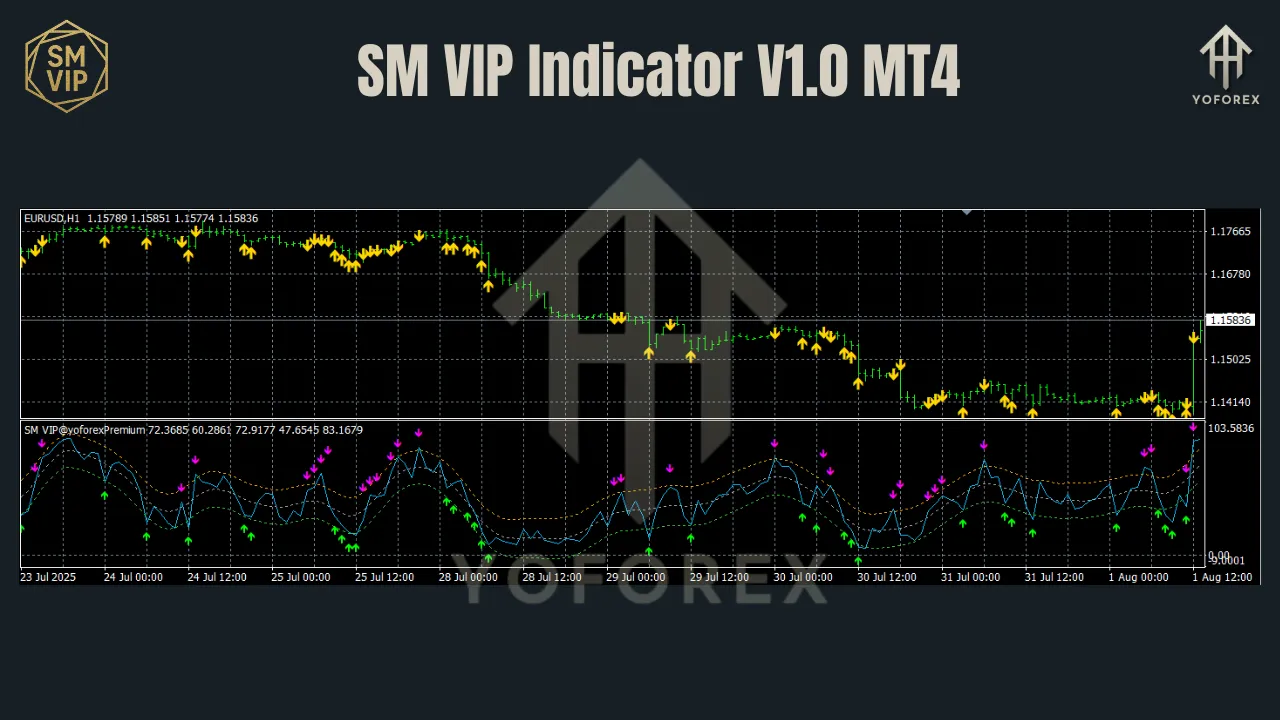
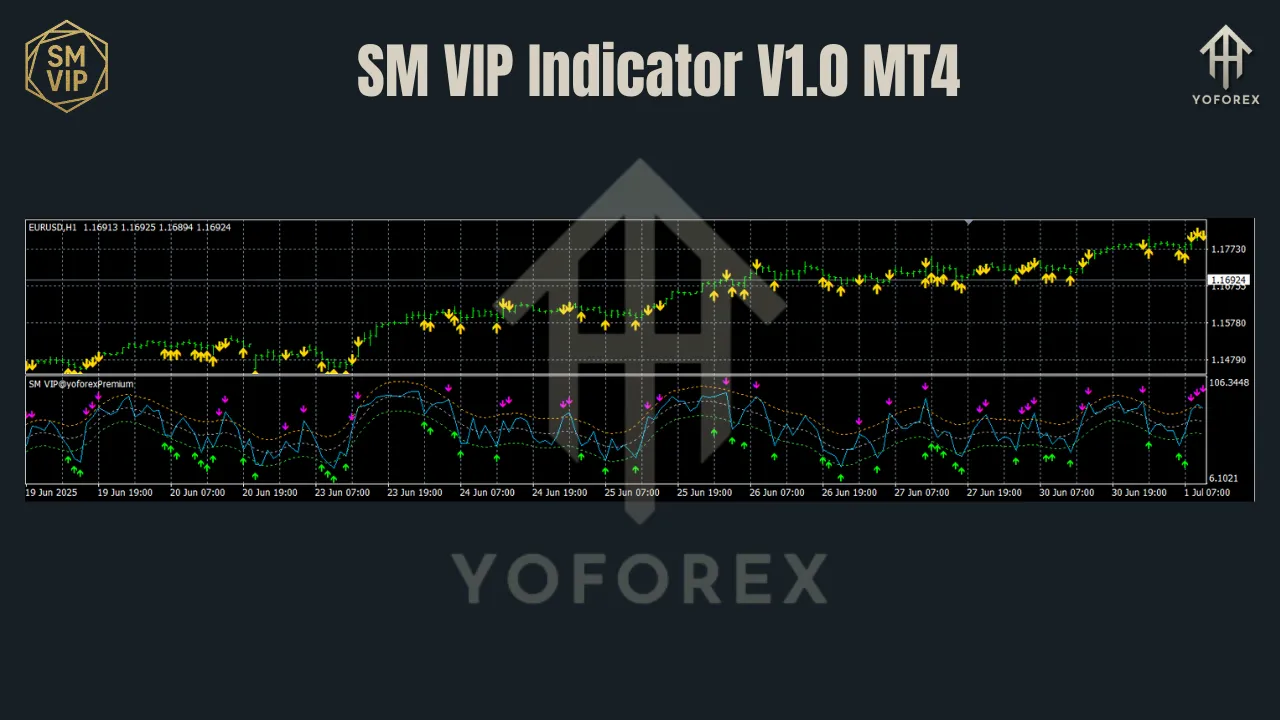
Buy = Green Arrow, Sell = Red Arrow. No clutter or confusion.
Built-In Alerts System
Receive sound, email, or push notifications when new signals trigger.
No Lag, Real-Time Updates
Engineered for fast execution, ideal for both manual and semi-automated systems.
Easy to Install & Use
No coding or advanced setup needed. Plug and play on any MT4 chart.
How It Works
The SM VIP Indicator analyzes price action, market structure, and volume momentum to generate signals. It doesn’t rely on lagging indicators like MACD or RSI but instead uses custom logic based on:
- Price breakouts above/below consolidation zones
- Dynamic support and resistance levels
- Momentum surges with volatility filtering
- Trend strength confirmation
Buy Signal:
- Appears when bullish momentum is confirmed after consolidation
- Green arrow appears below the bullish candle
- Ideal after higher lows or support bounce
Sell Signal:
- Appears when bearish momentum is confirmed
- Red arrow appears above the bearish candle
- Strong after lower highs or resistance rejections
Supported Currency Pairs
SM VIP Indicator is best used on the major currency pairs due to their liquidity and trend behavior:
- EURUSD
- GBPUSD
- USDJPY
- USDCAD
- AUDUSD
- USDCHF
- NZDUSD
The indicator can also be tested on minors or metals like XAUUSD, though it is primarily tuned for major forex pairs for best results.
Best Timeframes to Use
While the indicator works on any timeframe, here are the most recommended:
- M5 / M15 – Scalping and fast entries
- H1 / H4 – Swing trading setups
- D1 – High-probability long-term signals
Pro Tip: Confirm direction using a higher timeframe (e.g., use H4 to confirm M15 entries).
Trading Strategy With SM VIP Indicator
Here’s a simple strategy to follow using the SM VIP Indicator:
Entry Strategy
- Wait for a buy/sell signal arrow after candle close
- Confirm with trend direction (optional: add a 50 EMA)
- Place trade at the start of the next candle
- Set stop-loss below previous swing low (for buy) or swing high (for sell)
Exit Strategy
- Exit at a predefined TP (e.g., 30–100 pips based on timeframe)
- Use opposite signal arrow to close the trade
- Use trailing stop or break-even logic for extended moves
Risk Management
- Risk 1–2% of account per trade
- Avoid trading during high-impact news (unless experienced)
- Stick to pairs and timeframes you’ve tested
Installation Guide
To install the SM VIP Indicator on your MT4 terminal:
- Download the
.ex4file - Open MT4 → File → Open Data Folder → MQL4 → Indicators
- Paste the file inside the folder
- Restart MT4 or refresh the Navigator window
- Drag and drop the indicator onto your chart
- Configure alerts and styling as needed
No DLLs or external libraries required.
Who Should Use SM VIP Indicator?
This indicator is perfect for:
Forex Beginners – Need visual confirmation and easy trading logic
Intraday & Swing Traders – Looking for clean entries without repainting
Manual Traders – Want accurate, real-time signals
Multi-Pair Traders – Can scan several charts simultaneously
Strategy Builders – Can be used in confluence with other tools
Advantages Over Other Indicators
While many indicators on MT4 either repaint, lag, or confuse users, SM VIP stands out:
- Non-repainting signals
- Works on any major pair and timeframe
- Optimized alerts and responsiveness
- Minimal setup – no coding, no back-end tweaking needed
- Backtested and forward-tested for stability
Live Performance Tips
- Use a VPS if you want alerts while away from your computer
- Combine with a trend filter like moving average for better results
- Track your trade journal to optimize how you use signals
- Practice on demo to understand signal behavior in live markets
Why Choose SM VIP Indicator V1.0?
In an ocean of indicators that promise too much and deliver too little, SM VIP Indicator V1.0 offers a clean, simple, and effective toolset for traders who want real signals without the hype.
It’s not bloated. It’s not over-optimized. It simply works—giving you real trading opportunities based on logical market structure.
Whether you’re trading full-time or just getting started, SM VIP will help you eliminate doubt and enter trades with clarity and control.
Download SM VIP Indicator V1.0 MT4 Now
- Ready to start trading with elite-level signal accuracy?
- Download SM VIP Indicator V1.0 for MT4 and simplify your trading journey today.
- https://yoforex.org/sm-vip-indicator-v1-0-mt4
Join our Telegram for the latest updates and support