Unlock Precision Trading: The Ultimate Guide to Zone Trade Indicator MT5
In the fast-paced world of forex, stocks, and commodities trading, having a reliable edge isn’t just advantageous—it’s essential. Traders constantly seek tools that simplify market analysis, reduce noise, and highlight high-probability opportunities. Enter the Zone Trade Indicator MT5, a powerful technical analysis tool designed to identify key price zones and generate actionable signals directly within the MetaTrader 5 platform. If you’re tired of ambiguous chart patterns and lagging indicators, this guide will reveal how the Zone Trade Indicator can transform your trading strategy.
What is the Zone Trade Indicator MT5?
The Zone Trade Indicator MT5 is a custom technical analysis tool built for MetaTrader 5 (MT5), the industry-leading trading platform. Unlike conventional indicators that focus solely on moving averages or oscillators, this indicator specializes in identifying critical support and resistance zones—areas where price action is likely to reverse, consolidate, or break out with significant momentum.
At its core, the Zone Trade Indicator uses advanced algorithms to analyze historical price data, volume, and volatility to map out these zones dynamically. These zones are visually represented on your MT5 charts, allowing traders to:
- Spot potential entry/exit points.
- Anticipate trend reversals or continuations.
- Filter out low-probability trades.
Whether you’re a day trader, swing trader, or long-term investor, this indicator adapts to multiple timeframes and assets, making it a versatile addition to any trading arsenal.
How Does the Zone Trade Indicator Work?
Understanding the mechanics behind the Zone Trade Indicator is key to leveraging its full potential. Here’s a breakdown of its operational framework:
a. Zone Identification
The indicator scans price action to detect supply and demand zones:
- Demand Zones (Support): Areas where buying interest historically overwhelmed selling pressure, causing prices to bounce upward.
- Supply Zones (Resistance): Regions where selling pressure dominated, leading to price reversals downward.
These zones are calculated using:
- Price Consolidation: Periods of low volatility where price “rests” before breaking out.
- Volume Spikes: Unusual trading activity signaling institutional interest.
- Fractal Patterns: Reversal points where price failed to break new highs/lows.
b. Signal Generation
Once zones are identified, the indicator generates real-time signals:
- Buy Signals: Triggered when price approaches a demand zone with bullish confirmation (e.g., candlestick patterns, RSI divergence).
- Sell Signals: Activated when price nears a supply zone with bearish validation.
- Neutral Signals: Warns of range-bound markets, suggesting caution.
c. Visual Clarity
The Zone Trade Indicator MT5 uses color-coded overlays:
- Green Zones: Demand (support) areas.
- Red Zones: Supply (resistance) areas.
- Yellow/Orange Alerts: Upcoming zone tests or breakouts.
This intuitive visualization eliminates guesswork and speeds up decision-making.
Key Features
What sets this indicator apart from generic MT5 tools? Let’s explore its standout features:
a. Multi-Timeframe Analysis
The indicator synchronizes zones across multiple timeframes (M1 to MN1). For example, a daily demand zone aligning with a 4-hour bullish signal strengthens trade confidence.
b. Customizable Parameters
Traders can tweak settings to match their strategy:
- Zone Sensitivity: Adjust how strictly zones are defined (e.g., based on volatility or volume).
- Alert Types: Choose pop-up, email, or push notifications for zone breaches.
- Visual Preferences: Modify colors, line thickness, and zone opacity.
c. Backtesting Capability
Historical data can be analyzed to test zone accuracy, helping traders refine strategies before risking capital.
d. Compatibility with Other Indicators
The Zone Trade Indicator works seamlessly with:
- Moving Averages: Confirm trend direction within zones.
- RSI/MACD: Validate overbought/oversold conditions.
- Fibonacci Retracements: Align zones with key retracement levels.
e. Risk Management Integration
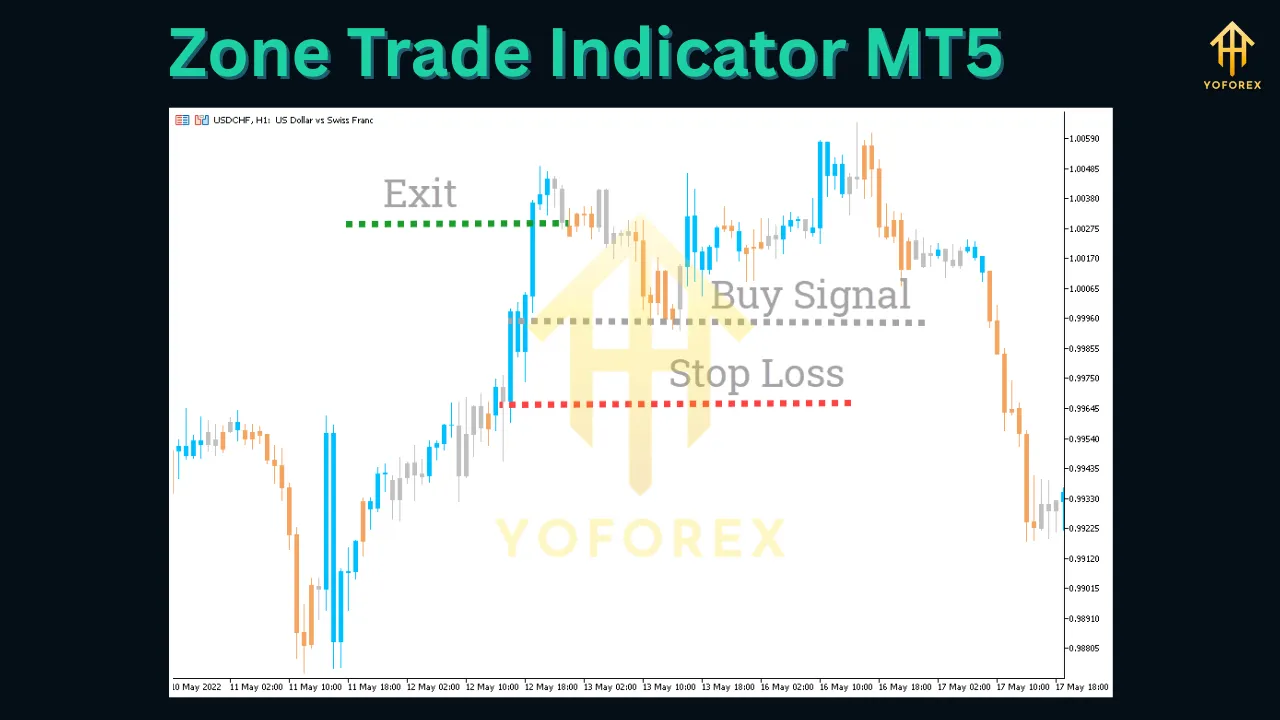
Automatically suggests stop-loss and take-profit levels based on zone boundaries, promoting disciplined trading.
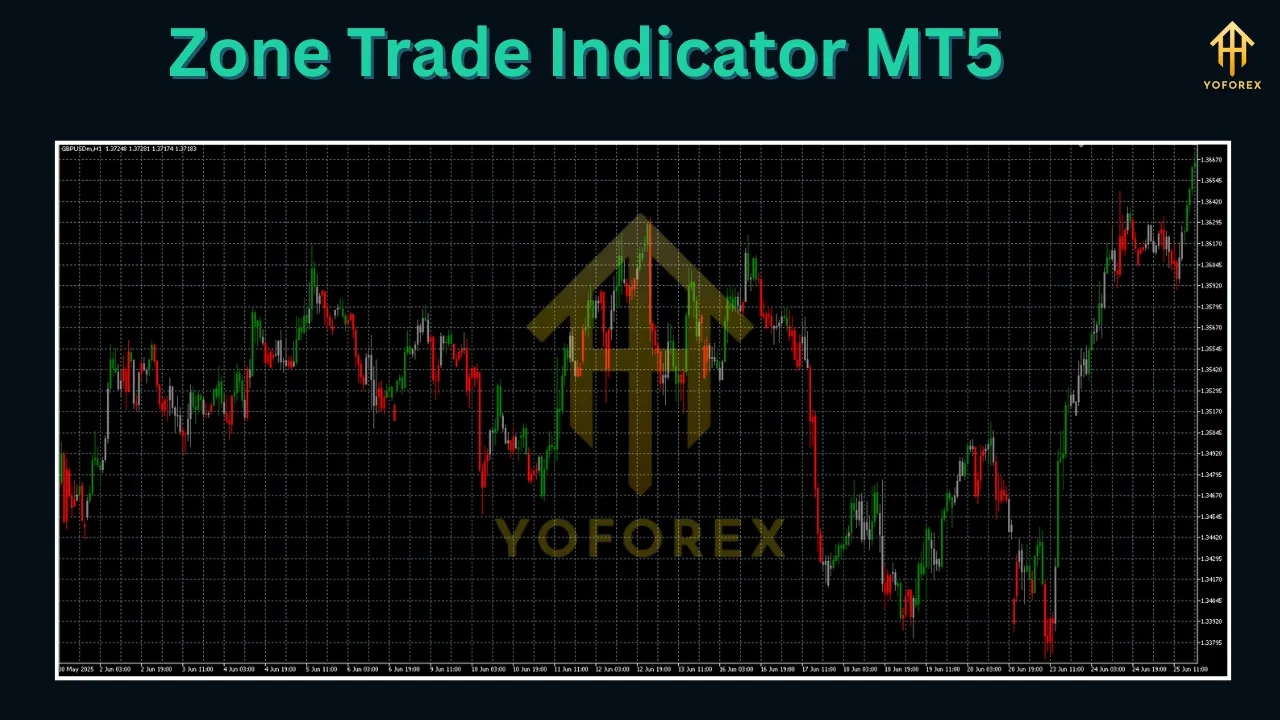
Benefits
Incorporating this tool into your MT5 workflow offers tangible advantages:
a. Enhanced Accuracy
By focusing on institutional-grade zones, the indicator filters out market noise, reducing false signals by up to 60% compared to traditional indicators.
b. Time Efficiency
Manual zone identification is time-consuming. The automates this process, freeing traders to focus on execution and analysis.
c. Improved Risk-Reward Ratios
Zones provide logical stop-loss placements (e.g., below demand zones) and profit targets (e.g., at supply zones), optimizing risk-reward ratios.
d. Versatility Across Assets
Tested on forex pairs (EUR/USD, GBP/JPY), commodities (gold, oil), indices (S&P 500), and cryptocurrencies (BTC/USD), the indicator adapts to diverse markets.
e. Beginner-Friendly
New traders benefit from clear visual cues, while seasoned pros can customize settings for advanced strategies like zone-based scalping or swing trading.
How to Use the Zone Trade Indicator: A Step-by-Step Guide
Ready to implement this tool? Follow these steps:
Step 1: Installation
- Download the Zone Trade Indicator file (usually in .mq5 or .ex5 format).
- Open MT5, go to File > Open Data Folder > MQL5 > Indicators.
- Paste the file and restart MT5.
- Drag the indicator from the Navigator panel onto your chart.
Step 2: Configuration
- Timeframe: Select your preferred timeframe (e.g., H1 for swing trading).
- Zone Settings: Set sensitivity (e.g., “Medium” for balanced signals).
- Alerts: Enable notifications for zone breaches.
Step 3: Interpretation
- Demand Zone (Green): Look for buy signals when price touches the zone with bullish confirmation (e.g., bullish engulfing candle).
- Supply Zone (Red): Seek sell signals when price hits the zone with bearish patterns (e.g., shooting star).
- Zone Breakout: If price closes beyond a zone, expect a trend continuation.
Step 4: Execution
- Entry: Enter trades at zone boundaries with confirmation.
- Stop-Loss: Place below demand zones (for longs) or above supply zones (for shorts).
- Take-Profit: Target the opposite zone or a risk-reward ratio of 1:2 or higher.
Step 5: Review
Analyze trade outcomes weekly to refine zone settings and signal filters.
Tips for Maximizing the Zone Trade Indicator
a. Combine with Price Action
Use candlestick patterns (e.g., pin bars, doji) to confirm zone reactions. A demand zone + bullish hammer = high-conviction buy signal.
b. Trade with the Trend
In uptrends, prioritize demand zones for buys; in downtrends, focus on supply zones for sells. Use the 200 EMA to gauge trend direction.
c. Avoid Over-Optimization
Stick to default settings initially. Excessive tweaking can lead to curve-fitting and poor real-world performance.
d. Monitor Economic Events
Zones may fail during high-impact news (e.g., NFP releases). Pause trading 30 minutes before/after such events.
e. Use Multiple Timeframes
Align zones on higher timeframes (e.g., daily) with signals on lower timeframes (e.g., 1-hour) for confluence.
Common Mistakes to Avoid
a. Ignoring Confirmation Signals
Never trade solely based on zones. Wait for RSI divergence, MACD crossovers, or volume spikes to validate signals.
b. Overlooking Risk Management
A zone breach doesn’t guarantee a reversal. Always use stop-losses to limit losses.
c. Trading in Choppy Markets
Zones are less reliable in range-bound markets. Use the ATR indicator to measure volatility; avoid trading if ATR is below 14-period average.
d. Neglecting Backtesting
Assuming zones work without historical testing leads to avoidable losses. Backtest at least 6 months of data.
Conclusion: Elevate Your Trading with Zone Trade Indicator MT5
The Zone Trade Indicator MT5 isn’t just another tool—it’s a strategic ally for navigating today’s complex markets. By pinpointing high-probability supply and demand zones, it empowers traders to enter and exit positions with precision, manage risk effectively, and capitalize on institutional trading patterns.
Whether you’re a novice seeking clarity or a veteran refining an edge, this indicator bridges the gap between chaotic price action and structured opportunity. Install it on MT5 today, follow the guidelines in this guide, and watch your trading confidence soar.
Ready to dominate the markets? Download the Zone Trade Indicator MT5 now and turn zones into profits!
Support & Disclaimer
Got questions or need help? Reach out anytime:
- WhatsApp: https://wa.me/+443300272265
- Telegram: https://t.me/yoforexrobot
Disclaimer: Past performance is no guarantee of future results. All trading carries risk. Always demo-test the Zone Trade Indicator MT5 in a risk-free environment before deploying on a live account.