M1 Scalper ParthOP EA V2.0 (MT4) — Built for Speed, Tuned for Control
When you’re trading the one-minute chart, every millisecond, pipette, and partial fill matters. ParthOP EA V2.0 for MetaTrader 4 is an M1 scalper designed to operate in those razor-thin margins. It focuses on high-probability micro-moves, strict execution discipline, and risk controls that keep your equity curve as smooth as possible for a scalping system. Version 2.0 refines order handling, adds smarter spread/slippage filtering, and gives you clearer control over sessions and position sizing—so you can adapt to your broker’s conditions and your own risk appetite. Whether you run a raw/ECN account with a fast VPS or you’re testing prop-firm rules, the EA’s settings make it straightforward to configure responsibly.
Who This EA Is For
-
Intraday scalpers who target small, frequent gains on the M1 chart.
-
Traders on low-spread, low-latency brokers using ECN/RAW accounts.
-
Prop-firm challengers who need strict daily DD caps, no martingale, and predictable behavior.
-
Quant-minded users who want transparent parameters, measurable risk, and repeatable execution.
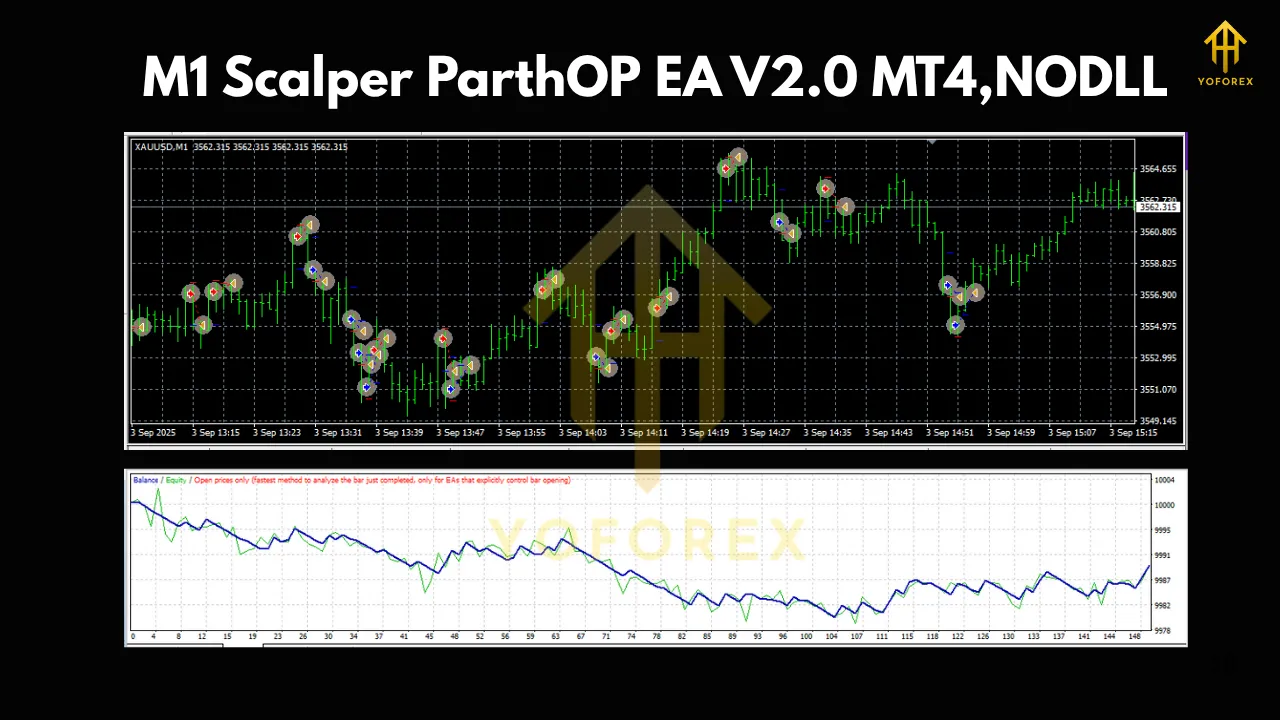
How ParthOP V2.0 Works (Strategy Logic)
ParthOP EA V2.0 is built around mean-reversion and micro-momentum bursts typical on liquid pairs during active sessions (London, NY overlap). The core idea:
-
Detect a short-term imbalance using fast volatility and range filters (ATR/true range, candle body/wick ratios).
-
Confirm with micro-structure (recent highs/lows, mini pullbacks, mini breakouts) to avoid random ticks.
-
Enter with tight protection (small initial stop, small take-profit or dynamic exit).
-
Manage actively via break-even, trailing, or partial-close rules when price snaps back or extends.
Because M1 spreads and slippage can kill edge, V2.0 enforces MaxSpread and MaxSlippage thresholds pre-trade; if conditions worsen mid-trade, exit logic and/or time-based cutoffs can flatten the risk.
What’s New in V2.0
-
Hardened order routing & refresh: reduces re-quotes, auto-cancels stale pending orders, and retries within safe limits.
-
Smarter session control: trade only the windows you trust (e.g., London open to NY overlap), skip dead hours.
-
Enhanced spread/slippage guardrails: block or delay entries if market conditions deteriorate.
-
Cleaner risk presets: fixed-lot, balance-based risk %, or capped max exposure across open positions.
-
Optional trailing modes: classic step trail, ATR-based trail, or “break-even then trail” logic.
-
Robust logging: clearer messages so you can audit decisions and tune faster.
Key Features at a Glance
-
True M1 Engine: tuned for one-minute charts with micro-structure filters to avoid random noise.
-
Spread & Slippage Filters: trade only when costs are favorable.
-
Session & News Avoidance: schedule trading windows; optionally pause around major events (manual calendar input or your own routine).
-
Risk Control Options: fixed lot, risk %, equity protection (daily loss cap, max trades/day).
-
Trade Management: break-even shifts, trailing stop variants, optional partial closes.
-
Broker-Agnostic Settings: Magic Number, comment tags, FIFO-safe toggle (for US-style accounts), one-symbol-per-chart best practice.
-
Prop-Friendly Configuration: disable averaging/martingale; cap simultaneous exposure; enforce daily stop.
Recommended Setup
-
Timeframe: M1 (one chart per symbol).
-
Pairs: Start with tight-spread majors—EURUSD, GBPUSD, USDJPY. Add XAUUSD only if your broker’s spreads are consistently low and execution is fast.
-
Account Type: ECN/RAW with market execution.
-
Leverage: 1:200–1:500 (use leverage responsibly; risk % matters more than max leverage).
-
VPS: Yes—aim for <10 ms latency to broker.
-
Baseline Parameters (example starting points):
-
MaxSpread: broker’s average + small buffer (e.g., 10–15 points on majors; adjust for your quoting).
-
MaxSlippage: 3–5 points (tight for majors; adjust for XAUUSD/volatile times).
-
RiskPerTrade: 0.5%–1.0% to start; scale only after stable forward results.
-
TakeProfit/StopLoss: small, asymmetric; consider dynamic exits (break-even then trail) to capture extensions.
-
TradingWindow: London open → NY overlap; avoid rollover/illiquid hours.
-
Tip: Start with one symbol, live-like demo forward test for 2–4 weeks, then expand.
Risk & Money Management
Scalping wins are small and frequent; costs and losers must be controlled fiercely.
-
Keep costs minimal: ECN account, raw spreads, commission that still beats standard account all-in cost.
-
Define a daily loss stop: e.g., 2–3R or 2% account hit—pause for the day.
-
Avoid over-stacking: limit MaxTrades and MaxExposure across symbols.
-
Prefer risk % over fixed lot while you iterate; it normalizes outcomes while you tune.
-
Don’t chase news: widen filters or disable trading around high-impact events.
Backtesting & Forward Testing (Process)
-
Backtest by session: run separate tests for London, NY, and overlap; M1 regimes differ across the day.
-
Use variable spreads & commissions: approximate your broker’s worst-case conditions, not the best.
-
Walk-forward optimization: split data into in-sample/out-of-sample; confirm stability.
-
Forward demo for 2–4 weeks: confirm fills, slippage, and spread behavior match expectations.
-
Start live small: same VPS, same broker server, same risk % as demo; scale only after 100–200 trades of stable behavior.
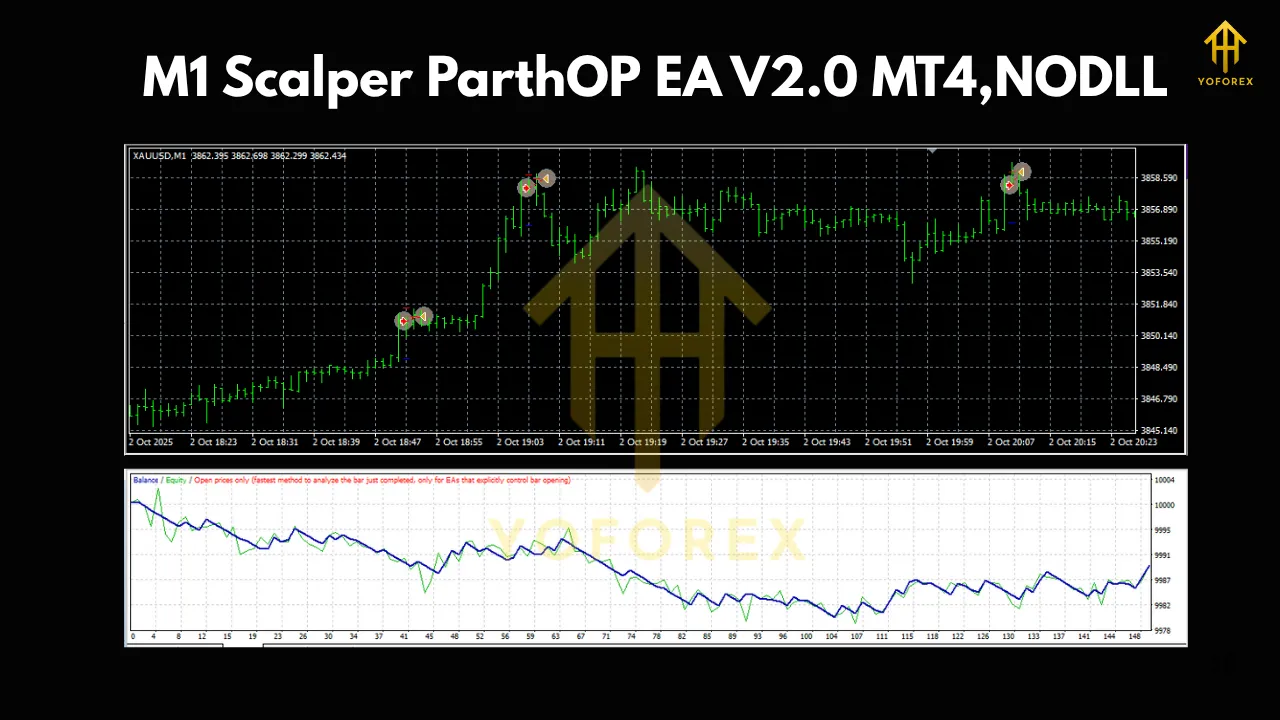
Installation & Setup (MT4)
-
Place the .ex4 file into MQL4/Experts/.
-
Restart MT4 → Navigator → Experts → drag ParthOP EA V2.0 onto your M1 chart.
-
Enable AutoTrading, allow live trading in EA settings.
-
Set Magic Number, RiskPerTrade or LotSize, MaxSpread/MaxSlippage, TradingWindow.
-
Optional: configure break-even/trail and daily loss stop.
-
Open the Experts/Journal tabs; confirm license & initialization messages are clean.
Best Practices for M1 Scalping
-
One symbol per chart; don’t overload the terminal.
-
Keep charts clean; too many indicators = lag.
-
Stable VPS with auto-reconnect; set Windows updates outside trading hours.
-
Broker choice matters more than anything; test a few to find the best execution.
-
Document parameter changes; change one variable at a time and journal the result.
Troubleshooting
-
No trades? Spread/slippage filters too tight, wrong session window, or AutoTrading not enabled.
-
Frequent re-quotes/rejections? Raise slippage slightly, check VPS latency, or talk to broker about throttling.
-
Too many micro-losses? Tighten entry filter, reduce trading hours, or switch to break-even-then-trail logic.
-
Equity swings feel high? Lower risk %, reduce MaxTrades/day, and enforce daily loss stop.
Final Thoughts
ParthOP EA V2.0 focuses on what actually matters in M1 scalping: cost control, execution quality, and disciplined risk. It’s not a “magic box”; it’s a precision tool that pays off when you pair it with a low-spread ECN account, a fast VPS, and a clear plan for sessions and risk. If you’re ready to trade the most granular timeframe with a professional rule set, V2.0 gives you the building blocks: robust order handling, strict filters, and transparent parameters—so you can refine edge without guessing.