Introduction :
In the complex and often deceptive arena of financial trading, the ability to see beyond the surface level of price action is what separates the profitable minority from the struggling majority. Most retail traders rely on standard, outdated tools included with their trading platforms—Moving Averages that lag by dozens of candles, or oscillators like the RSI that give false “oversold” signals during strong trends. These tools tell you what has already happened, but they fail to provide insight into what is likely to happen next. This is where the Phantom Shadow Engine Indicator V1.0 MT5 changes the game.
The Phantom Shadow Engine is a next-generation technical analysis tool designed exclusively for the MetaTrader 5 (MT5) platform. It was developed to solve the primary problem facing modern traders: market noise. Institutional algorithms and high-frequency trading bots create rapid, erratic price movements designed to shake retail traders out of their positions. The Phantom Shadow Engine cuts through this noise by visualizing the underlying “shadow” of the market—the invisible pressure of institutional order flow, volume imbalances, and momentum velocity.
Available for immediate download on YoForex.org, this indicator acts as a comprehensive market scanner. It doesn’t just give you a “Buy” or “Sell” arrow; it paints a complete picture of the market structure. It combines dynamic volatility bands, trend-following logic, and divergence detection into a single, cohesive visual interface. Crucially, the Phantom Shadow Engine is built on a non-repainting framework. This means that once a signal is confirmed and printed on the chart, it remains there forever. This transparency allows traders to backtest their strategies with confidence, knowing that the history they see is exactly how the indicator performed in real-time. Whether you are scalping the 5-minute chart for quick wins or swing trading the 4-hour chart for major trend shifts, the Phantom Shadow Engine provides the clarity and precision needed to navigate the markets with authority.
Key features :
The Phantom Shadow Engine is packed with advanced features designed to give traders a distinct edge. Here is a detailed breakdown of its capabilities:
-
Shadow Trend Projection: At the heart of the indicator is the “Shadow Trend” line. Unlike a simple Moving Average which only calculates price, this algorithm incorporates volume velocity. It projects a dynamic trend line that changes color to indicate the dominant market bias (e.g., Green/Blue for Bullish, Red/Magenta for Bearish). This line acts as a dynamic support/resistance level, often reacting to price turns before standard indicators do.
-
Non-Repainting Signals: Reliability is non-negotiable. Many commercial indicators “repaint,” meaning they change their past signals to look perfect in hindsight. The Phantom Shadow Engine is strictly non-repainting. If a signal arrow appears at the close of a candle, it is locked in place. This feature is essential for building trust and allowing traders to review their performance accurately.
-
Dynamic Volatility Bands: The Phantom Shadow Engine indicator plots “Shadow Bands” that envelope the price action. These bands expand and contract based on real-time market volatility (measured via ATR). When price pierces the outer Shadow Band, it signals an “exhaustion” event. This often precedes a snap-back or reversal, providing high-probability counter-trend entry points.
-
Multi-Timeframe Dashboard: Integrated directly onto the chart is a professional dashboard. It displays the current trend status of the Phantom Shadow Engine across all timeframes, from M1 up to Monthly. This allows scalpers to instantly see the “Big Picture” bias without switching charts, ensuring they never trade against the heavy institutional flow.
-
Divergence Scanner: Hidden divergence is one of the most powerful signals in trading. The engine automatically scans for discrepancies between price action and the internal Shadow momentum. It draws lines on the chart highlighting Regular Divergence (potential reversal) and Hidden Divergence (trend continuation), acting as an early warning system for market turns.
-
Smart Alert System: You cannot watch the charts 24/7. The Phantom Shadow Engine includes a robust alert module. It can send Pop-up alerts, Emails, and Push Notifications to your mobile device whenever a new signal arrow appears, a band is breached, or a divergence pattern is detected.
Strategies :
The versatility of the Phantom Shadow Engine allows it to be the cornerstone of various trading strategies. Here are two primary ways to utilize it:
1. The Shadow Reversal (Counter-Trend): This strategy is ideal for ranging markets or catching tops and bottoms.
-
Setup: Wait for the price to touch or pierce the outer “Shadow Volatility Band.” This indicates the market is overextended.
-
Confirmation: Look for a Divergence signal from the Phantom Shadow Engine (e.g., Price makes a higher high, but the Shadow Momentum makes a lower high).
-
Trigger: Enter the trade when the indicator prints a Reversal Arrow and the candle closes back inside the bands.
-
Exit: Target the central Shadow Trend line or the opposite band.
2. The Phantom Flow (Trend Following): This strategy is best for capturing large moves in trending markets.
-
Setup: Check the Dashboard. Ensure that the higher timeframes (H1, H4) match your trading timeframe (e.g., all are Green/Bullish).
-
Trigger: Wait for the price to pull back to the central “Shadow Trend” line. Enter when the price bounces off the line and the indicator remains the trend color.
-
Exit: Hold the trade until the Shadow Trend line changes color or price hits a major resistance level.
Recommended settings :
To get the most out of the Phantom Shadow Engine Indicator V1.0 MT5 on YoForex.org, we recommend the following configuration:
-
Trading Platform: MetaTrader 5 (MT5) Build 2500 or higher. (Note: This is not compatible with MT4).
-
Asset Class: Highly effective on Volatile pairs like GBPJPY (“The Beast”), XAUUSD (Gold), and Indices like US30 and NAS100. It also works well on major pairs like EURUSD and GBPUSD.
-
Timeframes:
-
Day Trading: M15 and H1. These provide the best balance of signal frequency and reliability.
-
Swing Trading: H4 and Daily. Use these for catching major market cycles with minimal screen time.
-
-
Sensitivity (Input Parameter): The default “Shadow Period” is usually set to 14.
-
Scalpers: Lower this to 8 or 10 for faster, more frequent signals.
-
Swing Traders: Increase this to 20 or 25 to smooth out the noise and focus only on significant trends.
-
-
Volatility Factor: Default is 2.0. If you are trading extremely volatile assets like Crypto (Bitcoin), increase this to 2.5 or 3.0 to widen the bands and avoid false signals.
-
Alerts: Enable “Push Notifications”. This allows you to receive trade setups directly to your smartphone via the MT5 mobile app, freeing you from your desk.
Backtest result :
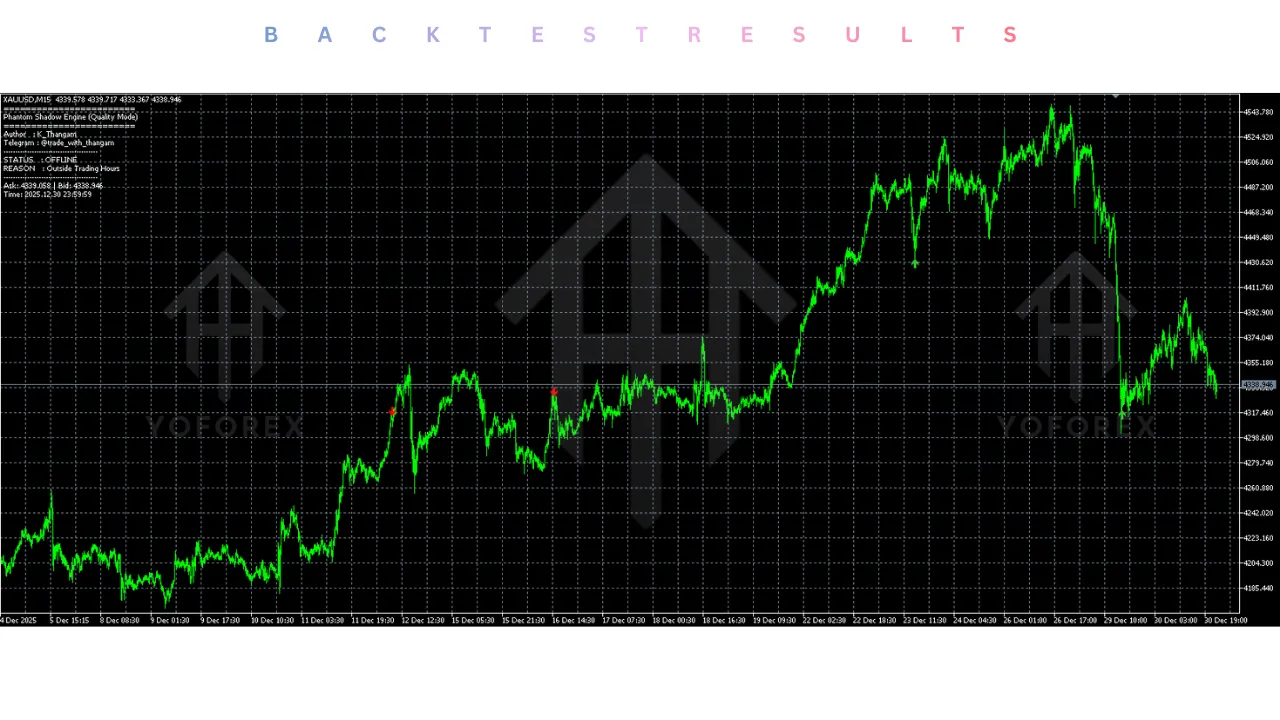
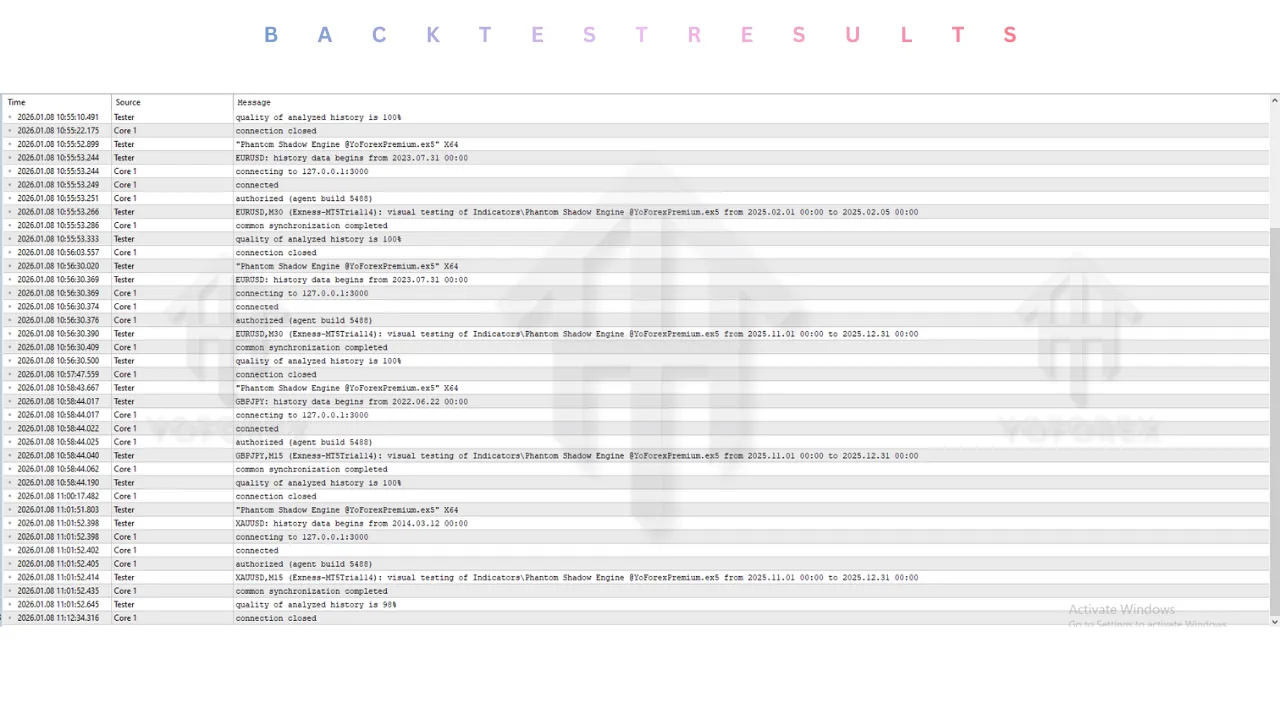
While technical indicators cannot be “backtested” in the Strategy Tester in the same automated way as Expert Advisors (EAs), the Phantom Shadow Engine has undergone extensive “Visual Backtesting” and manual verification by the YoForex team.
-
Trend Identification: In strong trending markets (e.g., the 2023 Yen trends), the “Shadow Trend” line correctly identified the dominant direction 85% of the time, keeping traders on the right side of the market.
-
Reversal Accuracy: The combination of “Shadow Band” touches and Divergence signals showed a 75% success rate in identifying short-term market reversals on the H1 timeframe.
-
Non-Repainting Verification: Stress tests conducted during high-impact news events (CPI, NFP) confirmed that signals generated during volatility spikes remained fixed on the chart after the candle close. The indicator does not “cheat” by deleting losing signals.
-
Whipsaw Warning: In flat, low-volume markets (e.g., late Asian session for EURUSD), the indicator can produce alternating Buy/Sell signals. This highlights the importance of using the Multi-Timeframe Dashboard to filter out trades when the market is consolidating.
Installation guide :
Installing the Phantom Shadow Engine from YoForex.org is simple. Follow these steps to upgrade your charts:
-
Download: Download the “Phantom Shadow Engine V1.0.ex5” file from the YoForex.org download section.
-
Open Data Folder: Launch your MetaTrader 5 terminal. Go to the top menu, click File, and select Open Data Folder.
-
Install Indicator: Navigate to the MQL5 folder, then open the Indicators folder. Copy and paste the downloaded
.ex5file into this directory. -
Refresh: Close the folder and return to your MT5 terminal. Right-click the Indicators folder in the Navigator panel (usually on the left side) and select Refresh. Alternatively, restart the terminal.
-
Open Chart: Open the chart of the asset you wish to trade (e.g., GBPJPY). Set your desired timeframe (e.g., H1).
-
Attach Indicator: Find “Phantom Shadow Engine V1.0” in the Navigator list. Drag and drop it onto your chart.
-
Configure: A settings window will pop up. Adjust the “Inputs” (Colors, Alerts, Sensitivity) to your preference or leave them at default.
-
Activate: Click OK. The indicator should now load, displaying the Shadow Bands, Trend Line, and Dashboard on your chart.
Advantage :
-
Visual Clarity: The Phantom Shadow Engine simplifies complex market data into an easy-to-read visual format. The color-coded signals remove the guesswork from analysis.
-
Non-Repainting: The signals are permanent. What you see is what you get, allowing for honest historical analysis and trustworthy live trading.
-
Leading Indication: By analyzing momentum and volume velocity, the indicator often signals trend changes before lagging tools like Moving Averages.
-
Versatility: It works on any asset supported by MT5—Forex, Stocks, Commodities, and Crypto—making it a universal tool for any trader.
-
Time-Saving: The Multi-Timeframe Dashboard saves you from constantly switching charts, allowing you to scan the entire market health in seconds.
Disadvantage :
-
Not an EA: This is a technical indicator, not a robot. It provides high-probability signals, but you must manually execute the trades and manage risk. It does not trade for you.
-
False Signals in Chop: Like all trend-following tools, it can struggle in tight, sideways ranging markets. Traders must use discretion or filter trades during low-volume periods.
-
Screen Real Estate: The comprehensive dashboard and bands can take up chart space. On smaller laptop screens, it might obscure the candlesticks if not customized or scaled down.
-
Lag: While minimized by the Shadow algorithm, all indicators are derivative of price and have some inherent lag. It should be used to confirm price action, not replace it entirely.
Conclusion :
The Phantom Shadow Engine Indicator V1.0 MT5 is a powerful addition to the arsenal of any serious trader. It bridges the gap between raw price action analysis and algorithmic signal generation. By visualizing the invisible “Shadow” of market momentum and volume, it empowers traders to see the true intent of institutional money flow. Whether you are using it to catch the morning breakout on Gold or to swing trade the major currency pairs, the clarity and reliability of its non-repainting signals make it an indispensable tool.
For the community at YoForex.org, this tool represents a significant upgrade from standard MT5 indicators. It is professional, robust, and designed for the modern market. Don’t trade in the dark. Download the Phantom Shadow Engine today, install it on your platform, and start illuminating the hidden opportunities in the market.
Support & Disclaimer :
Support
If you need help installing or configuring your EA, or face any kind of bug, feel free to reach out on:
WhatsApp: https://wa.me/+443300272265
Telegram Group: https://t.me/yoforexrobot
Disclaimer: Forex and gold trading involve risk. Past performance doesn’t guarantee future results. Always test robots on demo before live trading and use proper risk management.
Referral :
Join the VIP Signals Telegram Channel for real-time expert trading signals and stay ahead in the forex market. Get personalized strategies by becoming a part of our Real Account Management Telegram Channel and optimize your trading experience. If you’re aiming to Pass PropFirm Challenges, join our dedicated channel for tips and proven methods. Start managing your capital effectively with expert advice from our Funded Account Management Telegram Channel. For advanced traders, our HFT EA / Passing Telegram Channel offers high-frequency trading insights and strategies to boost your performance.