
NobyCPU EA – The Ultimate Trading Solution for Automated Forex Trading
In the fast-paced world of forex trading, automation is the key to success. NobyCPU EA is one such expert advisor (EA) designed to optimize trading strategies, minimize risks, and maximize profits. Whether you are a beginner or an experienced trader, this advanced trading tool can enhance your performance by leveraging cutting-edge algorithms and trading strategies.
In this comprehensive guide, we will explore the features, benefits, recommended settings, currency pairs, and key aspects of NobyCPU EA, helping you understand why this EA stands out in the forex trading landscape.
What is NobyCPU EA?
NobyCPU EA is an expert advisor designed for the MetaTrader 4 (MT4) and MetaTrader 5 (MT5) platforms. It is a fully automated trading system that executes trades based on predefined strategies, eliminating emotional trading decisions and improving consistency.
Developed with an advanced algorithm, NobyCPU EA analyzes market trends, price movements, and technical indicators to determine optimal trade entries and exits. This EA is designed to work in both trending and ranging markets, ensuring that traders can maximize their profit potential in various market conditions.
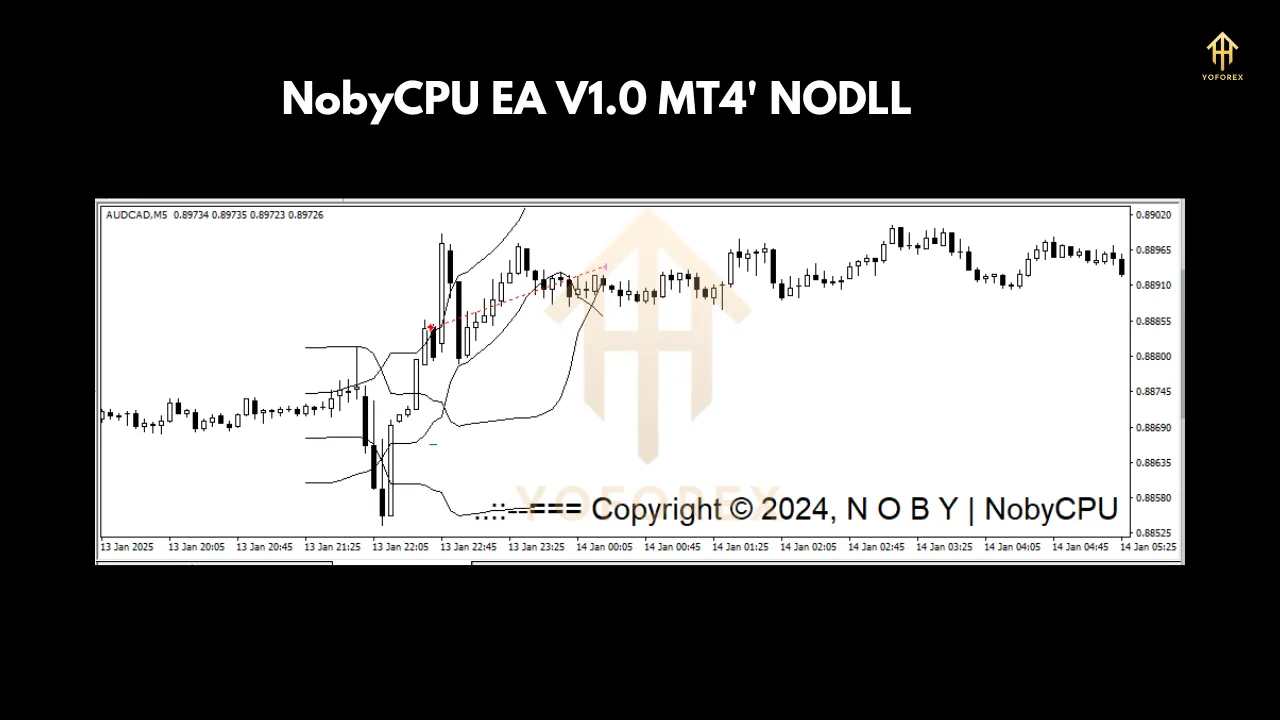
Key Features of NobyCPU EA
- Fully Automated Trading
- The EA executes trades automatically based on its built-in strategy, reducing the need for manual intervention.
- Advanced Risk Management
- Features such as stop-loss, take-profit, and trailing stop ensure effective risk control and profit protection.
- Optimized for Multiple Currency Pairs
- Supports a wide range of forex pairs, increasing trading opportunities and diversification.
- Low Drawdown
- Designed to keep drawdowns minimal, ensuring account safety while maximizing profitability.
- High-Frequency Trading (HFT) Capability
- Enables quick trade execution, making it suitable for scalping and short-term trading strategies.
- Backtested and Forward-Tested
- Proven performance through extensive historical and live testing, demonstrating reliability in different market conditions.
- User-Friendly Interface
- Easy to install and configure, making it accessible to traders of all experience levels.
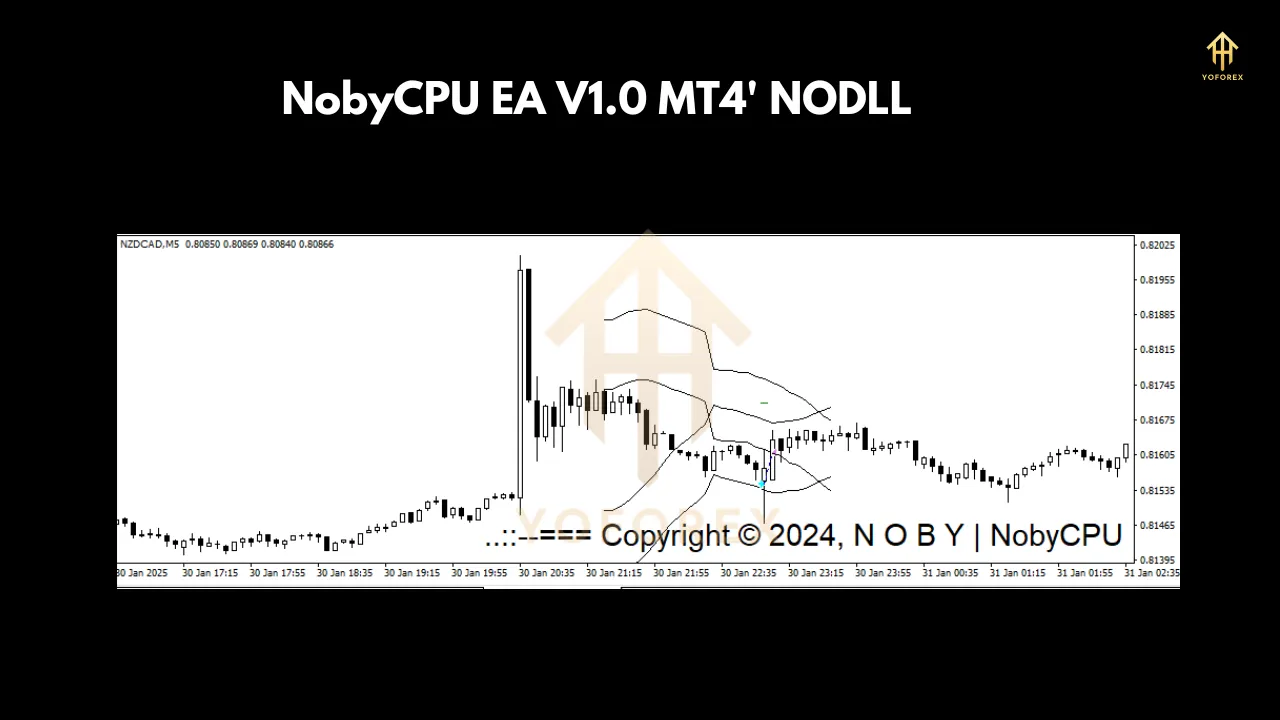
Recommended Settings
To achieve the best results with NobyCPU EA, it is essential to use the recommended settings tailored for different market conditions:
- Minimum Deposit: $100 (Standard Accounts), $10 (Cent Accounts)
- Leverage: 1:500 (recommended for optimal performance)
- Lot Size: 0.01 per $1000 balance (adjustable based on risk appetite)
- Timeframe: M1, M5, M15 (depending on trading strategy)
- Currency Pairs: EUR/USD, GBP/USD, USD/JPY, USD/CHF, AUD/USD
- Stop Loss & Take Profit: Dynamic settings based on market volatility
How Does NobyCPU EA Work?
NobyCPU EA operates based on a combination of price action, technical indicators, and market trend analysis. Here’s a step-by-step breakdown of how it executes trades:
- Market Analysis – The EA continuously scans market conditions, identifying trends, support, and resistance levels.
- Trade Entry – Once a high-probability setup is detected, the EA opens a position based on pre-configured trading rules.
- Risk Management – Stop-loss and take-profit levels are automatically set to manage risk effectively.
- Trade Monitoring – The EA adjusts trades based on market fluctuations to secure profits or minimize losses.
- Exit Strategy – Positions are closed based on target profit levels or trailing stops.
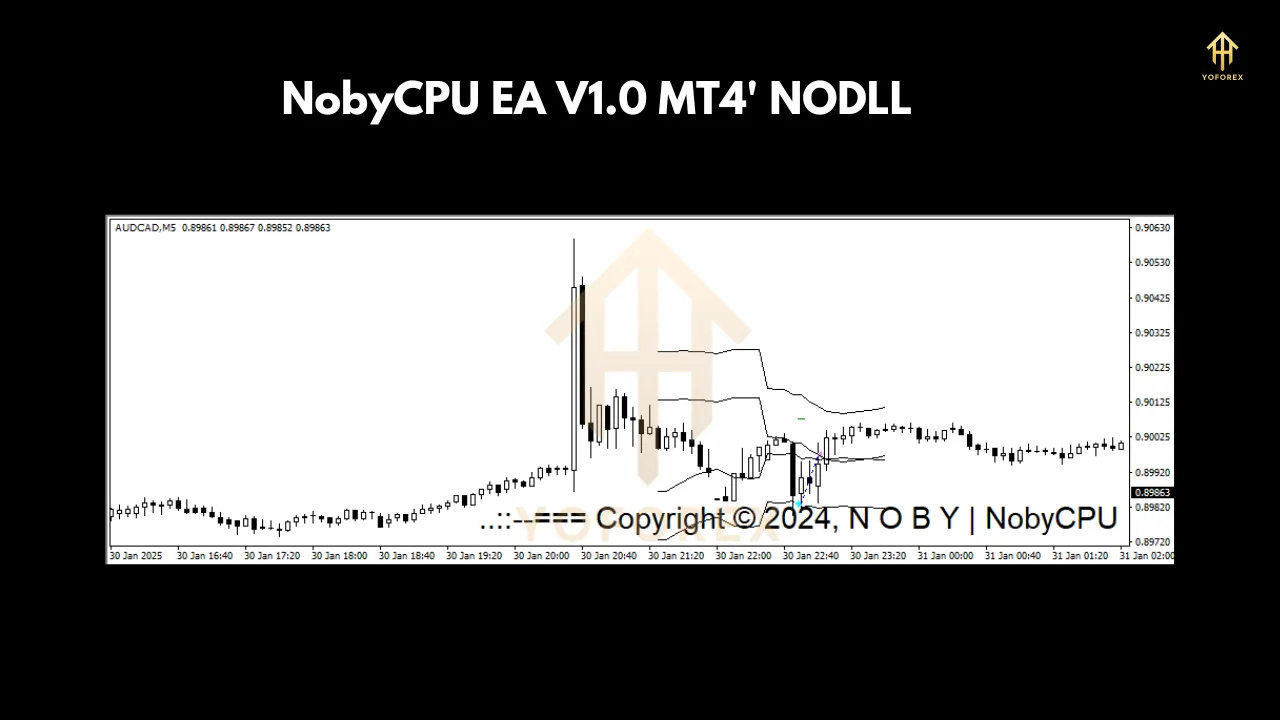
Why Choose NobyCPU EA?
- Consistency and Discipline
- Unlike human traders, EAs do not suffer from emotional trading decisions, ensuring a disciplined approach.
- Time-Saving
- Automates trading, eliminating the need for constant market monitoring.
- Works 24/7
- Trades around the clock, taking advantage of all market opportunities.
- Backtested Strategies
- Proven strategies ensure high profitability with minimal risk.
- Customization Options
- Adjustable settings allow traders to fine-tune the EA based on personal trading preferences.
Performance and Results
NobyCPU EA has undergone rigorous backtesting and live testing to ensure its efficiency. Historical data suggests that traders can expect a steady profit growth of 10-30% per month, depending on market conditions and risk settings.
- Backtest Results:
- Profitability: 80-90% win rate on optimized settings
- Maximum Drawdown: Less than 10%
- Average Monthly Return: 10-30%
- Live Trading Performance:
- Real-market conditions validate backtest results
- Stable growth curve with minimal risk exposure
Installation and Setup Guide
- Download and Install EA
- Add the NobyCPU EA file to the ‘Experts’ folder in MT4/MT5.
- Attach to Chart
- Open the desired currency pair and attach the EA to the chart.
- Adjust Settings
- Configure lot size, risk management, and trading preferences.
- Enable AutoTrading
- Click ‘AutoTrading’ to activate the EA.
- Monitor Performance
- Check trade execution and make necessary adjustments.
Final Thoughts
NobyCPU EA is a powerful tool for traders looking to enhance their forex trading experience through automation. With its advanced features, robust risk management, and consistent profitability, this EA is a valuable addition to any trader’s portfolio.
Whether you are a beginner or an experienced trader, NobyCPU EA offers the potential to boost your trading performance while minimizing manual effort. By following the recommended settings and using proper risk management strategies, you can maximize your trading success.