UNO Trade Copier EA V1.0 MT5 – The Ultimate Copy Trading Tool for MetaTrader 5
In the ever-evolving world of forex trading, automation and innovation are the pillars of success. As traders grow in experience and confidence, many look for efficient ways to replicate their strategies across multiple accounts or share their trading signals with others. This is where the UNO Trade Copier EA V1.0 for MT5 steps in — a powerful, reliable, and user-friendly solution that simplifies copy trading like never before.
Whether you are a signal provider, money manager, or someone managing multiple trading accounts, this tool can streamline your trading operations. In this comprehensive blog, we’ll dive into the features, benefits, setup process, and use cases of UNO Trade Copier EA V1.0 MT5. Let’s explore why it’s quickly becoming a favorite in the forex trading community.
What is UNO Trade Copier EA V1.0 MT5?
UNO Trade Copier EA V1.0 is an Expert Advisor (EA) built specifically for MetaTrader 5 (MT5). Its primary function is to copy trades from a master account to one or more slave accounts in real time. This makes it an essential tool for traders who wish to mirror trades across accounts without manually executing every trade.
The EA operates locally on a single VPS or PC, offering high-speed replication with minimal delay. It supports both same-platform copying (MT5 to MT5) and inter-account copying, making it versatile and scalable for a wide range of trading setups.
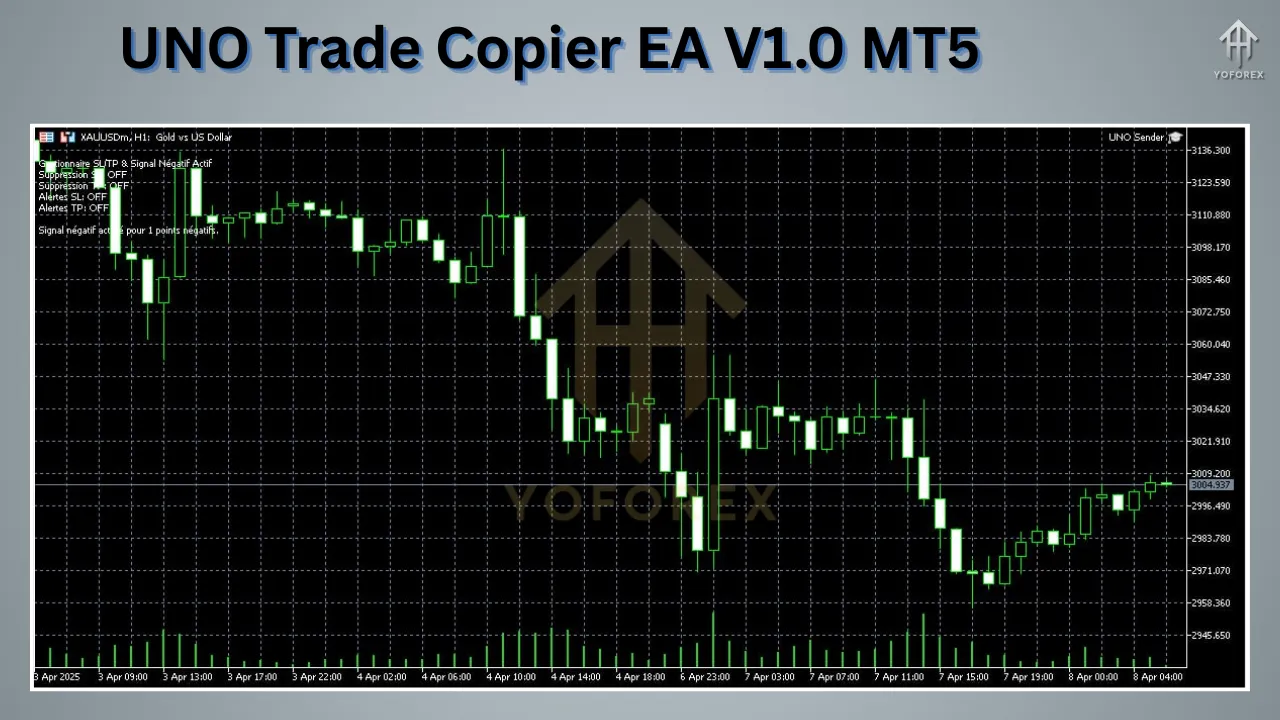
Key Features of UNO Trade Copier EA V1.0
1. 🔄 Real-Time Copying
UNO Trade Copier EA ensures instant replication of trades between accounts. Orders placed on the master account are mirrored on slave accounts in milliseconds, reducing slippage and improving consistency.
2. 💻 Local Network-Based Copying
The EA uses your local machine or VPS to communicate between accounts, avoiding reliance on cloud services. This reduces latency and gives you full control over the setup.
3. 📊 Customizable Lot Multipliers
Traders can adjust the lot size copied to the slave accounts using multipliers or fixed lot settings. This is perfect for risk management, allowing followers to scale trades based on their own equity.
4. 💰 Equity-Based Allocation
UNO Trade Copier EA supports equity-based trade allocation, where trades are copied in proportion to the equity size of each slave account. This ensures balanced risk exposure.
5. ⚙️ User-Friendly Interface
The EA is equipped with a clean, intuitive interface where you can configure all parameters directly from the chart. Even beginners can set it up within minutes.
6. 🔐 Trade Filtering Options
It includes filters such as:
-
Symbol filtering
-
Trade direction (Buy/Sell)
-
Magic number filters
-
Trade type (market/pending)
This allows for precise trade selection on slave accounts.
7. 🚨 Error Logging and Notifications
UNO Trade Copier EA keeps detailed logs and can alert you via MT5 alerts, email, or mobile push notifications in case of failed copying, disconnections, or slippage.
Minimum Requirements
-
Platform: MetaTrader 5
-
Accounts: Master and Slave MT5 accounts
-
Operating System: Windows 7 or later (64-bit recommended)
-
RAM: Minimum 4GB
-
VPS: Recommended for 24/5 operation
-
Internet: Stable connection with low latency
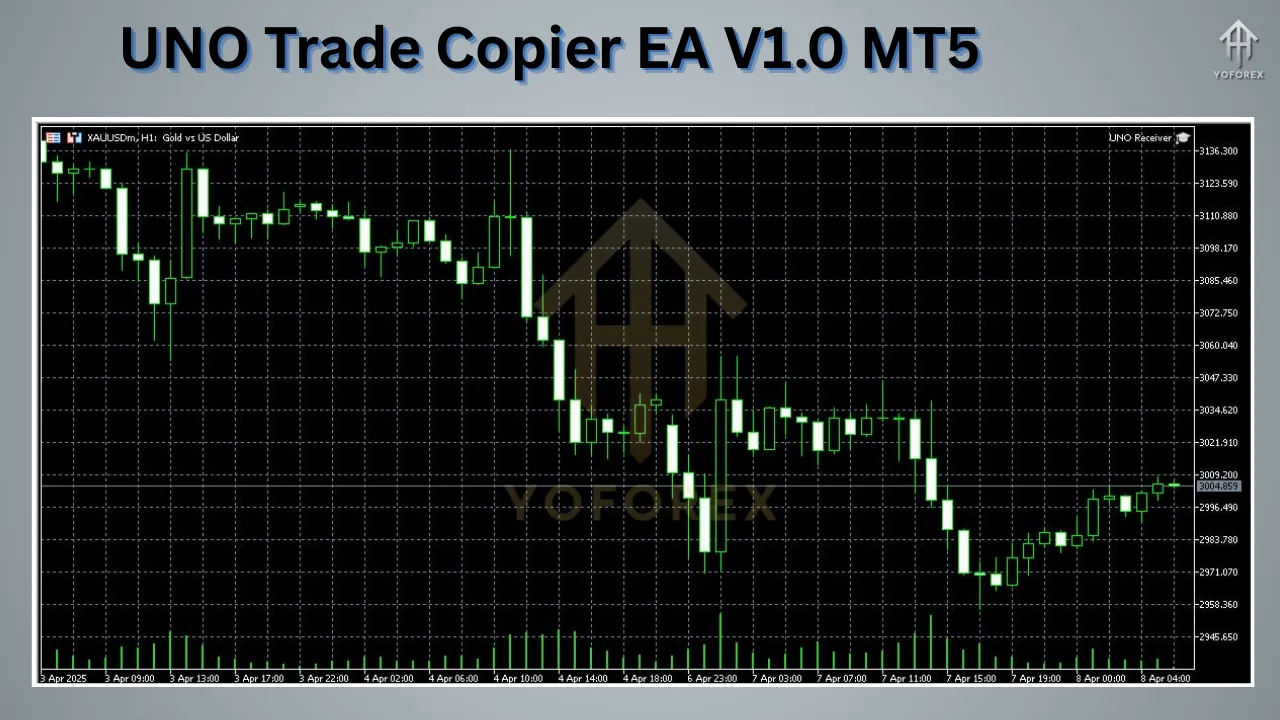
How to Install UNO Trade Copier EA V1.0 on MT5
Setting up the EA is straightforward. Here’s a step-by-step guide:
Step 1: Download and Extract the EA
-
Get the UNO Trade Copier EA V1.0 file.
-
Extract the
.ex5or.mq5file using WinRAR or any archive tool.
Step 2: Place the EA File in MT5
-
Open your MetaTrader 5 terminal.
-
Navigate to File > Open Data Folder > MQL5 > Experts.
-
Paste the EA file into the Experts folder.
-
Restart your MT5 terminal.
Step 3: Attach EA to Chart
-
Open a chart for any currency pair.
-
Drag the UNO Trade Copier EA from the Navigator onto the chart.
-
In the settings:
-
Choose “Master” mode for the source account.
-
Choose “Slave” mode for the receiver account.
-
Step 4: Configure Parameters
Each instance (Master/Slave) will have its own set of parameters like:
-
Lot multiplier
-
Magic number filters
-
Slippage
-
Risk settings
-
Symbol mapping
Click “OK” to apply the settings.
Step 5: Enable Auto Trading
Make sure the AutoTrading button is active (green) on your MT5 terminal. The EA is now live.
Real-World Use Cases of UNO Trade Copier EA
✅ Professional Traders Managing Multiple Accounts
A trader managing multiple accounts for clients can execute trades once on the master account and replicate them instantly to all client accounts. This saves time and ensures synchronization.
✅ Signal Providers
If you offer signal services to clients, you can use this EA to mirror trades live on their accounts. This builds trust and transparency, as clients can see real-time results.
✅ Copy Trading Business Models
You can build a paid subscription model around the copier. Clients connect their MT5 to your master account via the EA and pay you for access.
✅ Testing Strategies in Parallel
Want to test a strategy with different lot sizes or risk profiles? Just set different multipliers on each slave account and analyze the results.
Benefits of Using UNO Trade Copier EA V1.0
⚡ Speed and Efficiency
Since the EA runs locally, it delivers lightning-fast copying speeds with negligible delay. This ensures that you don’t miss out on market opportunities.
🎯 Accuracy
The EA mimics every detail of the trade — from entry and exit to SL/TP levels — maintaining high accuracy in trade replication.
🔧 Flexibility
With multiple customization options, traders can tailor the copy setup to match their goals, whether conservative or aggressive.
📉 Risk Management
By adjusting lot sizes and using equity-based allocation, you can control risk per account without manual intervention.
📈 Scalable for Growth
As your business or strategy grows, you can scale your trading operations to as many accounts as needed with the same master logic.
Limitations to Consider
While UNO Trade Copier EA V1.0 is powerful, users should be aware of a few limitations:
-
Same MT5 Broker/Server preferred: Different brokers may have slight execution delays or quote mismatches.
-
Requires VPS for 24/5 trading: Unless you leave your PC on all day, a VPS is essential.
-
One-way copying: It doesn’t support reverse copying out of the box (e.g., copying sell instead of buy).
-
Not cloud-based: This limits long-distance copying unless all accounts are hosted on the same VPS.
Tips to Maximize Performance
-
Use low-latency VPS for best results.
-
Ensure same leverage and same symbols are used across accounts (some brokers have slight name differences like EURUSD vs EURUSD.a).
-
Set slippage tolerance wisely to avoid order rejections.
-
Test on demo accounts before going live.
-
Regularly check logs for errors or mismatched trades.
Final Verdict: Is UNO Trade Copier EA V1.0 MT5 Worth It?
Absolutely! For traders, money managers, and signal providers looking to automate trade replication, UNO Trade Copier EA V1.0 is a robust and reliable tool. Its speed, precision, and customization make it ideal for professional forex operations.
Whether you’re building a copy trading business or just need to mirror strategies across your own accounts, this EA delivers a competitive edge. And with its clean interface and strong support, even beginners can feel confident using it.
Frequently Asked Questions (FAQs)
Q1. Can I copy trades from one broker to another?
Yes, but both accounts should be on MT5, and you may face slight execution differences due to spreads and symbols.
Q2. Does it support MT4 to MT5 copying?
No, UNO Trade Copier EA V1.0 is strictly for MT5 to MT5. You need a different copier for MT4-MT5 cross-platform use.
Q3. Is the copier legal and allowed by brokers?
Yes, as long as you have access to both accounts and comply with the broker’s policies.
Q4. Does it work on all trading pairs?
Yes, the EA supports forex, commodities, indices, and even crypto — as long as the symbols are available on both master and slave accounts.
Q5. Is there any risk of slippage?
Minimal, if both accounts are on the same server/VPS. Proper configuration helps reduce slippage significantly.
Final Thoughts
In a fast-paced trading environment, tools like UNO Trade Copier EA V1.0 MT5 can make a massive difference in efficiency, performance, and profitability. Whether you’re scaling your personal trading or offering services to others, this copier ensures flawless execution and real-time synchronization — giving you more control and peace of mind.
If you’re serious about leveling up your trading ecosystem, this EA deserves a spot in your toolbox.