U.P.S System Indicator MT4: The Ultimate Trading Signal Tool for MT4 Users
Introduction
In today’s fast-paced forex trading environment, precision and timing are key to staying ahead. The U.P.S System Indicator MT4 is designed to provide traders with high-quality signals that simplify decision-making and enhance profitability. Whether you’re a beginner or an experienced trader, this indicator offers a powerful edge when used correctly.
In this blog, we’ll dive deep into what the U.P.S System Indicator is, how it works, recommended currency pairs, ideal timeframes, features, and how to use it effectively on the MetaTrader 4 (MT4) platform.
What is the U.P.S System Indicator MT4?
The U.P.S (Ultra Precision Signal) System Indicator for MT4 is a custom technical indicator built to analyze market movements and provide accurate buy/sell signals. It eliminates guesswork from trading by using algorithmic logic to detect potential price reversals and trend continuations.
Unlike standard MT4 indicators like RSI or MACD, the U.P.S System combines multiple algorithmic filters to avoid false signals and only show high-probability trade setups.
Key Features of the U.P.S System Indicator
-
✅ Ultra-precise entry and exit signals
-
✅ Non-repainting arrows and alerts
-
✅ Easy-to-use interface
-
✅ Works on multiple currency pairs
-
✅ No complex settings required
-
✅ Compatible with all MT4 brokers
-
✅ Includes sound/email/push alerts for trade notifications
-
✅ Perfect for scalping, day trading, and swing trading
The U.P.S System Indicator is designed for traders who want clarity and simplicity without sacrificing performance.
Recommended Currency Pairs
While the U.P.S System Indicator works well with all major forex pairs, the best performance has been observed with the following:
-
EUR/USD
-
GBP/USD
-
USD/JPY
-
AUD/USD
-
USD/CHF
These pairs tend to have higher liquidity and smoother price action, which aligns well with the indicator’s algorithm.
Best Timeframes to Use
One of the most common questions traders ask is, “What timeframe is best for the U.P.S System Indicator?”
While the indicator is flexible enough to adapt to various trading styles, the following timeframes are recommended:
-
M15 – Great for scalping and quick trades
-
M30 – Balanced for both scalping and intraday trading
-
H1 – Ideal for day trading
-
H4 and D1 – Suitable for swing trading or long-term trades
For most users, M15 and H1 offer the best combination of signal frequency and reliability.
Minimum Deposit Requirement
To trade effectively using the U.P.S System Indicator, a minimum deposit of $200 is recommended. This amount allows you to:
-
Maintain proper risk management (e.g., 1-2% risk per trade)
-
Avoid stop-out scenarios during volatile conditions
-
Scale trades progressively as account equity grows
Of course, higher deposits allow for more flexibility, but $200 is a safe starting point when following good money management practices.
How the U.P.S System Indicator Works
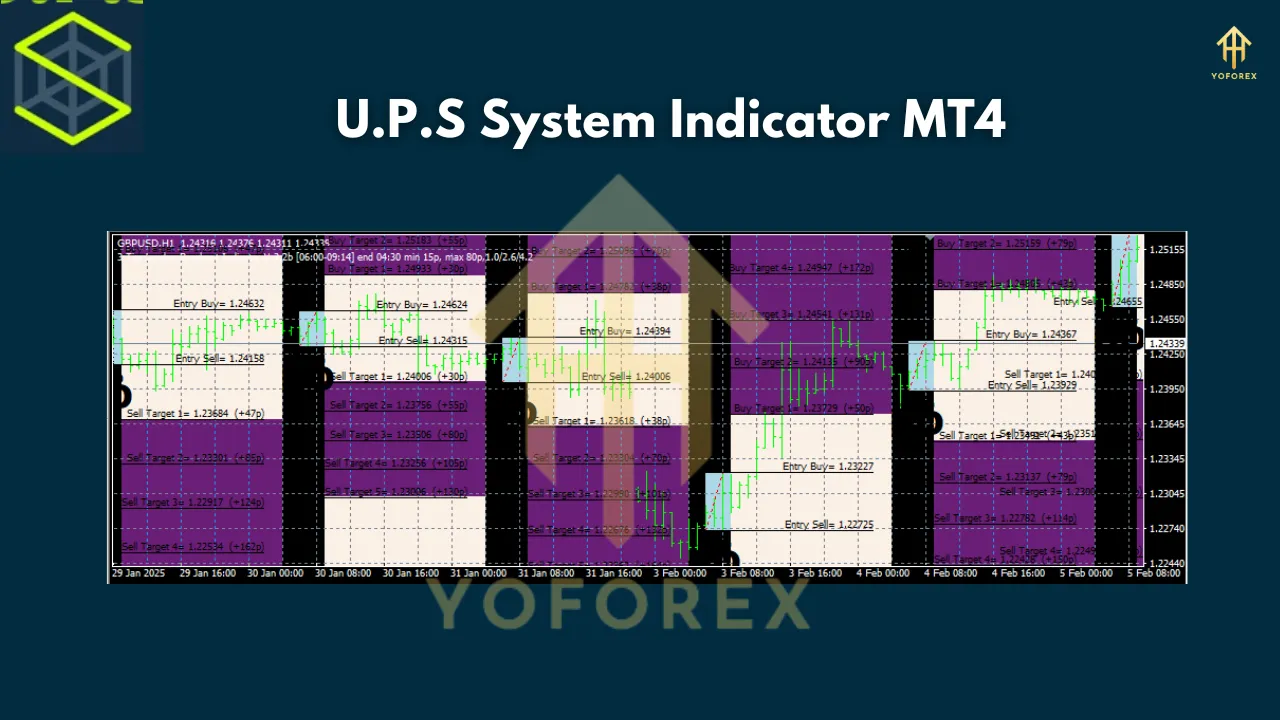
Once installed on your MT4 platform, the indicator will display:
-
Arrows: Blue for Buy, Red for Sell
-
Alerts: Notification when a signal appears
-
Trend filter: Confirms market bias to reduce false entries
-
TP/SL levels: Optional visual guidance for take profit and stop loss
The indicator is designed to not repaint, meaning once a signal appears, it remains fixed — an essential feature for accurate backtesting and forward testing.
Installation and Setup
Here’s a quick step-by-step guide to installing the U.P.S System Indicator:
-
Download the
.ex4or.mq4file. -
Open your MT4 terminal.
-
Go to
File>Open Data Folder>MQL4>Indicators. -
Copy the indicator file into this folder.
-
Restart MT4 or refresh the Navigator panel.
-
Drag the indicator onto your desired chart.
That’s it! The indicator will now start analyzing market conditions and show buy/sell opportunities.
Trading Strategy Using the U.P.S System Indicator
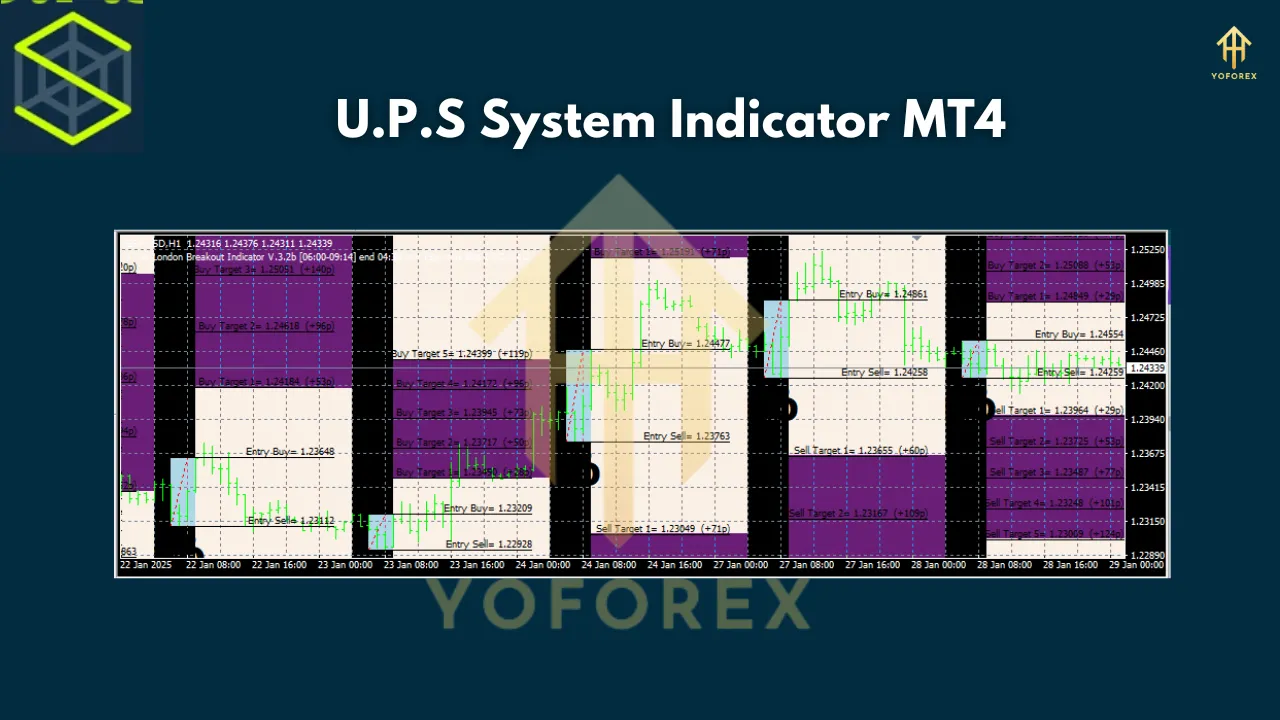
Here’s a simple trading strategy using this tool:
Buy Setup:
-
A blue arrow appears
-
The price is above the moving average or support level (optional filter)
-
The overall trend is bullish
-
Enter a long trade
-
Place stop loss below recent swing low
-
Set target 2x or 3x your risk
Sell Setup:
-
A red arrow appears
-
Price is below key resistance or MA
-
Trend bias is bearish
-
Enter a short trade
-
Stop loss above the recent high
-
Target based on risk-reward ratio
This strategy ensures that you’re not blindly entering signals but confirming them with basic price action and trend context.
Pros and Cons
✅ Pros:
-
Easy to use, no trading experience required
-
Clear visual signals with alerts
-
Works on multiple timeframes
-
Reliable signal accuracy
❌ Cons:
-
May lag in ranging markets
-
Works best with additional confirmation (e.g., trendlines, support/resistance)
Who Should Use the U.P.S System Indicator?
-
Beginner Traders: Simple interface, no clutter, no confusion
-
Scalpers: Use on M15 charts for quick signals
-
Swing Traders: Analyze trends on H4/D1 with confirmation
-
Full-time Traders: Combine with manual strategies for hybrid systems
-
Part-time Traders: Set alerts and trade during free time
If you’re tired of indicators that repaint or give mixed signals, this tool might just be what you need.
Final Thoughts
The U.P.S System Indicator for MT4 is a powerful addition to any trader’s toolkit. With its high-accuracy signals, user-friendly setup, and reliable performance, it helps you cut through market noise and focus on actionable trades.
Join our Telegram for the latest updates and support