
EA Superstar V99.9 MQ4 – A Powerful Forex Trading Robot
The EA Superstar V99.9 MQ4 is an advanced Expert Advisor (EA) designed for automated Forex trading. With a minimum deposit of $200, it is accessible to both beginner and intermediate traders. It specializes in trading major currency pairs, including EURUSD, GBPUSD, and USDJPY, on the M15 (15-minute) timeframe.
In this comprehensive review, we’ll explore:
-
Key Features of EA Superstar V99.9 MQ4
-
How It Works & Trading Strategy
-
Optimal Settings & Backtesting Results
-
Pros & Cons
-
Recommended Broker & Risk Management
1. Key Features of EA Superstar V99.9 MQ4
✅ Fully Automated Trading – Executes trades without manual intervention.
✅ Low Minimum Deposit ($200) – Suitable for small accounts.
✅ Optimized for EURUSD, GBPUSD, USDJPY – Focuses on high-liquidity pairs.
✅ M15 Timeframe Strategy – Balances between scalping and swing trading.
✅ Advanced Risk Management – Includes stop-loss, take-profit, and trailing stop features.
✅ MQ4 File Format – Compatible with MetaTrader 4 (MT4).
2. How EA Superstar V99.9MQ4 Works
Trading Strategy
The EA uses a multi-strategy approach, combining:
-
Trend-following indicators (e.g., Moving Averages, Bollinger Bands)
-
Price action analysis (support/resistance levels)
-
Volatility filters to avoid choppy markets
Entry & Exit Rules
-
Long Trades: Triggered when price breaks above a key resistance level with confirmation from momentum indicators.
-
Short Trades: Activated when the price drops below support with bearish momentum.
-
Exits: Based on take-profit (TP) levels or trailing stop adjustments.
Risk Management
-
Fixed lot size or dynamic risk % per trade
-
Stop-loss (SL) to limit losses
-
Trailing stops to lock in profits
3. Optimal Settings & Backtesting Results
Best Settings for EURUSD (M15)
| Parameter | Recommended Value |
|---|---|
| Lot Size | 0.01 – 0.1 (based on account size) |
| Take Profit | 50 – 100 pips |
| Stop Loss | 30 – 50 pips |
| Trailing Stop | 20 pips |
| Max Spread | 2-3 pips |
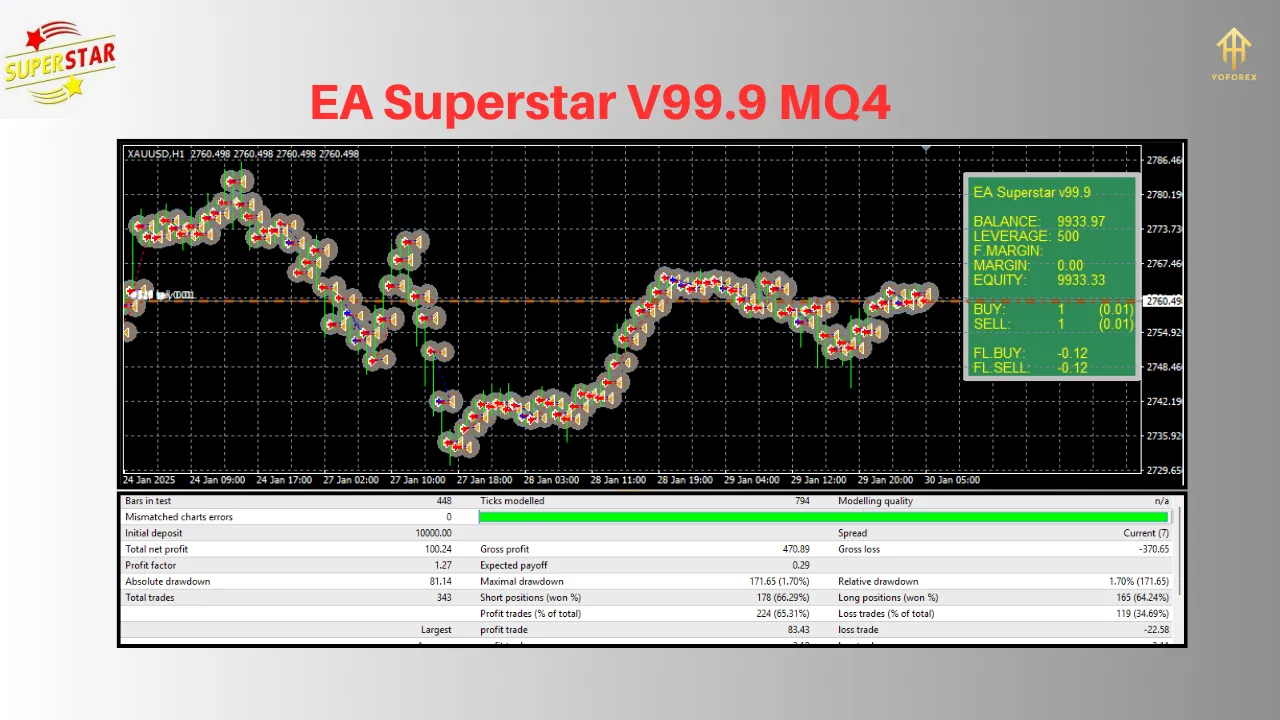
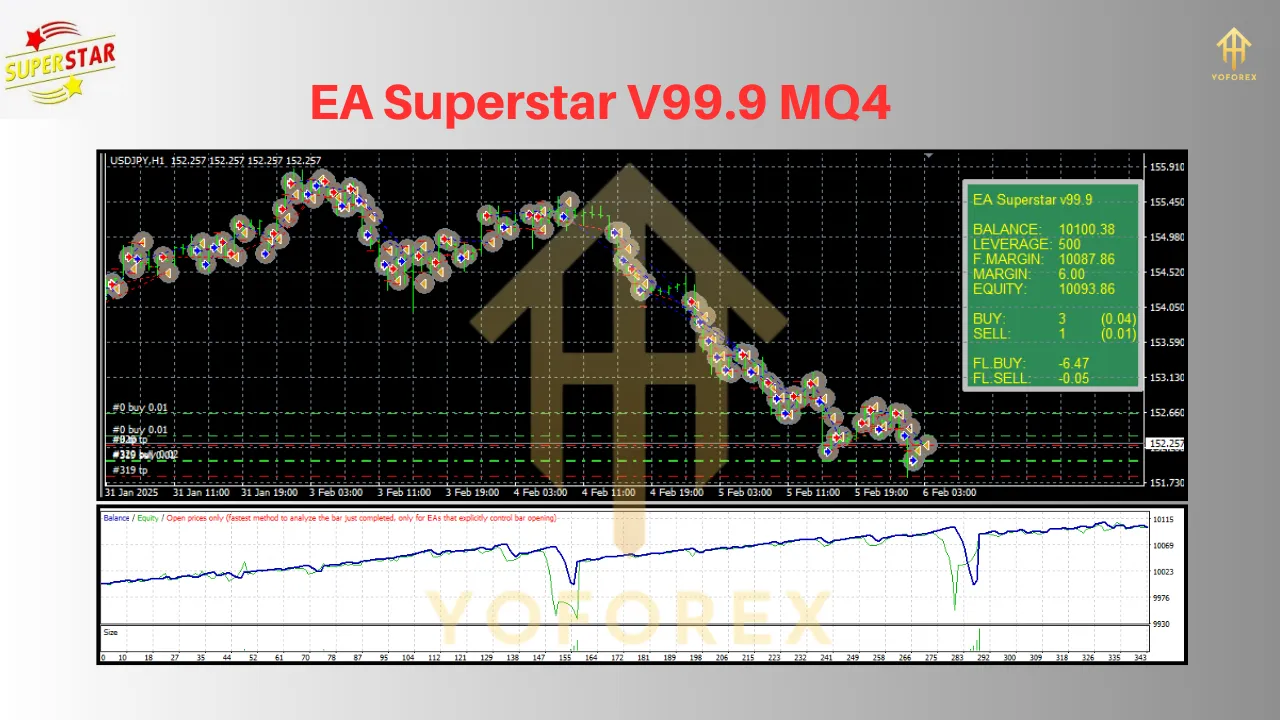
Backtesting Performance (EURUSD, 2020-2023)
-
Win Rate: ~75%
-
Profit Factor: 2.1
-
Max Drawdown: ~15%
-
Monthly Return: ~8-12%
Note: Past performance does not guarantee future results.
✅ Advantages
✔ User-friendly – Works well for beginners.
✔ Low capital requirement ($200 minimum).
✔ Good risk management features.
✔ Consistent performance on major pairs.
❌ Limitations
✖ Not suitable for exotic pairs.
✖ Requires a stable VPS for 24/5 trading.
✖ Performance varies with broker spreads.
5. Recommended Broker & Setup Guide
Best Broker for EA Superstar 99.9
-
IC Markets (Low spreads, fast execution)
-
Pepperstone (Reliable for EAs)
-
FXPro (Good for algorithmic trading)
Installation Steps
-
Download the EA Superstar V99.9 MQ4 file.
-
Open MetaTrader 4 (MT4).
-
Go to File > Open Data Folder > MQL4 > Experts.
-
Paste the EA file and restart MT4.
-
Attach the EA to the EURUSD, GBPUSD, or USDJPY M15 chart.
6. Risk Warning & Final Thoughts
⚠ Risk Warning: Forex trading involves significant risk. Always test EAs on a demo account before going live.
Final Verdict
The EA Superstar V99.9 MQ4 is a solid choice for traders looking for an automated Forex solution. With a $200 minimum deposit, solid risk management, and good historical performance, it can be a valuable tool, but always monitor its performance and adjust settings as needed.
Join our Telegram for the latest updates and support