Scalpers thrive on capturing small price movements, executing multiple trades in a single session to accumulate profits. However, the success of scalping hinges on precision, speed, and effective risk management. This is where AutoSLTP for ScalpersMT4 V1.8, an advanced Expert Advisor (EA) for the MetaTrader 4 (MT4) platform, steps in to transform the scalping experience. In this comprehensive blog, we’ll explore the features, benefits, setup process, and tips for using AutoSLTP for ScalpersMT4 V1.8 to elevate your trading game.
What is AutoSLTP for ScalpersMT4 V1.8?
AutoSLTP for ScalpersMT4 V1.8 is a specialized Expert Advisor designed to automate the setting of Stop Losses (SL) and Take Profits (TP) for scalping strategies on the MT4 platform. Unlike generic EAs, this tool is tailored for scalpers who operate in high-frequency, low-timeframe environments, such as the M1 (1-minute) or M5 (5-minute) charts. It integrates advanced algorithms to manage trades with precision, ensuring that scalpers can focus on strategy execution rather than manual risk management.
The “SLTP” in AutoSLTP stands for Stop Loss and Take Profit, two critical components of any trading strategy. This EA automatically applies these levels to open orders based on user-defined parameters, reducing the risk of emotional decision-making and human error. Version 1.8 introduces enhanced features, including improved compatibility with MT4 Build 1421+, optimized performance for volatile markets, and customizable settings for various currency pairs.
Why Scalpers Need AutoSLTP
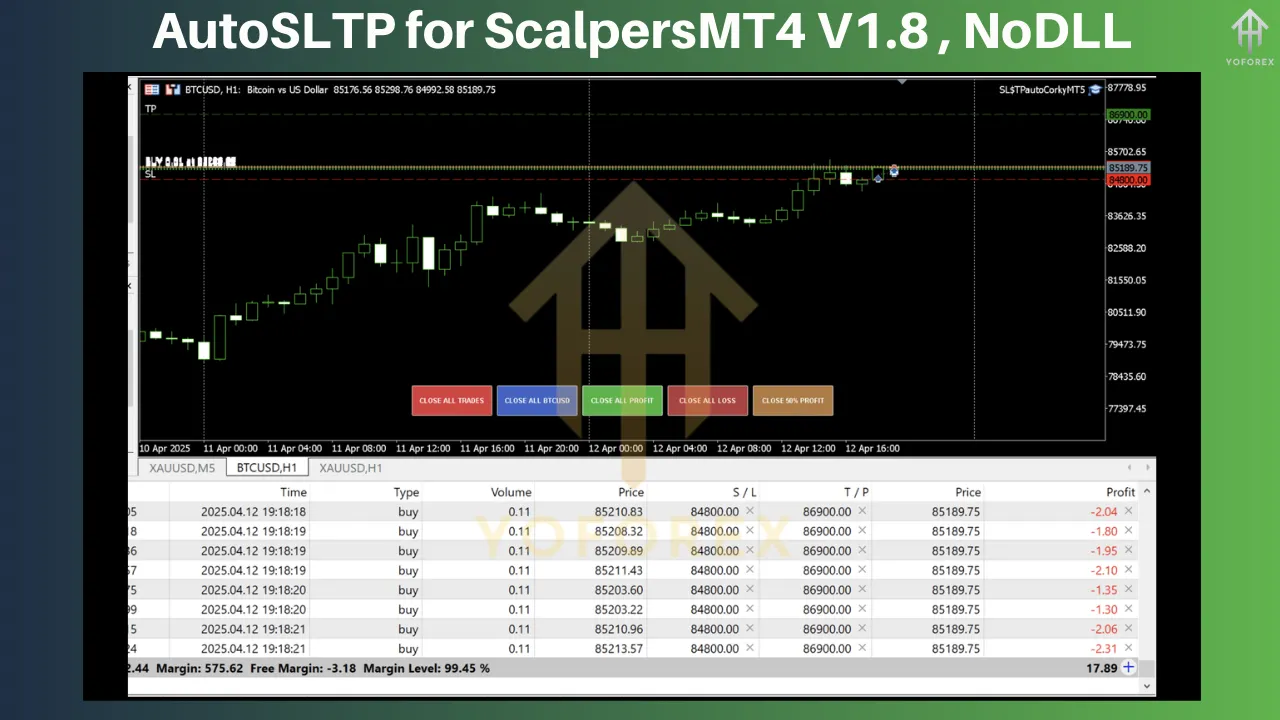
Scalping is inherently intense. Traders must monitor charts, identify entry points, and manage trades within seconds or minutes. Without automation, setting SL and TP levels for every trade can be time-consuming and prone to mistakes. Here’s why AutoSLTP for ScalpersMT4 V1.8 is a game-changer:
-
Speed and Efficiency: Scalping demands rapid execution. AutoSLTP instantly applies SL and TP levels to trades, saving precious time.
-
Risk Management: By automating SL and TP, the EA ensures consistent risk-reward ratios, protecting your capital during sudden market swings.
-
Emotion-Free Trading: Manual trading often leads to emotional decisions, such as moving SL levels or closing trades prematurely. AutoSLTP enforces discipline by sticking to predefined rules.
-
Scalability: Whether you’re trading one pair or multiple, AutoSLTP handles all open orders seamlessly, making it ideal for high-volume scalping.
-
Customization: Version 1.8 offers flexible settings, allowing traders to tailor SL and TP parameters to their preferred strategies and market conditions.
Key Features of AutoSLTP for ScalpersMT4 V1.8
AutoSLTP for ScalpersMT4 V1.8 is packed with features that cater specifically to scalpers. Here’s a breakdown of its core functionalities:
1. Automated SL and TP Assignment
The EA automatically sets Stop Loss and Take Profit levels for every new trade based on user-defined inputs. Traders can specify SL and TP in pips, ensuring consistency across all trades.
2. Trailing Stop Functionality
To maximize profits during favorable market movements, AutoSLTP V1.8 includes a trailing stop feature. This dynamically adjusts the SL as the price moves in your favor, locking in gains while minimizing risk.
3. Hidden SL and TP
For brokers that may exploit visible SL and TP levels, AutoSLTP V1.8 supports hidden SL and TP. These levels are managed internally by the EA, invisible to the broker, reducing the risk of stop-hunting.
4. Compatibility with Scalping Strategies
The EA is optimized for low-timeframe trading (M1, M5) and works effectively with major currency pairs like EUR/USD, GBP/USD, and USD/JPY, which are popular among scalpers due to their liquidity and tight spreads.
5. Profit Lock Mechanism
AutoSLTP V1.8 includes a profit lock feature that secures a portion of your gains once a trade reaches a certain profit threshold. This is particularly useful in volatile markets where price reversals are common.
6. User-Friendly Interface
Despite its advanced capabilities, the EA is easy to configure. Traders can adjust settings directly in the MT4 platform, with clear input fields for SL, TP, trailing stops, and other parameters.
7. Multi-Pair and Multi-Trade Support
AutoSLTP can manage multiple trades across different currency pairs simultaneously, making it ideal for scalpers who diversify their portfolios.
8. Enhanced Stability for MT4 Build 1421+
Version 1.8 is fully compatible with the latest MT4 builds, ensuring smooth performance and reliability even during high-impact news events.
How to Set Up AutoSLTP for ScalpersMT4 V1.8
Getting started with AutoSLTP for ScalpersMT4 V1.8 is straightforward. Follow these steps to install and configure the EA:
Step 1: Download and Install
-
Acquire the EA: Purchase or download AutoSLTP for ScalpersMT4 V1.8 from a trusted source, such as the MQL5 marketplace or a reputable forex EA provider.
-
Copy the File: Locate the .ex4 or .mq4 file and place it in the Experts folder of your MT4 installation directory (typically MQL4/Experts).
-
Restart MT4: Close and reopen the MetaTrader 4 platform to load the EA.
Step 2: Attach the EA to a Chart
-
Open a Chart: Launch MT4 and open a chart for your preferred currency pair (e.g., EUR/USD) on a low timeframe (M1 or M5).
-
Drag the EA: In the Navigator panel, locate AutoSLTP for ScalpersMT4 V1.8 under the Expert Advisors section. Drag it onto the chart.
-
Enable Auto-Trading: Ensure the “AutoTrading” button in MT4 is enabled (it should be green).
Step 3: Configure Settings
When you attach the EA, a settings window will appear. Here are the key parameters to configure:
-
StopLoss (in pips): Set the desired SL level (e.g., 5 pips for tight scalping).
-
TakeProfit (in pips): Define the TP level (e.g., 10 pips for a 1:2 risk-reward ratio).
-
TrailingStop (in pips): Enable and set the trailing stop distance (e.g., 3 pips).
-
ProfitLock (in pips): Specify the profit threshold for locking gains (e.g., 7 pips).
-
HiddenSLTP: Enable this to hide SL and TP from the broker (true/false).
-
CurrencyPairs: Select “All” to apply the EA to all pairs or specify a single pair.
Step 4: Test the EA
Before deploying AutoSLTP on a live account, test it on a demo account to ensure it aligns with your trading style. Use MT4’s Strategy Tester to backtest the EA with historical data, adjusting settings to optimize performance.
Step 5: Go Live
Once you’re satisfied with the EA’s performance, apply it to a live account. Start with a small deposit (e.g., $100) to minimize risk while you fine-tune your strategy.
Recommended Settings for Scalping
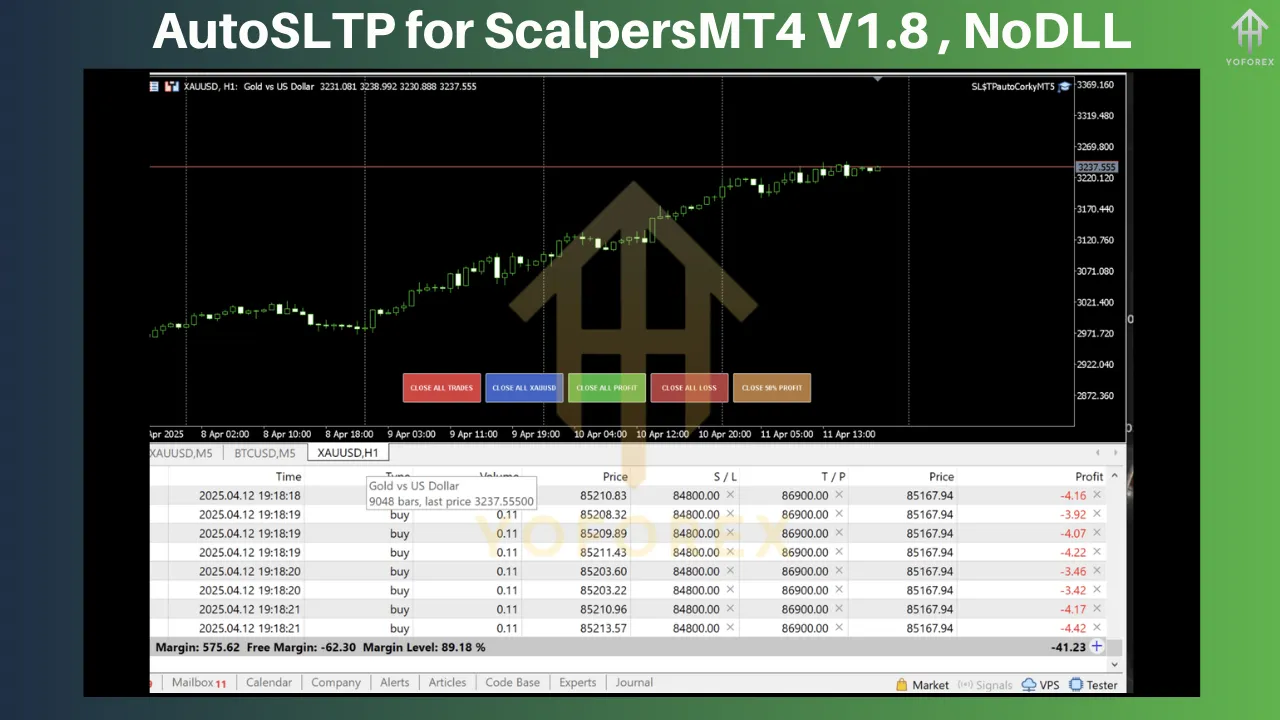
To maximize the effectiveness of AutoSLTP for ScalpersMT4 V1.8, consider the following settings for popular scalping pairs:
-
EUR/USD (M5):
-
StopLoss: 5 pips
-
TakeProfit: 10 pips
-
TrailingStop: 3 pips
-
ProfitLock: 7 pips
-
HiddenSLTP: True
-
-
GBP/USD (M1):
-
StopLoss: 7 pips
-
TakeProfit: 14 pips
-
TrailingStop: 4 pips
-
ProfitLock: 10 pips
-
HiddenSLTP: True
-
-
USD/JPY (M5):
-
StopLoss: 6 pips
-
TakeProfit: 12 pips
-
TrailingStop: 3 pips
-
ProfitLock: 8 pips
-
HiddenSLTP: True
-
These settings are starting points. Adjust them based on your risk tolerance, account size, and market conditions.
Benefits of Using AutoSLTP for ScalpersMT4 V1.8
-
Time-Saving: Automating SL and TP frees up time for chart analysis and trade execution.
-
Improved Discipline: The EA enforces your risk management rules, reducing impulsive decisions.
-
Enhanced Profitability: Features like trailing stops and profit locks help capture more gains during favorable moves.
-
Versatility: Suitable for both novice and experienced scalpers, with customizable settings to match any trading style.
-
Broker Protection: Hidden SL and TP levels safeguard your trades from potential broker interference.
Tips for Maximizing AutoSLTP Performance
-
Trade During High Liquidity: Scalping works best during the London and New York sessions when spreads are tight, and volatility is high.
-
Monitor News Events: Avoid trading during major news releases unless your strategy accounts for high volatility.
-
Use a VPS: A Virtual Private Server ensures the EA runs 24/7 without interruptions, critical for scalping.
-
Regularly Review Settings: Market conditions change, so periodically adjust SL, TP, and trailing stop levels to stay aligned with current trends.
-
Combine with a Scalping Strategy: AutoSLTP is a risk management tool, not a trading system. Pair it with a proven scalping strategy, such as breakout or momentum trading, for best results.
Potential Risks and Considerations
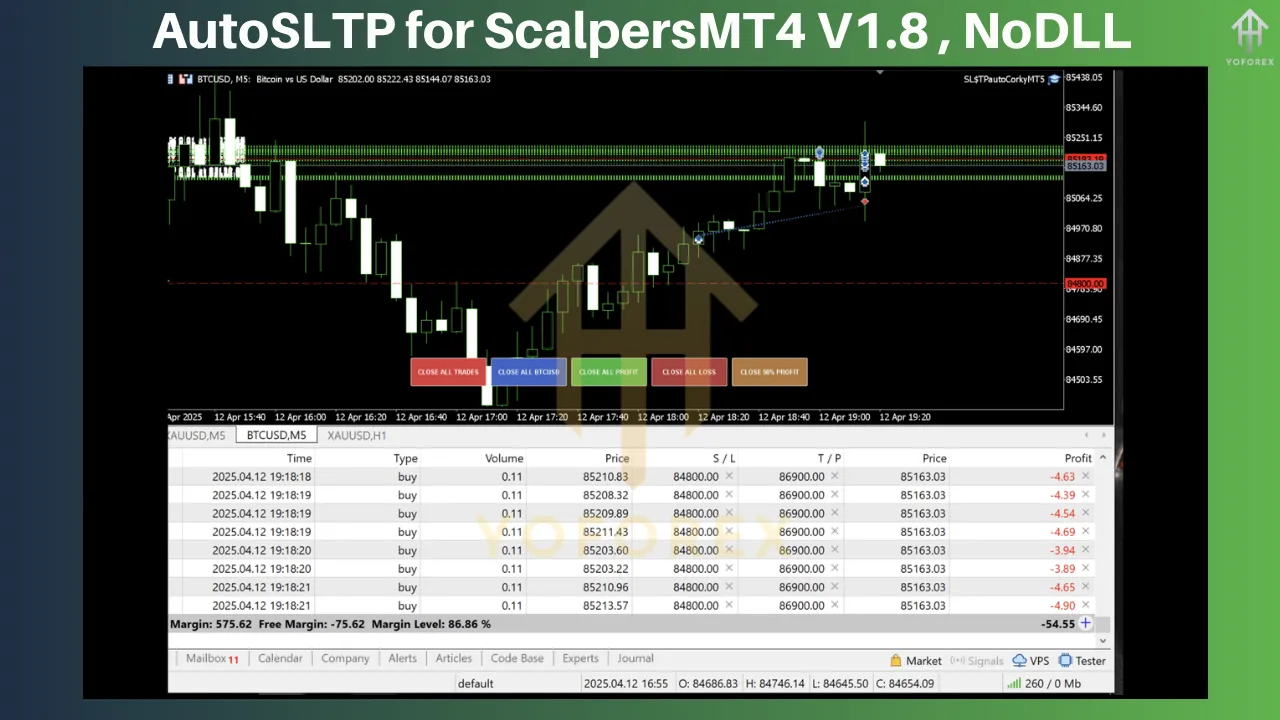
While AutoSLTP for ScalpersMT4 V1.8 is a powerful tool, scalping carries inherent risks. Here are some considerations:
-
Broker Spreads: Scalping requires low spreads. Ensure your broker offers competitive spreads on your chosen pairs.
-
Slippage: In fast-moving markets, slippage can affect trade execution. Test the EA with your broker to assess its performance.
-
Over-Optimization: Avoid overly aggressive settings (e.g., very tight SL) that may lead to frequent stop-outs.
-
Capital Requirements: Scalping EAs perform best with adequate capital. Start with at least $100, but higher deposits allow for better risk management.
Community Feedback and Performance
AutoSLTP for ScalpersMT4 V1.8 has garnered positive feedback from the trading community, particularly for its reliability and ease of use. Traders on forums like MQL5 and MT4Talk praise its ability to streamline risk management, with many reporting improved consistency in their scalping results. Some users have shared that the trailing stop and profit lock features have significantly boosted their profitability during trending markets. However, success depends on proper configuration and alignment with a robust trading strategy.
Conclusion
AutoSLTP for ScalpersMT4 V1.8 is a must-have tool for forex scalpers looking to automate their risk management and enhance their trading efficiency. With features like automated SL and TP, trailing stops, hidden levels, and profit locks, this EA empowers traders to focus on what matters most: identifying high-probability setups. By combining AutoSLTP with a disciplined scalping strategy and optimal settings, you can unlock the full potential of your trading account.