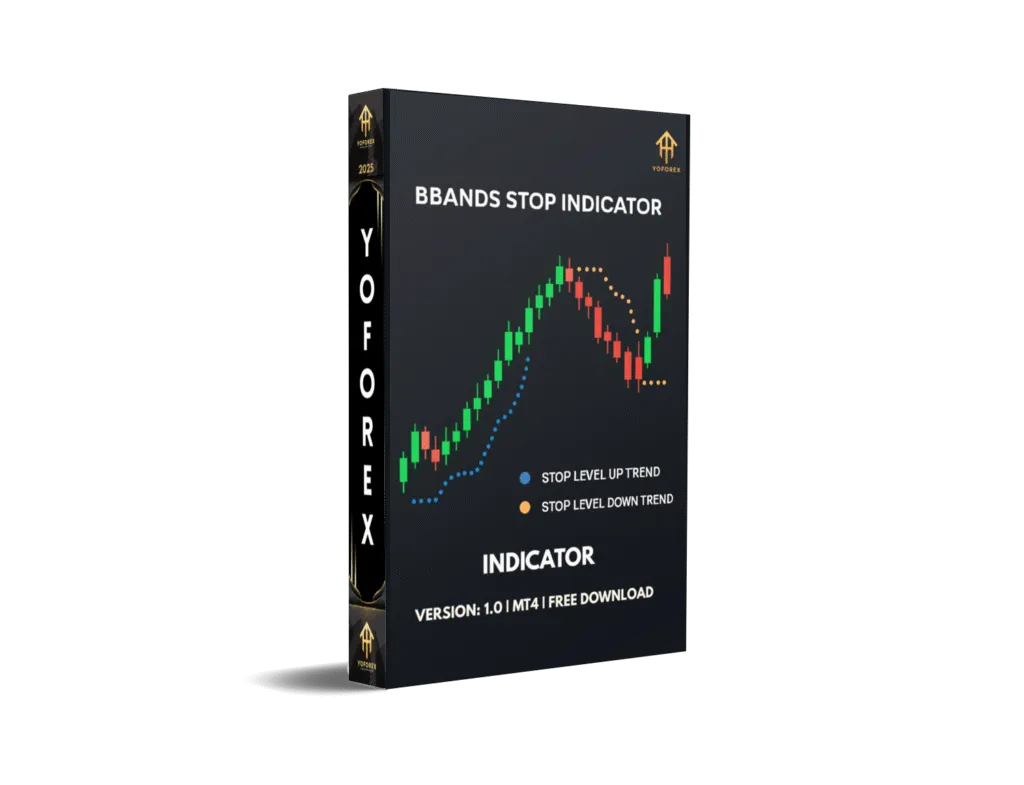
BBand Stop Alert Indicator V1.0 for MetaTrader 4: A Comprehensive Guide
The BBand Stop Alert Indicator V1.0 for MetaTrader 4 (MT4) is a powerful trend-following tool designed to assist forex and stock traders in identifying market trends, potential entry and exit points, and dynamic stop-loss levels. Built upon the principles of Bollinger Bands, this indicator simplifies trend analysis by providing clear buy and sell signals through arrows and stop-loss lines.
What is the BBand Stop Alert Indicator V1.0?
The BBand Stop Alert Indicator is a modified version of the classic Bollinger Bands, tailored for traders who prefer a straightforward approach to trend-following. Unlike traditional Bollinger Bands, which plot upper and lower bands around a moving average to measure volatility, the BBand Stop Alert focuses on trend direction and stop-loss placement. It generates visual signals in the form of arrows (green for buy, yellow for sell) and plots a stop-loss line to guide traders in managing risk.
This indicator is particularly popular among forex traders due to its versatility across different trading styles, including scalping, day trading, and swing trading. It operates on an 8-period price monitoring system, analyzing highs and lows over a specified period, and incorporates a standard deviation period of 1 with backtesting applied to the last 1000 bars.
Key Features of the BBand Stop Alert Indicator
-
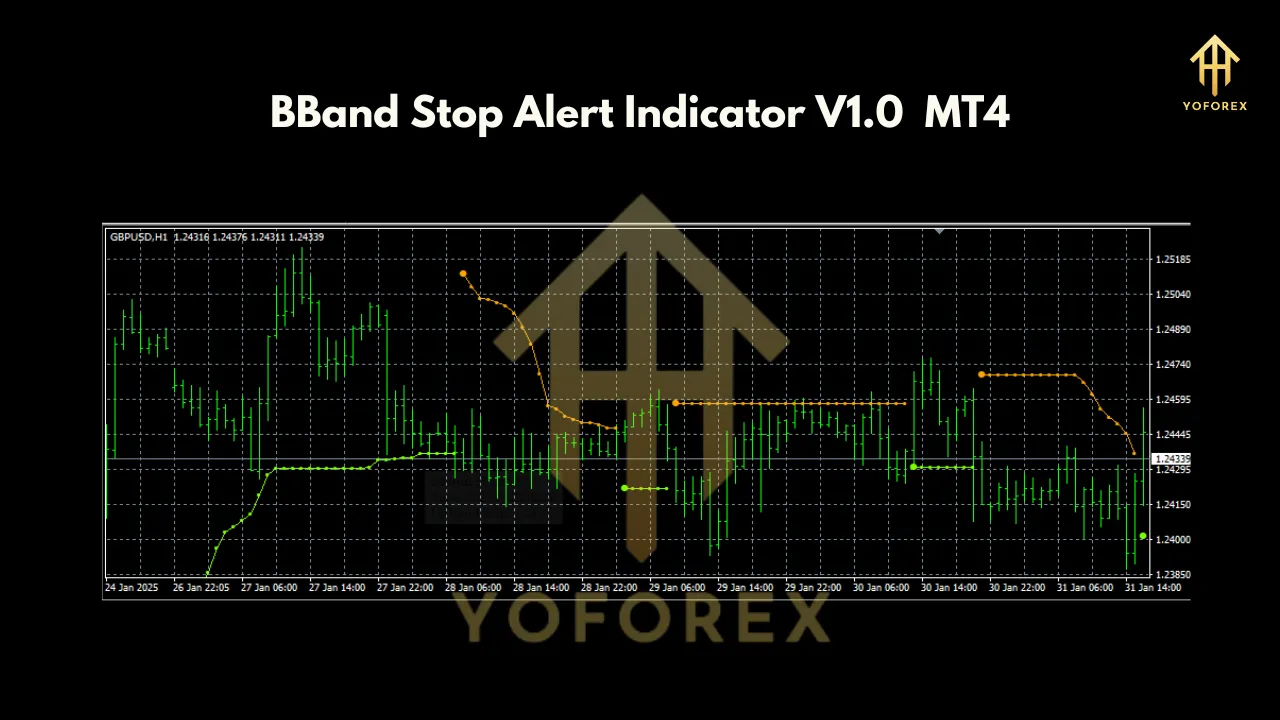
Trend Identification: The indicator signals bullish trends when the price moves above the stop level and bearish trends when it falls below, accompanied by upward or downward arrows.
-
Dynamic Stop-Loss: A stop-loss line (green for buy, yellow for sell) is plotted, allowing traders to trail their stops to lock in profits or minimize losses.
-
Arrow-Based Signals: Green arrows indicate buy opportunities, while yellow arrows signal sell opportunities, making it beginner-friendly.
-
Non-Repainting: The indicator does not repaint, ensuring that signals remain consistent once they appear.
-
Customizable Alerts: Traders can enable email, push notifications, or sound alerts to stay informed of trend changes or signal triggers.
-
Multi-Timeframe Compatibility: Works on all MT4 timeframes, suitable for scalping (e.g., M5, M15) or longer-term trading (e.g., H1, H4).
-
Versatile Application: Can be used as a standalone tool or combined with other indicators or strategies for enhanced accuracy.
How to Install the BBand Stop Alert Indicator on MT4
Installing the BBand Stop Alert Indicator on MetaTrader 4 is straightforward. Follow these steps:
-
Download the Indicator: Obtain the indicator files (.mq4 and .ex4) from a reputable source, such as Best-MetaTrader-Indicators.com or MT4Collection.
-
Access the MT4 Data Folder:
-
Open MT4.
-
Click on File > Open Data Folder.
-
Navigate to the MQL4 > Indicators folder.
-
-
Install the Files: Copy and paste the .mq4 and .ex4 files into the Indicators folder.
-
Restart MT4: Close and reopen MetaTrader 4 to refresh the platform.
-
Attach the Indicator:
-
Right-click on the chart of your chosen currency pair or asset.
-
Select Indicators List > Custom > BBands Stop Alert.
-
Adjust settings (e.g., period, deviation, alert preferences) if needed, or use default parameters.
-
-
Verify Installation: The indicator should now appear on your chart, displaying arrows and stop-loss lines.
To remove the indicator, right-click the chart, select Indicators List, choose BBands Stop Alert, and click Delete.
How the BBand Stop Alert Indicator Works
The BBand Stop Alert Indicator uses an 8-period Bollinger Band framework to monitor price action and detect trend changes. Here’s how it functions:
-
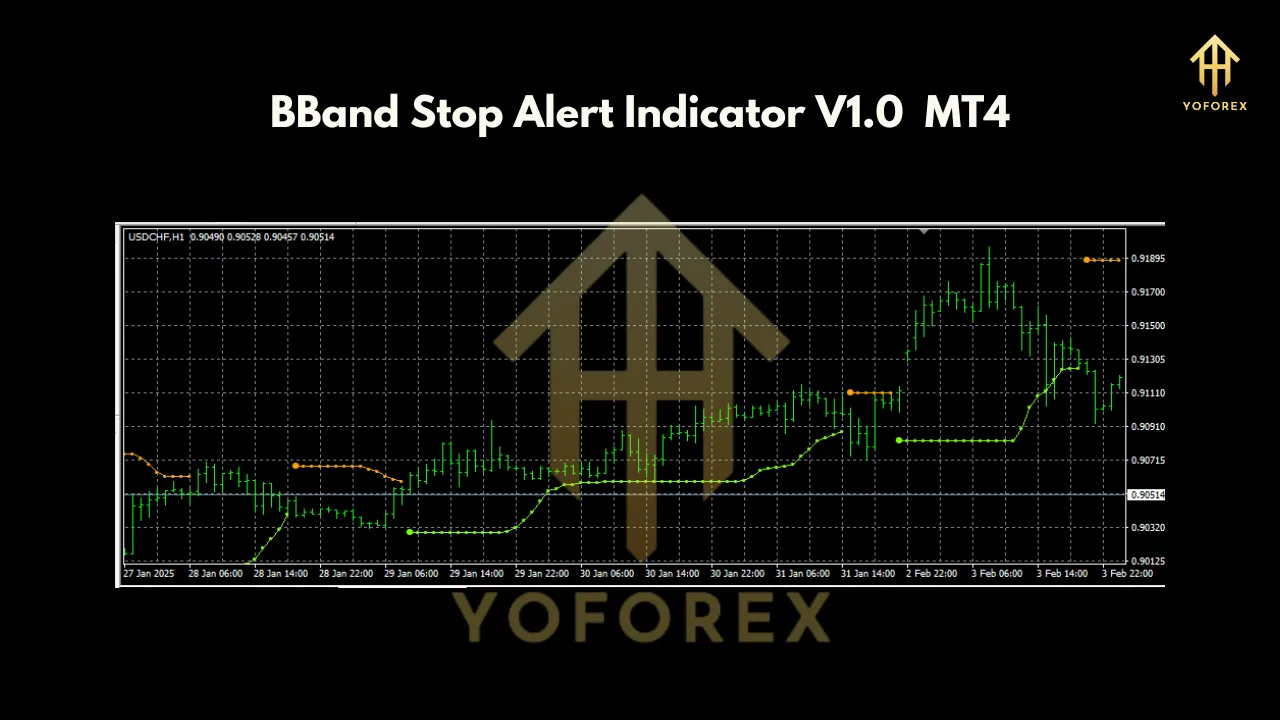
Bullish Signal: When the price closes above the BBand Stop level, a green upward arrow appears below the candle, indicating a potential buy. The green stop-loss line is plotted below the price, serving as a trailing stop.
-
Bearish Signal: When the price closes below the BBand Stop level, a yellow downward arrow appears above the candle, signaling a sell. The yellow stop-loss line is plotted above the price.
-
Trend Continuation: As long as the price remains above (for buy) or below (for sell) the stop level, the trend is considered intact.
-
Reversal or Exit: An opposite arrow (e.g., yellow after green) signals a potential trend reversal or exit point. Traders can close positions or reverse their trades based on their strategy.
The indicator’s alerts (sound, email, or push notifications) ensure traders don’t miss critical signals, even when away from their screens.
Trading Strategies Using the BBand Stop Alert Indicator
1. Standalone Trend-Following Strategy
-
Buy Setup:
-
Wait for a green upward arrow below the candle.
-
Confirm the price is above the green stop-loss line.
-
Enter a buy trade and place the stop-loss just below the green line.
-
Trail the stop-loss as the line moves up.
-
Exit when a yellow downward arrow appears or at a predetermined profit target.
-
-
Sell Setup:
-
Wait for a yellow downward arrow above the candle.
-
Confirm the price is below the yellow stop-loss line.
-
Enter a sell trade and place the stop-loss just above the yellow line.
-
Trail the stop-loss as the line moves down.
-
Exit when a green upward arrow appears or at a target profit level.
-
2. Combining with Candlestick Patterns
Enhance signal accuracy by confirming BBand Stop Alert signals with bullish or bearish candlestick patterns:
-
For a buy signal, look for patterns like a bullish engulfing or hammer near the green arrow.
-
For a sell signal, confirm with patterns like a bearish engulfing or shooting star near the yellow arrow.
-
This approach reduces false signals, especially in choppy markets.
3. Multi-Timeframe Analysis
Use the indicator across multiple timeframes to align signals:
-
On a higher timeframe (e.g., H4), identify the overall trend direction.
-
On a lower timeframe (e.g., M15), time entries using BBand Stop Alert signals in the direction of the higher timeframe trend.
-
This method improves trade precision and risk-reward ratios.
4. Pairing with Other Indicators
Combine the BBand Stop Alert with complementary indicators like:
-
Relative Strength Index (RSI): Avoid overbought/oversold conditions.
-
Moving Averages: Confirm trend direction with a 50-period or 200-period MA.
-
Support/Resistance Levels: Enter trades near key levels for better risk management. This hybrid approach filters out false signals in ranging markets.
Advantages of the BBand Stop Alert Indicator
-
User-Friendly: Clear arrows and stop-loss lines make it accessible for beginners.
-
Versatile: Suitable for scalping, day trading, and swing trading across all MT4 timeframes.
-
Non-Repainting: Reliable signals that don’t change after formation.
-
Customizable Alerts: Stay informed via email, push notifications, or sound alerts.
-
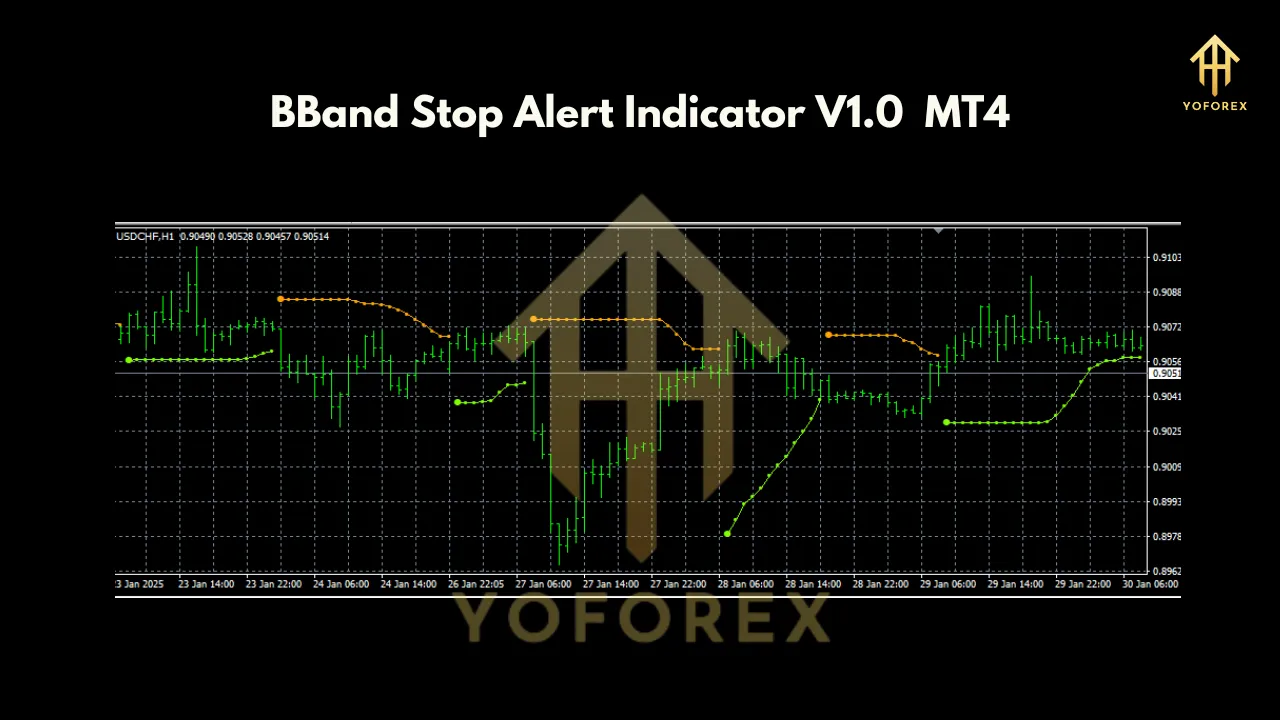
Dynamic Risk Management: Trailing stop-loss lines help lock in profits during strong trends.
Limitations to Consider
-
Ineffective in Ranging Markets: The indicator may produce false signals during sideways market conditions, as it’s optimized for trending markets.
-
Lagging Nature: Like most trend-following indicators, it relies on past price data, which can delay signals in fast-moving markets.
-
Requires Confirmation: To avoid false signals, it’s best used with additional indicators or price action analysis.
-
No Built-In Take-Profit: Traders must define their own profit targets or rely on reversal signals for exits.
Practical Tips for Success
-
Test on a Demo Account: Before using the indicator in live trading, backtest it on a demo account to understand its behavior across different market conditions.
-
Optimize Settings: Experiment with the Bollinger Band period (default is 8) or deviation settings to suit your trading style or asset.
-
Avoid Overtrading: Focus on high-probability setups by combining signals with other technical tools or fundamental analysis.
-
Enable Alerts: Use email or push notifications to stay updated, especially for longer timeframes or when trading multiple pairs.
-
Practice Risk Management: Aim for a risk-to-reward ratio of at least 1:2 and never risk more than 1-2% of your account per trade.
-
Monitor Market Conditions: Avoid using the indicator during low-volatility periods or major news events, as these can lead to whipsaws.
Conclusion
The BBand Stop Alert Indicator V1.0 for MetaTrader 4 is a versatile and user-friendly tool for traders seeking to capitalize on trending markets. Its clear buy/sell signals, dynamic stop-loss lines, and customizable alerts make it an excellent choice for both novice and experienced traders. While it excels in trending conditions, combining it with other indicators or price action analysis can enhance its effectiveness and reduce false signals in ranging markets.
Join our Telegram for the latest updates and support