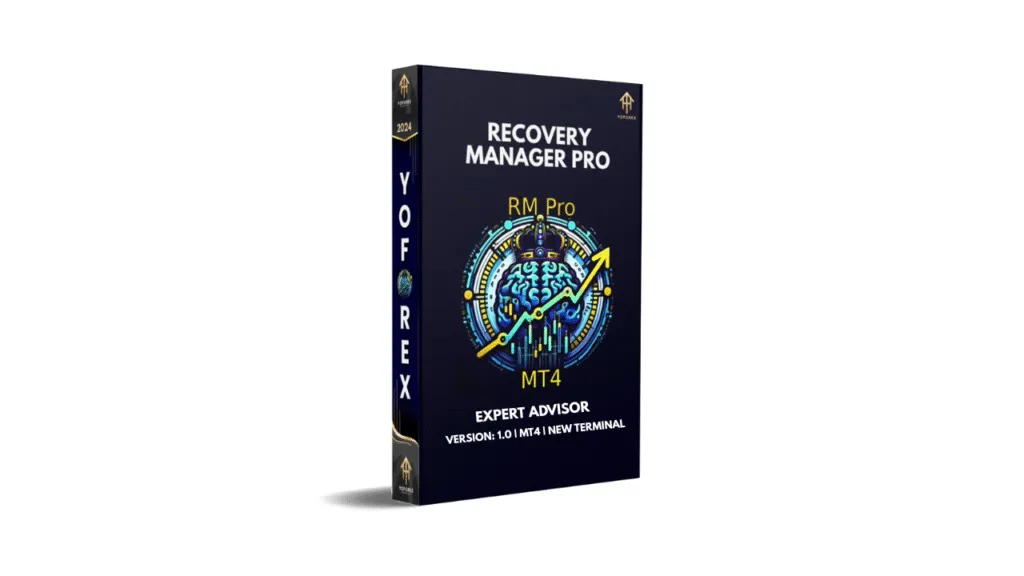
Recovery Manager Pro EA V1.0 MT4: A Comprehensive Guide to Drawdown Recovery
In the fast-paced world of forex trading, managing drawdowns effectively can mean the difference between a thriving account and significant losses. Recovery Manager Pro EA V1.0 for MetaTrader 4 (MT4) is an innovative expert advisor designed to tackle this challenge head-on. This powerful tool automates the recovery of drawdowns from unprofitable positions, whether they stem from other advisors or manually opened orders with features like smart averaging, locking, partial closures, and a unique standby mode. Recovery Manager Pro offers traders a robust solution for restoring their deposits. In this blog post, we’ll explore the features, benefits, and operational mechanics of Recovery Manager Pro EA V1.0 and why it’s a must-have for serious traders.
What is Recovery Manager Pro EA V1.0?
Recovery Manager Pro is an expert advisor (EA) built specifically for the MT4 platform. Its primary function is to recover drawdowns—temporary declines in account balance caused by unprofitable trades. Unlike traditional trading systems that focus solely on generating new trades, Recovery Manager Pro specializes in damage control. It steps in when other advisors or manual trades result in losses, taking over to manage and recover those positions.
The EA operates in two key modes: drawdown recovery mode and standby mode. In recovery mode, it actively manages losing positions by employing strategies like smart averaging, locking, and partial closures. In standby mode, it monitors the account for drawdowns caused by other advisors or manual trades, ready to intervene the moment a predefined loss threshold is reached. This dual functionality makes Recovery Manager Pro a versatile tool for both proactive and reactive trading strategies.
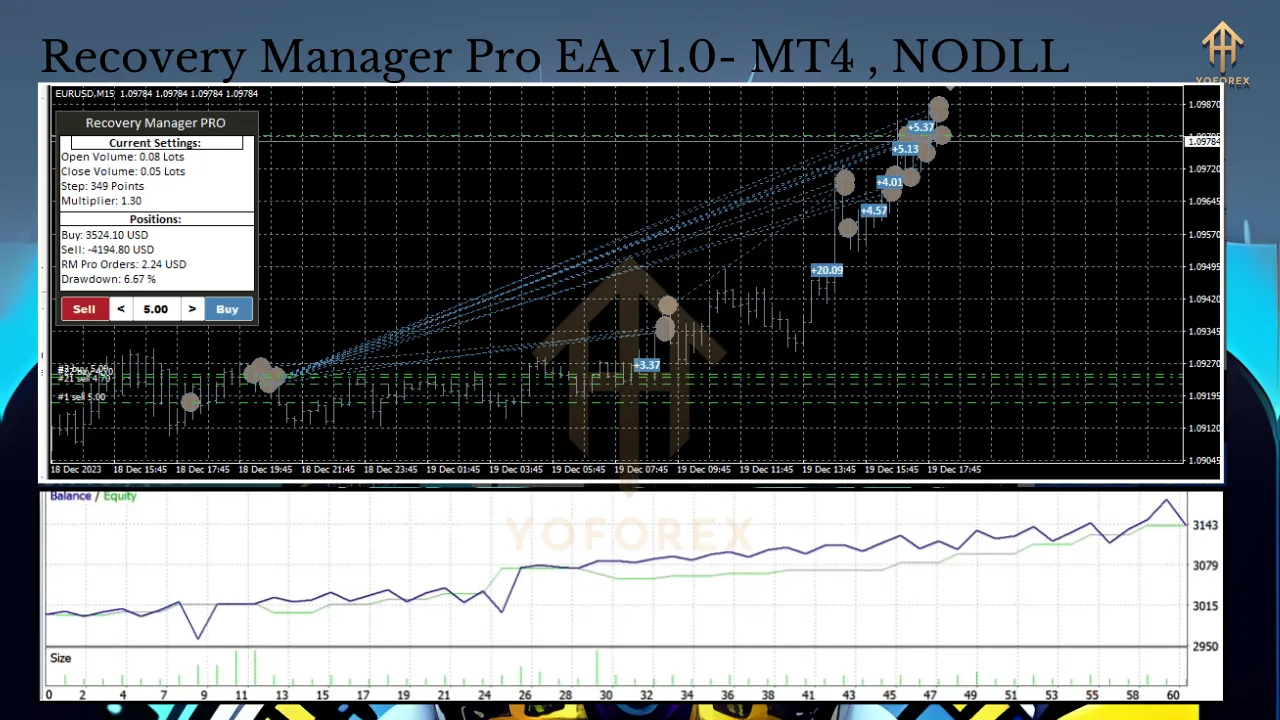
Key Features of Recovery Manager Pro
Recovery Manager Pro is packed with features that make it a standout choice for traders looking to safeguard their accounts. Below are its core capabilities:
1. Drawdown Recovery for Unprofitable Positions
The EA is designed to restore losses from unprofitable trades, whether they originate from another advisor or manual orders. By taking control of these positions, it minimizes further losses and works to recover the account balance.
2. Standby Mode for Automated Intervention
One of the most innovative aspects of Recovery Manager Pro is its standby mode. In this mode, the EA remains dormant until it detects a drawdown from another advisor or manual trade. Once triggered, it disables the offending advisor, locks the losing position, and begins the recovery process.
3. Smart Averaging and Partial Closures
Recovery Manager Pro uses a sophisticated averaging strategy to manage losing positions. It opens additional orders to average down the entry price, reducing the overall loss. These positions are then partially closed as the market moves in a favorable direction, locking in profits incrementally.
4. Locking Mechanism
To protect the account from further drawdowns, the EA employs a locking strategy. This involves opening offsetting positions to neutralize market exposure, allowing the recovery process to proceed without additional risk.
5. Custom Trend Indicator
Every buyer of Recovery Manager Pro receives a custom trend indicator as a bonus. This indicator, based on moving averages, helps the EA make trend-aligned decisions, ensuring that recovery trades are placed in the context of the broader market direction.
6. Risk-Based Automatic Adjustment
The EA allows traders to set their preferred risk level, and it automatically adjusts its trading parameters accordingly. This ensures that the recovery process aligns with the trader’s risk tolerance and account size.
7. Versatility with Single Orders and Grids
Recovery Manager Pro is flexible enough to handle both single unprofitable orders and complex grids of trades. This makes it suitable for a wide range of trading strategies and scenarios.
8. Symbol-Specific Operation
The EA operates on the current symbol, ensuring that recovery efforts are focused on the specific market where the drawdown occurred. This targeted approach enhances efficiency and effectiveness.
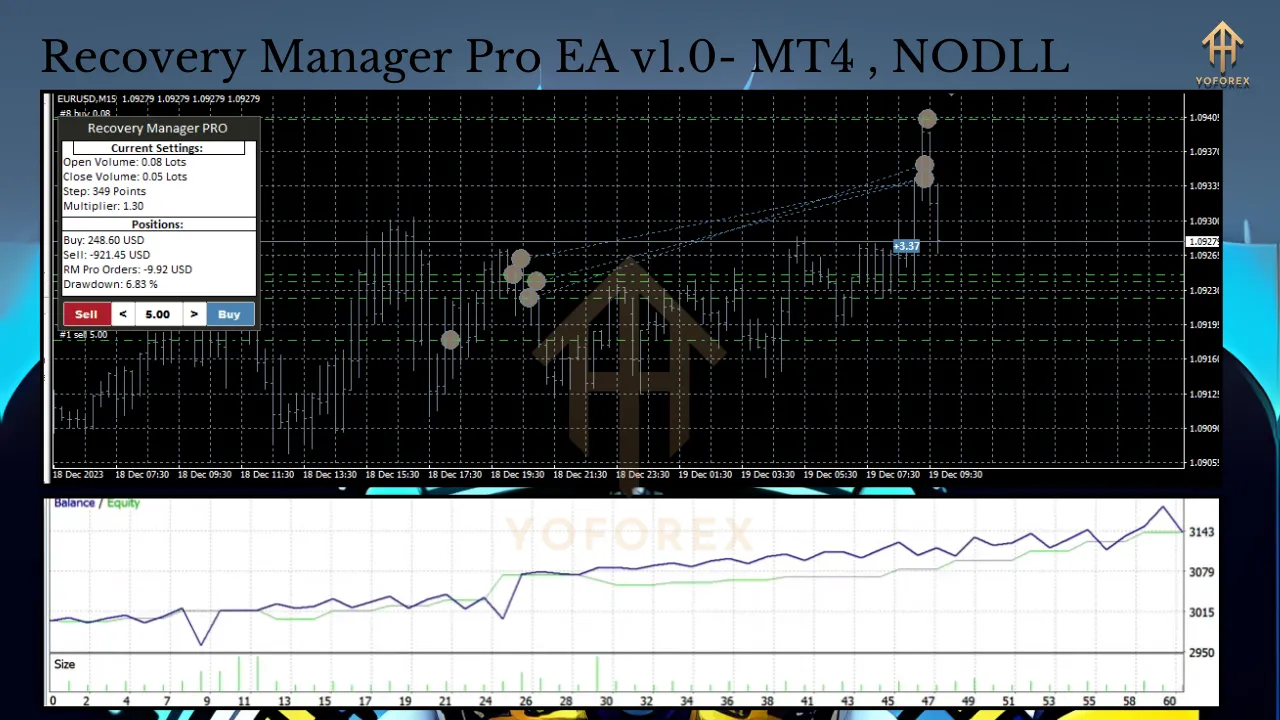
How Recovery Manager Pro Works
To understand the value of Recovery Manager Pro, it’s important to grasp how it operates in real-world trading scenarios. Here’s a step-by-step breakdown of its process:
-
Monitoring and Detection: In standby mode, the EA continuously monitors the account for drawdowns. Traders can set a specific drawdown threshold (e.g., a percentage of account balance) to trigger the EA’s intervention.
-
Disabling Other Advisors: If a drawdown is detected from another advisor, Recovery Manager Pro disables that advisor to prevent further losses. This ensures that the recovery process is not disrupted by conflicting trades.
-
Locking the Position: The EA locks the losing position by opening an offsetting trade. This neutralizes market exposure, allowing the EA to manage the position without additional risk.
-
Smart Averaging: Recovery Manager Pro opens averaging orders to reduce the average entry price of the losing position. These orders are strategically placed based on the custom trend indicator, ensuring alignment with market direction.
-
Partial Closures: As the market moves in a favorable direction, the EA closes portions of the averaged positions at a profit. This incremental approach locks in gains and gradually reduces the drawdown.
-
Restoration Complete: The process continues until the account balance is restored to its pre-drawdown level or a predefined target is reached. The EA then either resumes standby mode or continues managing other positions as needed.
Benefits of Using Recovery Manager Pro
Recovery Manager Pro offers several advantages that make it an essential tool for forex traders:
-
Automated Recovery: The EA eliminates the need for manual intervention, saving traders time and reducing emotional stress during drawdowns.
-
Protection Against Losses: By disabling faulty advisors and locking positions, the EA prevents further damage to the account.
-
Customizable Risk Management: Traders can tailor the EA’s settings to match their risk tolerance, ensuring a personalized recovery strategy.
-
Enhanced Decision-Making: The included custom trend indicator provides valuable market context, improving the accuracy of recovery trades.
-
Versatility: The EA’s ability to handle both single orders and grids makes it suitable for various trading styles and account sizes.
Who Should Use Recovery Manager Pro?
Recovery Manager Pro is ideal for a wide range of traders, including:
-
Algorithmic Traders: Those using multiple EAs can benefit from Recovery Manager Pro’s ability to monitor and recover drawdowns caused by other advisors.
-
Manual Traders: Traders who open positions manually can use the EA to manage losses and recover their accounts.
-
Risk-Conscious Traders: The EA’s customizable risk settings make it suitable for traders who prioritize capital preservation.
-
Busy Professionals: With its fully automated operation, Recovery Manager Pro is perfect for traders who lack the time to monitor their accounts constantly.
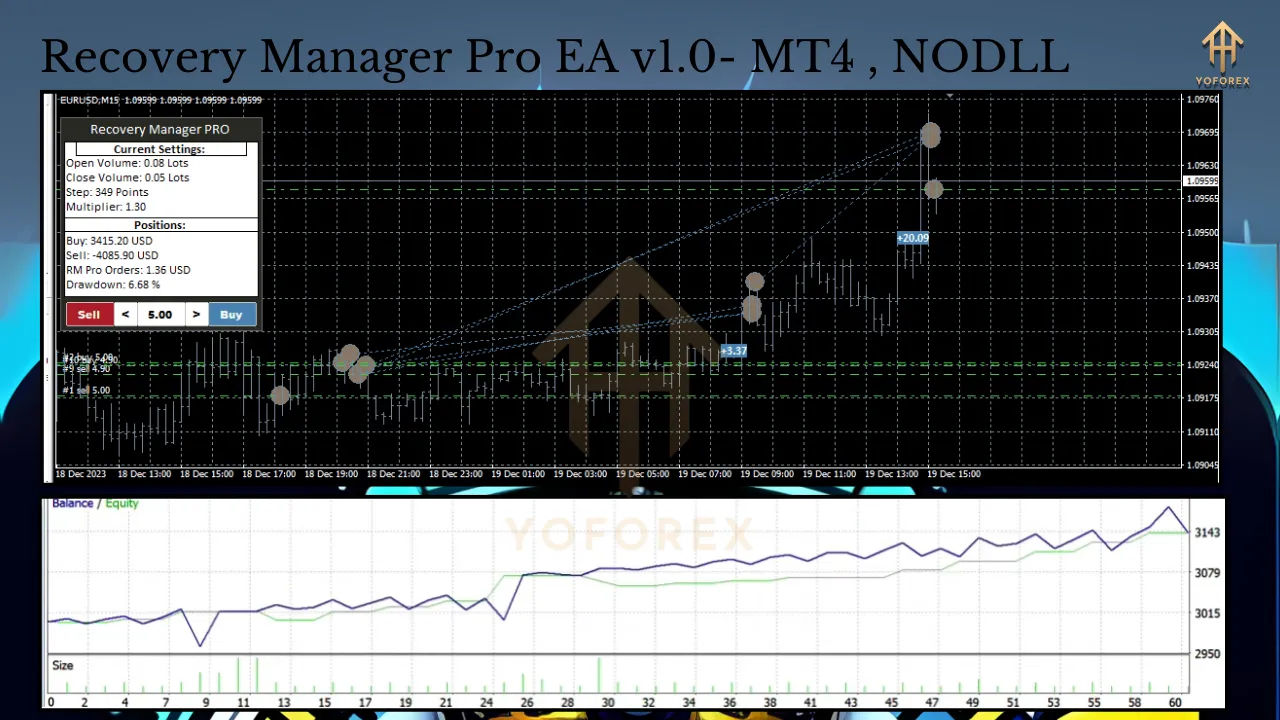
Getting Started with Recovery Manager Pro
To start using Recovery Manager Pro EA V1.0, follow these steps:
-
Purchase and Download: Acquire the EA from a reputable marketplace or vendor. Ensure you receive the custom trend indicator as part of the package.
-
Install on MT4: Add the EA to your MT4 platform by placing it in the “Experts” folder. Attach it to the desired chart.
-
Configure Settings: Set your preferred risk level, drawdown threshold, and other parameters. Customize the EA to align with your trading goals.
-
Activate Standby Mode: Enable standby mode to allow the EA to monitor your account for drawdowns.
-
Monitor Performance: Regularly check the EA’s performance and adjust settings as needed to optimize recovery efforts.
Tips for Maximizing Recovery Manager Pro’s Effectiveness
To get the most out of Recovery Manager Pro, consider the following tips:
-
Test on a Demo Account: Before using the EA on a live account, test it in a demo environment to understand its behavior and fine-tune settings.
-
Combine with Reliable Advisors: Pair Recovery Manager Pro with well-tested EAs to minimize the frequency of drawdowns.
-
Stay Informed: Use the custom trend indicator to stay aware of market trends, which can enhance the EA’s recovery decisions.
-
Regularly Review Settings: Periodically reassess your risk settings to ensure they align with your current account size and market conditions.
Conclusion
Recovery Manager Pro EA V1.0 for MT4 is a game-changer for forex traders looking to protect and recover their accounts from drawdowns. With its smart averaging, locking, partial closures, and unique standby mode, the EA offers a comprehensive solution for managing losses. Whether you’re an algorithmic trader, a manual trader, or simply someone who values automation, Recovery Manager Pro delivers the tools you need to safeguard your capital and restore your account balance. By leveraging its custom trend indicator and risk-based adjustments, you can trade with greater confidence, knowing that Recovery Manager Pro has your back. Add this powerful EA to your MT4 arsenal today and take control of your trading future.
Join our Telegram for the latest updates and support