Aurora MultiTimeframe Pro EA V1.0 MT4: A Comprehensive Guide to Automated Forex Trading
The world of forex trading is dynamic, fast-paced, and often overwhelming for both novice and experienced traders. With the rise of automated trading systems, Expert Advisors (EAs) have become a game-changer, offering traders the ability to execute strategies with precision and efficiency. One such tool gaining attention is the Aurora MultiTimeframe Pro EA V1.0 for the MetaTrader 4 (MT4) platform. This blog dives deep into the features, benefits, strategies, and considerations of using this EA, providing a thorough understanding of its potential in the forex market.
What is Aurora MultiTimeframe Pro EA V1.0?
The Aurora MultiTimeframe Pro EA V1.0 is an automated trading robot designed to operate on the MT4 platform, one of the most popular trading platforms in the forex industry. This EA leverages a multi-timeframe analysis approach, combining data from various timeframes to make informed trading decisions. By analyzing price action, trends, and technical indicators across multiple timeframes, the EA aims to identify high-probability trade setups while minimizing risks.
Unlike manual trading, which requires constant monitoring and emotional discipline, the Aurora MultiTimeframe Pro EA executes trades based on pre-programmed algorithms, removing human emotions from the equation. This makes it an attractive option for traders seeking consistency and efficiency in their trading endeavors.
Key Features of Aurora MultiTimeframe Pro EA
The Aurora MultiTimeframe Pro EA stands out due to its robust feature set, tailored to enhance trading performance. Below are some of its key features:
1. Multi-Timeframe Analysis
The core strength of this EA lies in its ability to analyze multiple timeframes simultaneously (e.g., M5, M15, H1, H4, D1). This approach ensures that trades are aligned with the broader market trend while capturing short-term opportunities. For example, it may use a higher timeframe (H4) to confirm the overall trend direction and a lower timeframe (M15) to pinpoint precise entry and exit points.
2. Advanced Risk Management
Risk management is critical in forex trading, and the Aurora EA incorporates sophisticated tools to protect capital. Features include:
-
Stop Loss and Take Profit: Each trade is equipped with predefined stop-loss and take-profit levels to limit losses and secure profits.
-
Trailing Stops: The EA dynamically adjusts stop-loss levels as the trade moves in a favorable direction, locking in profits.
-
Lot Size Customization: Traders can adjust lot sizes based on their account balance and risk tolerance, ensuring proportional risk allocation.
3. Customizable Trading Strategies
The EA supports multiple trading strategies, such as trend-following, scalping, and swing trading. Users can customize parameters to align with their preferred trading style, market conditions, and risk appetite. This flexibility makes it suitable for various currency pairs and market environments.
4. Technical Indicator Integration
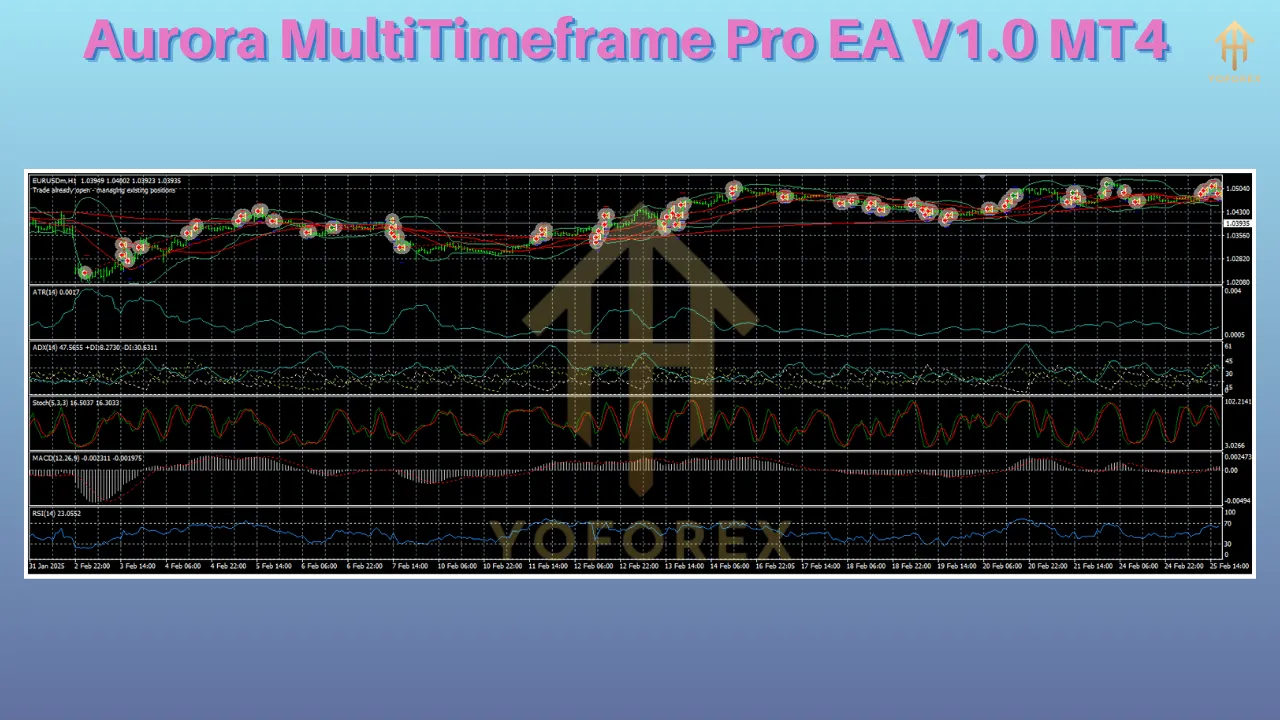
Aurora MultiTimeframe Pro EA integrates popular technical indicators like Moving Averages, Relative Strength Index (RSI), Bollinger Bands, and MACD. These indicators help identify trends, overbought/oversold conditions, and potential reversals, enhancing the accuracy of trade signals.
5. Broker Compatibility
The EA is compatible with any MT4 broker, including ECN, STP, and market maker brokers. It supports various account types (standard, micro, cent) and requires no minimum deposit, making it accessible to traders with different capital levels.
6. User-Friendly Interface
Despite its advanced capabilities, the EA is designed with ease of use in mind. It comes with detailed setup instructions and a user manual, allowing traders to install and configure it quickly. The EA can be set to fully automated or manual mode, giving users control over trade execution.
7. Backtesting and Optimization
The EA supports backtesting in the MT4 Strategy Tester, enabling traders to evaluate its performance using historical data. This feature is crucial for optimizing settings and ensuring the EA performs well under different market conditions.
How Does Aurora MultiTimeframe Pro EA Work?
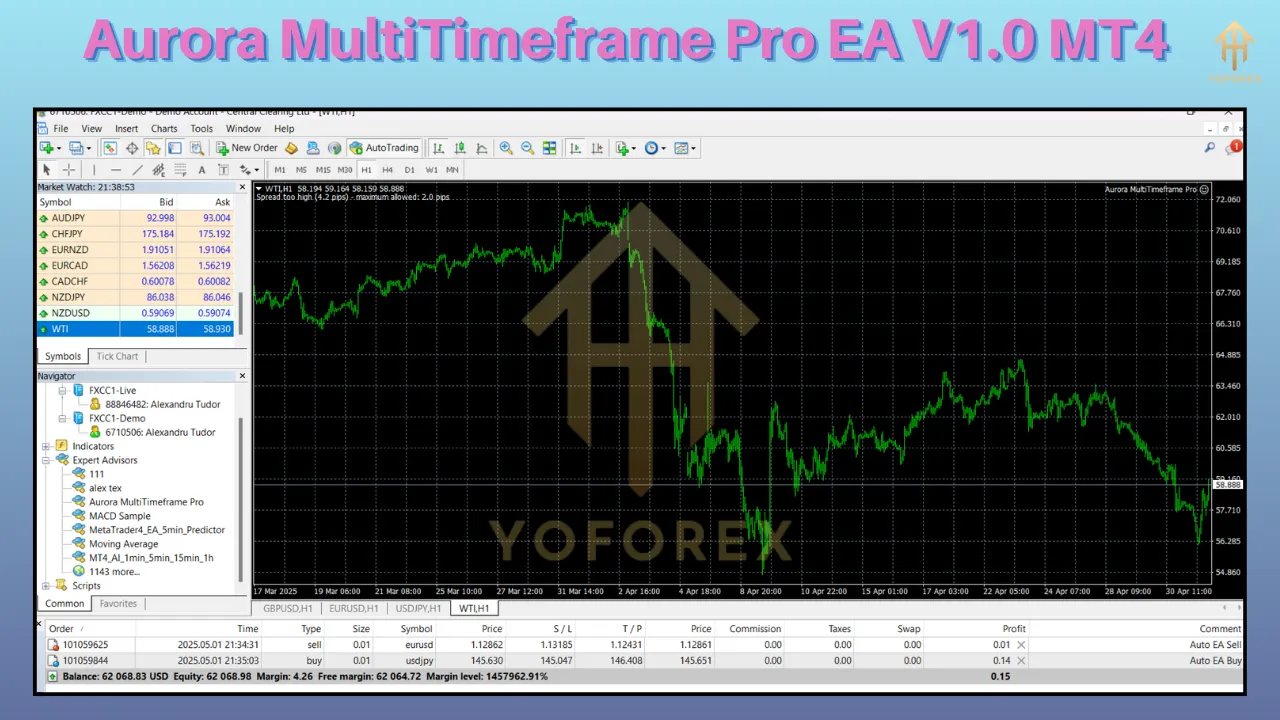
The Aurora MultiTimeframe Pro EA operates by analyzing market data and executing trades based on predefined rules. Here’s a step-by-step breakdown of its functionality:
-
Market Analysis: The EA scans multiple timeframes to assess price action, trends, and indicator signals. For instance, it may confirm a bullish trend on the H4 chart and look for a pullback on the M15 chart to enter a buy trade.
-
Signal Generation: Based on its algorithm, the EA generates buy or sell signals when specific conditions are met (e.g., a crossover of moving averages or an RSI divergence).
-
Trade Execution: Once a signal is confirmed, the EA automatically places a trade with predefined parameters, such as lot size, stop loss, and take profit.
-
Trade Management: The EA monitors open trades, adjusting stop-loss levels (via trailing stops) or closing trades when the target profit or loss is reached.
-
Continuous Monitoring: The EA runs 24/5, analyzing market conditions and adapting to changes in volatility or trend direction.
Benefits of Using Aurora MultiTimeframe Pro EA
1. Time Efficiency
Manual trading requires hours of chart analysis and trade monitoring. The Aurora EA automates these tasks, allowing traders to focus on strategy development or other activities while the EA handles trading.
2. Emotion-Free Trading
Emotional biases, such as fear or greed, often lead to poor trading decisions. The EA follows a disciplined, rule-based approach, ensuring consistent execution without emotional interference.
3. Consistency and Scalability
The EA can trade multiple currency pairs and timeframes simultaneously, scaling trading operations without additional effort. Its consistent application of rules enhances long-term performance.
4. Accessibility for All Traders
Whether you’re a beginner with limited trading knowledge or an experienced trader seeking automation, the EA’s customizable settings and user-friendly design cater to all skill levels.
5. Backtested Reliability
The ability to backtest the EA with real tick data ensures traders can assess its historical performance and optimize settings for better results, increasing confidence in its reliability.
Potential Risks and Considerations
While the Aurora MultiTimeframe Pro EA offers significant advantages, it’s essential to understand the risks and limitations associated with automated trading:
1. Market Risk
No EA is immune to market volatility or unexpected events (e.g., economic news releases). The EA’s performance may vary during high-impact news events, requiring traders to enable news filters or pause trading.
2. Over-Optimization
Excessive optimization during backtesting can lead to “curve-fitting,” where the EA performs well on historical data but poorly in live trading. Traders should use realistic settings and test the EA on a demo account first.
3. Broker Dependency
The EA’s performance can be influenced by broker conditions, such as spreads, slippage, and execution speeds. Choosing a reputable ECN/STP broker with low spreads is crucial for optimal results.
4. Technical Requirements
The EA requires a stable internet connection and a Virtual Private Server (VPS) for uninterrupted operation. Any technical issues, such as platform crashes or power outages, can disrupt trading.
5. No Guaranteed Profits
While the EA aims to maximize profits, forex trading inherently involves risks, and losses are possible. Traders should only risk capital they can afford to lose and avoid aggressive settings.
Setting Up Aurora MultiTimeframe Pro EA
Installing and configuring the EA is straightforward. Follow these steps:
-
Download and Install MT4: Ensure you have the MT4 platform installed from a reputable broker.
-
Acquire the EA: Purchase or download the Aurora MultiTimeframe Pro EA from a trusted source.
-
Install the EA: Copy the EA file (.ex4 or .mq4) to the “Experts” folder in the MT4 directory.
-
Attach to Chart: Open MT4, drag the EA onto a chart of your chosen currency pair and timeframe, and configure the settings (e.g., lot size, risk level, indicators).
-
Enable Auto-Trading: Activate the “AutoTrading” button in MT4 and ensure the EA is running.
-
Test on Demo Account: Run the EA on a demo account for at least 14 days to evaluate its performance before transitioning to a live account.
Performance Expectations
The performance of the Aurora MultiTimeframe Pro EA depends on various factors, including market conditions, broker settings, and user configurations. Based on general EA performance trends, traders can expect:
-
Profit Potential: With conservative settings, the EA may achieve 5-15% monthly returns, while aggressive settings could yield higher returns (with increased risk).
-
Drawdown: A well-optimized EA typically maintains a drawdown below 20%, though this varies based on strategy and market volatility.
-
Win Rate: The EA’s multi-timeframe approach and indicator-based signals often result in a win rate of 60-80%, depending on settings.
To maximize performance, traders should backtest the EA with real tick data, optimize settings for their preferred currency pairs, and monitor live results regularly.
Comparison with Other EAs
The Aurora MultiTimeframe Pro EA competes with popular EAs like Forex Fury, Waka Waka, and Forex Robotron. Here’s how it stacks up:
-
Forex Fury: Known for its high win rate (93%) and scalping strategy, Forex Fury is ideal for low-risk traders but may lack the multi-timeframe depth of Aurora.
-
Waka Waka: This grid-based EA boasts a 61-month profitable track record but is pricier ($1,800-$2,000) and riskier due to its strategy. Aurora offers more flexibility at a potentially lower cost.
-
Forex Robotron: With over 15 years of backtesting, Robotron excels in multi-currency trading but focuses on five-minute timeframes, unlike Aurora’s multi-timeframe approach.
Aurora’s unique selling point is its ability to combine multi-timeframe analysis with customizable strategies, making it versatile for various trading styles.
Tips for Success with Aurora MultiTimeframe Pro EA
-
Start with a Demo Account: Test the EA thoroughly to understand its behavior and fine-tune settings.
-
Use a VPS: Ensure uninterrupted trading with a reliable VPS to keep the EA online 24/5.
-
Monitor Performance: Regularly review trade results and adjust settings to adapt to changing market conditions.
-
Choose a Low-Spread Broker: Opt for an ECN/STP broker to minimize trading costs and improve execution.
-
Avoid Overleveraging: Stick to conservative risk settings to protect your account from significant drawdowns.
Conclusion
The Aurora MultiTimeframe Pro EA V1.0 for MT4 is a powerful tool for traders seeking to automate their forex trading strategies. Its multi-timeframe analysis, advanced risk management, and customizable settings make it a versatile choice for both beginners and seasoned traders. While it offers significant benefits, such as time efficiency and emotion-free trading, traders must remain mindful of market risks and the importance of proper setup and optimization.
By testing the EA on a demo account, choosing a reliable broker, and adhering to sound risk management principles, traders can unlock the full potential of the Aurora MultiTimeframe Pro EA. Whether you’re aiming for steady growth or aggressive profits, this EA provides the tools to navigate the complex forex market with confidence.
Disclaimer: Forex trading involves high risk, and past performance is not indicative of future results. Always trade with funds you can afford to lose and conduct thorough research before using any automated trading system.