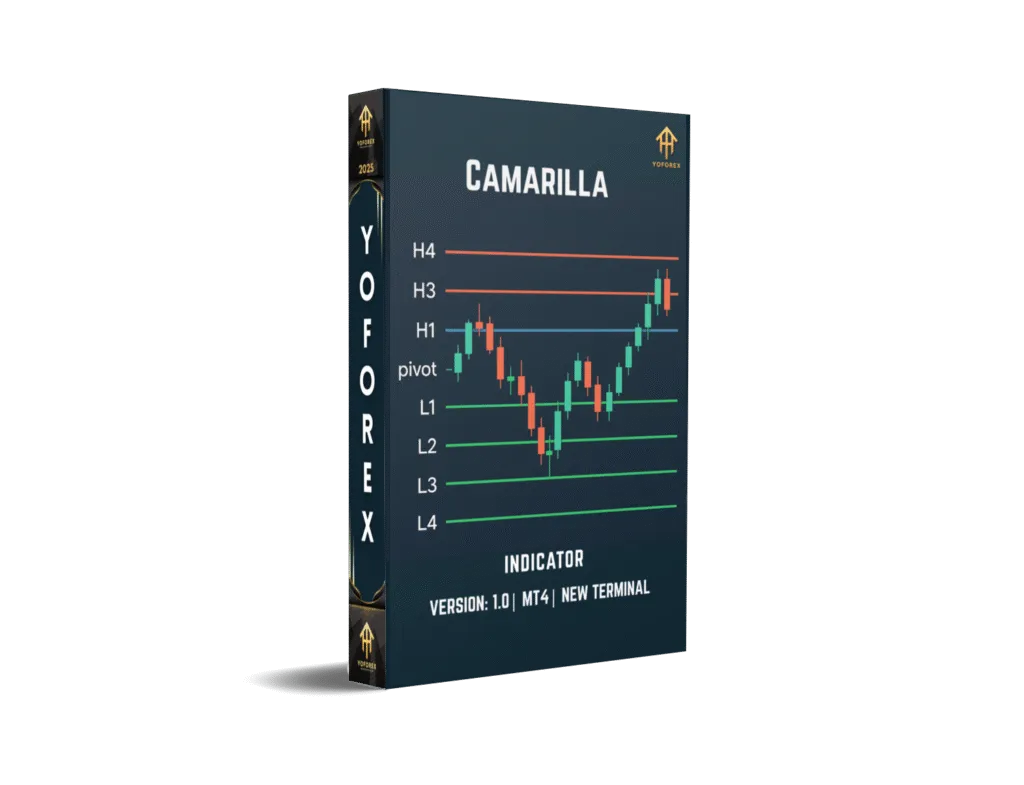
Mastering Forex Trading with Camarilla Indicator V1.0 on MT4 for EURUSD
The forex market is a dynamic and fast-paced environment where traders seek tools to gain an edge. One such tool is the Camarilla Indicator V1.0 for MetaTrader 4 (MT4), a powerful pivot point-based indicator designed to identify key support and resistance levels. This blog post explores how to use the Camarilla Indicator V1.0 on the EURUSD currency pair across M15, M10, M5, and M1 timeframes with a minimum deposit of $200. We’ll cover its features, setup, trading strategies, risk management, and practical tips to help you succeed in forex trading.
What is the Camarilla Indicator?
The Camarilla Indicator, based on the Camarilla Equation developed by bond trader Nick Stott in 1989, is a technical analysis tool that calculates pivot points to identify potential support and resistance levels. Unlike traditional pivot points, the Camarilla Indicator provides a tighter range of levels, making it ideal for intraday trading and scalping. It generates eight levels (four resistance levels, R1–R4, and four support levels, S1–S4) based on the previous day’s high, low, and close prices. These levels help traders identify breakout, reversal, and range-bound opportunities.
The Camarilla Indicator V1.0 for MT4 is a free, customizable version that integrates seamlessly with the MetaTrader 4 platform. It’s particularly effective for volatile currency pairs like EURUSD, and its compatibility with lower timeframes (M15, M10, M5, M1) makes it suitable for scalpers and day traders.
Why Choose EURUSD and Low Timeframes?
The EURUSD is the most traded currency pair in the forex market, known for its high liquidity, tight spreads, and responsiveness to technical indicators. These characteristics make it an excellent choice for the Camarilla Indicator, which thrives in volatile, liquid markets. The M15, M10, M5, and M1 timeframes are ideal for short-term trading strategies, allowing traders to capitalize on rapid price movements. However, these lower timeframes come with challenges, such as increased market noise and the influence of market makers, which we’ll address later.
Setting Up Camarilla Indicator V1.0 on MT4
To get started, follow these steps to install and configure the Camarilla Indicator V1.0 on MT4:
-
Download the Indicator: Find a reliable source for the Camarilla Indicator V1.0 (e.g., MQL5 or forex forums). Ensure you download the .mq4 or .ex4 file.
-
Install on MT4:
-
Open MT4 and click File > Open Data Folder.
-
Navigate to MQL4 > Indicators and copy the indicator file into this folder.
-
Restart MT4.
-
-
Apply to Chart:
-
Open a EURUSD chart on the desired timeframe (M15, M10, M5, or M1).
-
Go to Insert > Indicators > Custom and select “Camarilla Indicator V1.0.”
-
Adjust settings, such as calculation period (daily is recommended) and level depth (default is 1–4).
-
-
Customize Appearance: Modify line colors and styles for clarity on the chart.
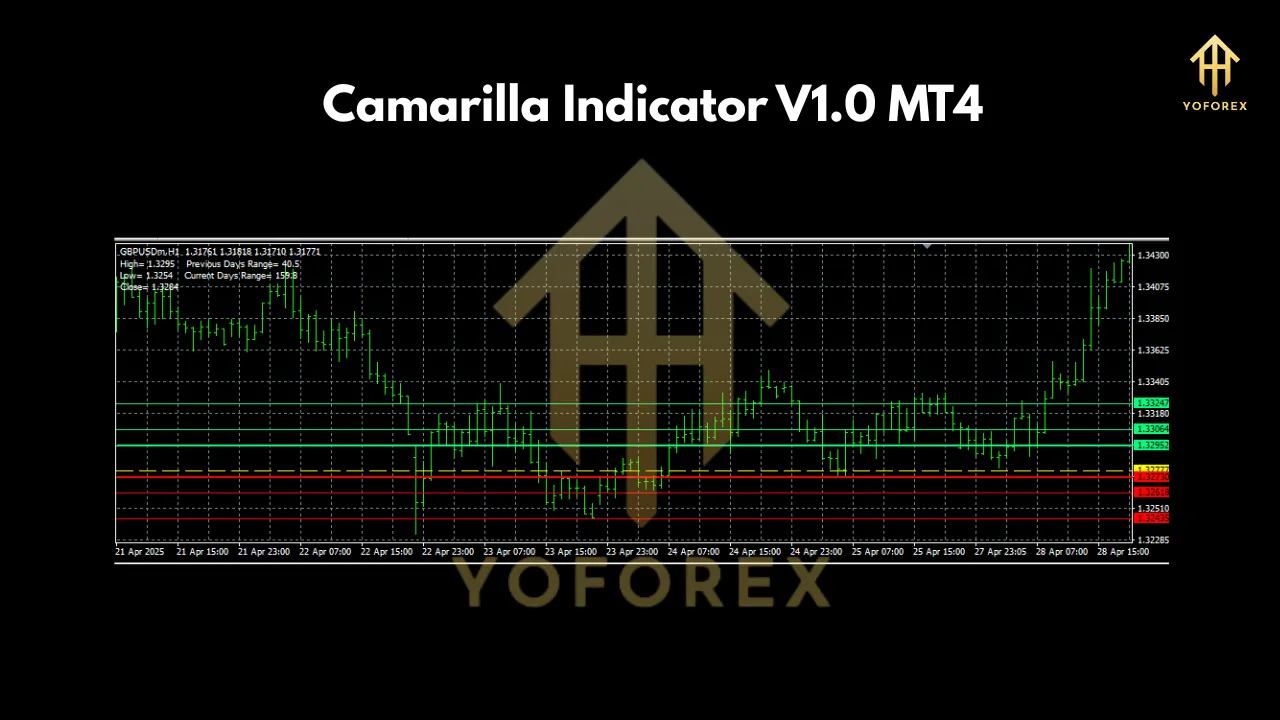
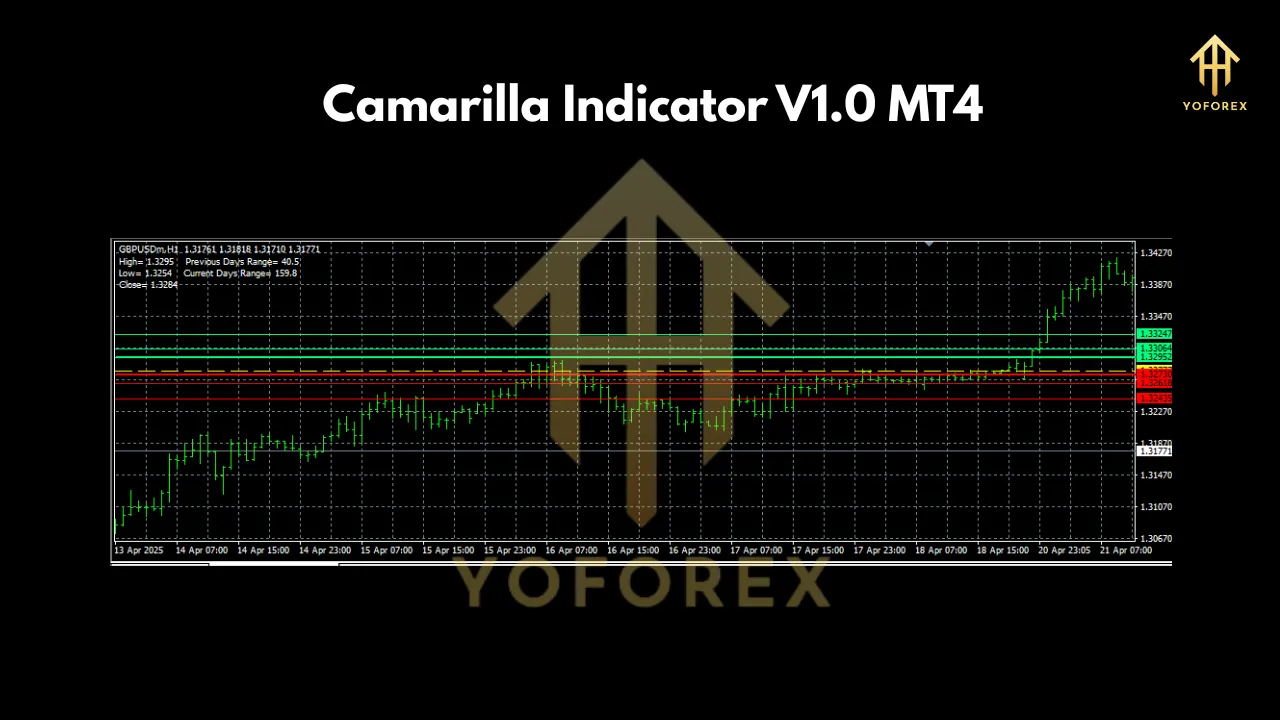
Once applied, the indicator will plot horizontal lines representing R1–R4 (resistance) and S1–S4 (support) levels, updated daily based on the previous day’s price data.
How the Camarilla Indicator Works
The Camarilla Indicator uses a mathematical formula to calculate pivot levels:
-
Pivot Point (PP): (High + Low + Close) / 3
-
Resistance Levels:
-
R1 = Close + (High – Low) * 1.1 / 12
-
R2 = Close + (High – Low) * 1.1 / 6
-
R3 = Close + (High – Low) * 1.1 / 4
-
R4 = Close + (High – Low) * 1.1 / 2
-
-
Support Levels:
-
S1 = Close – (High – Low) * 1.1 / 12
-
S2 = Close – (High – Low) * 1.1 / 6
-
S3 = Close – (High – Low) * 1.1 / 4
-
S4 = Close – (High – Low) * 1.1 / 2
-
These levels act as key thresholds where price reversals, breakouts, or consolidations are likely to occur. For example:
-
R3/S3: Reversal zones where price often bounces back toward the pivot point.
-
R4/S4: Breakout zones signaling strong trends.
-
R1–R2/S1–S2: Range-bound trading zones.
Trading Strategies with Camarilla Indicator on EURUSD
Here are two effective strategies for trading EURUSD on M15, M10, M5, and M1 timeframes using the Camarilla Indicator:
1. Reversal Trading at R3/S3
-
Setup: Identify when the price approaches R3 (resistance) or S3 (support) on the M15 or M5 chart.
-
Entry:
-
For a sell trade, wait for the price to touch R3 and show reversal signals (e.g., bearish candlestick patterns like a shooting star or rejection wick).
-
For a buy trade, wait for the price to touch S3 with bullish signals (e.g., hammer or engulfing pattern).
-
-
Stop Loss: Place above R3 (for sells) or below S3 (for buys) by 5–10 pips.
-
Take Profit: Target R1/S1 or the pivot point for a conservative exit.
-
Example: On M5 EURUSD, the price hits S3 at 1.0800, forms a hammer, and rallies to S1 at 1.0825, yielding a 25-pip profit.
2. Breakout Trading at R4/S4
-
Setup: Monitor price action near R4 or S4 on the M10 or M1 chart during high-volatility sessions (e.g., London or New York open).
-
Entry:
-
For a buy trade, enter when the price breaks above R4 with strong momentum (e.g., a large bullish candle or MACD crossover).
-
For a sell trade, enter when the price breaks below S4 with bearish confirmation.
-
-
Stop Loss: Place below R4 (for buys) or above S4 (for sells) by 5–10 pips.
-
Take Profit: Use a 1:2 risk-reward ratio or trail the stop to capture larger moves.
-
Example: On M1 EURUSD, the price breaks above R4 at 1.0850 during the London open, rallying to 1.0880 for a 30-pip gain.
Risk Management with a $200 Account
Trading with a $200 minimum deposit requires strict risk management to avoid significant drawdowns. Here are key guidelines:
-
Lot Size: Use micro lots (0.01) to keep risk per trade at 1–2% of the account ($2–$4). For EURUSD, 0.01 lots equate to $0.10 per pip.
-
Risk-Reward Ratio: Aim for at least 1:2 to ensure profitable trades outweigh losses.
-
Daily Trade Limit: Cap trades at 2–3 per day to avoid overtrading on low timeframes.
-
Broker Selection: Choose a low-spread ECN broker (e.g., spreads of 0.1–0.5 pips on EURUSD) to minimize costs.
-
Avoid News Events: High-impact news (e.g., Non-Farm Payrolls) can cause erratic price movements, so pause trading during these times.
Challenges and Tips for Low Timeframes
Lower timeframes like M1 and M5 are prone to market noise and false signals due to rapid price fluctuations. To mitigate these:
-
Confirm with Other Indicators: Use RSI, MACD, or Bollinger Bands to validate Camarilla signals.
-
Trade Active Sessions: Focus on the London and New York sessions for higher liquidity and clearer trends.
-
Backtest Thoroughly: Test the indicator on a demo account for at least 2–3 months to understand its performance on EURUSD.
-
Adjust for Broker Time Zone: Ensure the indicator’s pivot calculation aligns with the broker’s GMT offset (e.g., Pivot Start/End at 17:00 NYC time).
Advantages of Camarilla Indicator V1.0
-
Precision: Tight pivot levels are ideal for scalping on EURUSD.
-
Automation: Automatically plots levels, saving time.
-
Versatility: Works across multiple low timeframes.
-
Free Access: Available at no cost on platforms like MQL5.
Conclusion
The Camarilla Indicator V1.0 for MT4 is a robust tool for trading EURUSD on M15, M10, M5, and M1 timeframes, even with a modest $200 account. By leveraging its support and resistance levels, traders can execute high-probability reversal and breakout strategies. However, success requires disciplined risk management, thorough backtesting, and an understanding of market dynamics on low timeframes. Download the indicator, test it on a demo account, and refine your strategy to unlock its full potential in the forex market.
Join our Telegram for the latest updates and support