Neurotron EA V1.30 MT4: Revolutionizing Forex Trading with the London Coup System
The world of forex trading is dynamic, fast-paced, and ever-evolving. To succeed in this competitive landscape, traders need tools that combine precision, adaptability, and automation. Enter Neurotron EA V1.30, an intelligent, next-generation Expert Advisor (EA) designed for the MetaTrader 4 (MT4) platform. Built on the innovative London Coup trading system, Neurotron EA merges traditional technical indicators with cutting-edge neural network analysis to deliver a robust trading solution. Specializing in GBPUSD and EURCHF currency pairs on the M15 timeframe, this EA is optimized for the high-volatility London session, making it a powerful tool for both novice and professional traders. In this blog post, we’ll explore the features, setup, performance, and benefits of Neurotron EA V1.30, along with its accompanying setfile, to help you understand why it’s a game-changer in automated forex trading.
What is Neurotron EA V1.30?
Neurotron EA is an automated trading system developed for MetaTrader 4, one of the most widely used trading platforms in the forex market. The EA is built on the London Coup trading system, a strategy that capitalizes on price reversals during the opening of the London session, a period known for its high liquidity and volatility. By integrating classic indicators like the Commodity Channel Index (CCI) and Bollinger Bands with advanced neural network analysis, Neurotron EA identifies market patterns with remarkable precision. This combination allows the EA to execute trades with a high win rate, making it ideal for traders seeking consistent profitability.
The V1.30 version of Neurotron EA is designed to work seamlessly with MT4 Build 1420 and above, ensuring compatibility with modern trading environments. It comes with preset files (setfiles) tailored for GBPUSD and EURCHF, enabling traders to quickly configure the EA for optimal performance. With a minimum deposit of $500, Neurotron EA is accessible to traders with varying account sizes, and its secure trading strategy—featuring individual stop losses for each trade—ensures risk is carefully managed.
Key Features of Neurotron EA V1.30
Neurotron EA stands out in the crowded field of forex robots due to its unique blend of features. Here’s a closer look at what makes it exceptional:
-
London Coup Trading System: The EA is built on a proprietary strategy that targets price reversals at the start of the London session (7:00–9:00 GMT). This period is ideal for capturing high-probability trade setups due to increased market activity.
-
Neural Network Integration: Unlike traditional EAs that rely solely on technical indicators, Neurotron EA uses neural networks to analyze market patterns. These networks have been collecting data since January 2022, enabling the EA to adapt to current market conditions.
-
Classic Indicators with a Modern Twist: The EA combines the CCI and Bollinger Bands with AI-driven analysis to identify overbought/oversold conditions, volatility, and potential reversal points.
-
High Win Rate: Thanks to its finely tuned indicators and AI filters, Neurotron EA boasts a high success rate, with up to 7 trades per signal cycle for each currency pair.
-
Risk Management: Each trade is protected by an individual stop loss, ensuring that losses are localized and manageable. Traders can choose between fixed lot sizes or automated risk percentages for flexible risk management.
-
Broker Compatibility: Neurotron EA works with reputable ECN brokers like IC Markets, FP Markets, Pepperstone, and AxiTrader. It performs best on accounts with low spreads (up to 3 points) and minimal slippage.
-
VPS Recommended: For uninterrupted operation, the EA is best run on a Virtual Private Server (VPS), ensuring stable performance during the London session.
-
Customizable Parameters: The setfile included with Neurotron EA allows traders to adjust settings like lot size, risk percentage, and GMT offset to align with their broker’s specifications.
How to Set Up Neurotron EA V1.30
Setting up Neurotron EA is straightforward, following the standard procedure for MT4 Expert Advisors. Here’s a step-by-step guide to get started:
-
Install MetaTrader 4: Ensure you have MT4 (Build 1420 or higher) installed on your computer or VPS.
-
Download Neurotron EA: Purchase or download the EA from a trusted source, such as the official vendor on MQL5 (https://www.mql5.com/en/market/product/97055). The package includes the .ex4 file, preset files, and installation instructions.
-
Install the EA:
-
Open MT4 and go to File > Open Data Folder.
-
Navigate to MQL4 > Experts and copy the Neurotron mt4_fix_1420.ex4 file into this folder.
-
Place the preset files (.set) in the MQL4 > Presets folder.
-
-
Configure Settings:
-
Open MT4, go to Tools > Options > Expert Advisors, and enable “Allow automated trading” and “Allow DLL imports.”
-
Drag the Neurotron EA onto an M15 chart for GBPUSD or EURCHF.
-
Load the appropriate setfile for your currency pair.
-
-
Adjust Parameters:
-
Set the GMT offset and DST (Daylight Saving Time) parameters based on your broker’s time zone (e.g., GMT+2 in winter, GMT+3 in summer for brokers like IC Markets).
-
Choose between fixed lot size (e.g., 0.01) or AutoRisk (e.g., 10% risk per trade). For fixed lots, set “Lot” to your desired value and “AutoRisk” to 0. For AutoRisk, set “AutoRisk” to your preferred percentage and “Lot” to 0.
-
-
Run on a VPS: For optimal performance, run Neurotron EA on a reliable VPS to ensure continuous operation during the London session.
-
Test on a Demo Account: Before using the EA on a live account, test it on a demo account for at least a week to familiarize yourself with its behavior.
Performance and Backtesting
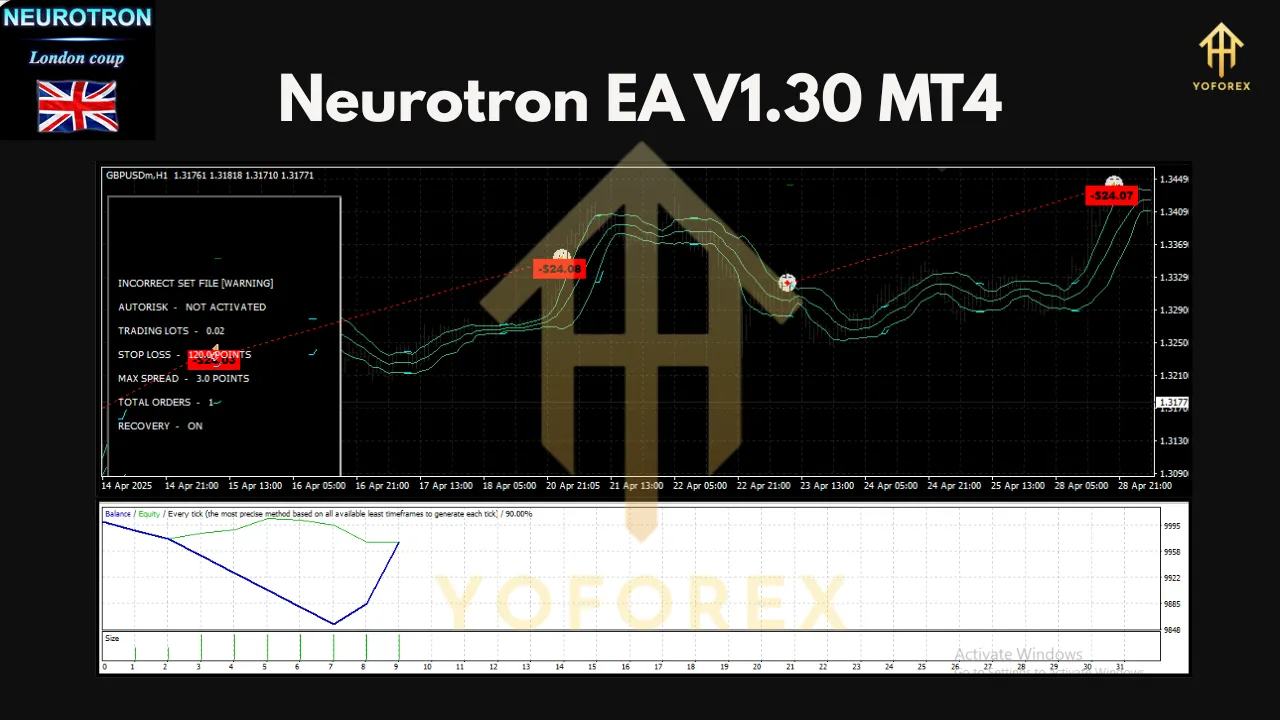
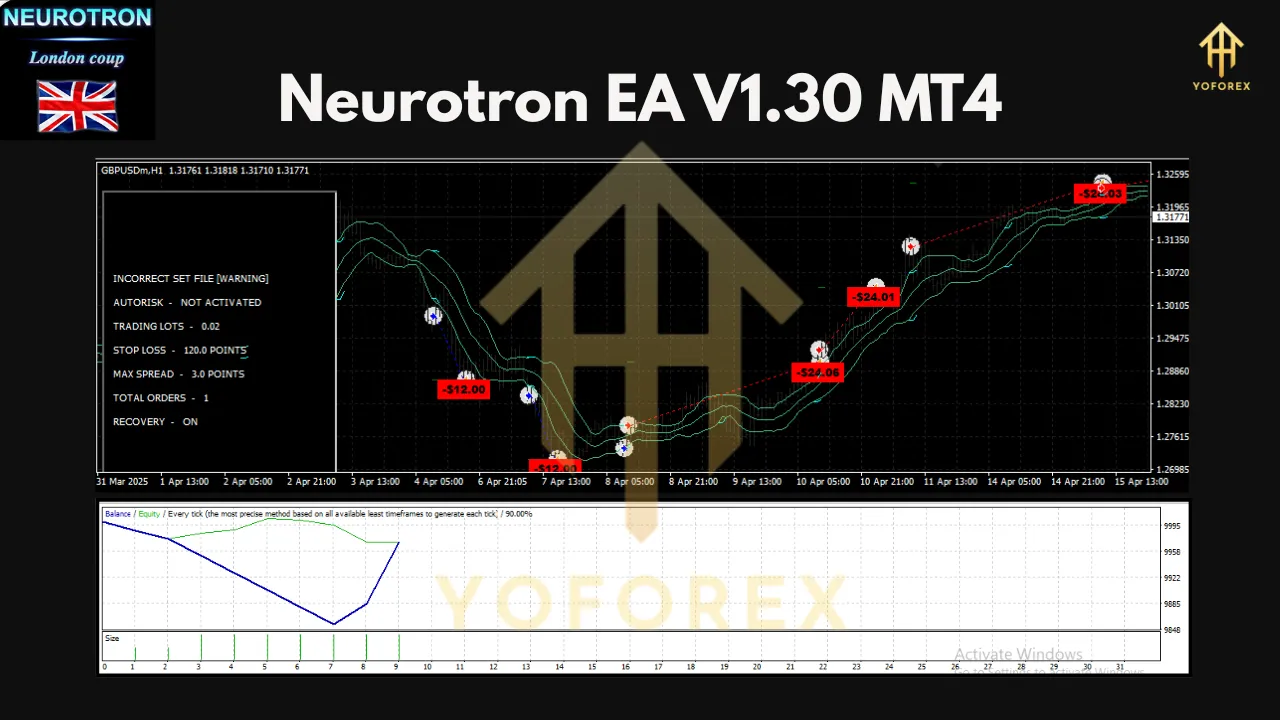
Neurotron EA’s performance is driven by its ability to capitalize on the London session’s volatility. The EA’s neural networks have been trained on market data since January 2022, making it well-suited for current market conditions. Backtesting from 2022.01.01 onward is recommended, as earlier data may not reflect the rapidly changing forex market.
Independent backtesting and forward testing on a demo account are crucial to validate the EA’s performance. According to user reviews, Neurotron EA has shown consistent profits, while others have experienced issues like the EA not opening trades. Thorough testing is essential.
Benefits for Traders
Neurotron EA offers several advantages for traders:
-
Automation: Eliminates the need for manual trading, saving time and reducing emotional decision-making.
-
Precision: Combines traditional indicators with AI for accurate trade signals.
-
Accessibility: With a minimum deposit of $500, it’s suitable for traders with small to medium-sized accounts.
-
Safety: Individual stop losses and a secure trading strategy minimize risk.
-
Scalability: Can be optimized for other currency pairs, metals, or indices with the right setfiles.
Risks and Considerations
While Neurotron EA is a powerful tool, forex trading carries inherent risks. Here are some key considerations:
-
No Guaranteed Profits: Past performance does not guarantee future results. Losses are possible, and traders should use proper risk management.
-
Broker Dependency: The EA’s performance depends on low spreads and minimal slippage, so choosing a reputable ECN broker is critical.
-
Technical Issues: Ensure proper GMT and DST settings to avoid timing errors. A reliable VPS is recommended to prevent interruptions.
-
Mixed Reviews: Some users report consistent profits, while others have experienced issues like the EA not opening trades. Thorough testing is essential.
Conclusion
Neurotron EA V1.30 is a cutting-edge Expert Advisor that brings the power of the London Coup trading system to the MetaTrader 4 platform. By combining classic indicators like CCI and Bollinger Bands with advanced neural network analysis, it offers traders a sophisticated tool for capitalizing on price reversals during the London session. Optimized for GBPUSD and EURCHF on the M15 timeframe, Neurotron EA is accessible, secure, and highly effective when configured correctly.
For traders looking to automate their forex trading with a blend of traditional and AI-driven strategies, Neurotron EA is worth exploring. However, due diligence—through backtesting, demo trading, and careful risk management—is essential to ensure it aligns with your trading goals. With the right setup and a reliable VPS, Neurotron EA V1.30 could be the key to unlocking consistent profitability in the forex market.
Join our Telegram for the latest updates and support