Mozi Grid EA V1.0 for MT4: A Comprehensive Guide to Automated Grid Trading
In the fast-paced world of forex trading, automation has become a game-changer for traders seeking efficiency and consistency. The Mozi Grid EA V1.0, designed specifically for the MetaTrader 4 (MT4) platform, is an Expert Advisor (EA) that leverages a grid trading strategy to automate buy and sell orders. This blog post dives into the mechanics of the Mozi Grid EA, its benefits, risks, and practical tips for traders looking to integrate this tool into their trading arsenal.
What is Mozi Grid EA?
The Mozi Grid EA is a sophisticated trading tool programmed to execute trades automatically based on a grid trading strategy. Grid trading involves placing buy and sell orders at predefined price intervals above and below the current market price, creating a “grid” of orders. The strategy thrives in ranging or sideways markets, where price fluctuations allow the EA to profit from repeated price movements within a defined range.
Built for the MT4 platform—one of the most widely used trading platforms globally—the Mozi Grid EA is designed to simplify trading decisions. By automating order placement and management, it eliminates the need for constant manual intervention, making it appealing for both novice and experienced traders.
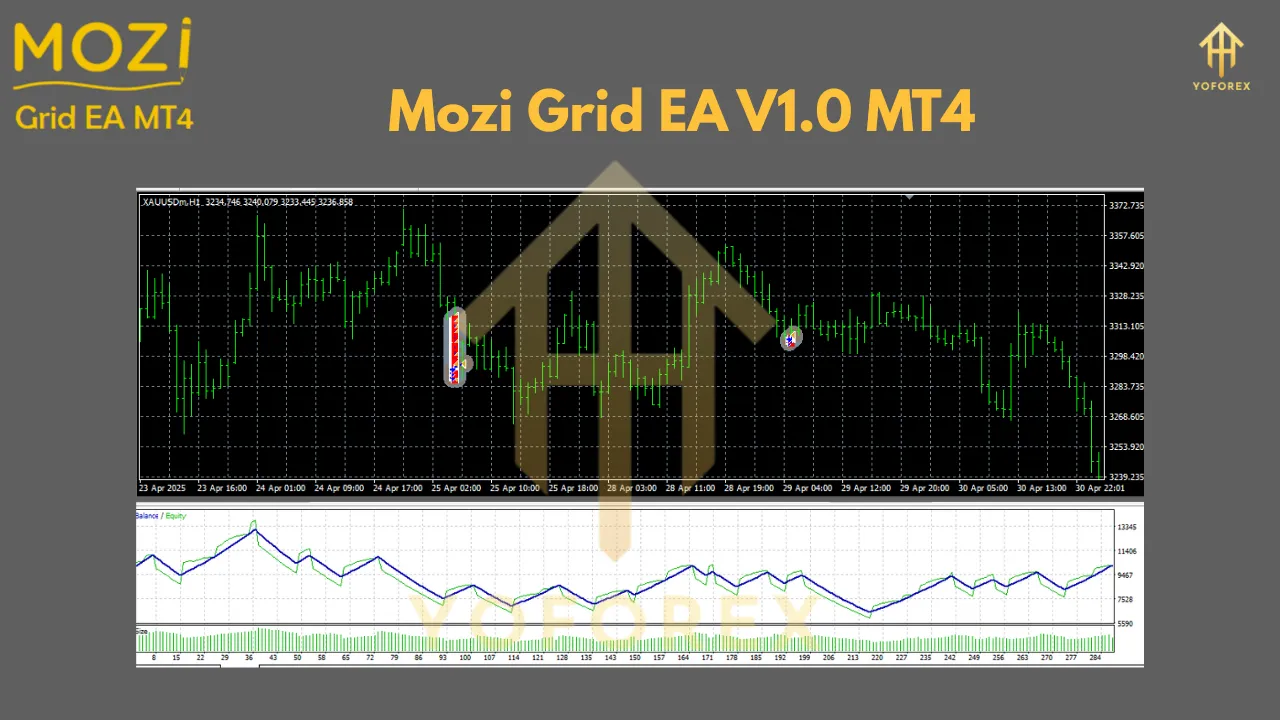
How Does the Grid Trading Strategy Work?
Grid trading is a systematic approach that doesn’t rely on predicting market direction. Instead, it capitalizes on market volatility within a range. Here’s how the Mozi Grid EA implements this strategy:
-
Grid Setup: The EA places buy and sell orders at fixed price intervals (e.g., every 10 pips) above and below the current market price. These intervals form a grid of pending orders.
-
Order Execution: As the market price moves, it triggers these pending orders. For example, if the price rises, sell orders are activated; if it falls, buy orders are executed.
-
Profit Capture: The EA aims to close trades at a profit when the price reverses and hits take-profit levels or predefined conditions.
-
Risk Management: The Mozi Grid EA typically includes customizable parameters like lot size, grid spacing, take-profit, and stop-loss levels to manage risk.
This strategy is particularly effective in markets with no clear trend, as it profits from price oscillations. However, it requires careful configuration to avoid significant losses in trending markets.
Key Features of Mozi Grid EA V1.0
The Mozi Grid EA comes with several features that make it a versatile tool for traders:
-
Customizable Grid Parameters: Traders can adjust the grid spacing, lot sizes, and maximum number of open orders to suit their risk tolerance and market conditions.
-
Automated Trade Management: The EA handles order placement, modification, and closure without manual input, saving time and reducing emotional trading decisions.
-
Compatibility with MT4: Seamlessly integrates with the MetaTrader 4 platform, leveraging its robust charting and execution capabilities.
-
Risk Management Tools: Includes options for setting stop-loss, take-profit, and trailing stops to protect capital.
-
Backtesting Support: Traders can test the EA on historical data within MT4 to evaluate its performance before deploying it in live trading.
Benefits of Using Mozi Grid EA
-
Automation and Efficiency: By automating trade execution, the Mozi Grid EA allows traders to focus on strategy development rather than manual order placement.
-
Profit Potential in Ranging Markets: The grid strategy excels in sideways markets, capturing small price movements for consistent profits.
-
Flexibility: Customizable settings make it adaptable to various currency pairs, timeframes, and market conditions.
-
Reduced Emotional Trading: Automation eliminates impulsive decisions driven by fear or greed, promoting disciplined trading.
-
Scalability: Suitable for traders with different account sizes, as lot sizes and grid parameters can be scaled accordingly.
Risks and Challenges
While the Mozi Grid EA offers significant advantages, it’s not without risks. Traders must be aware of the following challenges:
-
Trending Market Risks: Grid trading can lead to substantial losses in strong trending markets, as orders may accumulate on the losing side without price reversal.
-
Margin Requirements: Multiple open orders in a grid can tie up significant margin, increasing the risk of margin calls if not managed properly.
-
Over-Optimization: Excessive tweaking of parameters during backtesting may lead to a strategy that performs well historically but fails in live markets.
-
Broker Restrictions: Some brokers impose restrictions on grid trading strategies due to their high order volume, so ensure compatibility with your broker.
-
Market Volatility: Sudden price spikes or gaps (e.g., during news events) can trigger multiple orders unexpectedly, leading to losses.
To mitigate these risks, traders should use conservative settings, monitor market conditions, and employ robust risk management practices.
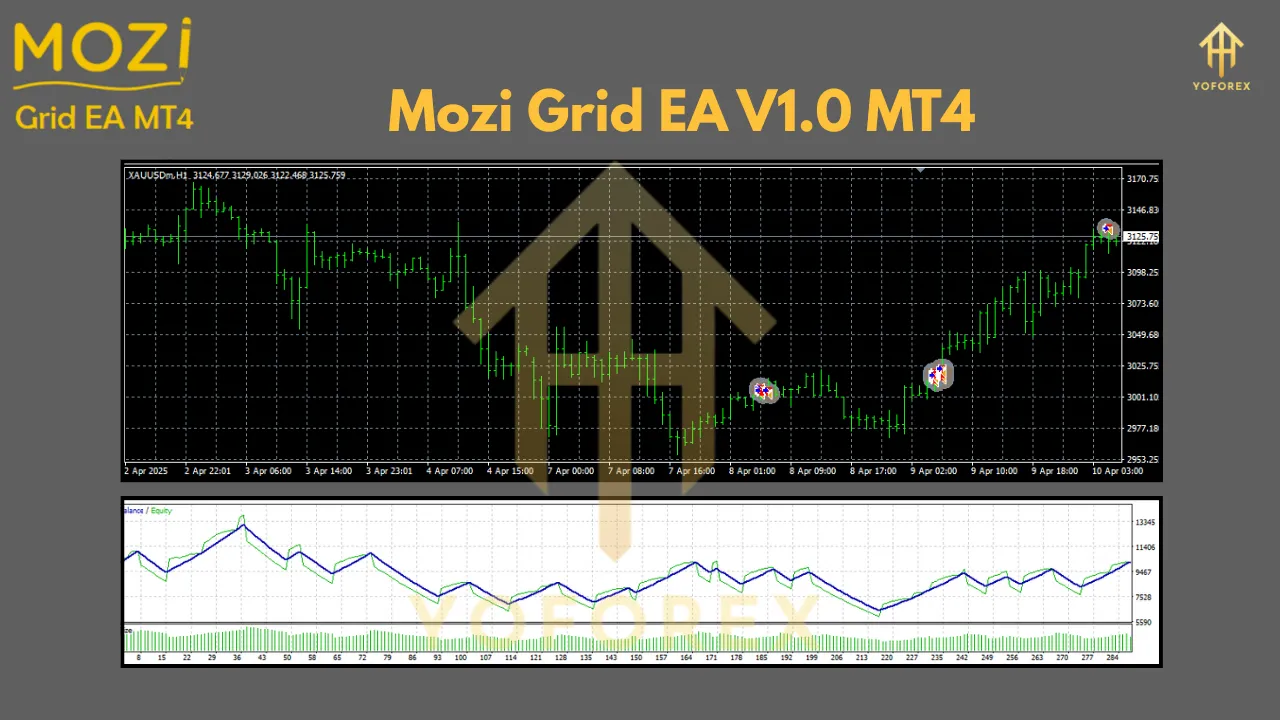
Setting Up Mozi Grid EA on MT4
Getting started with the Mozi Grid EA is straightforward. Follow these steps:
-
Download and Install: Obtain the Mozi Grid EA file (typically a .ex4 or .mq4 file) from a trusted source. Copy it to the “Experts” folder in your MT4 directory.
-
Configure Settings: Open MT4, navigate to the “Navigator” panel, and drag the EA onto a chart. Adjust parameters like grid spacing, lot size, and risk settings in the EA’s input window.
-
Backtest the Strategy: Use MT4’s Strategy Tester to run the EA on historical data. Analyze performance metrics like profit factor, drawdown, and win rate.
-
Enable Auto-Trading: Ensure the “AutoTrading” button in MT4 is enabled, and allow the EA to execute trades in a live or demo account.
-
Monitor Performance: Regularly check the EA’s performance and adjust settings as needed based on market conditions.
Best Practices for Using Mozi Grid EA
To maximize the effectiveness of the Mozi Grid EA, consider these tips:
-
Start with a Demo Account: Test the EA in a risk-free demo environment to understand its behavior and fine-tune settings.
-
Choose Suitable Markets: Apply the EA to currency pairs or assets with low volatility and ranging behavior, such as EUR/GBP or AUD/NZD.
-
Set Conservative Parameters: Use smaller lot sizes and wider grid spacing to reduce risk, especially when starting out.
-
Monitor Market News: Avoid running the EA during major economic events or news releases that could cause sharp price movements.
-
Regularly Review Performance: Periodically assess the EA’s results and adjust settings to align with changing market dynamics.
Who Should Use Mozi Grid EA?
The Mozi Grid EA is ideal for traders who:
-
Prefer automated trading systems to save time and reduce emotional bias.
-
Are comfortable with the risks associated with grid trading.
-
Trade in ranging markets or have strategies to identify such conditions.
-
Have experience with MT4 and understand basic risk management principles.
However, it may not suit traders who prefer trend-following strategies or those unwilling to monitor and adjust the EA regularly.
Conclusion
The Mozi Grid EA V1.0 for MetaTrader 4 is a powerful tool for traders looking to automate their grid trading strategy. By placing buy and sell orders at predefined intervals, it capitalizes on market oscillations to generate profits in varying conditions. While its automation and flexibility are significant advantages, traders must approach it with caution due to the inherent risks of grid trading, particularly in trending markets.
By thoroughly backtesting, using conservative settings, and monitoring performance, traders can harness the Mozi Grid EA to enhance their trading efficiency. Whether you’re a beginner exploring automation or an experienced trader seeking to diversify your strategies, the Mozi Grid EA offers a compelling solution for navigating the forex market.
Join our Telegram for the latest updates and support