
Black Wolf EA V2.0 MT5: A Comprehensive Guide to Trend-Following Forex Automation
The forex market, with its high liquidity and 24/5 trading window, offers immense opportunities for traders worldwide. However, navigating its volatility requires precision, discipline, and often, automation. The Black Wolf EA V2.0 for MetaTrader 5 (MT5) is a powerful expert advisor (EA) designed to simplify trading by leveraging a trend-following strategy. Optimized for currency pairs like EURUSD, GBPUSD, EURAUD, AUDJPY, GBPAUD, and CADJPY, and tailored for the M15 timeframe, this EA promises to enhance trading efficiency with a recommended minimum deposit of $1,000. In this blog post, we’ll dive deep into the features, strategy, setup, and benefits of Black Wolf EA V2.0, providing a thorough guide for both novice and seasoned traders looking to automate their forex trading.
What is Black Wolf EA V2.0 MT5?
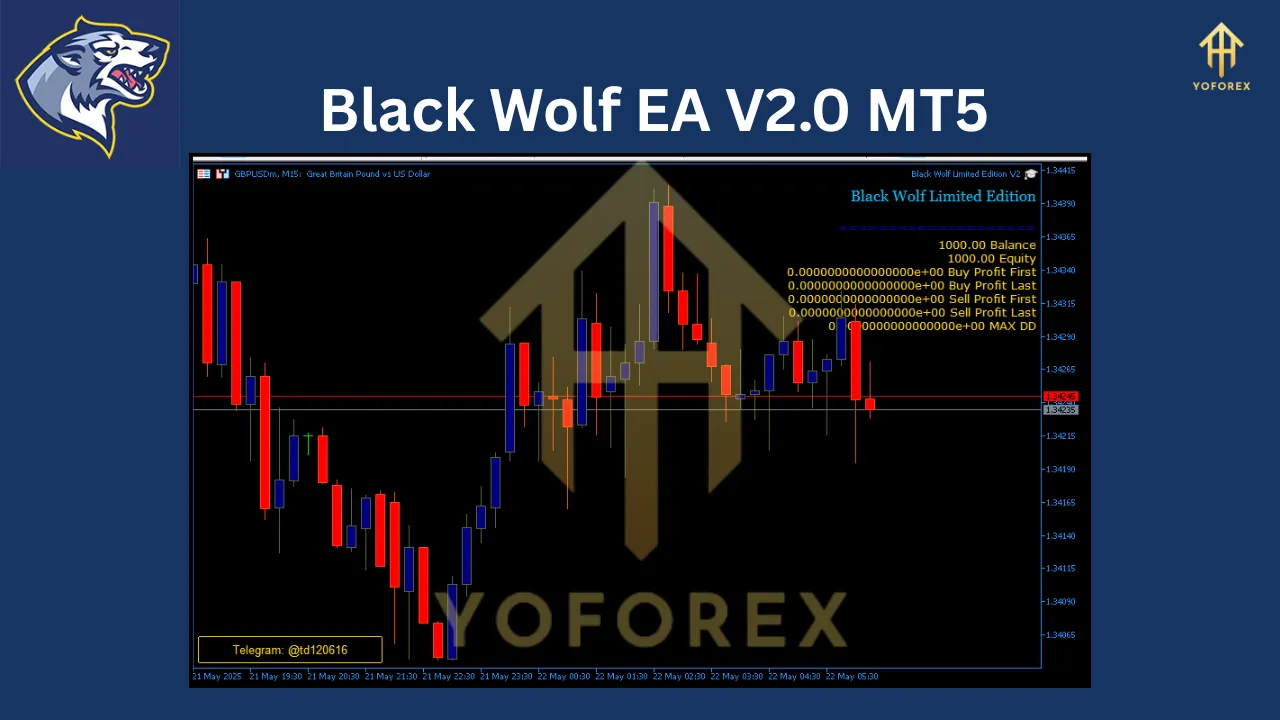
Black Wolf EA V2.0 is a fully automated trading robot built for the MetaTrader 5 platform, one of the most advanced and widely used trading platforms in the forex industry. This EA stands out for its trend-following approach, which uses a built-in indicator to identify market trends and execute buy or sell orders accordingly. Unlike high-risk strategies like Martingale, Black Wolf EA focuses on disciplined trade execution, robust risk management, and adaptability to various market conditions. It’s designed to operate on the M15 (15-minute) timeframe, making it ideal for traders who prefer short- to medium-term trading strategies.
The EA is optimized for major and minor currency pairs, including EURUSD, GBPUSD, EURAUD, AUDJPY, GBPAUD, and CADJPY, which are known for their liquidity and favorable trading conditions. With a recommended minimum deposit of $1,000 (or 100,000 cents), Black Wolf EA is accessible to traders with moderate capital while offering sophisticated features typically found in premium trading systems.
Key Features of Black Wolf EA V2.0
Black Wolf EA V2.0 is packed with features that make it a compelling choice for traders seeking automation without sacrificing control. Here’s a breakdown of its core functionalities:
-
Trend-Following Strategy: The EA uses a proprietary built-in indicator to detect market trends, ensuring trades are placed in the direction of the market’s momentum. This reduces the likelihood of entering trades against the prevailing trend, enhancing potential profitability.
-
Supported Currency Pairs: The EA is optimized for EURUSD, GBPUSD, EURAUD, AUDJPY, GBPAUD, and CADJPY. These pairs offer high liquidity and volatility, making them ideal for trend-following strategies.
-
M15 Timeframe Optimization: The M15 timeframe strikes a balance between signal accuracy and trading frequency, making it suitable for capturing short-term market movements while avoiding excessive noise.
-
Advanced Risk Management: Black Wolf EA includes stop-loss, take-profit, and trailing stop features to protect capital and lock in profits. These tools help manage risk effectively, even during volatile market conditions.
-
Customizable Settings: Traders can adjust parameters such as lot size, stop-loss, take-profit, and position spacing to align with their risk tolerance and trading style.
-
Position Management: The EA offers features like partial close functionality and a customizable lot multiplier, allowing traders to scale positions gradually in trending markets while minimizing risk.
-
Close Opposing Trades: To maintain a clear trading strategy, the EA can automatically close trades that contradict new trend signals, reducing the risk of conflicting positions.
-
VPS Compatibility: For uninterrupted trading, Black Wolf EA is best used with a Virtual Private Server (VPS), ensuring 24/7 operation without reliance on a local computer.
-
User-Friendly Interface: Despite its advanced capabilities, the EA is designed to be accessible, with default settings optimized for ease of use and the ability to tweak parameters for advanced traders.
-
Continuous Updates: Black Wolf EA V2.0 is part of an evolving platform, with developers providing updates to adapt to changing market conditions, ensuring long-term reliability.
These features make Black Wolf EA a versatile tool for traders looking to automate their strategies while maintaining control over key trading parameters.
How Black Wolf EA V2.0 Works
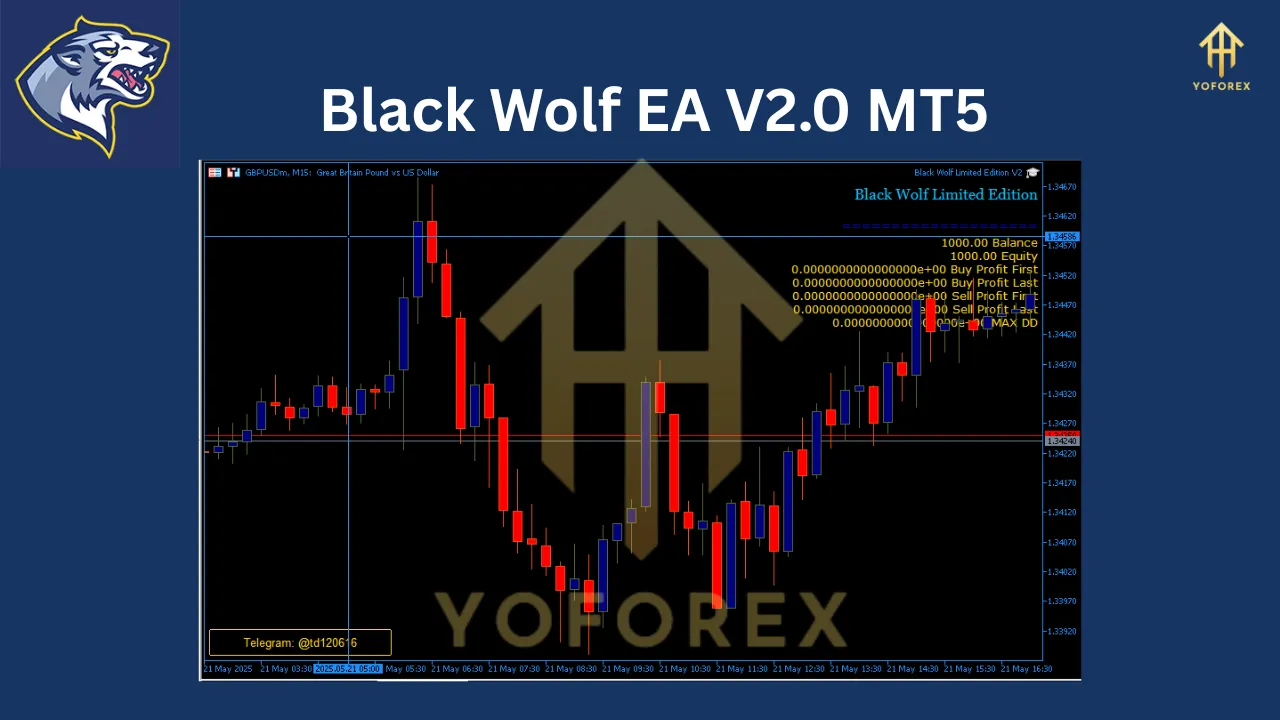
At its core, Black Wolf EA V2.0 operates on a trend-following strategy, which is one of the most reliable approaches in forex trading. Here’s a detailed look at how it functions:
-
Trend Detection: The EA uses a built-in indicator to analyze market data and identify the direction of the current trend. This indicator is designed to filter out market noise and focus on sustained price movements, ensuring trades are aligned with the market’s momentum.
-
Trade Execution: Once a trend is confirmed, the EA initiates a cycle of buy or sell orders. For example, in an uptrend, it will place buy orders, and in a downtrend, it will place sell orders. This automated process eliminates emotional decision-making, a common pitfall in manual trading.
-
Risk Management: Every trade is protected by stop-loss and take-profit levels, which are set based on the EA’s analysis of market conditions. The trailing stop feature adjusts the stop-loss dynamically as the trade moves in the trader’s favor, locking in profits while allowing room for further gains.
-
Position Management: The EA’s partial close functionality allows traders to secure profits incrementally during volatile market conditions. Additionally, the lot multiplier feature enables gradual increases in trade size during strong trends, optimizing returns while managing exposure.
-
Trend Reversal Handling: If the market trend reverses, the EA can close opposing trades to avoid conflicting positions, ensuring the trading strategy remains consistent with the current market direction.
This systematic approach makes Black Wolf EA V2.0 a disciplined and reliable tool for capturing market trends while minimizing risk.
Setting Up Black Wolf EA V2.0
Setting up Black Wolf EA V2.0 on the MetaTrader 5 platform is straightforward, even for traders with limited technical experience. Follow these steps to get started:
-
Install MetaTrader 5: Download and install the MT5 platform from your broker’s website or the official MetaTrader website.
-
Acquire Black Wolf EA: Purchase or download the EA from a reputable source, such as the MetaTrader Market, Forex EA Store, or other trusted vendors. Ensure you receive the .ex5 file and any accompanying set files.
-
Add EA to MT5:
-
Open MT5 and navigate to File > Open Data Folder > MQL5 > Experts.
-
Copy the Black Wolf EA .ex5 file into the Experts folder.
-
Restart MT5 to load the EA.
-
-
Apply EA to a Chart:
-
Open a chart for one of the recommended currency pairs (e.g., EURUSD or GBPUSD).
-
Right-click on the chart, select Template > Load Template, and choose the Black Wolf EA template to apply default settings.
-
-
Customize Settings:
-
Access the Inputs tab to adjust parameters like lot size, stop-loss, take-profit, and timeframe. While the EA is optimized for M15, you can tweak settings to suit your strategy.
-
Options include:
-
Lot Type: Choose between constant, risk-based, or fixed size per $1,000.
-
Lot Size: Set the trading volume.
-
Trade Buy/Sell: Enable or disable buy or sell trades.
-
Position Spacing: Control the distance between trades to manage exposure.
-
Partial Close: Enable gradual profit-taking.
-
-
-
Enable Auto Trading:
-
In MT5, click the Auto Trading button in the toolbar to allow the EA to execute trades automatically.
-
Ensure Allow DLL Imports is enabled under Tools > Options > Expert Advisors.
-
-
Use a VPS: For optimal performance, run Black Wolf EA on a VPS to ensure continuous operation, especially during the European and US trading sessions when volatility is high.
-
Monitor Performance: Regularly check the EA’s performance via the MT5 terminal. Adjust settings as needed based on market conditions and your trading goals.
Why Choose Black Wolf EA V2.0?
Black Wolf EA V2.0 offers several compelling reasons to make it a part of your trading arsenal:
-
Automation Without Emotional Bias: By automating trade execution, the EA eliminates emotional decision-making, ensuring trades are based on objective market signals.
-
Versatile Currency Pair Support: The EA’s compatibility with multiple currency pairs allows traders to diversify their portfolios, reducing reliance on a single market.
-
Robust Risk Management: Features like stop-loss, take-profit, and trailing stops protect capital and secure profits, even in volatile markets.
-
Accessibility: With a recommended deposit of $1,000, the EA is accessible to traders with moderate capital, making it suitable for both beginners and experienced traders.
-
Customizability: The EA’s flexible settings allow traders to tailor it to their risk tolerance and trading style, from high-frequency trading with smaller lots to larger, less frequent trades.
-
Proven Performance: Backtests show a profit factor of 2.73 and a maximum drawdown of 58.88% on EURUSD, indicating consistent profitability with manageable risk.
-
Continuous Improvement: Regular updates ensure the EA adapts to evolving market conditions, maintaining its edge over time.
Performance and Backtesting
While past performance is not a guaranteed predictor of future results, Black Wolf EA V2.0 has demonstrated promising results in backtesting. For example, on the EURUSD pair, it achieved a profit factor of 2.73, with an average profit per trade of 11.97 and a maximum drawdown of 58.88%. These metrics suggest the EA can generate consistent profits while keeping risk within acceptable limits. However, traders should conduct their own backtests and forward tests on a demo account to validate performance with their specific broker and account conditions.
Tips for Maximizing Black Wolf EA V2.0
To get the most out of Black Wolf EA V2.0, consider the following tips:
-
Use a Low-Spread Broker: Since the EA trades on the M15 timeframe, low spreads are crucial to minimize trading costs. Choose an ECN broker with spreads of 0–20 pips on recommended pairs.
-
Optimize During High-Volatility Sessions: The EA performs best during the European and US trading sessions when liquidity and volatility are high for pairs like EURUSD and GBPUSD.
-
Test on a Demo Account: Before deploying the EA on a live account, test it on a demo account to familiarize yourself with its behavior and fine-tune settings.
-
Monitor Market Conditions: While the EA is automated, staying informed about major economic events (e.g., central bank announcements) can help you pause trading during extreme volatility.
-
Use a VPS: A reliable VPS ensures the EA runs 24/7, capturing all trading opportunities without interruptions.
-
Regularly Update Settings: As markets evolve, periodically review and adjust the EA’s settings to align with current trends and volatility.
Conclusion
The Black Wolf EA V2.0 for MT5 is a robust and user-friendly tool for traders seeking to automate their forex trading with a trend-following strategy. Its ability to trade multiple currency pairs, coupled with advanced risk management and customizable settings, makes it a versatile choice for both novice and experienced traders. With a recommended deposit of $1,000 and optimization for the M15 timeframe, it offers an accessible entry point into automated trading without compromising on sophistication. By following the setup guide, leveraging a VPS, and staying proactive with performance monitoring, traders can harness the full potential of Black Wolf EA to navigate the dynamic forex market with confidence.
Whether you’re looking to diversify your trading portfolio or streamline your strategy, Black Wolf EA V2.0 provides a reliable, disciplined, and efficient solution. Start with a demo account, optimize your settings, and let this powerful EA guide you through the forex market’s trends with precision and ease.
Join our Telegram for the latest updates and support