Introduction to Forex Flex EA V2.0 MT4 NoDLL
Forex trading has evolved significantly with the advent of automated trading systems, and the Forex Flex EA V2.0 MT4 NoDLL stands out as a popular choice among traders seeking to streamline their trading strategies. Designed for the MetaTrader 4 (MT4) platform, this Expert Advisor (EA) leverages innovative technology to execute trades autonomously, aiming to maximize profitability while minimizing manual intervention. The “NoDLL” version ensures that the EA operates without requiring additional Dynamic Link Library (DLL) files, enhancing security and compatibility for users wary of external dependencies. In this blog, we’ll explore the features, setup process, performance, benefits, and considerations of using the Forex Flex EA V2.0 MT4 NoDLL, providing a detailed guide for both novice and experienced traders.
What is Forex Flex EA?
Forex Flex EA is a fully automated forex trading robot developed by Steven Donald Halcovitch, designed to run on the MetaTrader 4 and MetaTrader 5 platforms. The V2.0 MT4 NoDLL version is an earlier iteration of this renowned EA, focusing on delivering reliable performance without the need for DLL imports, which can sometimes pose security risks or compatibility issues. The EA employs a unique “virtual trades” technology, where it opens virtual trades in the background to monitor market conditions and determine optimal entry points for real trades. This approach allows the EA to adapt to dynamic market environments, making it a versatile tool for traders.
The Forex Flex EA is known for its adaptability, supporting multiple currency pairs such as GBPUSD, EURUSD, USDJPY, and USDCAD, among others. It also features an automatic update system to ensure that settings remain optimized for current market conditions, reducing the need for constant manual adjustments. The NoDLL version is particularly appealing to traders who prioritize simplicity and security, as it eliminates the need for external libraries while maintaining robust functionality.
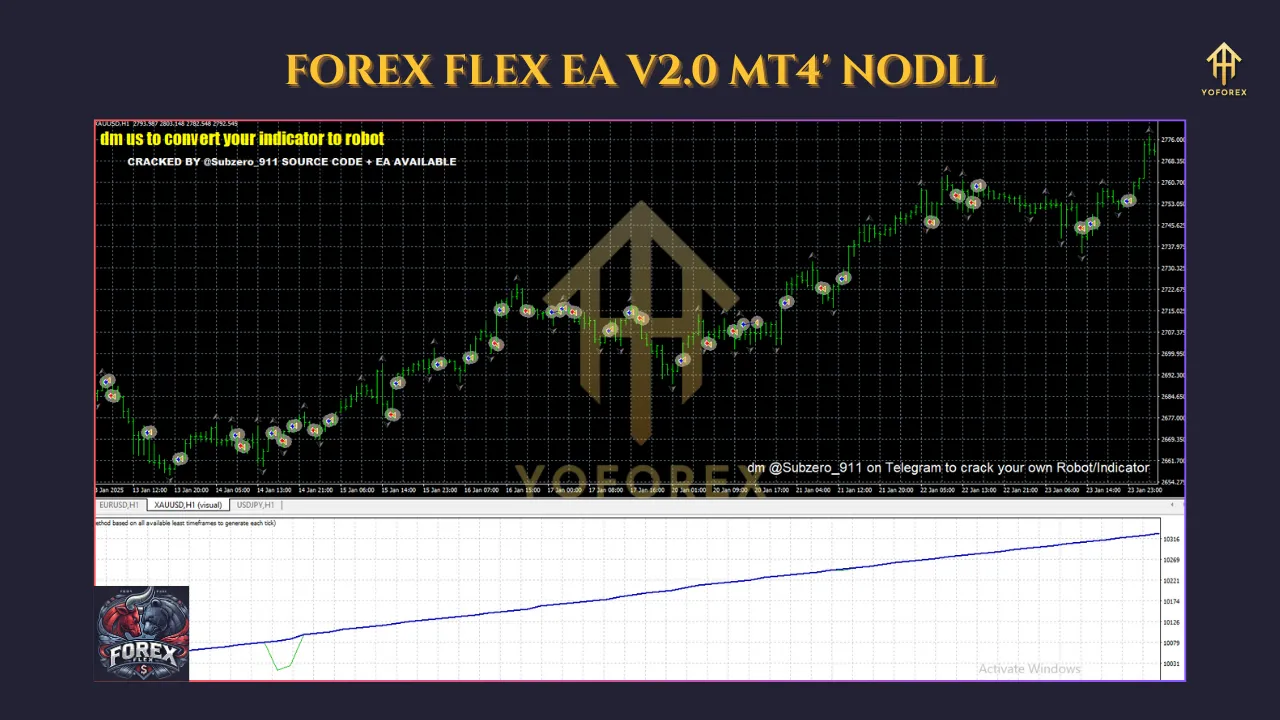
Key Features of Forex Flex EA V2.0 MT4 NoDLL
- Virtual Trades Technology: The EA uses virtual trades to analyze market conditions in real-time, identifying precise entry points for trades. This reduces the reliance on traditional pip-based take-profit (TP) mechanisms, instead using a “basket” approach where trades from each currency pair are monitored collectively.
- EquityTrailTP Mechanism: Instead of setting fixed take-profit levels, the EA triggers an EquityTrailTP when a basket of trades reaches a predefined profit percentage. This locks in half the profits and trails the remaining amount, potentially increasing gains while safeguarding against losses.
- No DLL Requirement: The NoDLL version operates independently of external DLL files, enhancing security by reducing the risk of malicious code or compatibility issues with MT4 updates.
- Customizable Strategies: The EA comes with over 15 built-in indicators and allows users to select from various trading strategies via a drop-down menu. This flexibility caters to different trading styles, from scalping to longer-term trades.
- News and Time Filters: The EA includes filters to avoid trading during high-impact news events, which can cause significant market volatility. Users can customize the duration to pause trading before and after such events.
- Automatic Lot Size Adjustment: The EA adjusts lot sizes based on the account balance, ensuring risk management aligns with the trader’s capital.
- Verified Performance: While specific performance data for V2.0 is less documented compared to later versions, the Forex Flex EA series has a track record of verified results on platforms like MyFxBook, with later versions showing gains of up to 194% over 16 months and monthly returns of around 1.52% with a maximum drawdown of 7.29%.
How to Set Up Forex Flex EA V2.0 MT4 NoDLL
- Download the EA: Purchase or obtain the Forex Flex EA V2.0 NoDLL file (in .ex4 or .mq4 format) from a trusted source. The download link is typically sent to your email after purchase.
- Install MetaTrader 4: Ensure you have the MT4 platform installed. Download it for free from a reputable forex broker, such as an ECN/STP broker with low spreads for optimal EA performance.
- Copy the EA File: Open MT4, go to “File” > “Open Data Folder,” then navigate to the “MQL4” > “Experts” folder. Copy the EA file into this folder.
- Enable Automated Trading: In MT4, go to “Tools” > “Options” > “Expert Advisors” tab. Check “Allow automated trading” and ensure “Allow DLL imports” is unchecked, as the NoDLL version does not require it.
- Attach the EA to a Chart: Open the Navigator panel (Ctrl+N), locate the Forex Flex EA under “Expert Advisors,” and drag it onto the chart of your chosen currency pair. A settings window will appear, allowing you to select a strategy and customize parameters.
- Test on a Demo Account: Before using the EA on a live account, test it on a demo account for at least a week to familiarize yourself with its performance and settings. This step is crucial for understanding the EA’s behavior under different market conditions.
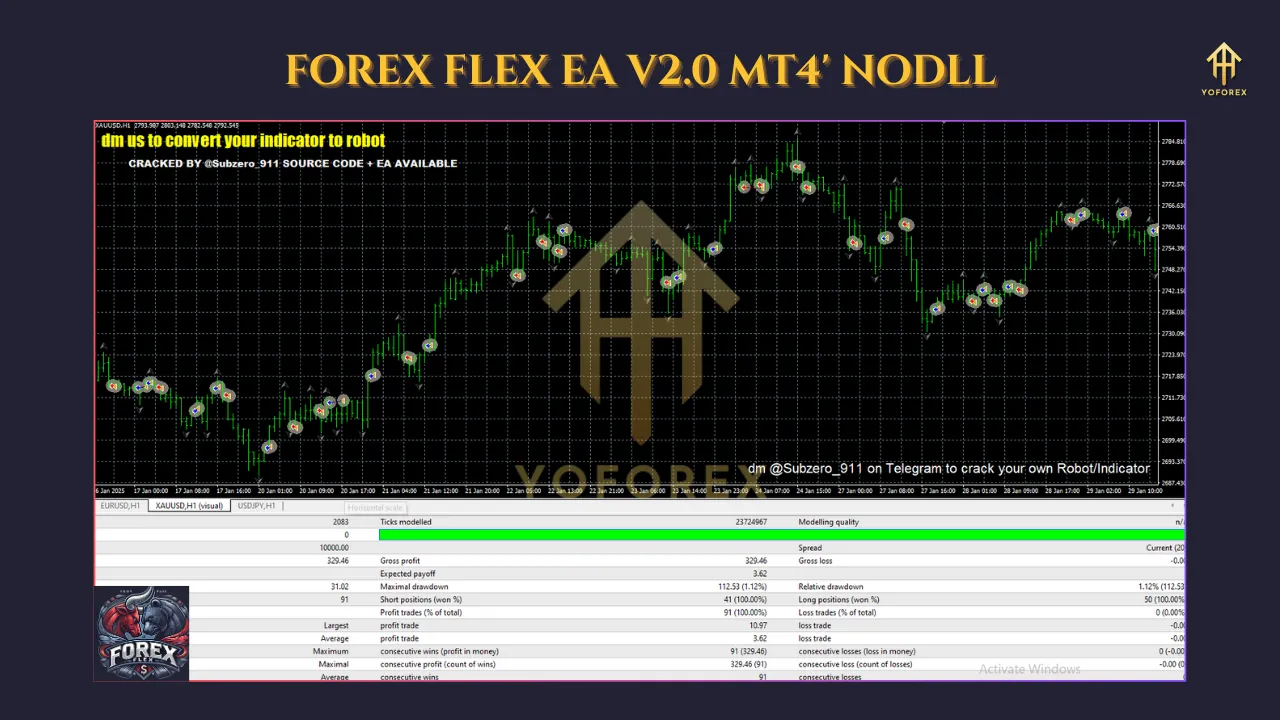
Performance and Reliability
While specific performance metrics for the V2.0 NoDLL version are not widely available, the Forex Flex EA series is renowned for its consistent profitability. Later versions, such as V4.91, have demonstrated impressive results, with MyFxBook-verified accounts showing gains of +194.26% over 16 months and a maximum drawdown of 7.29%. The V2.0 version, while an earlier iteration, shares the core virtual trades technology and basket-based profit management, suggesting comparable reliability when used with proper risk management.
Traders have reported positive experiences with the Forex Flex EA, with some achieving daily profits and praising the developer’s support. However, performance can vary depending on broker conditions, such as spreads, slippage, and server latency. For optimal results, use the EA with an ECN/STP broker offering low spreads and reliable execution speeds.
Benefits of Using Forex Flex EA V2.0 MT4 NoDLL
- Automation: Eliminates the need for manual trading, saving time and reducing emotional decision-making.
- Security: The NoDLL version minimizes risks associated with external libraries.
- Adaptability: Automatically updates settings to align with current market conditions.
- Flexibility: Supports multiple currency pairs and trading strategies, catering to diverse trading preferences.
- Risk Management: Features like EquityTrailTP and news filters help mitigate losses.
Considerations and Risks
While the Forex Flex EA V2.0 MT4 NoDLL offers significant advantages, traders should be aware of potential risks:
- Market Dependency: Performance depends on market conditions, and past results do not guarantee future profits.
- Broker Compatibility: The EA’s effectiveness can vary based on broker spreads and execution speeds. Testing with different brokers is recommended.
- Learning Curve: Beginners may need time to understand the EA’s settings and strategies.
- Risk Management: Overleveraging or improper settings can lead to significant drawdowns. Always start with a demo account and adhere to recommended risk levels (e.g., 0.2 risk setting).
Conclusion
The Forex Flex EA V2.0 MT4 NoDLL is a powerful tool for traders seeking to automate their forex trading strategies. Its virtual trades technology, EquityTrailTP mechanism, and NoDLL design make it a secure and adaptable option for both novice and experienced traders. By following proper setup procedures, testing on a demo account, and selecting a compatible broker, users can harness the EA’s potential to achieve consistent profits. However, traders must approach automated trading with caution, understanding the risks and ensuring proper risk management. With its proven track record and robust features, the Forex Flex EA V2.0 MT4 NoDLL remains a valuable asset in the world of forex trading.