
If you’ve been around MetaTrader 4 (MT4) for a while, you know indicators can either be noise or gold. The Arrow Trend Surfer Indicator V1.1 definitely leans towards gold—if you know how to ride the wave, that is.
📈 What is Arrow Trend Surfer Indicator V1.1?
Arrow Trend Surfer Indicator V1.1 is a powerful MT4 tool designed to help traders pinpoint accurate buy and sell opportunities in real-time. It does this using color-coded arrows and trend confirmation logic, making it beginner-friendly but also reliable enough for experienced traders.
Unlike generic indicators that throw off laggy signals, Arrow Trend Surfer uses a smart algorithm that syncs with market momentum. You won’t get those frustrating late entries anymore. Instead, you get clear alerts, precise signals, and a visual chart that actually makes sense.
🔍 Key Features
-
Accurate Buy/Sell Arrows: Non-repainting and timely.
-
Customizable Alerts: Get sound, pop-up, or email notifications.
-
Trend Confirmation System: Helps avoid false breakouts.
-
Works on All Timeframes: From 1-minute scalping to long-term setups.
-
Supports All Pairs: Including forex majors, gold, indices, and crypto.
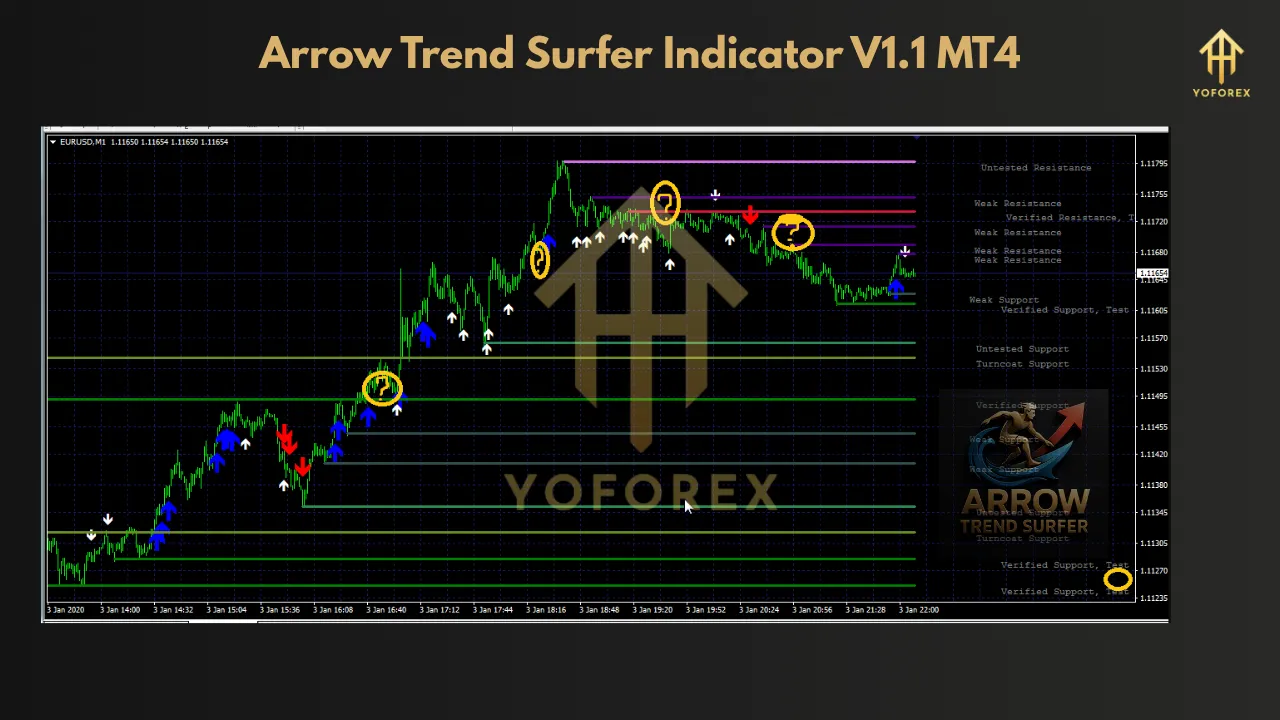
🧠 How It Works
Once applied to a chart, the indicator starts analyzing the price structure, detecting short-term and long-term trend strength. When a potential trade setup appears, a green arrow indicates a buying opportunity, and a red arrow signals a sell.
The genius lies in its built-in filters—Arrow Trend Surfer doesn’t trigger on weak signals. It waits for solid confirmation using moving averages and momentum shifts, which means fewer false alarms.
💡 Why Use Arrow Trend Surfer?
Let’s be honest: trading is already hard. This indicator simplifies the process without oversimplifying your strategy. Whether you’re scalping in the London session or swing trading weekly charts, the system adapts seamlessly.
Here’s what makes it stand out:
-
Helps avoid emotional decisions
-
Minimizes overtrading
-
Enhances your existing strategy
-
Perfect for beginners and pros alike
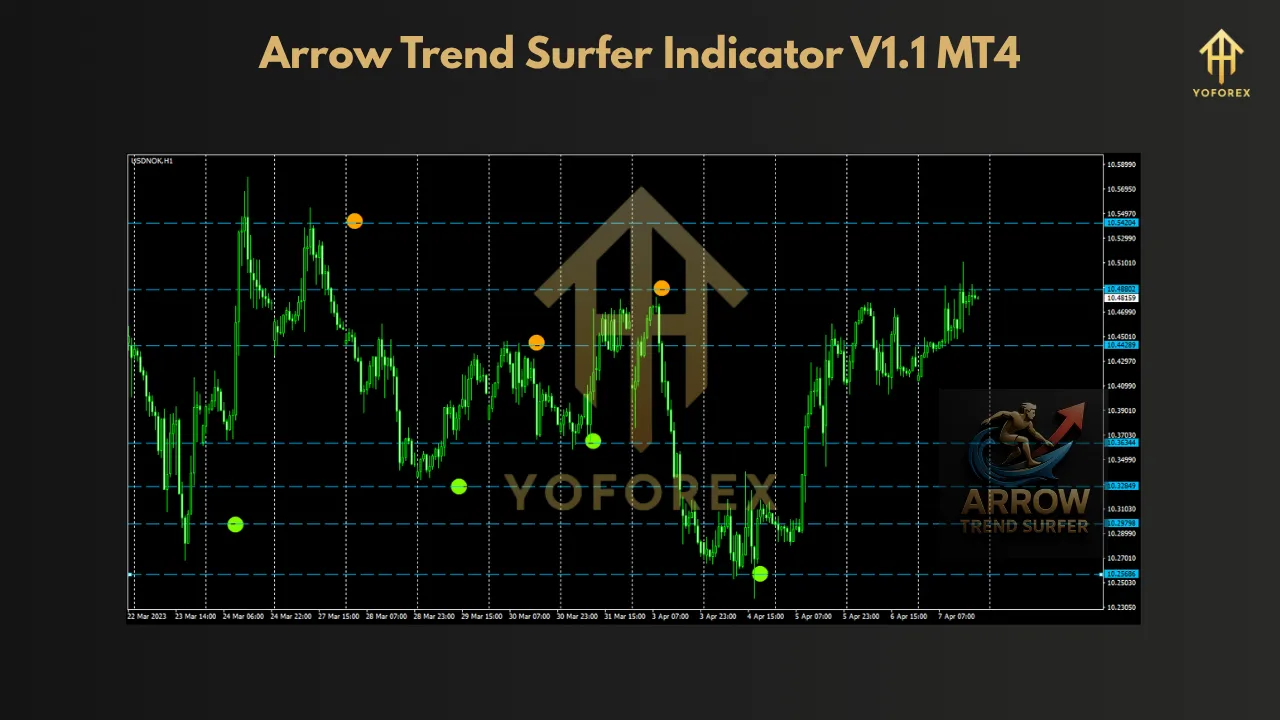
🚀 How to Install Arrow Trend Surfer on MT4
-
Download the
.ex4file. -
Open your MT4 platform.
-
Go to
File>Open Data Folder. -
Navigate to
MQL4>Indicators. -
Paste the file and restart MT4.
-
Drag the indicator from the “Navigator” panel onto your chart.
Done. You’re now surfing the trend.
📊 Best Settings & Tips
-
Use it alongside support/resistance zones for better accuracy.
-
Don’t trade solely on arrow signals—use confirmation.
-
Ideal timeframes: 15M, 30M, 1H.
-
Combine it with RSI or MACD for even better filtering.
📝 Final Thoughts
The Arrow Trend Surfer Indicator V1.1 isn’t just another flashy MT4 add-on. It’s a reliable trading companion that helps filter out noise and keeps you focused on the big picture. If you’re looking to increase accuracy without complicating your chart, this tool is worth a try.
Whether you’re a day trader or just trying to catch clean swings, this indicator gives you a solid edge. Just remember: no indicator is magic. But with a smart strategy and discipline, Arrow Trend Surfer can take your trading to the next level.