
EU Range Phantom EA V1.0 MT4: A Comprehensive Guide to Dominating EURUSD Breakouts
Introduction to EU Range Phantom EA
In the fast-paced world of forex trading, precision and timing are everything. For traders focusing on the EURUSD pair, the EU Range Phantom EA V1.0 MT4 emerges as a cutting-edge tool designed to capitalize on market inefficiencies with surgical accuracy. This stealth-engineered automated trading system is tailored for traders who demand disciplined execution and high-probability trades. Unlike generic trading bots that chase fleeting price movements, EU Range Phantom operates with a calculated approach, detecting hidden market ranges and striking only when conditions align for powerful breakouts. In this comprehensive guide, we’ll explore the features, strategies, and benefits of EU Range Phantom, providing you with everything you need to harness its potential and dominate the EURUSD market.
What Sets EU Range Phantom Apart?
The forex market is saturated with Expert Advisors (EAs), but EU Range Phantom stands out due to its unique blend of advanced technology and disciplined strategy. Built specifically for the EURUSD pair on the H1 timeframe, this EA is not a one-size-fits-all solution. It’s a precision weapon crafted to exploit the unique characteristics of the EURUSD, one of the most liquid and volatile currency pairs in the forex market. Here’s what makes EU Range Phantom exceptional:
-
Stealth Range Detection: The EA uses sophisticated algorithms to identify hidden market ranges where price consolidation signals impending volatility. This allows it to anticipate breakouts before they happen.
-
Strategic Pending Orders: Instead of reacting to random price action, EU Range Phantom places pending orders at optimal levels, ensuring entries with minimal slippage and maximum profit potential.
-
Dynamic Risk Management: With features like break-even protection, ATR-based trailing stops, and smart exit logic, the EA protects capital while maximizing gains.
-
Broker Compatibility: Designed for ECN or raw spread brokers, it thrives in environments with tight spreads and fast execution, critical for breakout trading.
-
Low Capital Requirement: With a minimum recommended balance of $300+, it’s accessible to both novice and experienced traders.
These features combine to create an EA that is patient, disciplined, and highly effective, offering traders a competitive edge in the EURUSD market.
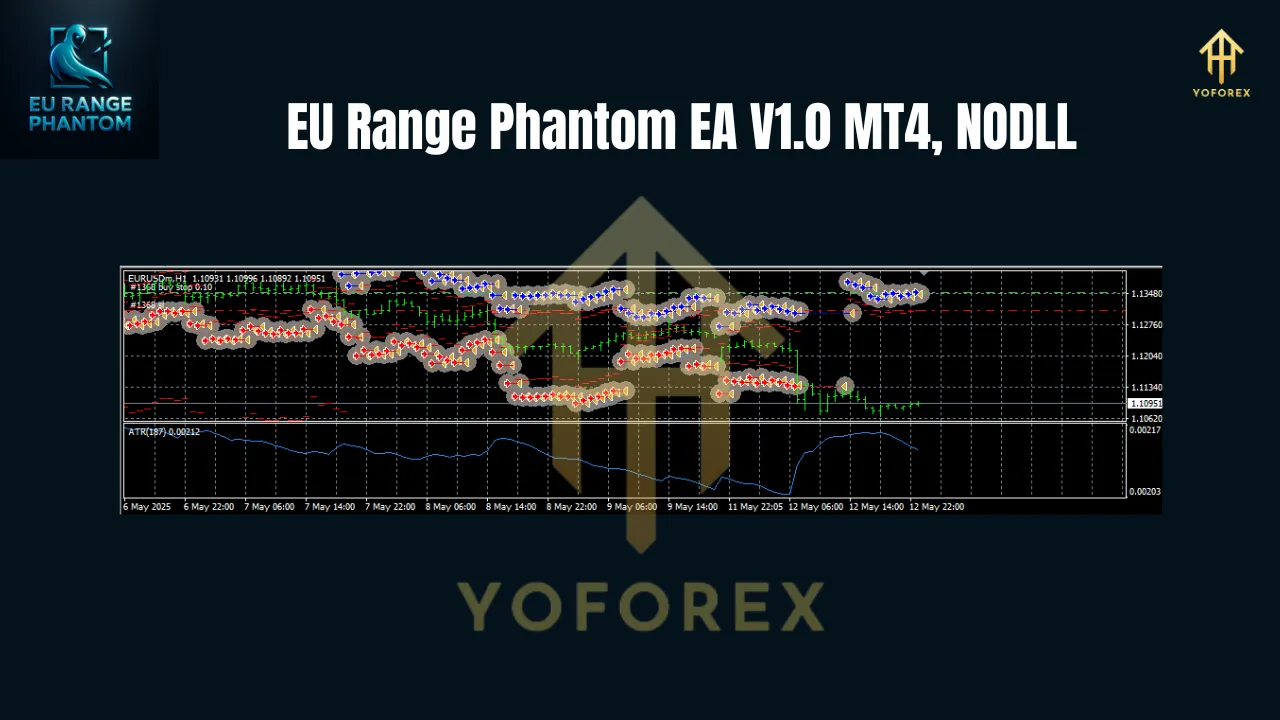
Understanding the Strategy: How EU Range Phantom Works
At its core, EU Range Phantom is a breakout trading system that leverages advanced range detection and precise execution to capture high-probability moves. Here’s a detailed breakdown of its strategy:
1. Advanced Range Detection
The EA’s proprietary range detection algorithm analyzes price action on the H1 timeframe to identify periods of consolidation. These ranges often precede significant breakouts, as market tension builds during periods of low volatility. By measuring factors like price compression, volatility contraction, and historical support/resistance levels, EU Range Phantom pinpoints the exact moments when the market is primed for a move.
2. Strategic Order Placement
Once a range is identified, the EA places pending orders (buy stops or sell stops) just outside the range boundaries. This approach ensures that trades are only triggered when the price breaks out with sufficient momentum, reducing the risk of false breakouts. The use of pending orders also minimizes exposure to market noise and slippage, a common issue in fast-moving markets.
3. Dynamic Risk Management
EU Range Phantom incorporates robust risk management features to protect your capital:
-
Break-Even Protection: Once a trade moves into profit, the EA automatically adjusts the stop-loss to break-even, locking in gains and eliminating downside risk.
-
ATR-Based Trailing Stops: Using the Average True Range (ATR), the EA dynamically adjusts stop-loss levels to follow price movements, securing profits while allowing trades to breathe.
-
Smart Exit Logic: The EA employs intelligent exit strategies based on market conditions, ensuring trades are closed at optimal points to maximize returns.
4. Optimized for EURUSD
The EURUSD pair is known for its liquidity, tight spreads, and responsiveness to technical setups, making it ideal for breakout strategies. EU Range Phantom is fine-tuned to exploit these characteristics, focusing exclusively on EURUSD to ensure consistency and reliability.
Why Choose EU Range Phantom for EURUSD Trading?
Trading the EURUSD pair requires a strategy that can navigate its unique dynamics, from macroeconomic news events to technical price patterns. EU Range Phantom is designed to excel in this environment, offering several key advantages:
-
High Win Rate Potential: By focusing on high-probability breakouts, the EA aims to deliver consistent wins with low drawdowns.
-
Automation and Efficiency: The EA eliminates the need for constant chart monitoring, executing trades autonomously based on predefined criteria.
-
Adaptability: While optimized for H1, the EA’s algorithms are robust enough to adapt to varying market conditions, from trending to ranging markets.
-
User-Friendly Setup: With simple settings and a recommended minimum balance of $300, it’s accessible to traders of all experience levels.
-
Broker Optimization: Compatibility with ECN and raw spread brokers ensures low trading costs and fast execution, critical for breakout strategies.
Setting Up EU Range Phantom EA
Getting started with EU Range Phantom is straightforward, but proper setup is crucial for optimal performance. Here’s a step-by-step guide:
Step 1: Choose the Right Broker
Select an ECN or raw spread broker with low spreads (ideally under 1 pip for EURUSD) and fast execution. Recommended brokers include IC Markets, Pepperstone, or Tickmill, known for their reliability in forex trading.
Step 2: Install MetaTrader 4
Download and install the MetaTrader 4 (MT4) platform from your broker’s website. Ensure your MT4 build is compatible (e.g., Build 1431+).
Step 3: Install the EA
-
Purchase or download the EU Range Phantom EA V1.0 file (typically a .ex4 or .mq4 file).
-
Copy the EA file to the “Experts” folder in your MT4 directory (File > Open Data Folder > MQL4 > Experts).
-
Restart MT4 and drag the EA onto an EURUSD H1 chart.
Step 4: Configure Settings
EU Range Phantom comes with default settings optimized for EURUSD on the H1 timeframe. However, you can customize parameters such as:
-
Lot Size: Adjust based on your account balance (e.g., 0.01 lots per $300).
-
Stop-Loss/Take-Profit: Set according to your risk tolerance.
-
Trailing Stop: Enable ATR-based trailing stops for dynamic profit locking.
-
News Filter: Activate to avoid trading during high-impact news events.
Step 5: Backtest and Demo Trade
Before deploying the EA on a live account, backtest it using MT4’s Strategy Tester to verify performance. Then, run it on a demo account to monitor real-time behavior without risking capital.
Step 6: Monitor and Optimize
While EU Range Phantom is fully automated, periodic monitoring is recommended to ensure it aligns with your trading goals. Adjust settings as needed based on market conditions or performance results.
Performance Expectations and Risk Management
While EU Range Phantom is designed for high-probability trades, no EA guarantees profits. Performance depends on market conditions, broker execution, and risk settings. Based on similar breakout EAs, you can expect:
-
Win Rate: Approximately 60-70% in favorable conditions, though this varies.
-
Drawdown: Typically moderate (10-20%), but higher in volatile markets.
-
Profit Potential: Consistent small gains with occasional large wins during strong breakouts.
To manage risks effectively:
-
Start with a minimum balance of $300 and use conservative lot sizes.
-
Enable the EA’s built-in risk management features, such as break-even and trailing stops.
-
Avoid trading during major news events unless the EA’s news filter is active.
-
Regularly review performance and adjust settings to align with market trends.
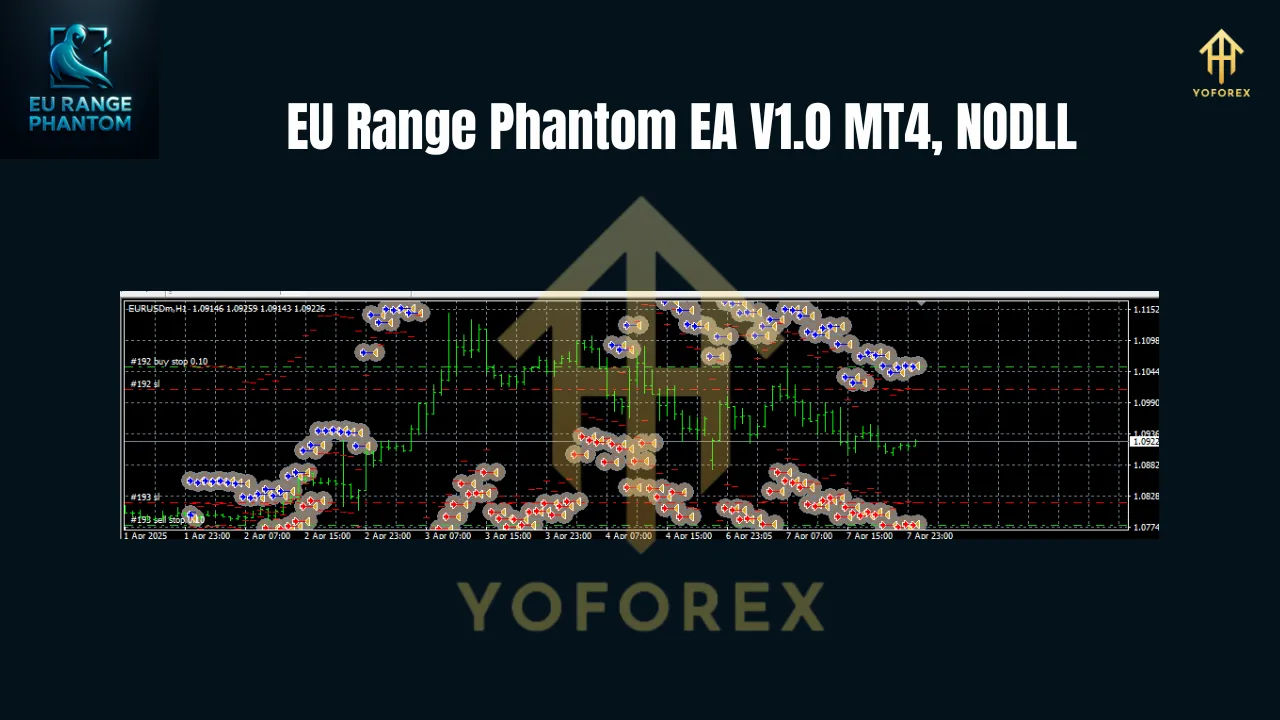
Pros and Cons of EU Range Phantom EA
Pros
-
Specialized for EURUSD: Tailored to the pair’s unique behavior, ensuring focused performance.
-
Advanced Breakout Strategy: Captures high-probability moves with minimal noise.
-
Robust Risk Management: Protects capital with dynamic stops and smart exits.
-
Accessible Entry Point: Low minimum balance makes it suitable for small accounts.
-
Time-Saving Automation: Frees traders from constant market monitoring.
Cons
-
Market Dependency: Performance relies on clear range-bound markets and strong breakouts.
-
Broker Sensitivity: Requires low-spread ECN brokers for optimal results.
-
Learning Curve: Beginners may need time to understand and optimize settings.
-
No Guaranteed Profits: Like all EAs, results depend on market conditions and user configuration.
Who Should Use EU Range Phantom?
EU Range Phantom is ideal for:
-
Ambitious Beginners: Traders with limited experience who want an automated solution with a low entry barrier.
-
Seasoned Investors: Experienced traders seeking to diversify their strategies with a reliable breakout system.
-
EURUSD Specialists: Traders focused on the EURUSD pair, looking to capitalize on its volatility and liquidity.
-
Time-Constrained Individuals: Those who want to automate trading without sacrificing precision or control.
However, it’s not suitable for traders who:
-
Prefer high-frequency scalping or intraday trading on lower timeframes.
-
Use brokers with high spreads or poor execution.
-
Expect guaranteed profits without monitoring or optimization.
Tips for Maximizing Success with EU Range Phantom
To get the most out of EU Range Phantom, consider these best practices:
-
Use a VPS: Run the EA on a Virtual Private Server to ensure 24/7 operation without interruptions.
-
Test Thoroughly: Backtest and demo trade to understand the EA’s behavior in different market conditions.
-
Optimize for Your Broker: Adjust settings like spread filters and lot sizes based on your broker’s conditions.
-
Stay Informed: Monitor economic calendars to avoid unexpected volatility from news events.
-
Start Small: Begin with a small account and scale up as you gain confidence in the EA’s performance.
Real-World Applications and Testimonials
While specific user reviews for EU Range Phantom EA V1.0 are not widely available, similar breakout EAs have received positive feedback for their reliability and ease of use. For example, users of other EURUSD-focused EAs, like the FX EURUSD Robot, praise their simplicity and consistent performance when properly configured. Traders report that breakout strategies excel in trending markets, with one user noting, “The automated breakout entries saved me hours of chart watching, and the trailing stops locked in profits I’d have missed manually.”
Conclusion: Is EU Range Phantom Right for You?
The EU Range Phantom EA V1.0 MT4 is a powerful tool for traders seeking to dominate the EURUSD market with precision and efficiency. Its stealth range detection, strategic order placement, and robust risk management make it a standout choice for both novice and experienced traders. By focusing on high-probability breakouts and leveraging the liquidity of EURUSD, this EA offers a disciplined approach to automated trading.
However, success requires proper setup, a compatible broker, and realistic expectations. While the EA’s low entry barrier ($300+) and user-friendly design make it accessible, traders must commit to backtesting, demo trading, and periodic optimization to maximize results. If you’re ready to harness the power of breakouts and trade EURUSD with stealth and strength, EU Range Phantom could be the key to unlocking your trading potential.