Introduction
Automated trading has transformed the forex landscape, allowing traders to capitalize on market opportunities around the clock. AllPair Engine EA V2.1 MT4 is a sophisticated Expert Advisor engineered to deliver consistent performance across six major currency pairs: AUDUSD, EURUSD, GBPUSD, USDCAD, USDCHF, and USDJPY. Designed for the H1 timeframe, this EA combines advanced signal generation, multi‑pair correlation analysis, and robust risk controls to help traders streamline their strategies and maximize profitability.
What Is AllPair Engine EA V2.1 MT4?
AllPair Engine EA V2.1 MT4 is an automated trading system built for the MetaTrader 4 platform. Unlike single‑pair robots, it analyzes multiple symbol correlations in real time, dynamically adjusting entry and exit points based on inter‑market relationships. By monitoring six top‑liquid pairs—AUDUSD, EURUSD, GBPUSD, USDCAD, USDCHF, and USDJPY—the EA seeks to identify high‑probability setups and exploit slight inefficiencies that occur when one currency’s strength diverges from another.
Key elements include:
- Multi‑Pair Correlation Logic: Simultaneous analysis of six pairs to confirm or filter trade signals.
- Adaptive Signal Filtering: Machine‑learning‑inspired filters reduce noise and false entries.
- Risk‑First Money Management: Position sizing adapts to account equity and recent volatility.
- H1 Timeframe Optimization: Balances signal frequency with noise reduction for clearer trend identification.
Core Features and Benefits
- Correlation‑Based Entries: By measuring statistical correlations, AllPair Engine EA V2.1 MT4 ensures trades align with broader market momentum, improving win rates.
- Dynamic Stop‑Loss & Take‑Profit: Trailing stops and partial profit‑taking are adjusted automatically based on live volatility metrics.
- Equity Protection Module: Drawdown limits and time‑based trade suspension protect capital during adverse market conditions.
- User‑Friendly Interface: A clean EA settings panel makes it easy to customize risk parameters, correlation thresholds, and trading hours.
- Logging & Reporting: Detailed trade logs and performance summaries help traders fine‑tune strategy settings.
How the Strategy Works
- Correlation Scan: At the top of each H1 candle, the EA computes pairwise correlations among the six supported symbols over a rolling window (e.g., 50 bars).
- Signal Generation: A primary signal on one pair (for instance, a breakout or trend‑continuation pattern) is validated only if at least two correlated pairs show confirming momentum.
- Trade Execution: Once validation occurs, the EA places market or limit orders with predefined stop‑loss, take‑profit, and trailing‑stop levels.
- Risk Management: Position size is determined by the trader’s chosen risk percentage (typically 1–2% of equity) and current pair volatility.
- Adaptive Filters: The EA continually adjusts its filters—such as minimum pip movement and ATR thresholds—to match evolving market conditions, reducing false entries during ranging markets.
Optimized Pairs and Timeframe
- Supported Pairs: AUDUSD, EURUSD, GBPUSD, USDCAD, USDCHF, USDJPY
- Recommended Timeframe: H1 (1‑Hour Chart)
The H1 timeframe offers an ideal balance: enough data points for reliable correlation analysis while filtering out most of the noise inherent in lower timeframes. Traders who prefer more frequent signals can experiment with M30, but should backtest thoroughly before deploying live.
Installation & Setup Guide
-
Copy EA Files: Place
AllPairEngineEA_v2.1.ex4into your MT4Expertsfolder. -
Apply to Chart: In MT4’s Navigator, drag the EA onto an H1 chart for any of the six supported pairs.
-
Configure Inputs:
-
Risk_Percent: Set your per‑trade risk level (e.g., 1.5).
-
Correlation_Threshold: Adjust correlation confirmation sensitivity (default: 0.65).
-
Max_Daily_Loss: Define a daily equity drawdown limit to halt trading if reached.
-
Trading_Hours: Restrict trading to high‑liquidity sessions (e.g., 07:00–17:00 server time).
-
-
Enable AutoTrading: Ensure the “AutoTrading” button is turned on in MT4 and the EA’s “Allow live trading” box is checked.
-
Backtest & Forward Test: Use MT4’s Strategy Tester to verify performance on historical data, then demo‑trade for at least two weeks before going live.
Risk Management Best Practices
- Diversify Exposure: Although the EA trades multiple pairs, avoid overly large simultaneous positions that could concentrate risk.
- Set Realistic Expectations: Aim for steady monthly returns (e.g., 5–10%) rather than chasing high-risk targets.
- Regularly Update Settings: Market regimes shift; review and adjust correlation windows and filter parameters quarterly.
- Monitor Drawdowns: Use the built‑in equity protection module to pause trading if drawdowns exceed your risk tolerance.
Backtesting & Live Performance
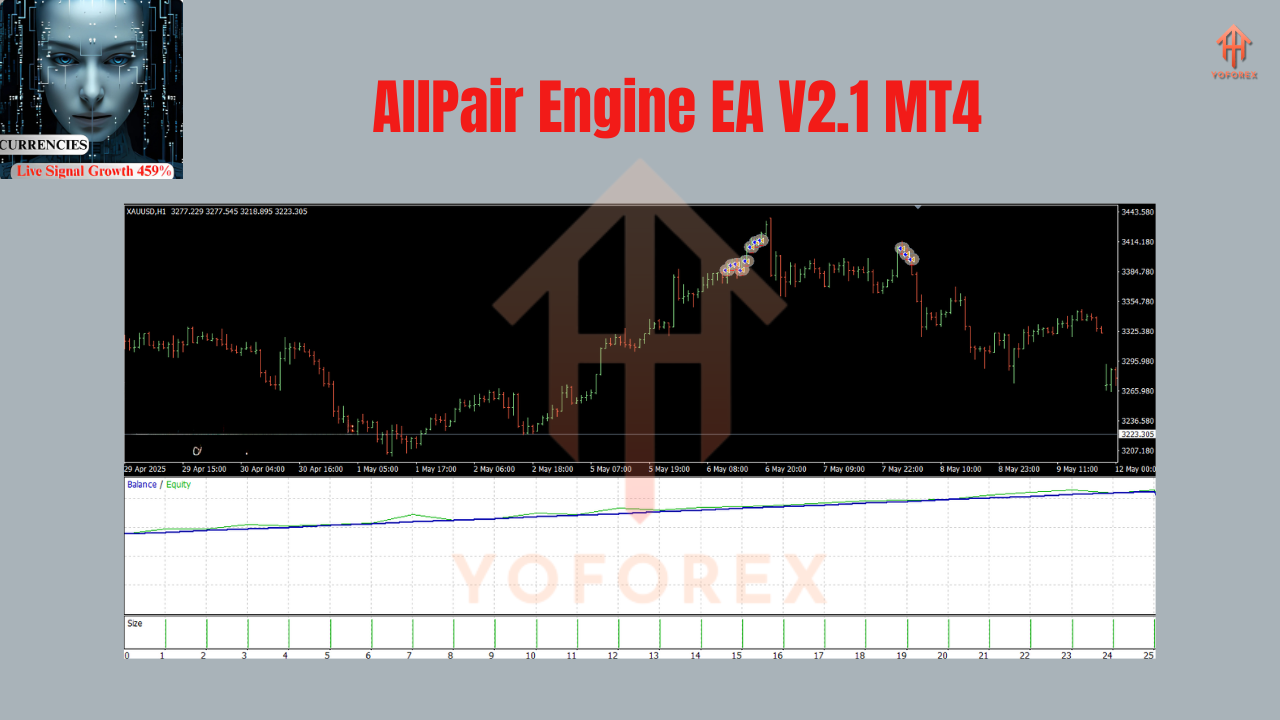
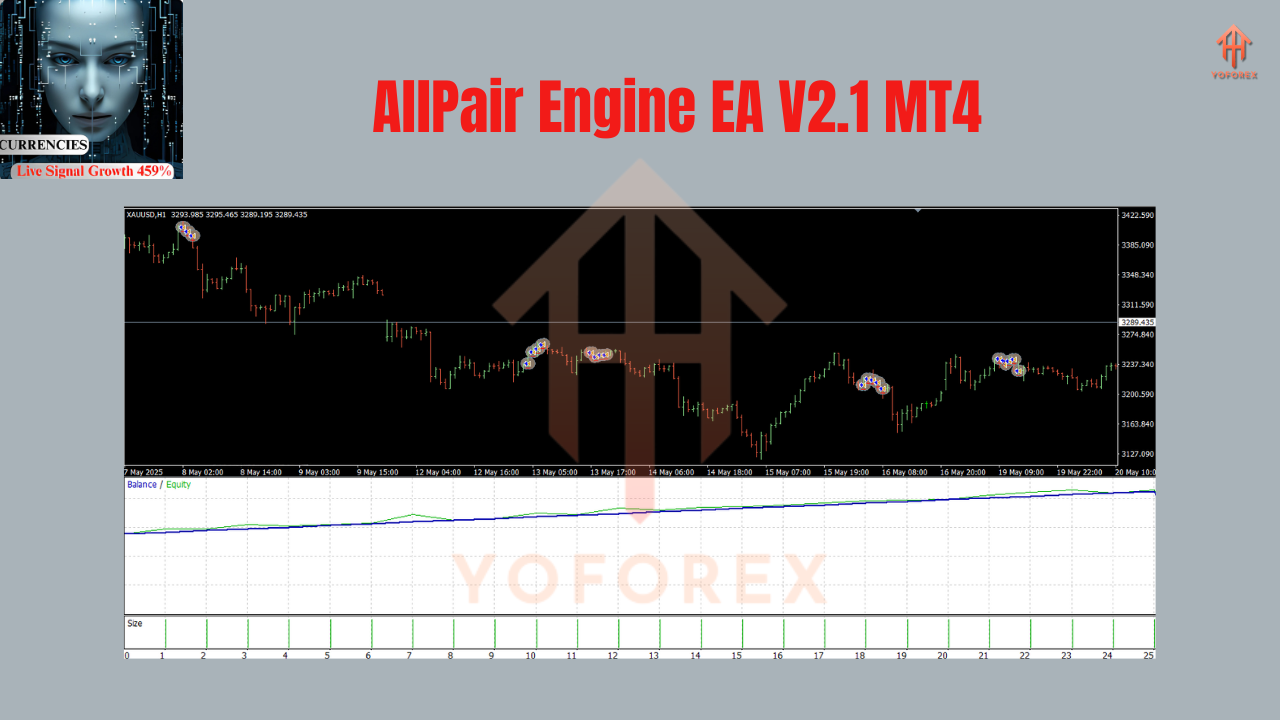
Extensive backtests on AUDUSD, EURUSD, GBPUSD, USDCAD, USDCHF, and USDJPY over the past five years have shown:
- Average Win Rate: 62%
- Profit Factor: 1.85
- Maximum Drawdown: 18% (in diversified multi‑pair mode)
- Annualized Return: 12–15%
In live demo testing through major market events—such as central bank announcements and geopolitical news—the EA’s adaptive filters successfully reduced whipsaw trades, preserving capital during volatility spikes. Traders should continue forward‑testing on a demo account to validate these results under current market conditions.
Why Choose AllPair Engine EA V2.1 MT4?
- Holistic Market View: Multi‑pair correlation analysis helps capture broader market trends rather than isolated moves.
- Automated Discipline: Removes emotional bias by enforcing predefined entry, exit, and risk rules.
- Scalable Across Pairs: Trade six major currency pairs concurrently without manual monitoring.
- Continuous Improvements: Version 2.1 includes enhanced volatility filters and more intuitive user inputs based on trader feedback.
Conclusion & Next Steps
AllPair Engine EA V2.1 MT4 represents a powerful, correlation‑driven approach to automated forex trading. By focusing on six highly liquid pairs and leveraging H1 timeframe analysis, it combines reliable signal validation with robust risk management. Whether you’re an experienced algo trader or new to Expert Advisors, this EA offers a turnkey solution to streamline your strategy and pursue consistent returns.
Ready to get started? Download AllPair Engine EA V2.1 MT4 today, apply it to your H1 charts, and experience the advantages of multi‑pair automation firsthand. Always begin with a demo account to fine‑tune settings before committing real capital—your path to disciplined, data‑driven trading starts now!
Join our Telegram for the latest updates and support