
Anubis EA V1.1 MT5 is one of the most structured and disciplined automated trading systems built for MetaTrader 5. Designed for traders who value stability, safety, and long-term consistency, this Expert Advisor focuses on trend analysis, volatility control, and precise entry execution. Rather than relying on risky strategies like martingale or grid, the Anubis EA uses a refined multi-timeframe approach that ensures each trade aligns with the broader market direction.
This in-depth guide explains the system’s mechanics, features, recommended settings, installation process, minimum deposit, and overall performance behavior. If you are looking for a reliable automated trading system to support your forex journey, this professional breakdown will help you understand exactly how Anubis EA V1.1 MT5 operates and what kind of results you can realistically expect.
Introduction to Anubis EA V1.1 MT5
Anubis EA combines trend-following principles with volatility-based filters to create a balanced and intelligent trading model. The system emphasizes safe execution rather than high-frequency risk-taking. It waits for the right market conditions before opening a position, ensuring that every trade has a strategic foundation behind it.
Because of its structured design, Anubis EA is suitable for traders who want to automate their strategies without exposing their accounts to unnecessary drawdown. It is built to adapt to both trending and semi-trending market environments, making it a stable choice for diversified trading portfolios.
How the Strategy Works
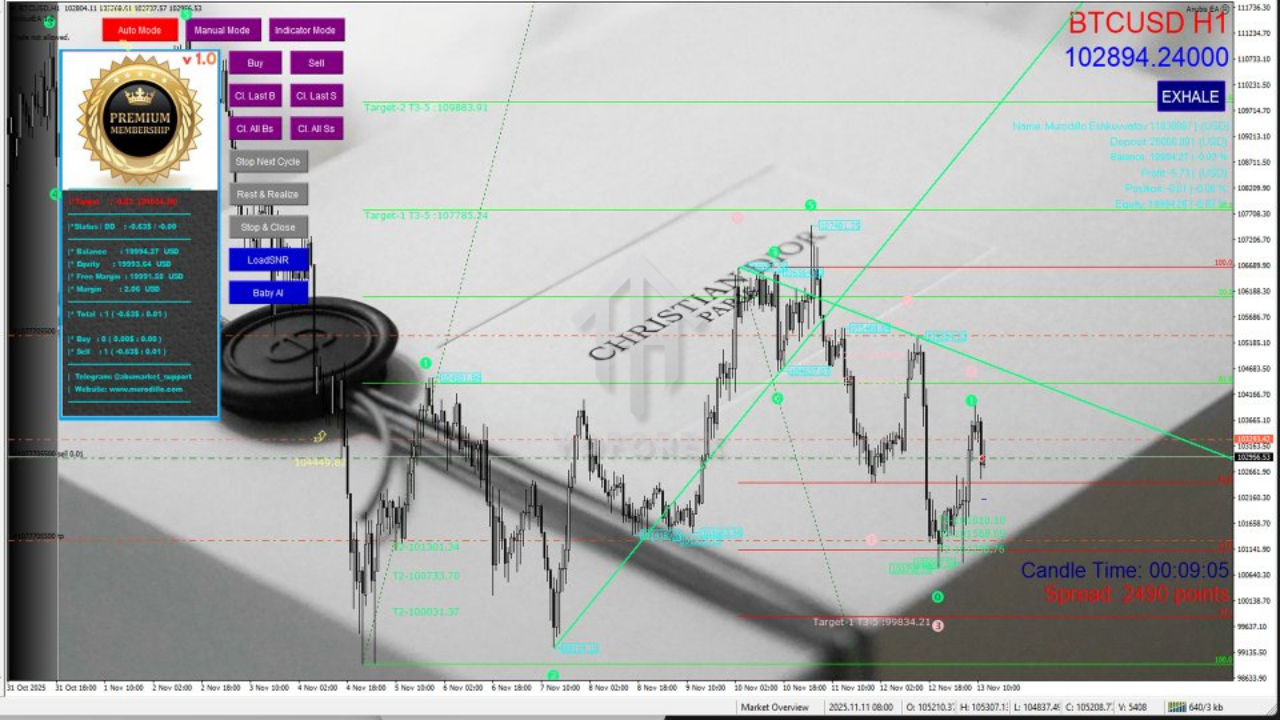
The Anubis EA V1.1 MT5 uses multiple layers of analysis to confirm a trade before execution. This layered structure is what makes it more reliable compared to EAs that rely on a single indicator or a simplistic rule.
1. Trend Structure Analysis
The EA identifies the long-term market direction using higher-timeframe data. It avoids entries during sideways periods or when the market is transitioning. Following the dominant trend increases the likelihood of sustained moves.
2. Momentum Confirmation
Even if the trend is strong, the EA does not enter until momentum aligns on the execution timeframe. This prevents premature entries and helps filter out false breakouts.
3. Volatility Validation
The EA monitors market volatility to optimize timing. It avoids periods of excessive noise or extreme quietness, both of which can negatively impact trade outcomes.
4. Protected Trade Execution
Once conditions are met, the EA opens a position with:
- A predetermined stop loss
- Breakeven automation
- Trailing stop activation
These protections ensure that the account remains safe while still allowing profitable trades to grow.
Core Features of Anubis EA V1.1 MT5
Anubis EA stands out because of its clean structure and reliable decision-making. Some of its primary features include:
Multi-Timeframe System
The EA uses higher-timeframe signals for direction and lower-timeframe data for precision. This combination improves accuracy and reduces noise.
Smart Money Management
Users can configure fixed lot sizes or percentage-based risk. The EA also includes filters for spread, slippage, and maximum allowed risk per trade.
No Martingale or Grid
Many EAs that rely on grid or martingale eventually blow accounts. Anubis EA completely avoids these methods. Every trade is independent and risk-controlled.
Trailing Stop and Breakeven Logic
The EA shifts into protection mode once a position becomes profitable. This reduces risk and preserves gains.
Beginner Friendly
Even though the strategy is advanced internally, Anubis EA is easy to use. Traders only need to set their risk level and trading sessions.
Recommended Trading Pairs and Timeframes
Anubis EA V1.1 MT5 performs consistently on the following assets:
- XAUUSD
- EURUSD
- GBPUSD
- USDJPY
Recommended timeframes:
- H4 for identifying trend
- M15 or H1 for executing entries
These combinations ensure smoother performance and reduced exposure to market noise.
Minimum Deposit and Trading Requirements
To run the EA effectively, the following conditions are recommended:
- Minimum deposit: $100
- Preferred deposit: $200–$500
- Leverage: 1:500
- Account type: ECN or raw spread
- Execution environment: Using a VPS enhances stability
These requirements ensure the EA has enough flexibility to operate efficiently without slippage or large spreads affecting performance.
Risk Management and Drawdown Behavior
One of the strongest aspects of Anubis EA V1.1 MT5 is its built-in risk protection. The system focuses on maintaining stability rather than chasing unrealistic returns.
Breakeven Automation
As soon as the trade moves into profit, the EA shifts the stop loss to protect capital.
Trailing Stop System
Profit is secured gradually as price progresses in the EA’s favor.
Spread and Slippage Filters
The EA avoids execution during unstable conditions.
Controlled Risk Percentages
The default configuration ensures moderate exposure, but traders can adjust the risk to:
- 0.5% per trade (very conservative)
- 1–2% per trade (moderate)
- 3–4% per trade (aggressive)
Because the EA avoids multi-position stacking, drawdowns remain stable and predictable.
Installation Guide for Anubis EA V1.1 MT5
Installing the EA is simple and takes only a few minutes. Follow these steps:
Step 1: Open MetaTrader 5
Login to your trading account on MT5.
Step 2: Open the Data Folder
Go to:
File → Open Data Folder
Step 3: Navigate to the Experts Folder
Go to:
MQL5 → Experts
Paste the EA file here.
Step 4: Restart MT5
This reloads the EA into the Navigator panel.
Step 5: Attach the EA to a Chart
Select your pair, open your timeframe, and drag the EA onto the chart.
Step 6: Enable Automated Trading
Turn on Algo Trading in MT5 and inside EA settings.
Step 7: Set Your Preferences
Configure:
- Lot size or risk %
- Trading sessions
- Spread filters
- Trailing stop inputs
Once completed, the EA will start monitoring the market and executing trades based on its strategy.
Performance Expectations
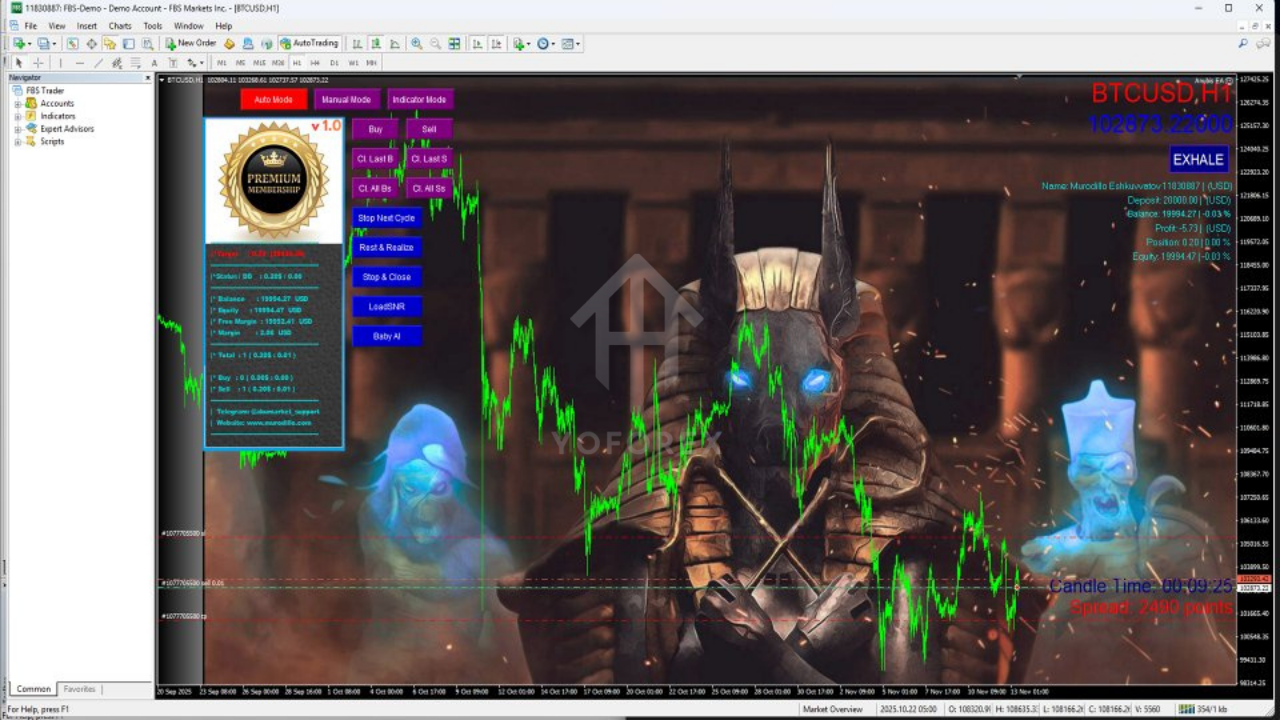
Anubis EA V1.1 MT5 is built for traders who want realistic and stable returns. Unlike systems that try to generate rapid gains, this EA focuses on consistency and disciplined market entries.
Expected performance characteristics include:
1. Moderate Number of Trades
The EA waits for ideal conditions, resulting in high-quality signals.
2. Controlled Drawdown
Since it avoids large trade stacking, equity remains stable even during unfavorable market cycles.
3. Long-Term Growth Potential
The EA performs best when allowed to run continuously across multiple market cycles.
4. Low Emotional Stress
Because it handles all decisions automatically, traders avoid emotional errors.
5. Compatible with Multiple Trading Styles
Whether you aim for steady daily gains or long-term portfolio expansion, the EA can be tailored accordingly.
Who Should Use Anubis EA V1.1 MT5?
This EA is ideal for:
- New traders looking for guided automation
- Intermediate traders diversifying their EAs
- Experienced traders seeking a safety-first automated model
- Long-term strategy builders
- Risk-conscious traders who avoid martingale-based EAs
If you value discipline, structured entries, and controlled exposure, Anubis EA V1.1 MT5 is highly suitable.
Final Conclusion
Anubis EA V1.1 MT5 is a robust Expert Advisor designed for traders who want a reliable, trend-driven automated trading system. Its disciplined approach to identifying market direction, filtering volatility, and managing risk makes it a dependable tool for stable account growth. With no martingale, no grid, and full control over risk settings, the EA is well-positioned for long-term trading success.
Whether you’re just beginning your automated trading journey or expanding your existing portfolio, Anubis EA V1.1 MT5 delivers the precision, protection, and strategic clarity required for professional-level results.