
Introduction
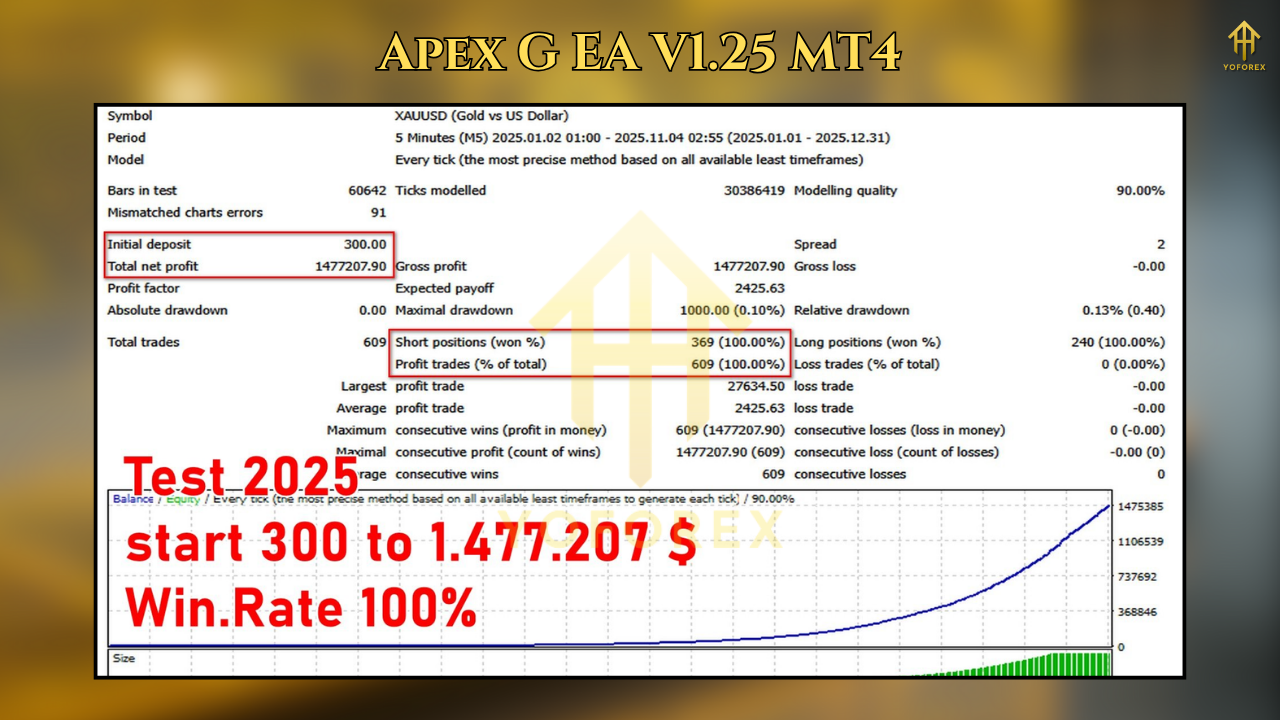
Apex G EA V1.25 MT4 is a production-focused trading robot built to marry smart entries with disciplined risk management. Instead of chasing curve-fitted backtests, it targets stable, repeatable execution on XAUUSD and selected major FX pairs by combining multi-timeframe confirmation, volatility filters, and dynamic stop/target logic. The result: fewer impulsive trades, cleaner entries during liquid sessions, and an overall framework designed to be compatible with prop-firm rules and live account constraints.
What’s New in V1.25
- Refined Signal Stack: Better trend + pullback detection (MTF confirmation across M15–H1).
- Adaptive Trade Guard: Volatility-aware stop sizing to keep risk consistent across changing spreads.
- News Pause Window: Optional pre/post high-impact news cooldown to reduce slippage and whipsaw exposure.
- Execution Tweaks: Improved partial-close logic and break-even triggers for stronger equity protection.
How Apex G EA Trades
- Trend Filter: Uses higher timeframe (H1) direction to bias signals only with the dominant flow.
- Pullback Entry: Waits for a measured retracement into an intraday value zone (e.g., 20–50 EMA band + structure).
- Volatility Screen: Average True Range (ATR) controls stop distance so one trade ≈ one risk unit.
- Dynamic Exits: Scales out around liquidity nodes (session highs/lows, VWAP zones) and trails the stop as price extends.
Recommended Markets & Timeframes
- Primary: XAUUSD
- Secondary (optional): EURUSD, GBPUSD, USDJPY
- Timeframes:
- Entries: M15
- Bias/Filter: H1
This split keeps signals clean and avoids overtrading during noisy periods.
Suggested Broker Setup
- Account: ECN/Raw spread with 1:200–1:500 leverage
- Average Spread: XAUUSD ≤ 25–35 points preferred
- Execution: Low-latency VPS if possible (especially for gold)
- Swap/Commission: Check overnight costs if you hold into Asia
Quick-Start Settings (Baseline)
Use these as a starting point; optimize per broker conditions.
- RiskPercent: 1.0 (Prop-friendly: 0.5–0.8)
- MaxDailyLoss% (soft guard): 3.0
- MaxPositions: 1 per symbol (2 for majors if you’re experienced)
- ATRPeriod: 14 | ATRMultiplierSL: 1.8–2.2
- TP Mode: Partial Close at 1R; trail remainder using structure (swing highs/lows)
- BreakEven: At 0.8–1.0R with +1 to +3 points lock-in
- News Filter: Enabled; pause 15–30 mins pre/post High Impact
- Trading Sessions: Focus London + NY overlap (avoid thin liquidity)
Installation & Setup (MT4)
- File → Open Data Folder → MQL4 → Experts and copy ApexG_EA.ex4.
- Restart MT4. Drag the EA onto XAUUSD M15 (and other charts if needed).
- Enable Allow Algo Trading and AutoTrading (toolbar must be green).
- Load the Apex_G_V125.set (if provided) or input the baseline above.
- Check Journal/Experts tab for “EA initialized” without errors.
- Start on demo for 5–10 trading days to validate fills/spreads; then go small live.
Risk Management (The Edge You Actually Keep)
- 1R Discipline: Every stop = a fixed risk percent. Don’t widen stops after entry.
- Daily Guardrails: If soft max daily loss is touched, let the EA rest—prop rules love this.
- Symbol Allocation: If you trade XAUUSD + one major, consider 0.7× risk on the second symbol to avoid correlation spikes.
- News & Friday Ops: Consider reduced risk on NFP/FOMC weeks and early close on Fridays.
Prop-Firm Friendly Notes
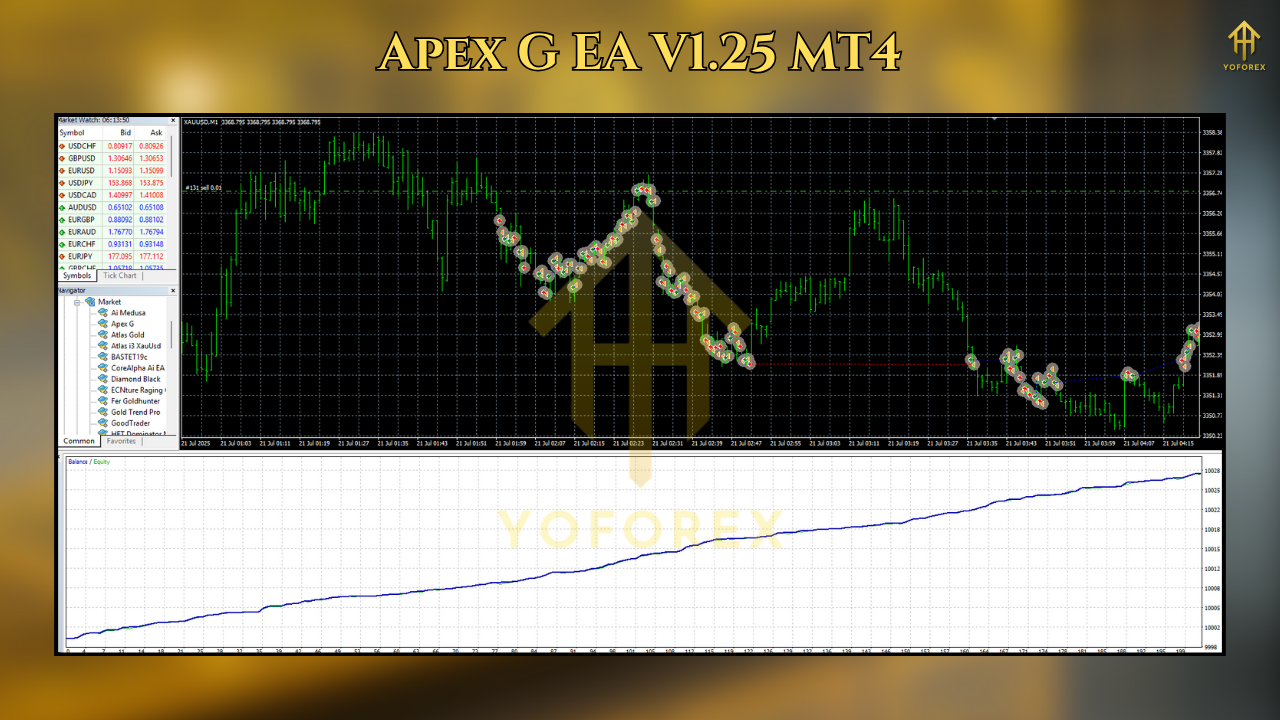
- No martingale/grid supports drawdown limits.
- Hard Daily Loss (manual): Add a broker or third-party equity monitor if the prop rules are strict.
- Consistency: Keep lot sizes steady; firms often review position sizing variance.
- Trading Hours: Disable trading during restricted firm windows if required (use the session filter).
Optimization Tips (Without Overfitting)
- Only tune what matters: ATRMultiplierSL (1.6–2.4), partial-close threshold (0.8–1.2R), and session filters.
- Walk-Forward Mindset: Validate on forward months, not just the same slice of history.
- Broker Reality Check: If your average spread is higher than baseline, slightly increase TP thresholds or skip low-volatility hours.
Example Workflow (Week to Week)
- Monday: Light risk, watch structure form.
- Tue–Thu: Core execution window (London/NY overlap).
- Friday: Close week early if equity target met; avoid late-session volatility traps.
Troubleshooting
- “Trade Disabled”: AutoTrading off or EA not authorized—toggle the top toolbar, confirm smiley face.
- “Off quotes” / “Invalid price”: High latency or volatile tick. Consider a VPS and verify broker.
- Few Trades?: Check session filter and news pause; gold often clusters opportunity mid-week.
Who Will Like Apex G EA V1.25
- Traders who prefer trend + pullback logic with clear risk caps
- Prop-firm aspirants needing non-martingale discipline
- Gold-centric traders wanting session-aware entries and partial-close exits
- Anyone who values forward performance over perfect-looking backtests