
Arrow Fate Pro Indicator for MT4: A Guide to Boost Forex Trading
Introduction
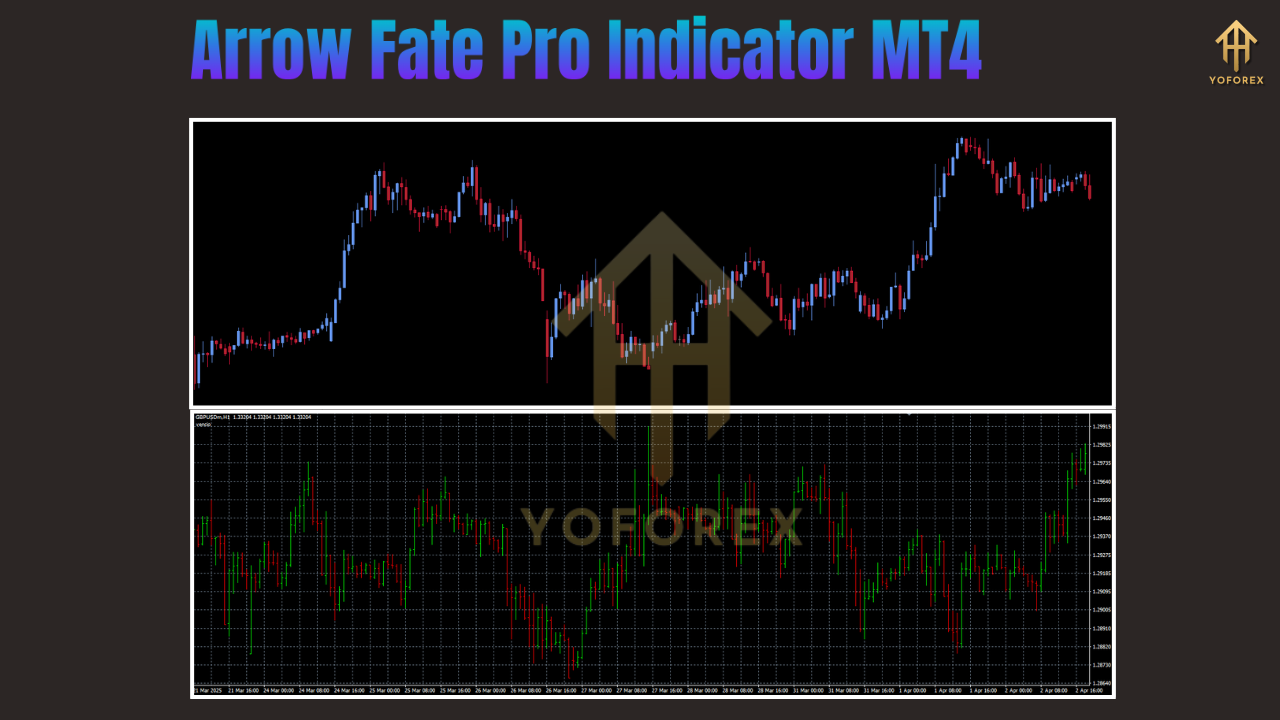
The Arrow Fate Pro Indicator for MetaTrader 4 (MT4) is designed to simplify technical analysis and deliver clear, actionable buy and sell signals. By combining price action, moving averages, and momentum filters, this arrow‑based tool helps traders of all levels cut through market noise and make more confident decisions.
What Is the Arrow Fate Pro Indicator?
-
Purpose: Generates green arrows for buy signals and red arrows for sell signals directly on your MT4 chart.
-
Platform: Exclusively built for MetaTrader 4, one of the most widely used retail‑forex trading platforms.
-
Key Advantage: Non‑repainting logic ensures once a signal appears, it remains fixed, enabling reliable backtesting and real‑time trading.
Key Features
-
Clear Buy/Sell Signals
-
Green upward arrows for bullish entries
-
Red downward arrows for bearish entries
-
-
Non‑Repainting
-
Signals remain unchanged after they appear
-
Boosts trader confidence in backtested results
-
-
Customizable Settings
-
Adjust sensitivity, timeframes, and alert preferences
-
Fine‑tune for scalping, day trading, or swing trading styles
-
-
Multi‑Timeframe Compatibility
-
Works on all MT4 timeframes (M1 through D1)
-
Suitable for both short‑term and long‑term strategies
-
-
Built‑In Alert System
-
Pop‑ups, sounds, and mobile push notifications
-
Never miss a new signal
-
-
Seamless Integration
-
Pairs well with RSI, Bollinger Bands, MACD, and other indicators
-
Use as confirmation to reduce false entries
-
Installation Guide
-
Download the Indicator File
-
Obtain the
.ex4or.mq4file from a trusted source.
-
-
Open the MT4 Data Folder
-
In MT4: File → Open Data Folder
-
-
Copy to Indicators Folder
-
Navigate to
MQL4/Indicators -
Paste the downloaded file into this folder
-
-
Restart MetaTrader 4
-
Close and reopen MT4 to load new indicators
-
-
Attach to Your Chart
-
In the Navigator panel, find Arrow Fate Pro Indicator
-
Drag onto your chosen currency‑pair chart
-
Configure sensitivity and alerts in the settings window
-
-
Verify Installation
-
Look for green/red arrows on the chart
-
Ensure alerts trigger as expected
-
Tip: Enable DLL imports if the indicator requires additional libraries, and always download from reputable providers to avoid security risks.
How It Works
The Arrow Fate Pro Indicator’s proprietary algorithm combines multiple analytical components:
-
Price Action Analysis
-
Detects pivot highs/lows for reversal and continuation signals
-
-
Moving Averages
-
Uses fast and slow EMAs to gauge trend direction
-
-
Momentum Filters
-
Incorporates RSI or Stochastic readings to confirm overbought/oversold conditions
-
-
Volatility Checks
-
Applies ATR or Bollinger Bands to filter out signals during low‑volatility periods
-
When these conditions align, an arrow appears:
-
Green Arrow at a pivot low signals a potential bullish move
-
Red Arrow at a pivot high signals a potential bearish move

Trading Strategies
1. Trend‑Following
-
Identify the Trend on a higher timeframe (H4/D1) using the 50‑period and 200‑period EMAs.
-
Switch to a Lower Timeframe (H1/M15) and wait for a signal in the trend direction.
-
Confirm with RSI (above 50 for buys, below 50 for sells) or support/resistance levels.
-
Entry & Risk Management
-
Buy when a green arrow appears above the 50 EMA in an uptrend; sell when a red arrow appears below the 50 EMA in a downtrend
-
Place stop‑loss beyond the recent swing high/low
-
Aim for a minimum 1:2 risk‑reward ratio
-
2. Reversal Trading
-
Mark Key Zones using pivot points, Fibonacci retracements, or horizontal support/resistance.
-
Wait for an Arrow Signal near these zones (e.g., green arrow at strong support).
-
Validate with a candlestick reversal pattern (engulfing, hammer) or MACD divergence.
-
Trade Execution
-
Enter on confirmation of reversal
-
Place stop‑loss just beyond the zone boundary
-
Target the next significant support/resistance level
-
3. Scalping
-
Use Lower Timeframes (M1/M5) with alerts enabled for quick signal notifications.
-
Manage Risk with ATR:
-
Set stop‑loss and take‑profit to 1–2× ATR value
-
-
Quick Exits:
-
Close position at first sign of momentum fading or when profit target is met
-
Advantages
-
Simplicity: Instant visual cues eliminate complex chart reading.
-
Reliability: Non‑repainting ensures signal integrity over time.
-
Versatility: Adapts to multiple trading styles and timeframes.
-
Time Efficiency: Alerts free you from constant chart monitoring.
Conclusion
The Arrow Fate Pro Indicator for MT4 is a powerful, user‑friendly tool that can enhance your trading by delivering clear entry and exit signals. By combining it with sound risk management and additional confirmations, both novice and experienced traders can streamline their decision‑making process and potentially improve profitability. Integrate it into your favorite strategy and take advantage of its precision and reliability in today’s fast‑moving forex markets.
Support & Disclaimer
Got questions or need help? Reach out anytime:
- WhatsApp: https://wa.me/+443300272265
- Telegram: https://t.me/yoforexrobot
Disclaimer: Past performance is no guarantee of future results. All trading carries risk. Always demo-test the Arrow Fate Pro Indicator MT4 in a risk-free environment before deploying on a live account.