
A Comprehensive Guide to Boost Your Forex Trading
The Beacon Arrow Indicator for MetaTrader 4 (MT4) is a powerful technical analysis tool designed to simplify trading decisions for forex traders. By generating clear buy and sell signals in the form of arrows on the price chart, this indicator helps traders identify optimal entry and exit points. In this blog, we’ll explore the features, benefits, installation process, and trading strategies for the Beacon Arrow Indicator, along with tips to maximize its effectiveness in your forex trading journey.
What is the Beacon Arrow Indicator?
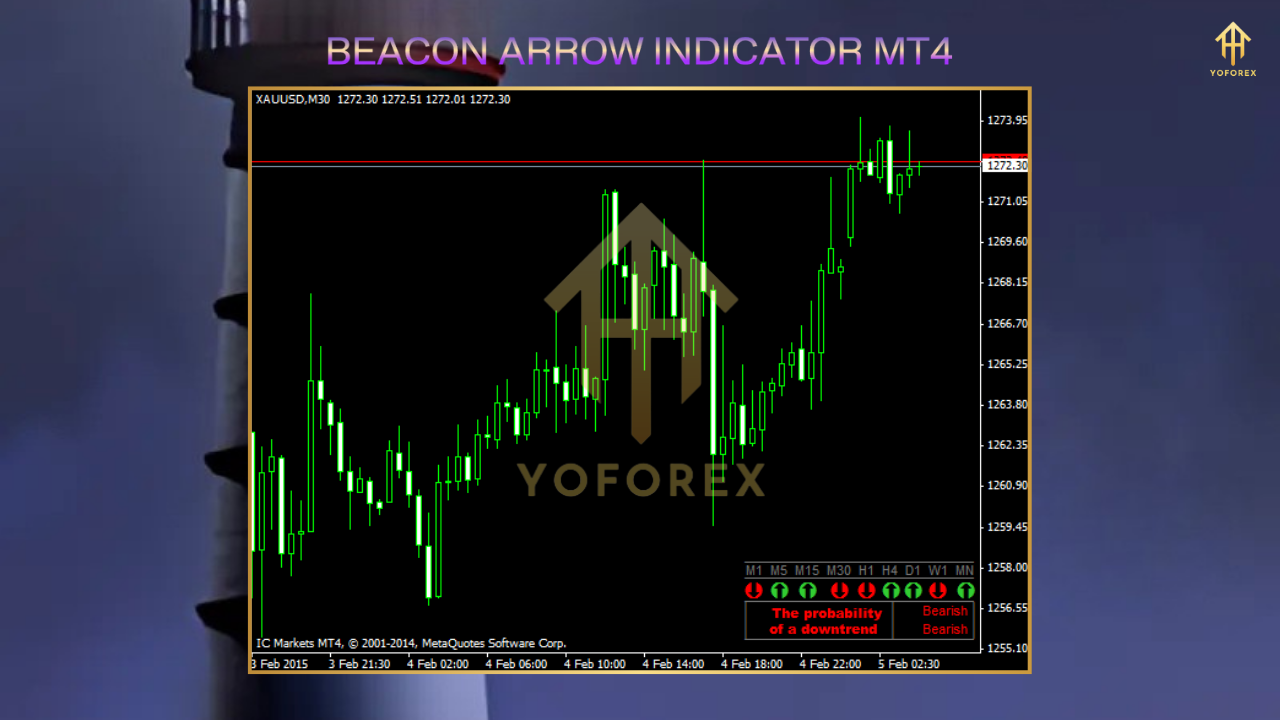
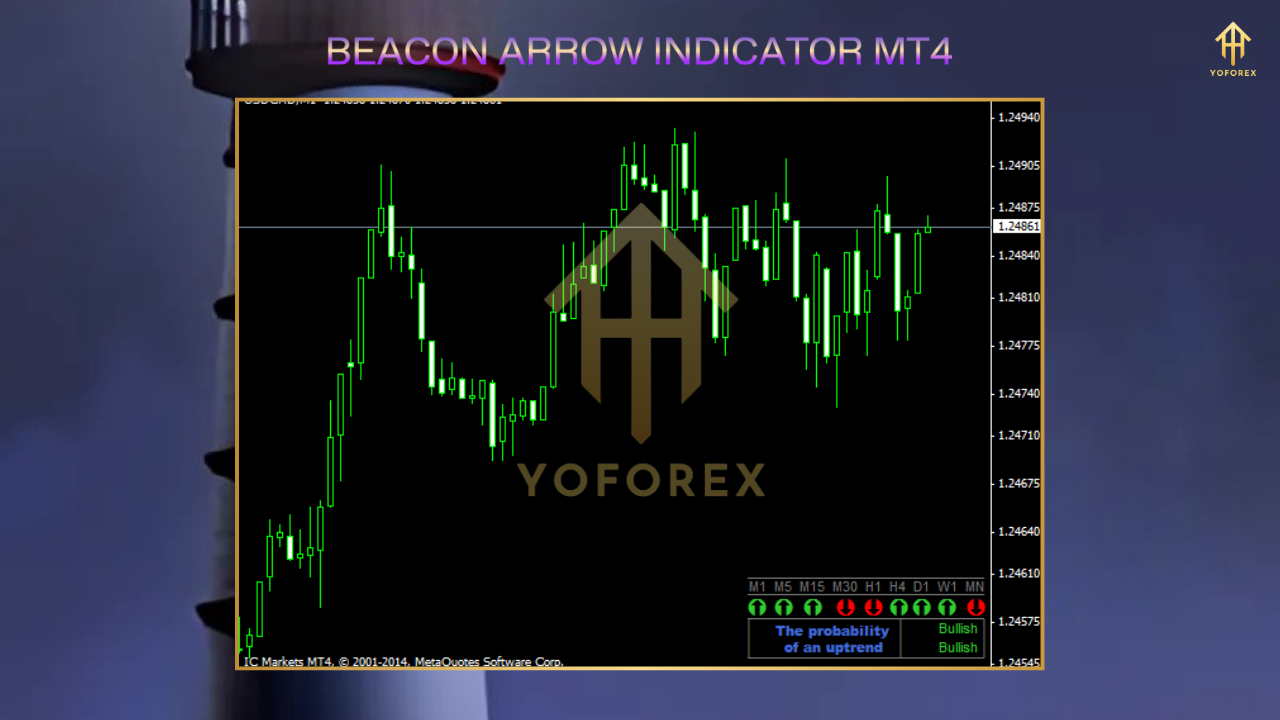
The Beacon Arrow Indicator is a custom MT4 indicator that combines multiple technical analysis tools to provide accurate, non-repainting signals. Unlike traditional indicators that may overwhelm traders with complex data, the Beacon Arrow Indicator simplifies the process by displaying green arrows for buy signals and red arrows for sell signals. These arrows are based on a sophisticated algorithm that analyzes price action, market trends, and key technical indicators such as Moving Averages, Relative Strength Index (RSI), and Bollinger Bands.
This indicator is particularly appealing to both novice and experienced traders due to its user-friendly interface and versatility across various timeframes and currency pairs. Whether you’re a scalper, day trader, or swing trader, the Beacon Arrow Indicator can be tailored to suit your trading style.
Key Features of the Beacon Arrow Indicator
- Clear Visual Signals: The indicator displays green upward arrows for potential buy opportunities and red downward arrows for sell opportunities, making it easy to interpret market conditions.
- Non-Repainting: Unlike some indicators that redraw signals, the Beacon Arrow Indicator provides stable, reliable signals that remain fixed once they appear.
- Customizable Settings: Traders can adjust parameters such as signal sensitivity, timeframe compatibility, and alert preferences to align with their strategies.
- Multi-Timeframe Compatibility: The indicator works effectively across all timeframes, from M1 (1-minute) to D1 (daily), catering to various trading approaches.
- Alert System: The Beacon Arrow Indicator includes sound and pop-up alerts, ensuring traders never miss a potential trading opportunity.
Benefits of Using the Beacon Arrow Indicator
The Beacon Arrow Indicator offers several advantages that make it a valuable addition to any trader’s toolkit:
- Simplified Decision-Making: The clear arrow signals eliminate the need to analyze multiple indicators, reducing decision fatigue and psychological strain.
- High Accuracy: By combining price action and technical indicators, the Beacon Arrow Indicator filters out false signals, increasing the likelihood of profitable trades.
- Versatility: It performs well in trending and ranging markets, making it suitable for various market conditions.
- Risk Management Support: The indicator can be used to set stop-loss and take-profit levels, helping traders manage risk effectively.
How to Install the Beacon Arrow Indicator on MT4
Installing the Beacon Arrow Indicator on your MT4 platform is straightforward. Follow these steps to get started:
- Download the Indicator: Obtain the Beacon Arrow Indicator file (.ex4 or .mq4) from a reputable source. Ensure the file is compatible with MT4.
- Open MT4 Data Folder: Launch your MetaTrader 4 platform, click on “File” in the top menu, and select “Open Data Folder.”
- Navigate to Indicators Folder: In the data folder, open the “MQL4” folder, then the “Indicators” folder.
- Copy the Indicator File: Paste the downloaded Beacon Arrow Indicator file into the “Indicators” folder.
- Restart MT4: Close and reopen your MT4 platform to load the indicator.
- Apply to Chart: In the MT4 Navigator panel, locate the Beacon Arrow Indicator under “Indicators.” Drag and drop it onto your desired chart, then configure the settings as needed.
How to Use the Beacon Arrow Indicator in Trading
To maximize the effectiveness of the Beacon Arrow Indicator, traders should integrate it into a well-rounded trading strategy. Here’s a step-by-step guide to using the indicator:
- Identify the Trend: Use the indicator in conjunction with trend analysis tools, such as Moving Averages or trendlines, to confirm the market’s direction. For example, in a bullish trend, focus on green buy arrows appearing at support levels.
- Wait for Arrow Signals: A green arrow at a swing low suggests a potential buy opportunity, while a red arrow at a swing high indicates a sell opportunity.
- Confirm with Other Indicators: To reduce false signals, confirm the arrow signals with additional indicators like RSI (to check for overbought/oversold conditions) or Bollinger Bands (to assess volatility).
- Set Stop-Loss and Take-Profit: Place stop-loss orders below the most recent swing low for buy trades or above the swing high for sell trades. Set take-profit levels based on key support/resistance zones or a risk-reward ratio of at least 1:2.
- Manage Risk: Never risk more than 1-2% of your trading capital on a single trade. Use the indicator’s signals to align trades with your risk tolerance.
Trading Strategies with the Beacon Arrow Indicator
1. Trend-Following Strategy
In a trending market, use the Beacon Arrow Indicator to enter trades in the direction of the trend. For example, in an uptrend, wait for a green arrow to appear at a pullback to a key support level or a moving average. Combine this with a 50-period EMA to confirm the trend direction. Enter a buy trade when the green arrow appears, and exit when a red arrow signals a potential reversal.
2. Reversal Trading Strategy
For reversal trading, focus on arrows appearing at major support or resistance levels. For instance, a green arrow at a strong support zone after a downtrend may indicate a bullish reversal. Confirm the signal with candlestick patterns, such as a bullish engulfing pattern, before entering a trade.
3. Scalping Strategy
Scalpers can use the Beacon Arrow Indicator on lower timeframes (M1-M15) to capture quick price movements. Combine the indicator with Bollinger Bands to identify overextended price movements. Enter trades when arrows appear near the outer bands, indicating potential reversals to the mean.
Tips for Maximizing the Beacon Arrow Indicator’s Effectiveness
- Test on a Demo Account: Before using the indicator in a live trading environment, test it on a demo account to understand its behavior and optimize settings.
- Avoid Overtrading: Wait for high-probability setups and avoid entering trades during volatile news events, as these can lead to false signals.
- Combine with Price Action: Use candlestick patterns and support/resistance levels to confirm arrow signals for better accuracy.
- Regularly Review Performance: Track your trades to assess the indicator’s effectiveness and adjust your strategy as needed.
Limitations of the Beacon Arrow Indicator
While the Beacon Arrow Indicator is a powerful tool, it’s not infallible. It may generate false signals in choppy or highly volatile markets. Additionally, relying solely on the indicator without considering market context or other technical tools can lead to suboptimal results. Always use the indicator as part of a comprehensive trading plan that includes risk management and market analysis.
Conclusion
The Beacon Arrow Indicator for MT4 is a versatile and user-friendly tool that simplifies forex trading by providing clear, actionable signals. Its non-repainting nature, customizable settings, and compatibility with various trading styles make it an excellent choice for traders seeking to enhance their strategies. By combining the indicator with sound risk management and complementary technical analysis tools, traders can improve their decision-making and boost their chances of success in the forex market. Download the Beacon Arrow Indicator today, test it on a demo account, and discover how it can elevate your trading performance.