🚀 Introduction: Dominate the Markets with Dragon Scalper EA
In the highly competitive world of forex trading, speed and precision define profitability. For traders looking to gain a real edge in scalping, Dragon Scalper EA V1.0 MT4 emerges as a revolutionary tool built for precision, consistency, and low-risk execution. Designed to operate seamlessly on the MetaTrader 4 platform, this EA targets lightning-fast trades, taking advantage of micro price movements in highly liquid market sessions.
Whether you’re a seasoned scalper or a beginner exploring automated strategies, Dragon Scalper EA offers a streamlined solution to enhance your profitability with strict risk controls and no over-optimization gimmicks. Let’s explore why this EA has captured the attention of traders worldwide.
🧠 What Is Dragon Scalper EA V1.0?
Dragon Scalper EA V1.0 is an automated Expert Advisor designed for scalping—rapid trades that aim for small price movements with high frequency. Built for MetaTrader 4 (MT4), this EA uses advanced trend recognition, volatility analysis, and price action filters to open and close trades within seconds to minutes.
Unlike many overhyped bots that rely on martingale or grid systems (which often blow up accounts), Dragon Scalper EA is built for sustainable growth with a strong emphasis on capital protection.
⚙️ How It Works: Under the Hood
Dragon Scalper EA works by analyzing short-term market movements in high-volatility periods—especially the London and New York sessions. It scans for trend momentum, liquidity levels, and micro-breakouts to enter trades.
The EA has built-in modules for:
-
Trend detection: Uses custom algorithms based on moving averages and breakout logic.
-
Price action filters: Confirms each entry with candle formations and real-time movement filters.
-
Dynamic lot sizing: Adjusts lot sizes based on account balance and predefined risk levels.
-
Trailing stop-loss & break-even: Locks in profits quickly as the market moves in your favor.
-
Time filters: Avoids trading during news or low-liquidity hours.
🧪 Strategy Type
-
Scalping & Intraday
-
No Martingale
-
No Grid
-
No Hedging
-
Stop Loss and Take Profit Set on All Trades
📌 Key Features of Dragon Scalper EA
Here are the standout features that make Dragon Scalper EA a top-tier choice for MT4 scalping:
✅ Non-Martingale Scalping Strategy
Each trade is independent, with clear SL/TP levels—no dangerous doubling-up methods.
✅ Multi-Currency Support
Works well on major pairs such as:
-
EURUSD
-
GBPUSD
-
USDCAD
-
NZDUSD
(Optimized for low-spread environments)
✅ Low Drawdown Performance
Historically, the EA has shown drawdowns under 15%, with steady monthly growth under live testing.
✅ News Filter
Avoids trading during high-impact news releases to reduce slippage and volatility risk.
✅ Time Window Configuration
You can set custom timeframes when the EA is allowed to trade—ideal for scalping only during your broker’s most favorable spread periods.
✅ Adaptive Risk Management
Supports fixed lot sizes or auto-lot calculation based on equity and risk %—fully customizable.
🕒 Recommended Settings
While Dragon Scalper EA V1.0 is flexible, here are the best-known configuration parameters for optimal performance:
-
Timeframe: M1 or M5
-
Account Type: ECN with low spreads
-
Leverage: 1:500 or above
-
Recommended Broker: IC Markets, Pepperstone, Tickmill (Low-spread, fast execution)
-
Minimum Deposit: $100 (Recommended $500+ for better lot sizing)
-
VPS: Strongly recommended for 24/5 uptime and fast execution speed
📊 Backtest & Live Performance
💡 Backtest Highlights:
-
Duration: 3 years of data
-
Starting Balance: $1000
-
Total Net Profit: Over $50,000
-
Win Rate: ~91.5%
-
Max Drawdown: < 5%
Note: Backtest results may vary based on historical spreads and data accuracy. Always verify with demo accounts.
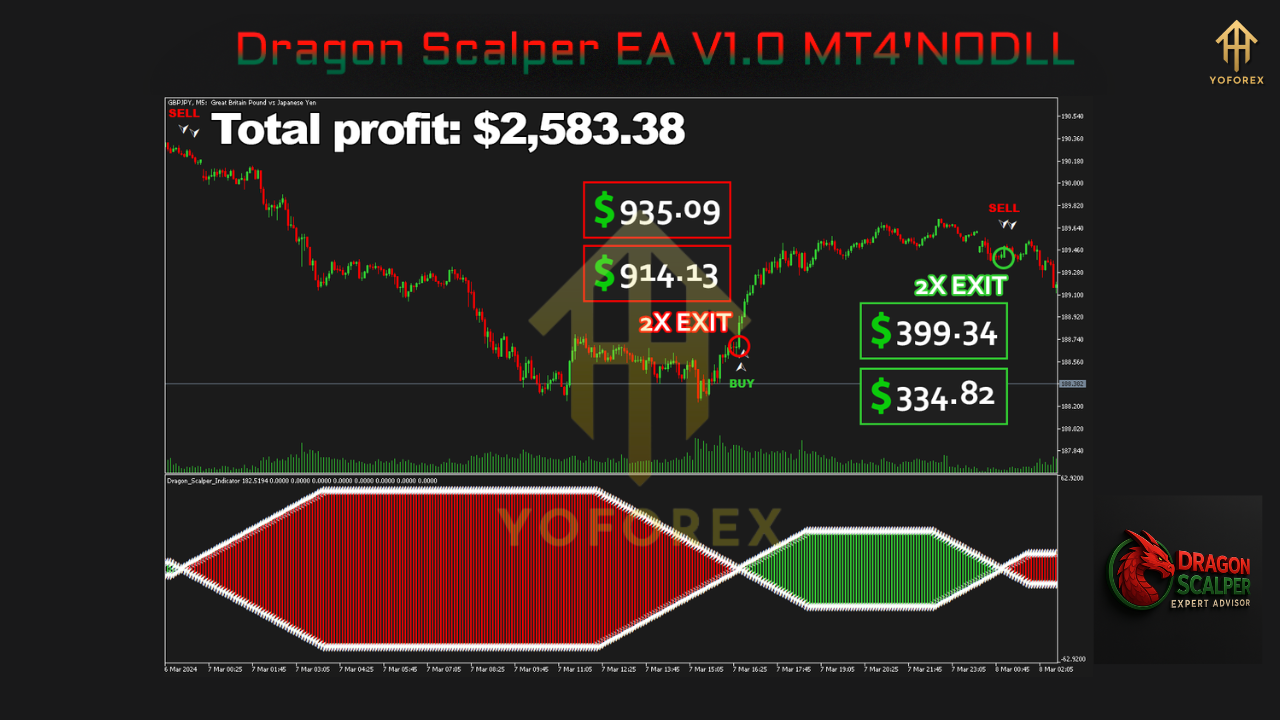
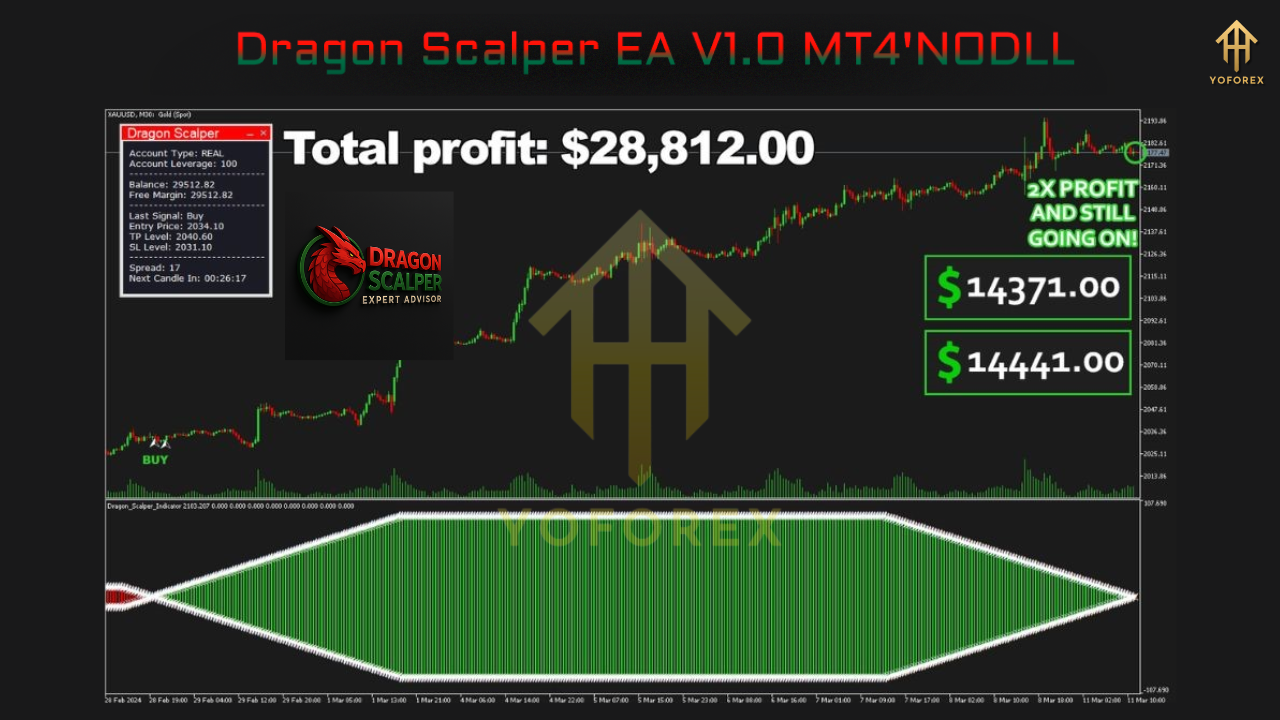
📈 Live Performance (As Per Vendor Report):
-
Monthly Gain: 20–25%
-
Drawdown: ~16%
-
Trade Frequency: 5–20 trades/day (depending on volatility)
💼 Who Should Use Dragon Scalper EA?
This EA is perfect for:
-
Day traders and scalpers seeking automation
-
Busy professionals who want passive income
-
Prop firm traders (when allowed) looking to pass evaluation with consistency
-
MT4 users who understand the importance of spread, slippage, and execution speed
🔧 Installation & Setup Guide
-
Download Dragon Scalper EA V1.0 files (EX4 + optional DLL).
-
Place the EA in your MT4
Expertsfolder. -
Attach it to the M1 or M5 chart of a supported pair.
-
Enable:
-
Auto Trading
-
DLL Imports
-
Live Trading
-
-
Set risk parameters, time filters, and lot size settings.
-
Launch on a reliable VPS and monitor during active market sessions.
⚠️ Risks and Considerations
-
Scalping is sensitive to execution—ensure your broker offers tight spreads and low latency.
-
Use a demo account first to learn the EA’s behavior.
-
Avoid trading during major economic news unless your broker has robust slippage control.
🧭 Final Verdict
Dragon Scalper EA V1.0 MT4 combines precision, speed, and safety to deliver high-performance scalping results. It avoids the common pitfalls of most commercial EAs—no martingale, no grid, and no overtrading. With verified results, clear strategy logic, and customizable settings, it offers both beginners and pros a tool to grow their trading capital safely.
If you’re ready to take your forex scalping game to the next level—without risking your entire account balance—Dragon Scalper EA might be the smartest tool in your trading arsenal.