
EA TREND V1.8 MT5: A Comprehensive Guide to Automated Trading on MetaTrader 5
Introduction to EA TREND V1.8 MT5
EA TREND V1.8 is an Expert Advisor developed for the MetaTrader 5 platform, one of the most popular trading platforms for forex and commodities. This EA is tailored for trading two highly liquid and volatile instruments: XAUUSD (Gold) and GBPUSD. It operates on lower timeframes—M1 (1-minute), M5 (5-minute), and M15 (15-minute)—making it ideal for scalping and short-term trading strategies. With a minimum deposit requirement of $100, EA TREND V1.8 is accessible to traders with limited capital, offering an entry point into automated trading without significant financial barriers.
The EA leverages trend-following and momentum-based algorithms to identify high-probability trade setups. Its design emphasizes risk management, adaptability to market conditions, and ease of use, making it suitable for traders of all skill levels. In the following sections, we’ll dive into its key features, setup process, and strategies to optimize performance.
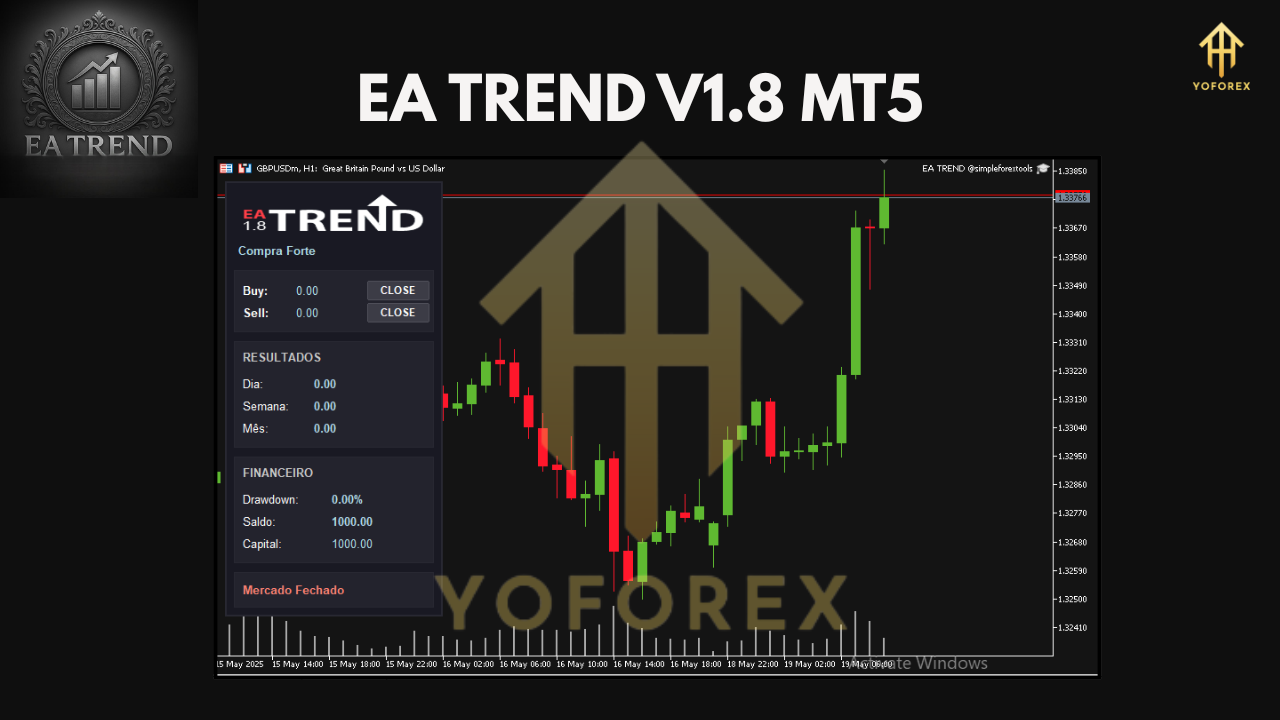
Key Features of EA TREND V1.8
1. Multi-Timeframe Compatibility
EA TREND V1.8 is optimized for M1, M5, and M15 timeframes, allowing traders to choose the timeframe that aligns with their trading style. The M1 timeframe is ideal for aggressive scalping, while M5 and M15 offer a balance between frequency and reliability, capturing short-term trends with reduced noise.
2. Currency Pair Specificity
The EA is designed specifically for XAUUSD and GBPUSD, two of the most traded instruments in the forex and commodities markets. XAUUSD is known for its volatility, offering significant profit potential, while GBPUSD provides consistent trends and liquidity. By focusing on these pairs, EA TREND V1.8 ensures precision in its trading logic.
3. Low Minimum Deposit
With a minimum deposit of $100, EA TREND V1.8 is accessible to traders with small accounts. This low entry point makes it an attractive option for beginners or those testing automated trading strategies on a budget.
4. Advanced Risk Management
EA TREND V1.8 incorporates robust risk management features, including stop-loss and take-profit settings for every trade. It avoids high-risk strategies like martingale or grid trading, ensuring capital preservation during volatile market conditions. Traders can customize risk parameters to suit their risk tolerance.
5. Trend-Following Strategy
The EA uses a trend-following approach, analyzing price action and technical indicators to identify market direction. It enters trades in the direction of the prevailing trend, maximizing the probability of success. The algorithm also includes filters to avoid false signals, enhancing trade accuracy.
6. User-Friendly Interface
EA TREND V1.8 is designed with simplicity in mind. Its installation and configuration process is straightforward, and it comes with customizable settings that allow traders to adjust lot sizes, risk levels, and trading hours.
Setting Up EA TREND V1.8 on MetaTrader 5
To get started with EA TREND V1.8, follow these steps:
-
Download and Install MetaTrader 5: Ensure you have MT5 installed on your device. You can download it from your broker’s website or the official MetaQuotes website.
-
Acquire EA TREND V1.8: Purchase or download the EA from a reputable source, such as the MQL5 Market or a trusted vendor. Verify the authenticity of the EA to avoid scams.
-
Install the EA:
-
Open MT5 and navigate to the “File” menu, then select “Open Data Folder.”
-
Copy the EA file (usually in .ex5 format) to the “MQL5/Experts” folder.
-
Restart MT5 to load the EA.
-
-
Configure the EA:
-
Drag the EA onto the XAUUSD or GBPUSD chart (M1, M5, or M15 timeframe).
-
Adjust the input parameters, such as lot size (start with 0.01 for a $100 account), stop-loss, take-profit, and maximum spread.
-
Enable “AutoTrading” in MT5 to allow the EA to execute trades.
-
-
Optimize Settings: Use the MT5 Strategy Tester to backtest the EA on historical data for XAUUSD and GBPUSD. Adjust settings to optimize performance based on your broker’s spreads and market conditions.
-
Run on a VPS: For uninterrupted trading, consider running EA TREND V1.8 on a Virtual Private Server (VPS). This ensures the EA operates 24/7, even when your computer is off.
Recommended Trading Environment
To maximize the performance of EA TREND V1.8, consider the following:
-
Broker: Choose a low-spread ECN broker with minimal slippage. Popular options include IC Markets, Exness, and FXTM. Ensure the broker supports MT5 and offers competitive spreads for XAUUSD and GBPUSD.
-
Account Type: Use a micro or cent account for small deposits ($100–$500). For larger accounts, a standard ECN account is ideal.
-
Leverage: A leverage of 1:500 is recommended for small accounts to maximize trading flexibility while maintaining strict risk management.
-
VPS: A reliable VPS (e.g., FXVM) ensures low latency and continuous operation, critical for scalping on M1 and M5 timeframes.
-
Spread and Slippage: Set a maximum spread limit (e.g., 20 pips for XAUUSD) in the EA settings to avoid trading during high-spread periods, such as news events.
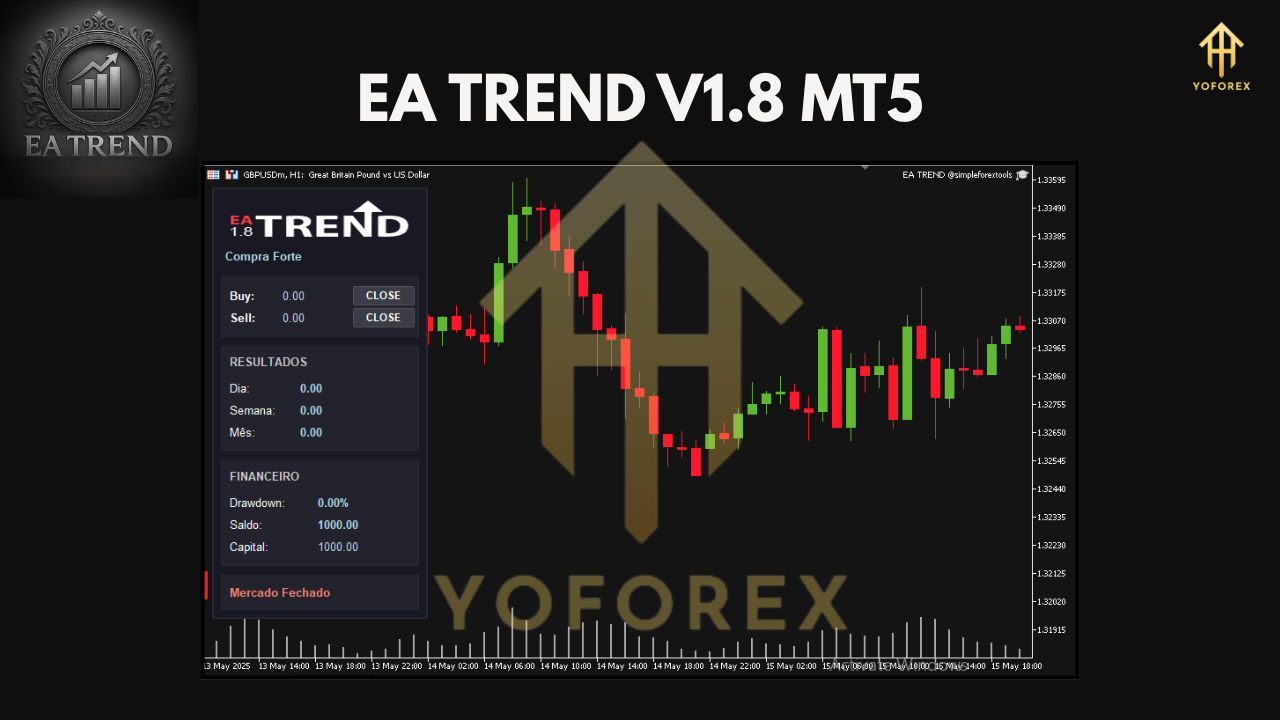
Performance Expectations and Risk Management
EA TREND V1.8 is designed for consistent, low-risk trading rather than aggressive profit-chasing. Based on its trend-following strategy, it aims to capture small, frequent gains on XAUUSD and GBPUSD. However, performance depends on market conditions, broker quality, and proper configuration.
Expected Returns
While past performance is not a guarantee of future results, backtests and user reviews suggest EA TREND V1.8 can achieve monthly returns of 5–15% with conservative settings on a $100 account. Higher returns are possible with optimized settings and larger deposits, but this increases risk.
Risk Management Tips
-
Lot Size: Start with 0.01 lots per $100 to limit risk. Adjust lot sizes based on account balance and risk tolerance.
-
Stop-Loss and Take-Profit: Use the EA’s default stop-loss (e.g., 20–30 pips for XAUUSD) and take-profit settings. Customize based on backtesting results.
-
Drawdown Limits: Set a daily or weekly drawdown limit (e.g., 5–10%) to pause trading during adverse conditions.
-
Avoid News Events: Configure the EA to avoid trading during high-impact news events, which can cause volatility and slippage.
-
Regular Monitoring: Check the EA’s performance weekly and adjust settings as needed to adapt to changing market conditions.
Advantages and Limitations
Advantages
-
Accessibility: Low minimum deposit ($100) makes it beginner-friendly.
-
Flexibility: Supports multiple timeframes (M1, M5, M15) and two major instruments (XAUUSD, GBPUSD).
-
Risk-Averse: Avoids dangerous strategies like martingale or grid trading.
-
Ease of Use: Simple setup and customizable settings cater to all traders.
Limitations
-
Broker Dependency: Performance varies based on broker spreads and execution speed.
-
Market Sensitivity: Scalping on M1 and M5 timeframes can be affected by sudden volatility or low liquidity.
-
Learning Curve: Beginners may need time to optimize settings and understand backtesting.
Tips for Success with EA TREND V1.8
-
Start with a Demo Account: Test the EA on a demo account for at least 1–2 months to understand its behavior and fine-tune settings.
-
Backtest Thoroughly: Use MT5’s Strategy Tester to evaluate the EA’s performance on historical data for XAUUSD and GBPUSD.
-
Monitor Performance: Regularly review trade logs to identify patterns and optimize settings.
-
Stay Informed: Keep up with market news and economic events that could impact XAUUSD and GBPUSD.
-
Join Trading Communities: Engage with other EA TREND V1.8 users on forums like MQL5 or Forex Factory to share set files and strategies.
Conclusion
EA TREND V1.8 MT5 is a powerful and accessible Expert Advisor for traders looking to automate their trading on XAUUSD and GBPUSD. Its trend-following strategy, combined with robust risk management and multi-timeframe compatibility, makes it a versatile tool for scalping and short-term trading. With a minimum deposit of just $100, it offers an affordable entry point for beginners while providing advanced features for experienced traders.
To succeed with EA TREND V1.8, choose a reliable broker, optimize settings through backtesting, and run the EA on a VPS for uninterrupted performance. By following the guidelines outlined in this post, you can harness the full potential of EA TREND V1.8 and take your automated trading to the next level. Start small, test thoroughly, and trade smart to achieve consistent results in the dynamic world of forex and commodities trading.
Join our Telegram for the latest updates and support