Exploring Escobar EA V1.0 MT5: A Detailed Guide to the Forex Trading Robot
Introduction to Forex Trading Robots
-
Forex Expert Advisors (EAs) automate trading strategies on platforms like MetaTrader 5 (MT5).
-
EAs remove emotional decision‑making and execute trades based on predefined rules.
-
Escobar EA V1.0 MT5 is designed to help traders capture market opportunities with minimal manual intervention.
What Is Escobar EA V1.0 MT5?
-
Platform: Built exclusively for MT5, leveraging its advanced charting and backtesting.
-
Purpose: Executes technical‑analysis‑based strategies across various market conditions.
-
Risk Profile: Aims for consistent, controlled results—positioned away from high‑risk martingale or aggressive grid methods.
-
Assets Supported:
-
Major and minor forex pairs
-
Commodities (e.g., XAUUSD)
-
Potentially indices, depending on broker
-
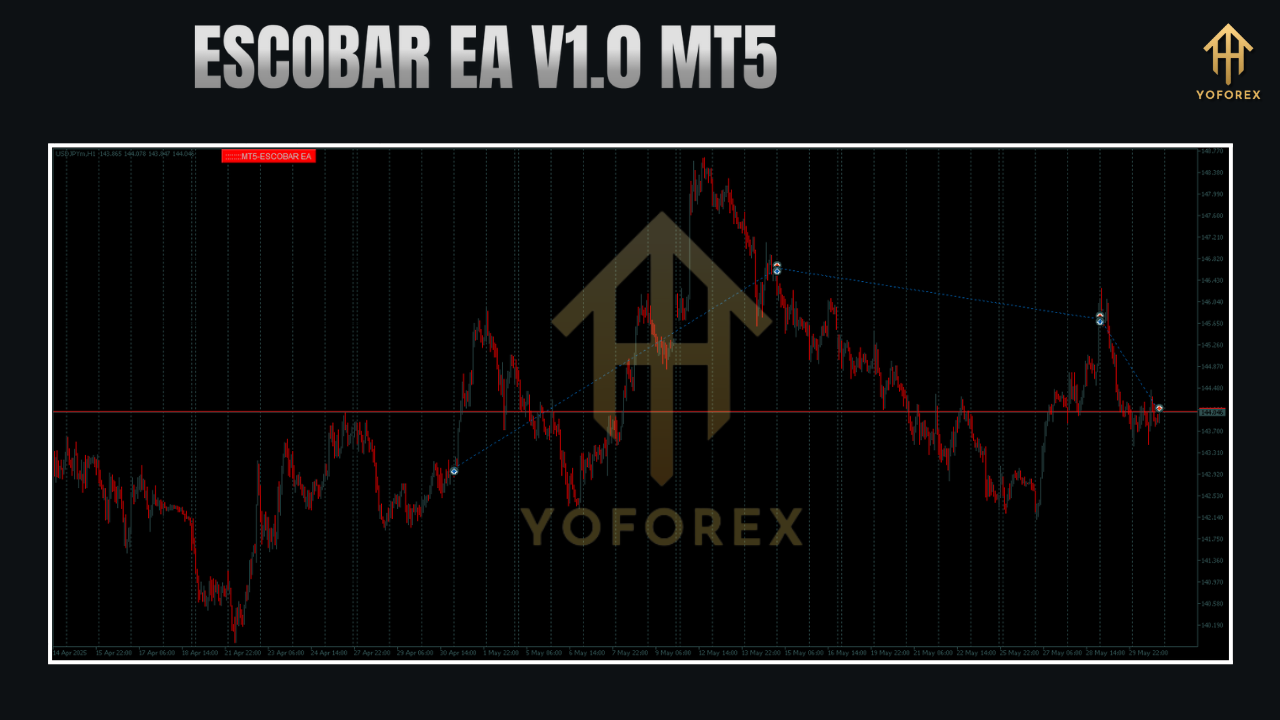
Key Features
-
Multi‑Asset Compatibility
-
Trade forex, gold, and other instruments in one EA.
-
-
Advanced Algorithmic Trading
-
Combines indicators such as Moving Averages, RSI, Bollinger Bands, and price‑action signals.
-
-
Customizable Risk Management
-
Adjustable lot size, stop‑loss, take‑profit, and trailing stops.
-
-
Dual Strategy Modes
-
Scalping: Short‑term trades on M5/M15 charts with tight targets.
-
Swing Trading: Longer holds on H1/H4 charts for trend capture.
-
-
User‑Friendly Interface
-
MT5 dashboard for real‑time monitoring and parameter tweaks.
-
-
Low Drawdown Focus
-
Emphasizes capital preservation during volatility.
-
-
Backtesting & Optimization
-
Leverages MT5’s Strategy Tester (Every Tick mode) for robust historical analysis.
-
Setting Up Escobar EA V1.0 on MT5
-
Download the EA File
-
Obtain the
.mq5or.ex5from a trusted vendor.
-
-
Install into MT5
-
In MT5: File > Open Data Folder > MQL5 > Experts.
-
Copy the EA file into this folder and refresh the Navigator panel.
-
-
Enable Auto‑Trading
-
Drag the EA onto your chosen chart (e.g., EURUSD M5).
-
Activate the green Auto‑Trading button in the MT5 toolbar.
-
-
Configure Parameters
-
Adjust risk, lot size, SL/TP, and timeframe.
-
Select any preset profiles (e.g., “Forex,” “Gold”).
-
-
Backtest First
-
Open Strategy Tester (Ctrl+R).
-
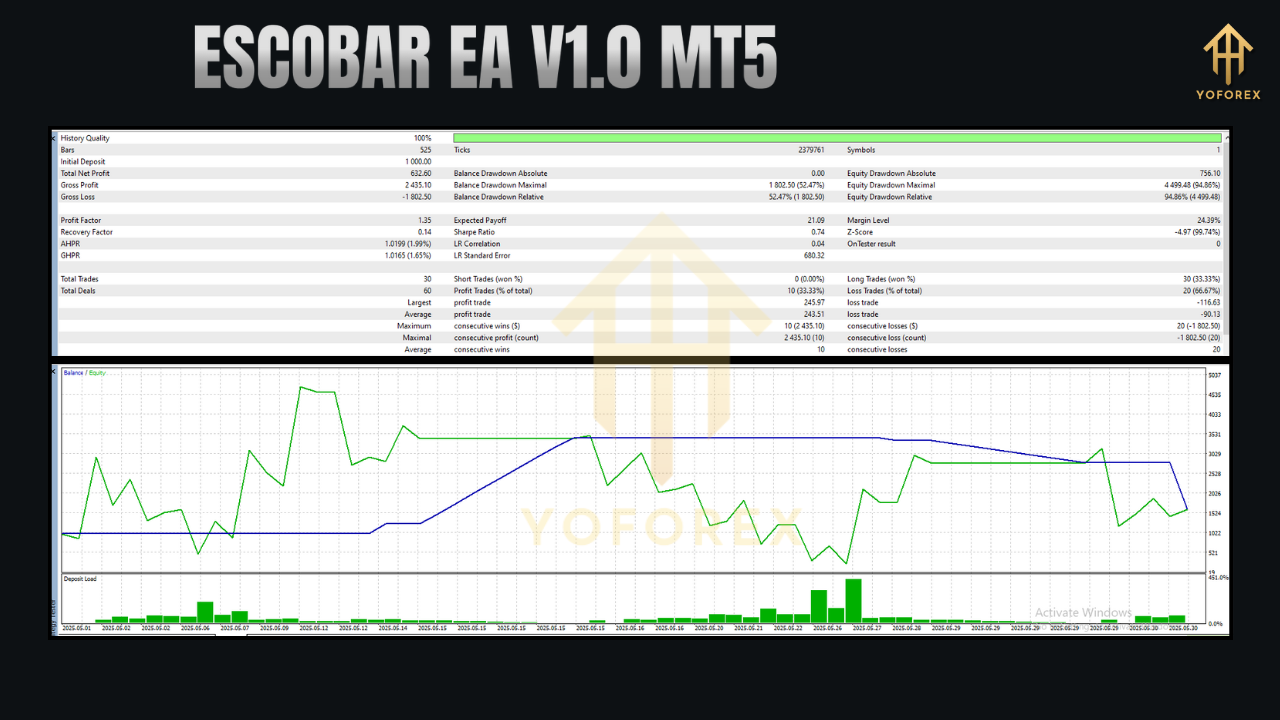
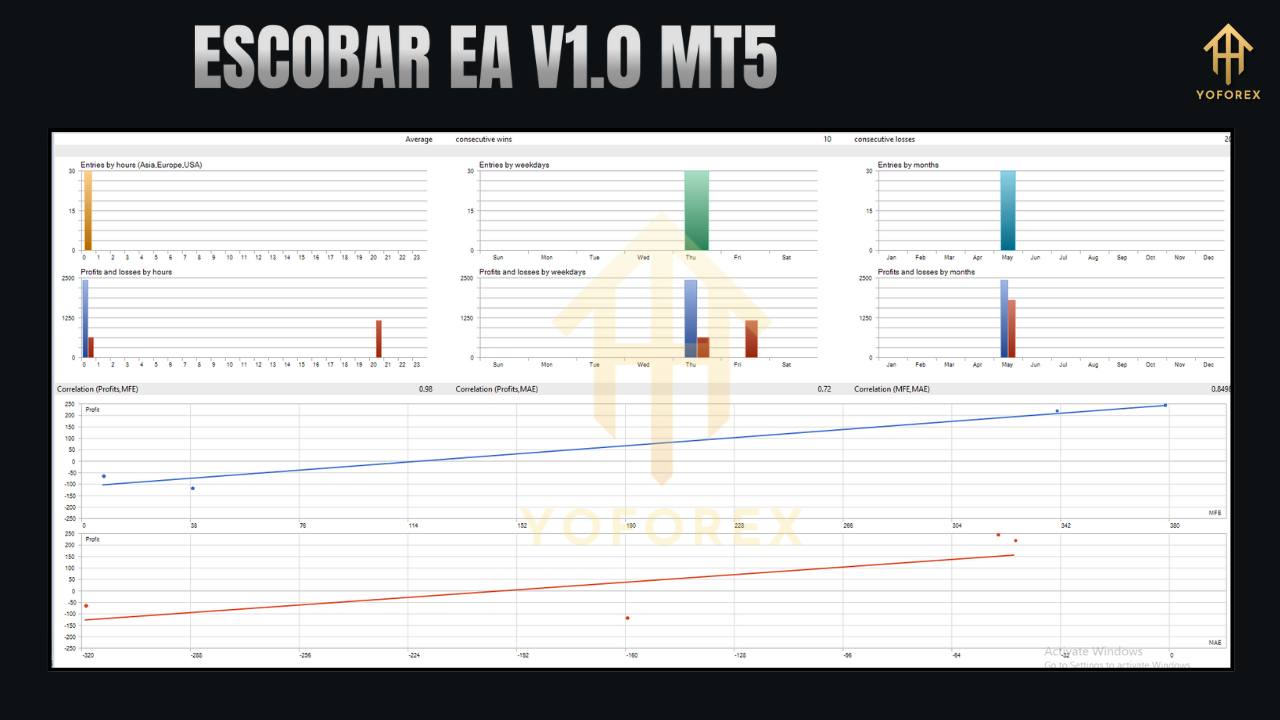
Choose “Every Tick” for accuracy—review profit, drawdown, and win rate.
-
-
Demo Test
-
Run the EA on a demo account 1–2 weeks to observe live performance.
-
Trading Strategies Used by Escobar EA V1.0
-
Trend‑Following
-
Entries based on Moving Averages or MACD momentum.
-
-
Scalping
-
Quick in‑and‑out trades capturing small price moves.
-
-
Reversal Trading
-
Uses RSI/Bollinger Bands to spot overbought or oversold extremes.
-
-
Breakout Trading
-
Trades consolidation breakouts at support/resistance levels.
-
-
Dynamic Risk Management
-
ATR‑based stops and position sizing adjust to market volatility.
-
Performance and Risk Factors
-
Backtesting Metrics
-
Net profit, maximum drawdown, Sharpe ratio—watch out for over‑optimization.
-
-
Broker Selection
-
ECN accounts with low spreads and fast execution are ideal, especially for scalping.
-
-
Risk Settings
-
Recommend 0.5–1% equity risk per trade for conservative profiles.
-
-
Market Conditions
-
Test in trending vs. ranging environments to identify strengths and weaknesses.
-
-
VPS Deployment
-
Use a 24/7, low‑latency VPS for uninterrupted operation.
-
Advantages and Limitations
Advantages
-
Automation: Eliminates emotion‑driven mistakes.
-
Flexibility: Trades multiple instruments and timeframes.
-
Customizability: Easily adjust risk and strategy parameters.
-
MT5 Power: Utilizes MT5’s superior backtesting and multi‑timeframe tools.
Limitations
-
Learning Curve: Requires time to master optimal settings.
-
Market Dependency: Performance may dip in extreme volatility or low liquidity.
-
Broker Restrictions: Some brokers prohibit certain EA techniques or impose high fees.
-
Transparency: Limited public documentation may require trial and error.
Best Practices for Using Escobar EA V1.0
-
Demo First: Never skip a thorough demo trial.
-
Optimize Regularly: Re‑run MT5 optimizations as market dynamics shift.
-
Monitor & Adjust: Review live performance weekly and tweak settings.
-
Select the Right Broker: Ensure MT5 support, low spreads, and fast execution.
-
Strict Risk Management: Cap risk per trade, avoid over‑leveraging.
-
Stay Updated: Follow developer updates, patch notes, and community feedback.
Community and Support
-
Forums & Groups:
-
MQL5.com and Forex Factory for peer insights.
-
Telegram/Discord groups focused on MT5 EAs.
-
-
Vendor Help:
-
Contact your EA provider for installation tips and configuration guidance.
-
-
Credibility Checks:
-
Verify file authenticity (hash checks) to avoid outdated or malicious versions.
-
Conclusion
Escobar EA V1.0 MT5 offers a balanced blend of automation, customization, and risk control for both new and seasoned traders. By following a disciplined setup—backtesting thoroughly, demo testing, and choosing the right broker—you can harness its algorithmic strategies to potentially improve trading efficiency. Remember, no EA guarantees profits; always trade responsibly and use capital you can afford to lose.
Support & Disclaimer
Got questions or need help? Reach out anytime:
- WhatsApp: https://wa.me/+443300272265
- Telegram: https://t.me/yoforexrobot
Disclaimer: Past performance is no guarantee of future results. All trading carries risk. Always demo-test the ESCOBAR EA V1.0 MT5 in a risk-free environment before deploying on a live account.