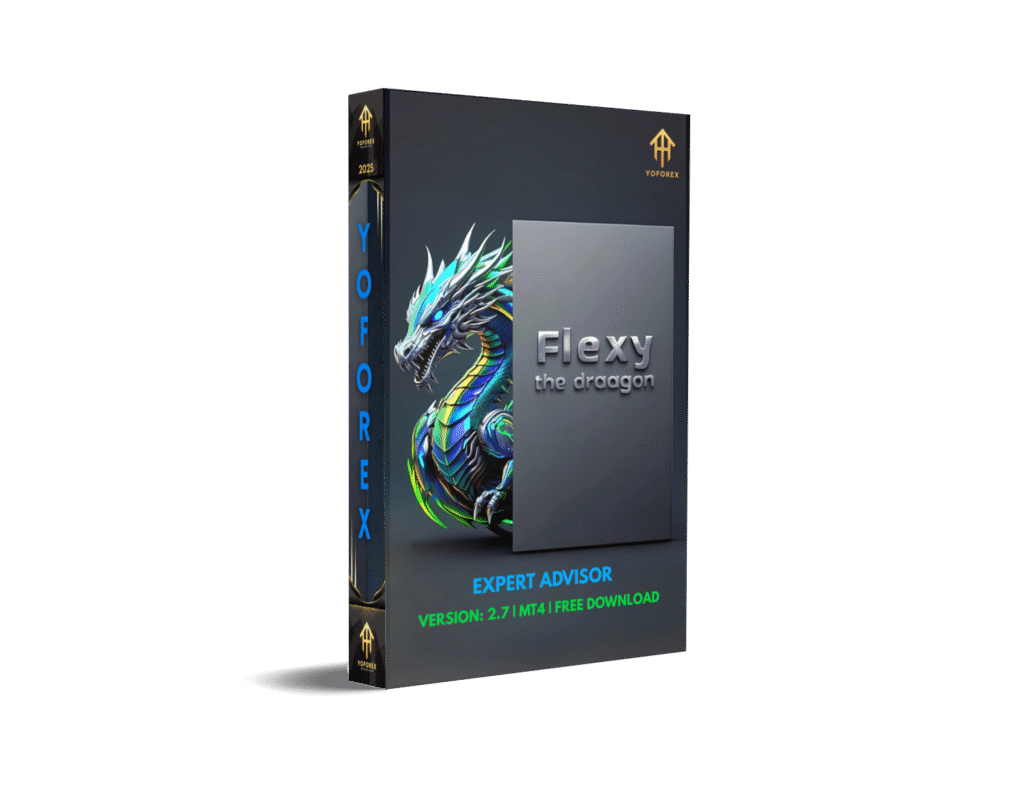
Unlocking Forex Success with Flexy The Dragon EA V2.7 on MT4
The Forex market, with its vast opportunities and relentless pace, demands tools that can keep up with its complexity while simplifying the trading process for users. Enter Flexy The Dragon EA V2.7, an automated trading solution designed for the MetaTrader 4 (MT4) platform. This Expert Advisor (EA) is a game-changer for traders looking to optimize their strategies, reduce manual effort, and achieve consistent results. In this comprehensive guide, we’ll explore what makes Flexy The Dragon EA a standout choice, diving into its features, benefits, and how it empowers traders to navigate the Forex market with confidence.
What is Flexy The Dragon EA?
Flexy The Dragon EA is a sophisticated automated trading system tailored for Forex traders on the MT4 platform. It eliminates the need for constant manual intervention by executing trades and managing positions based on preconfigured parameters. Whether you’re a seasoned trader or just starting out, this EA offers a seamless way to implement trading strategies while focusing on profitability. By leveraging advanced algorithms and customizable settings, Flexy The Dragon EA ensures traders can capitalize on market opportunities without being glued to their screens.
The EA is designed to operate autonomously, making it ideal for those who want to streamline their trading processes. It supports a wide range of currency pairs, integrates with popular technical indicators, and incorporates robust risk management features. With its user-friendly interface and one-click functionality, Flexy The Dragon EA is accessible to traders of all skill levels, making it a versatile tool in the competitive world of Forex trading.

Key Features of Flexy The Dragon EA V2.7
Flexy The Dragon EA V2.7 is packed with features that cater to both novice and experienced traders. Here’s a closer look at what sets it apart:
1. Autonomous Trading Across Major and Minor FX Pairs
Flexy The Dragon EA supports trading in both major and minor currency pairs, including AUDCAD, EURUSD, USDCHF, GBPUSD, USDJPY, EURGBP, and EURNZD. This broad market coverage ensures traders can diversify their portfolios and capitalize on opportunities across different markets. The EA’s ability to handle multiple pairs simultaneously makes it a powerful tool for traders looking to maximize their exposure.
2. Trailing Stop Mechanism for Risk Mitigation
Market volatility is a constant challenge in Forex trading, but Flexy The Dragon EA addresses this with its trailing stop mechanism. This feature dynamically adjusts stop-loss levels as the market moves in your favor, locking in profits while minimizing potential losses. By automating this process, the EA ensures that risk management is both proactive and efficient.
3. One-Click Functionality for Simplified Management
Time is of the essence in trading, and Flexy The Dragon EA simplifies management with its one-click functionality. Traders can pause trading cycles, take profits, or close all open positions with a single click. This intuitive design reduces the learning curve and allows traders to respond quickly to market conditions.
4. Seamless Integration with Technical Indicators
Flexy The Dragon EA integrates effortlessly with popular technical indicators such as Bollinger Bands, RSI, Stochastics, and CCI. This flexibility allows traders to tailor their strategies to specific market conditions. Additionally, the EA supports the integration of up to three custom indicators, enabling users to create personalized trading systems that align with their unique goals.
5. Robust Risk Management Features
Risk management is at the core of Flexy The Dragon EA’s design. The EA includes equity warning and cycle equity risk settings, which help protect traders from significant drawdowns. These features allow users to set predefined risk thresholds, ensuring that the EA operates within safe parameters. By prioritizing capital preservation, Flexy The Dragon EA provides peace of mind for traders.
6. User-Friendly Interface with Hot Buttons
Navigating complex trading software can be daunting, especially for beginners. Flexy The Dragon EA addresses this with a user-friendly interface that features intuitive hot buttons. These buttons enable swift actions, such as starting or stopping trades, without requiring extensive technical knowledge. This accessibility makes the EA an excellent choice for traders at all experience levels.
7. Performance Visualization on the Chart
Tracking performance is crucial for evaluating trading success. Flexy The Dragon EA enhances this process by displaying profit metrics directly on the chart. This real-time visualization allows traders to monitor their results at a glance, making it easier to assess the effectiveness of their strategies and make informed decisions.
Why Choose Flexy The Dragon EA?
The Forex market is highly competitive, and staying ahead requires tools that combine automation, flexibility, and reliability. Flexy The Dragon EA V2.7 delivers on all fronts, offering a range of benefits that make it a top choice for traders:
-
Time Efficiency: By automating trade execution and position management, the EA frees up time for traders to focus on strategy development and market analysis.
-
Versatility: With support for multiple currency pairs and customizable indicator integration, the EA adapts to various trading styles and market conditions.
-
Risk Control: Built-in risk management features, such as trailing stops and equity warnings, help protect capital and minimize losses.
-
Ease of Use: The intuitive interface and one-click functionality make the EA accessible to traders of all skill levels, from beginners to experts.
-
Performance Tracking: Real-time profit visualization simplifies performance monitoring, enabling traders to stay on top of their results.

How Flexy The Dragon EA Enhances Trading Strategies
Flexy The Dragon EA is more than just an automation tool—it’s a strategic partner that enhances trading outcomes. By integrating with technical indicators, the EA allows traders to implement complex strategies without manual calculations. For example, combining Bollinger Bands for volatility analysis with RSI for momentum confirmation can create a robust trading system. The EA’s ability to manage these indicators autonomously ensures consistent execution, even in fast-moving markets.
Additionally, the EA’s trailing stop mechanism is a critical feature for trend-following strategies. As the market moves in your favor, the trailing stop adjusts to lock in profits, reducing the emotional stress of deciding when to exit a trade. This automation is particularly valuable during volatile market sessions, where quick decision-making is essential.
For traders who prefer customization, the ability to integrate up to three additional indicators opens up endless possibilities. Whether you’re using a proprietary indicator or a niche tool, Flexy The Dragon EA can incorporate it into your trading system, giving you a competitive edge.
Getting Started with Flexy The Dragon EA V2.7
Starting with Flexy The Dragon EA is straightforward, even for those new to automated trading. Here’s a step-by-step guide to get you up and running:
-
Install MetaTrader 4: Ensure you have the MT4 platform installed on your device. It’s available for free from most Forex brokers.
-
Download Flexy The Dragon EA: Purchase or download the EA from a trusted source. Verify that you’re using version 2.7 for the latest features.
-
Install the EA: Copy the EA file to the “Experts” folder in your MT4 directory. Restart MT4 to load the EA.
-
Configure Settings: Open the EA in MT4 and adjust parameters such as currency pairs, risk settings, and indicator preferences to align with your trading strategy.
-
Activate the EA: Drag the EA onto a chart in MT4 and enable “AutoTrading.” The EA will begin executing trades based on your settings.
-
Monitor Performance: Use the on-chart profit display to track results and make adjustments as needed.
Tips for Maximizing Success with Flexy The Dragon EA
To get the most out of Flexy The Dragon EA, consider the following tips:
-
Test on a Demo Account: Before deploying the EA on a live account, test it on a demo account to familiarize yourself with its features and optimize settings.
-
Start with Conservative Risk Settings: Use the equity warning and cycle equity risk features to limit exposure until you’re confident in the EA’s performance.
-
Regularly Review Performance: Monitor the on-chart profit display and adjust your strategy based on market conditions and trading results.
-
Stay Informed: Keep up with Forex market trends and news to ensure your EA settings remain relevant.
-
Leverage Custom Indicators: Experiment with integrating custom indicators to create a trading system that aligns with your unique approach.
Conclusion
Flexy The Dragon EA V2.7 is a powerful and versatile tool for Forex traders looking to automate their strategies and achieve consistent results. With its autonomous trading capabilities, robust risk management features, and seamless integration with technical indicators, the EA empowers traders to navigate the complexities of the Forex market with confidence. Whether you’re a beginner seeking simplicity or an experienced trader aiming for precision, Flexy The Dragon EA offers the flexibility and reliability needed to succeed.
By combining automation with customization, Flexy The Dragon EA V2.7 transforms the way traders approach the Forex market. Its user-friendly interface, one-click functionality, and real-time performance tracking make it an invaluable asset for anyone looking to streamline their trading process and maximize profits. Ready to take your Forex trading to the next level? Install Flexy The Dragon EA on MT4 today and unlock the potential of automated trading.
Join our Telegram for the latest updates and support