Introduction
In today’s fast-paced forex markets, managing trades, tracking profits, and staying ahead of drawdowns can be overwhelming—especially for new traders. That’s where i-Profit Tracker Indicator V1.3 MT4 comes in. This lightweight yet powerful MetaTrader 4 tool helps traders monitor and visualize real-time profitability, equity movements, trade entries, and drawdown zones with crystal-clear accuracy.
If you’re tired of manually calculating or guessing how your trades are performing, the i-Profit Tracker Indicator gives you an edge—organizing vital trading data and performance analytics right on your chart.
What is i-Profit Tracker Indicator V1.3?
i-Profit Tracker is a performance-monitoring indicator for MetaTrader 4 that provides detailed insights into your trading behavior, such as:
-
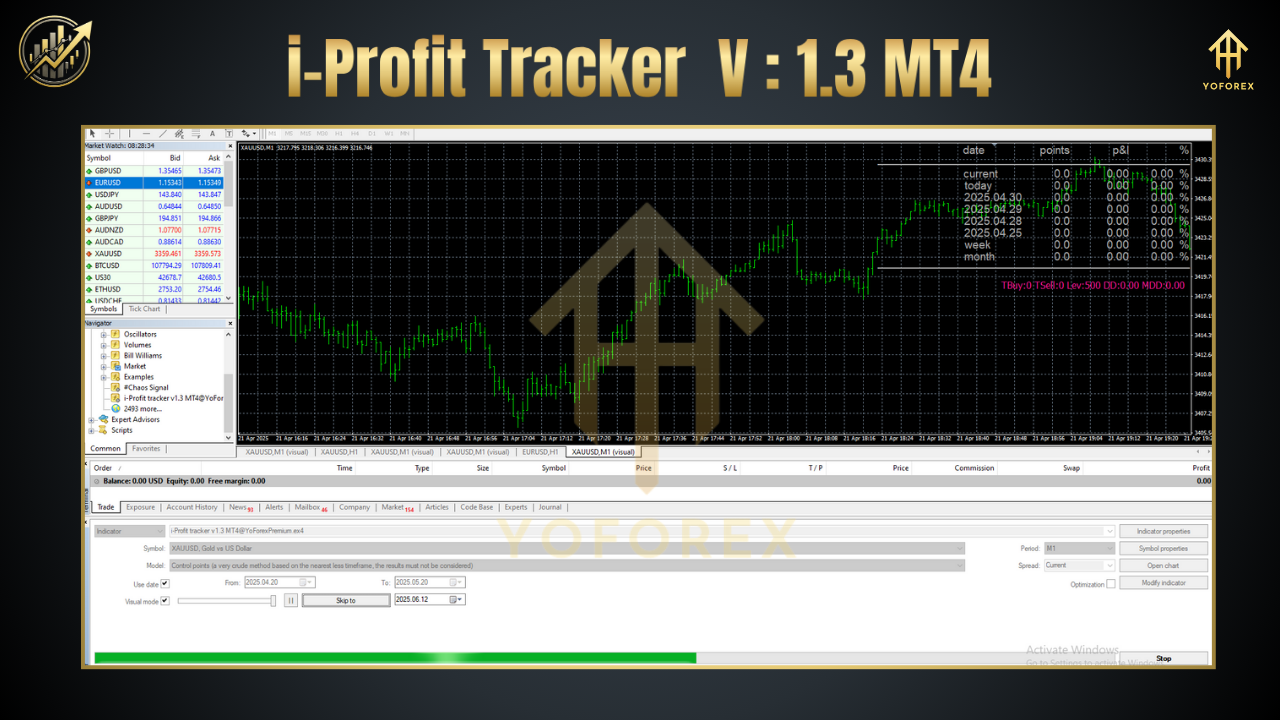
Live profit/loss overview
-
Total lots traded
-
Floating P/L
-
Equity & balance tracking
-
Daily/weekly/monthly profit reports
-
Visual equity curve drawing
The V1.3 update brings cleaner UI visuals, customizable dashboards, and better compatibility with other EAs and chart tools.
Key Features
-
Real-Time Profit Monitoring
See your current profit or loss from open trades instantly, along with the P/L in pips and currency. -
Integrated Equity Curve Display
Plots a dynamic equity curve that updates live, helping you visualize growth and drawdowns easily. -
Multi-Timeframe Analysis
Supports performance tracking across M1 to D1 timeframes for short-term scalpers and swing traders alike. -
Floating P/L Tracker
Get a breakdown of floating profit/loss across pairs or strategies—great for portfolio traders. -
Visual Risk/Reward Insights
Displays clear risk-reward ratios and helps you avoid overleveraging or emotionally-driven trading. -
Account Summary Dashboard
Includes stats like max drawdown, win ratio, average trade duration, and more in one smart panel. -
Highly Customizable UI
Move, resize, or recolor the panel to suit your chart layout or personal branding. -
Low CPU Usage
Built with efficient code to run smoothly even with multiple charts open.
Who Should Use It?
-
Beginners who want a visual representation of their performance.
-
Manual traders who don’t use EAs but want to track their stats.
-
Funded traders working with prop firms who need to avoid hitting max drawdown.
-
Strategy developers for backtesting and real-time analysis feedback.
Benefits of i-Profit Tracker V1.3 Over Competitors
-
Unlike other P/L indicators that just show floating profit, this one also logs historical profit for review.
-
Supports risk-reward ratio visuals per trade.
-
Doesn’t interfere with EAs or require special installations.
-
Built specifically for forex but works with commodities, crypto, and indices too.
How to Install:
-
Download the
.ex4file and place it in your MT4Indicatorsfolder. -
Restart MetaTrader 4.
-
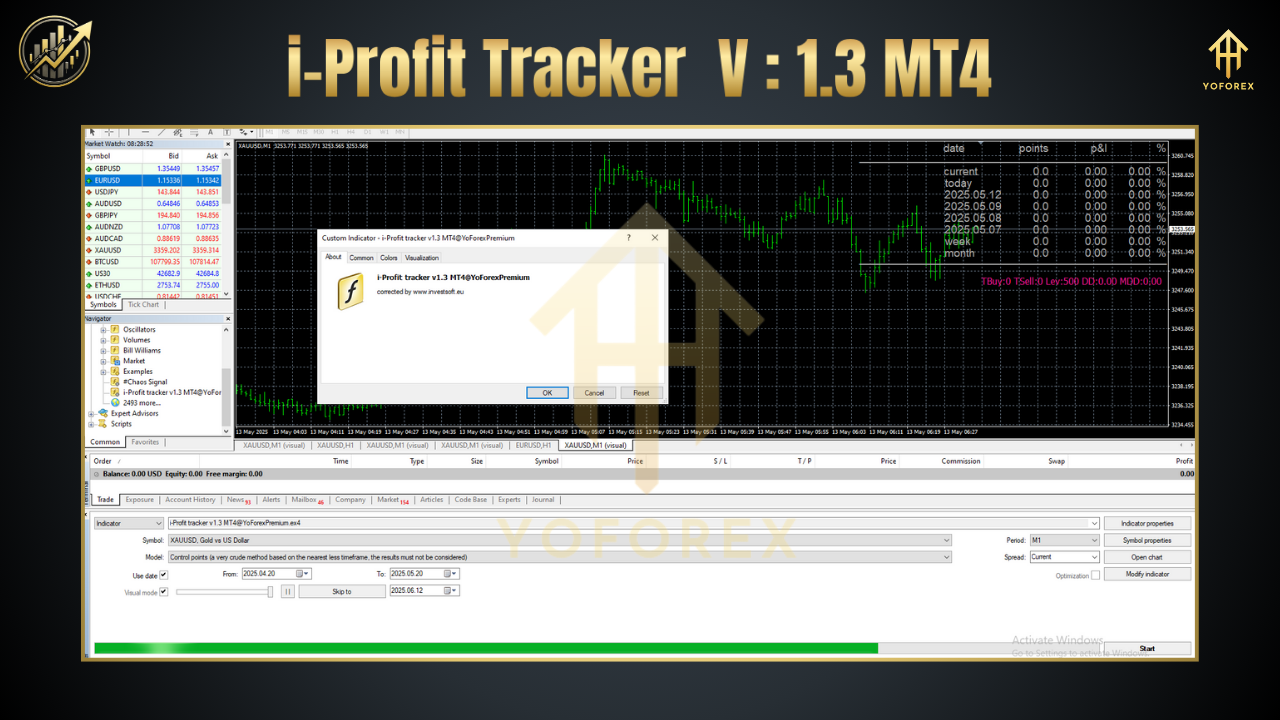
Drag the indicator onto any chart and configure display settings as needed.
Recommended Settings:
-
Platform: MetaTrader 4
-
Account Leverage: 1:100 to 1:500
-
Best For: Day trading, swing trading, and funded challenges
-
Pairs: Works with all symbols
-
Timeframes: M5 to H4 recommended for optimal visualization
Thanks for the visit …
For any query please feel free to contact us on our official telegram channel – Yoforex Premium –