Introduction
In the lightning-fast world of forex scalping, timing is everything. Traders on the M1 and M5 timeframes often struggle with false signals, lagging indicators, and emotional entries. That’s where the Kpop Demon Hunter Indicator V1.0 for MT4 steps in—a dynamic and visually responsive tool designed to detect quick trade setups with pinpoint accuracy.
Inspired by the sharpness and style of K-pop and the precision of a “demon hunter,” this unique indicator delivers real-time buy/sell signals, designed specifically for scalping volatile pairs with minimal delay. In this blog post, we’ll explore the full functionality of Kpop Demon Hunter Indicator V1.0 MT4, including how it works, its best pair combinations, recommended trading hours, and tips to maximize its potential.
Quick Summary
- Platform: MetaTrader 4 (MT4)
- Timeframes: M1 and M5
- Pairs: EURUSD, GBPUSD, USDJPY, XAUUSD
- Trading Style: Scalping / Quick In-and-Out Trades
- Signal Type: Visual + Sound Alert
- Best Sessions: London and New York
- Experience Level: Beginner to Advanced
What is Kpop Demon Hunter Indicator V1.0 MT4?
The Kpop Demon Hunter Indicator is a non-repainting MT4 tool that generates sharp and timely entry/exit signals on ultra-low timeframes. Its logic is rooted in:
- Price action
- Volatility breakout zones
- Momentum confirmation
What separates this indicator from generic M1 tools is its precision filtering, which helps avoid choppy market traps. It doesn’t flood your chart with random arrows—instead, it waits for optimal entry points that align with high-probability price movements.
Whether you’re scalping EURUSD or catching XAUUSD spikes, the Kpop Demon Hunter helps you enter and exit fast.
Why the Name “Kpop Demon Hunter”?
- Kpop – Represents precision, timing, and visual appeal.
- Demon Hunter – Symbolizes the ability to cut through false signals and bad trades.
This isn’t your average buy-sell indicator—it’s a stylish and fast-paced tool meant for traders who love action-packed markets.
Best Currency Pairs
While the indicator works across most major pairs, the following are recommended for optimal accuracy and volatility:
- EURUSD (M1, M5) – Best for tight spreads and consistent movement
- GBPUSD (M5) – Excellent for fast price swings
- USDJPY (M1) – Ideal for Tokyo session scalping
- XAUUSD (Gold) (M5) – High volatility, aggressive profits
Other supported pairs include EURJPY, AUDUSD, and US30 (with adjustments).
Key Features of Kpop Demon Hunter Indicator
Real-Time Entry Signals
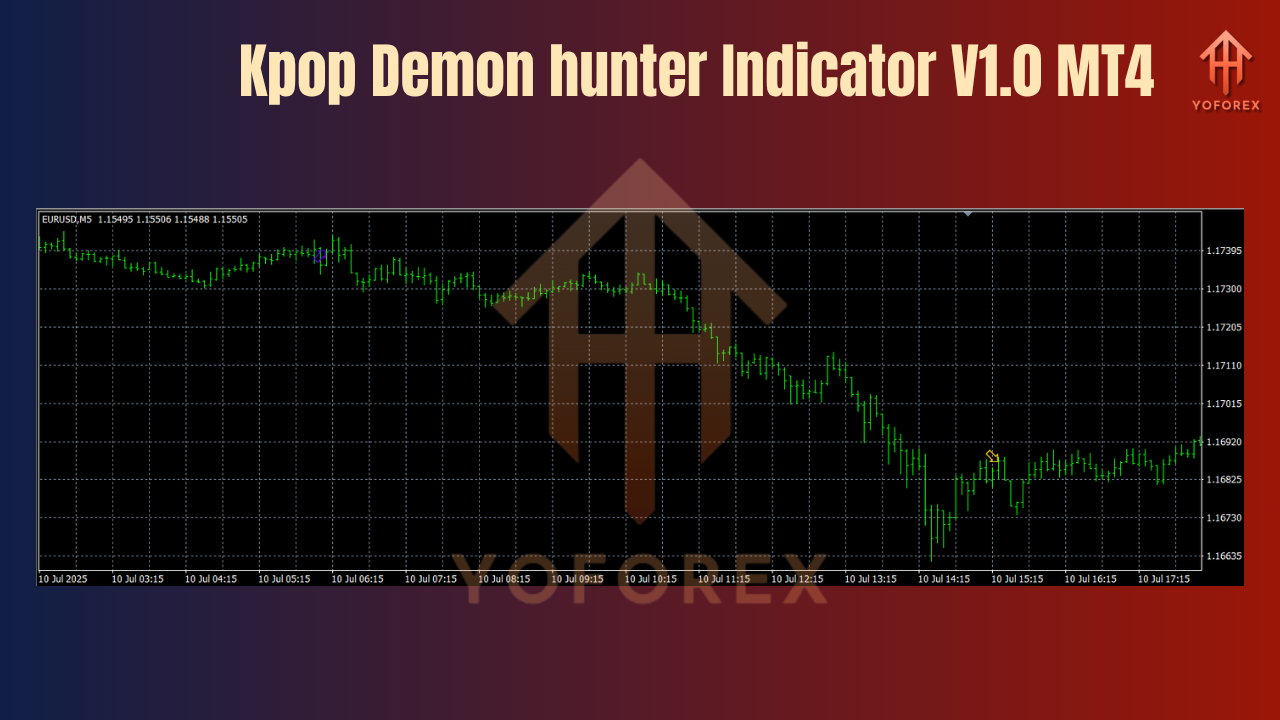
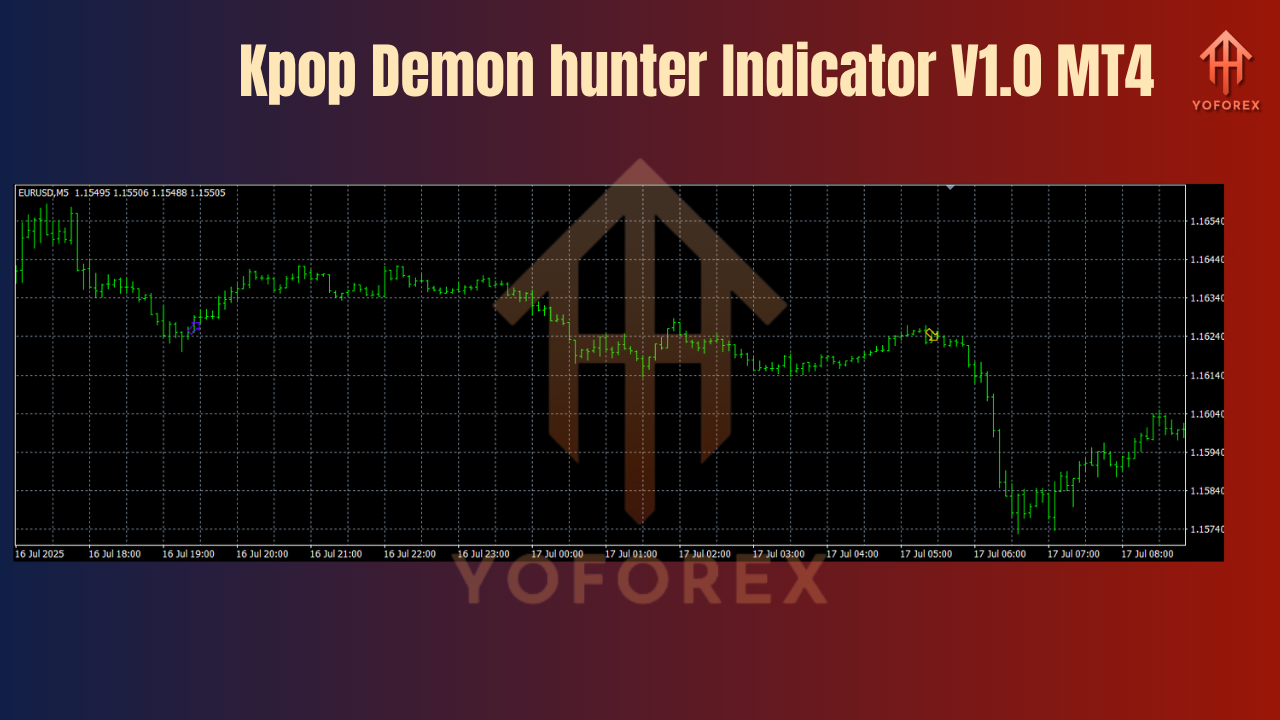
Generates arrows for Buy and Sell entries with sound alerts and pop-up notifications.
Multi-Filter Confirmation
Signals appear only when price action, momentum, and volume conditions are met. This greatly reduces false positives.
Scalp Mode Integration
For M1/M5 charts, the indicator adapts dynamically based on short-term market volatility.
Built-In Alert System
Receive alerts instantly:
- On chart
- In your MT4 terminal
- Through push notification to your mobile MT4 app
Customizable Settings
You can adjust sensitivity, arrow display time, and alert types based on your scalping style.
Clean Visual Interface
Arrows are color-coded with simple buffer logic. No clutter, no distractions.
Trading Strategy Using the Indicator
Entry Conditions:
- Green arrow = Buy signal
- Red arrow = Sell signal
- Signals typically appear at the start of micro-trends or momentum bursts
- Ideal to confirm with short EMA (5 or 10) or trendline breaks
Exit Strategy:
- Use a fixed TP (e.g., 5-15 pips depending on pair)
- Optionally trail stop-loss if price continues in your favor
-
Exit before big news releases to avoid spikes
Risk Management:
- Use 1–2% per trade
- Avoid overlapping trades across pairs
- Use spread filter (e.g., don’t trade gold with spread >30 points)
How to Install & Use Kpop Demon Hunter Indicator V1.0
- Download the indicator
.ex4file. - Open MT4 and go to
File > Open Data Folder. - Navigate to
MQL4 > Indicatorsand paste the file. - Restart MT4.
- Open a chart (e.g., EURUSD M1).
- Attach the indicator and modify settings if desired.
- Wait for a valid signal and execute trades manually.
Performance Snapshot (Demo Results)
| Pair | Timeframe | Win Rate | Avg Profit per Trade | Signals per Day |
|---|---|---|---|---|
| EURUSD | M1 | 78% | 6–8 pips | 15–25 signals |
| GBPUSD | M5 | 74% | 10–15 pips | 8–12 signals |
| XAUUSD | M5 | 71% | 20+ pips | 5–8 signals |
Run during high-volume sessions (London/New York overlap)
Use with a low-spread ECN broker
Combine with a simple trend filter (e.g., 50 EMA)
Use on VPS or fast desktop for lowest latency
Avoid using on ranging sessions (e.g., post-US session or Asian close)
Who Should Use Kpop Demon Hunter?
- Scalpers who thrive on fast entries and exits
- Part-time traders looking for quick morning/evening trades
- Signal Providers wanting sharp, fast indicators
- Manual traders who prefer to confirm setups before entry
Advantages Over Other Indicators
| Feature | Kpop Demon Hunter | Generic MT4 Indicator |
|---|---|---|
| Repainting | ❌ No | ✅ Often yes |
| Works on M1 & M5 | ✅ Yes | ❌ Rare |
| Visual Clarity | ✅ High | ❌ Often Cluttered |
| Signal Accuracy (Scalping) | ✅ High | ❌ Low-Medium |
| Customizable Alerts | ✅ Yes | ❌ Limited |
Conclusion
The Kpop Demon Hunter Indicator V1.0 MT4 is more than just a flashy name—it’s a powerful scalping tool engineered for serious traders who operate on the edge of precision. With its smart filtering system, real-time alerts, and non-repainting arrows, it helps you stay ahead of the market without drowning in noise.
Whether you’re scalping EURUSD on the M1 or catching gold spikes on M5, Kpop Demon Hunter offers the timing and accuracy scalpers need to win in fast-moving markets.
Add it to your toolbox, sharpen your edge, and start trading like a demon hunter.
Join our Telegram for the latest updates and support