
Introduction
In the ever-volatile forex market, timing is everything. Getting into a trade too early can cost you a stop-loss hit; too late, and you may miss out on the real move. That’s where the MBFX Timing Indicator for MT4 comes in – a specialized tool built for one purpose: helping traders enter and exit trades at the perfect time.
The MBFX Timing Indicator is based on a custom momentum and price analysis algorithm that identifies overbought and oversold market conditions with exceptional accuracy. Unlike many indicators that are slow to react or produce false signals, this tool is known for its reliability in trending and ranging markets.
If you’re looking for an MT4 indicator that makes timing your entries smoother and more precise, MBFX Timing could be your go-to companion. Let’s break down how it works, why traders trust it, and the best strategy to make the most out of it.
How It Works
-
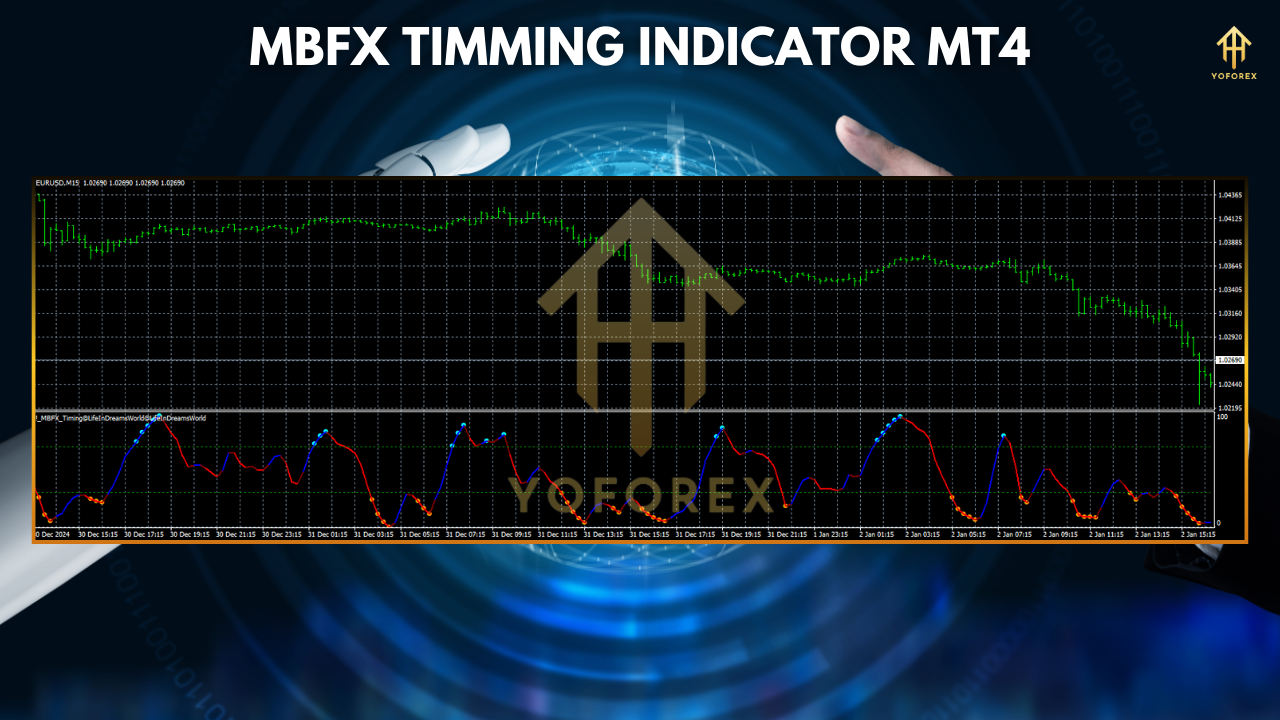
Timing Curve: A smooth wave that moves between 0 and 100, representing price momentum and reversal zones.
-
Green Zone (0–20): Oversold area – ideal for potential long entries.
-
Red Zone (80–100): Overbought area – ideal for potential short entries.
-
Mid-Zone (40–60): Neutral area – avoid trading unless supported by other signals.
Why Choose This Indicator?
✅ 1. Precision in Entry Timing
MBFX Timing Indicator’s design is purely focused on helping you avoid premature or late entries. By waiting for the curve to enter the red or green zones, traders can position themselves at the beginning of a move.
✅ 2. Works in All Market Types
Whether you’re trading during a strong trend or in a sideways consolidation phase, this indicator adapts well. It shines particularly during volatile conditions, where price swings are more pronounced.
✅ 3. Easy to Read and Interpret
No complicated lines or multiple confirmations needed. The color-coded timing curve keeps it beginner-friendly and efficient for fast-paced trading environments.
✅ 4. Suitable for All Timeframes
From scalping on the M5 chart to swing trading on H4 or daily charts, the MBFX Timing Indicator remains responsive and accurate across timeframes.
✅ 5. Supports All Forex Pairs and Assets
While designed with forex in mind, the indicator works effectively with commodities, indices, and even cryptocurrencies on MT4.
Best Strategy – MBFX Timing Reversal Entry
📌 Setup Details:
-
Timeframe: M15, M30, or H1
-
Pairs: EUR/USD, GBP/USD, USD/JPY, Gold
-
Indicator Used: MBFX Timing Indicator
🔹 Buy Setup (Long Position):
-
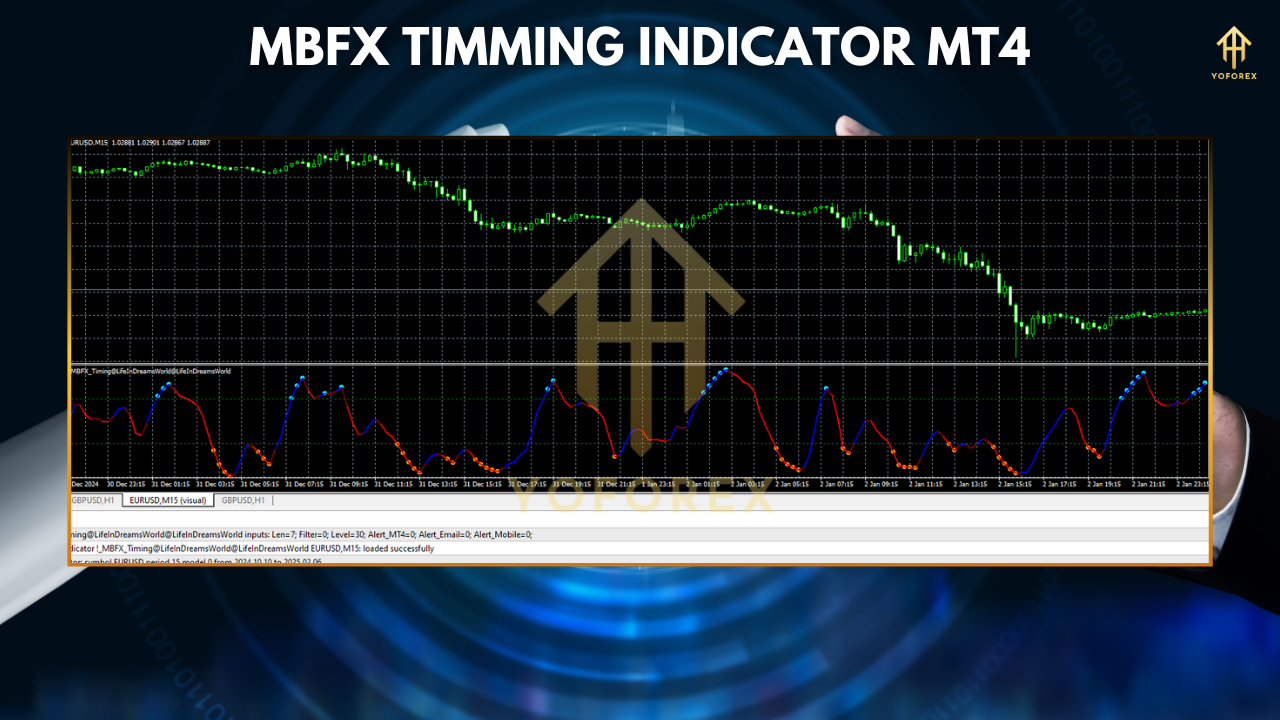
Wait for the MBFX curve to enter the green zone (0–20).
-
Look for a bullish candlestick pattern like a pin bar, engulfing candle, or a morning star.
-
Confirm the price is at or near a support level.
-
Enter a buy on the next candle close.
-
Set stop-loss below recent swing low.
-
Take-profit at 1:2 or 1:3 risk/reward or when MBFX exits the green zone.
🔹 Sell Setup (Short Position):
-
Wait for the MBFX curve to enter the red zone (80–100).
-
Spot a bearish candlestick pattern (e.g., shooting star, engulfing).
-
Confirm resistance or supply zone nearby.
-
Enter a sell on the next candle.
-
Stop-loss above swing high.
-
Take-profit based on RR or when the curve exits red zone.
💡 Pro Tip:
Combine MBFX Timing with the 200 EMA or MACD to avoid counter-trend trades. For example, only take buy signals when price is above the 200 EMA for safer trades.
Conclusion
The MBFX Timing Indicator MT4 stands out as a precision tool in a market full of noisy, lagging indicators. Whether you’re scalping quick moves or holding positions longer term, the MBFX offers that extra confirmation on when to jump in and when to stay out.
It’s simple, effective, and versatile – making it a must-have for traders looking to sharpen their entry game. Remember, in forex, timing is everything. And MBFX Timing Indicator helps you get it just right.