MILLIONTRADE Indicator V1.0 for MetaTrader 4: A Comprehensive Guide
The forex market, with its fast-paced dynamics and immense opportunities, demands tools that can keep up with its volatility while providing traders with clear, actionable insights. Enter the MILLIONTRADE Indicator V1.0 for MetaTrader 4 (MT4), a powerful tool designed to help traders navigate the complexities of forex trading with precision and confidence. In this blog post, we’ll dive deep into the features, benefits, and practical applications of the MILLIONTRADE Indicator V1.0, exploring why it’s become a go-to choice for traders aiming to optimize their strategies and boost profitability.
What is the MILLIONTRADE Indicator V1.0?
The MILLIONTRADE Indicator V1.0 is a custom-built technical analysis tool developed for the MetaTrader 4 platform, one of the most widely used trading platforms in the world. This non-repainting indicator analyzes price behavior in real-time, identifying optimal entry and exit points for trades based on a sophisticated algorithm. Unlike many indicators that redraw past signals, MILLIONTRADE V1.0 ensures reliability by locking in its signals once they appear, offering traders a stable foundation for decision-making.
The indicator is designed to work across multiple currency pairs and timeframes, making it versatile for scalpers, day traders, and swing traders alike. Its primary function is to generate clear buy and sell signals, helping traders capture fast and profitable price movements while minimizing risk through high-probability trade setups.
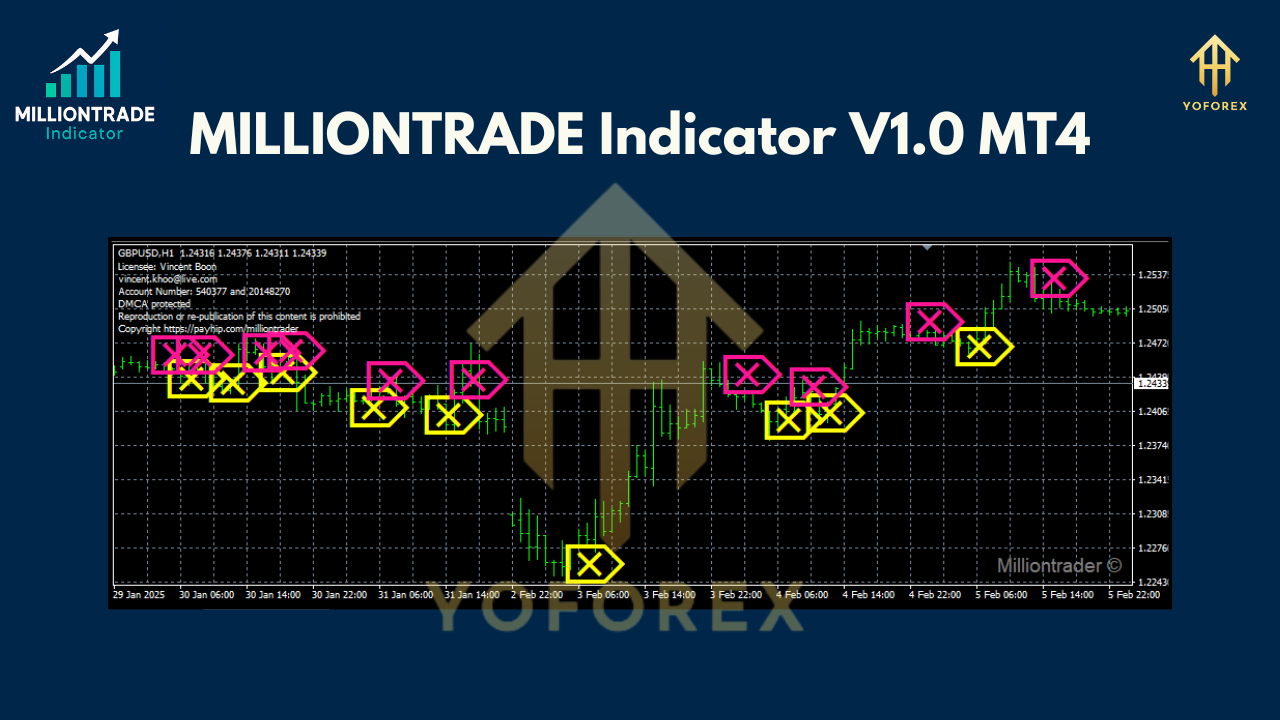
Key Features of the MILLIONTRADE Indicator V1.0
1. Non-Repainting Signals
One of the standout features of the MILLIONTRADE Indicator V1.0 is its non-repainting nature. Once a signal is generated, it remains fixed on the chart, providing traders with confidence that the signal won’t disappear or change as new price data comes in. This reliability is crucial for backtesting and live trading, ensuring consistency in strategy execution.
2. Real-Time Price Analysis
The indicator’s algorithm continuously monitors price action, evaluating trends, momentum, and volatility to deliver timely signals. This real-time analysis allows traders to react quickly to market changes, capturing opportunities during high-probability setups.
3. Versatility Across Timeframes and Pairs
Whether you prefer trading the M15 chart for quick scalps or the H1 chart for longer-term trades, MILLIONTRADE V1.0 adapts seamlessly. It performs well on major currency pairs like EUR/USD and GBP/USD, as well as other assets, giving traders flexibility to apply it to their preferred markets.
4. User-Friendly Interface
The indicator is designed with simplicity in mind. Clear buy and sell arrows appear directly on the chart, eliminating guesswork. Even novice traders can quickly grasp how to interpret the signals, while experienced traders appreciate the clean, uncluttered display that integrates effortlessly into their existing setups.
5. Built-In Risk Management
MILLIONTRADE V1.0 evaluates each signal to prioritize high-probability trades, reducing the likelihood of false entries. Additionally, it can be paired with automated tools like the MILLIONTRADE Expert Advisor (EA) to manage trades, set stop-losses, and take-profits automatically, enhancing risk control.
How Does the MILLIONTRADE Indicator Work?
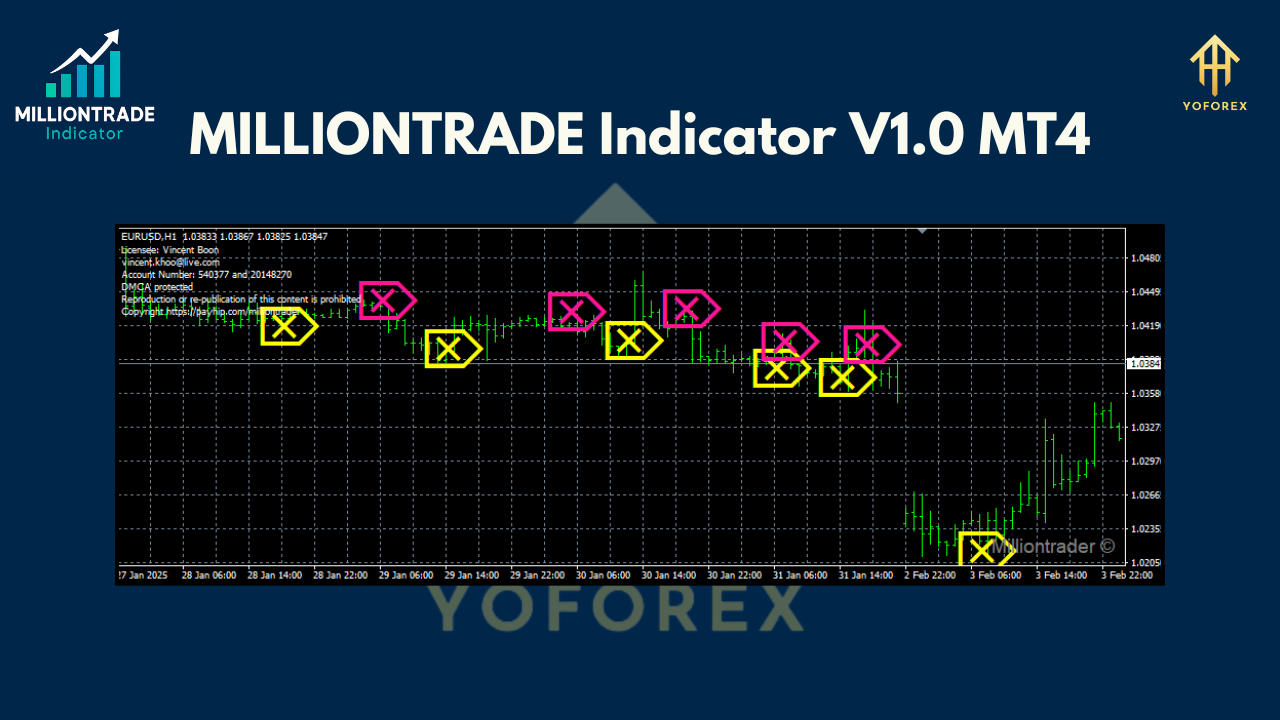
The MILLIONTRADE Indicator V1.0 operates by analyzing price behavior through a combination of trend-following and momentum-based calculations. While the exact algorithm remains proprietary, it’s built to detect key market conditions, such as breakouts, reversals, and trend continuations. When a high-probability setup is identified, the indicator plots a buy or sell arrow on the chart, signaling the trader to take action.
For example:
-
Buy Signal: A green arrow appears below the price, indicating a potential uptrend or bullish momentum.
-
Sell Signal: A red arrow appears above the price, suggesting a potential downtrend or bearish momentum.
Traders can use these signals as standalone entry points or combine them with additional analysis, such as support and resistance levels or other indicators like the Moving Average or RSI, to confirm trades.
Setting Up the MILLIONTRADE Indicator V1.0 on MT4
Installing and configuring the MILLIONTRADE Indicator V1.0 on MetaTrader 4 is straightforward. Follow these steps to get started:
-
Download the Indicator: Obtain the MILLIONTRADE V1.0 file (typically in .ex4 or .mq4 format) from a trusted source.
-
Install on MT4:
-
Open your MT4 platform and navigate to File > Open Data Folder.
-
Locate the MQL4 > Indicators folder and copy the MILLIONTRADE file into it.
-
Restart MT4 or refresh the Navigator window by right-clicking and selecting Refresh.
-
-
Apply to a Chart:
-
Open a chart for your desired currency pair and timeframe.
-
Drag the MILLIONTRADE Indicator from the Navigator window onto the chart.
-
Adjust settings (if applicable) or use the default configuration for optimal performance.
-
-
Start Trading: Once applied, the indicator will begin plotting signals on the chart. Monitor these signals and integrate them into your trading strategy.
Trading Strategies with MILLIONTRADE V1.0
1. Trend-Following Strategy
Use the indicator to identify strong trends on higher timeframes like H1 or H4. Enter trades in the direction of the trend when a buy or sell signal appears. To filter out noise, combine the indicator with a 50-period Exponential Moving Average (EMA). For example:
-
Enter a buy trade when a green arrow appears, and the price is above the 50 EMA.
-
Enter a sell trade when a red arrow appears, and the price is below the 50 EMA.
2. Scalping Strategy
For scalpers, apply the indicator to the M5 or M15 timeframe. Focus on high-liquidity pairs like EUR/USD during active market sessions (e.g., London or New York). Use tight stop-losses and take-profits to capitalize on quick price movements. Confirm signals with support and resistance levels to avoid false breakouts.
3. Automated Trading with the MILLIONTRADE EA
Pair the indicator with the MILLIONTRADE Expert Advisor for fully automated trading. The EA uses the indicator’s signals to open and close trades, applying predefined risk management rules. This is ideal for traders who want to minimize manual intervention while maintaining disciplined trade execution.
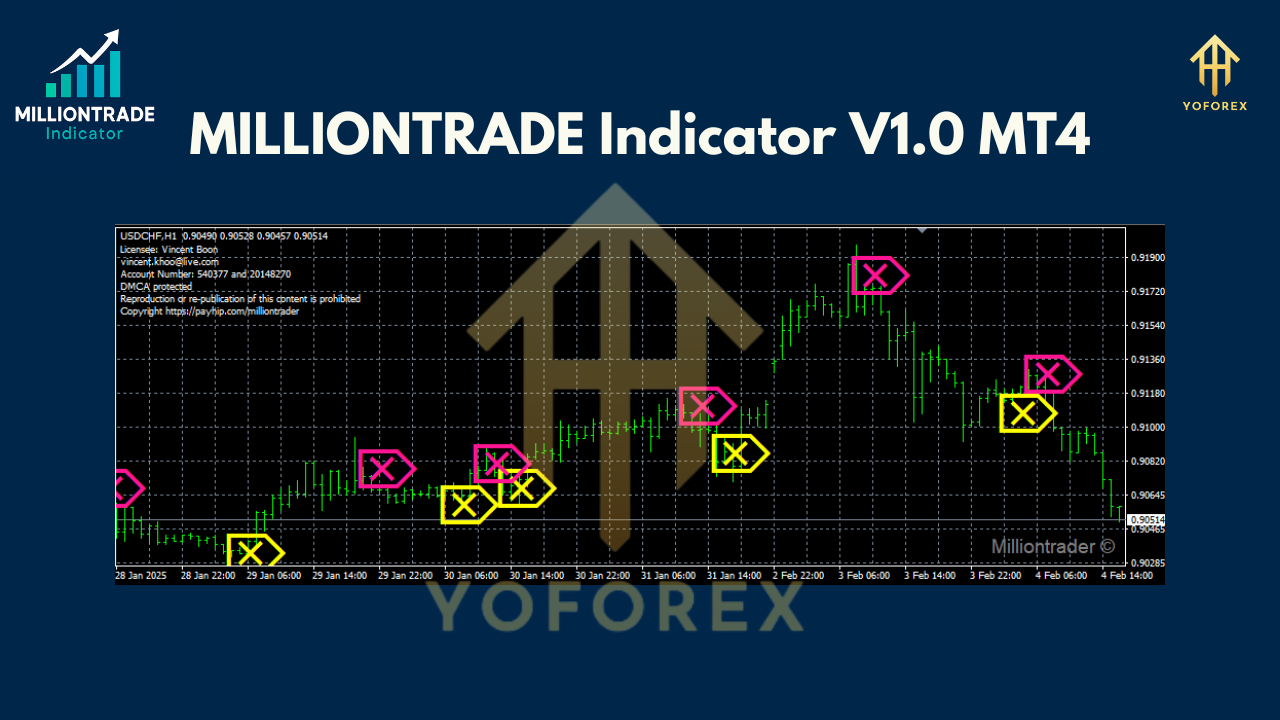
Benefits of Using MILLIONTRADE V1.0
-
Increased Accuracy: The non-repainting signals and robust algorithm reduce false positives, improving trade reliability.
-
Time Efficiency: Clear signals save time by eliminating the need for complex chart analysis.
-
Risk Reduction: High-probability setups and compatibility with automated risk management tools help protect capital.
-
Accessibility: Suitable for traders of all experience levels, from beginners to seasoned professionals.
Best Practices for Success
-
Test on a Demo Account: Before using the indicator in a live account, backtest it on a demo account for at least one week to understand its behavior in different market conditions.
-
Use a VPS: For optimal performance, especially with the MILLIONTRADE EA, run your MT4 platform on a Virtual Private Server (VPS) to ensure 24/7 uptime and low latency.
-
Combine with Other Tools: Enhance signal accuracy by pairing the indicator with complementary tools like Fibonacci retracement, pivot points, or oscillators.
-
Practice Risk Management: Never risk more than 1-2% of your account per trade, and always use stop-losses to limit potential losses.
-
Choose a Low-Spread Broker: To maximize profitability, trade with a broker offering low spreads, particularly for scalping strategies.
Limitations and Considerations
While the MILLIONTRADE Indicator V1.0 is a powerful tool, no indicator is foolproof. It may produce false signals in ranging or highly volatile markets, so traders should avoid over-reliance and always confirm signals with additional analysis. Additionally, the indicator’s performance depends on proper configuration and market conditions, so regular testing and optimization are essential.
Conclusion
The MILLIONTRADE Indicator V1.0 for MetaTrader 4 is a game-changer for forex traders seeking a reliable, user-friendly tool to enhance their trading performance. Its non-repainting signals, real-time analysis, and versatility make it a valuable addition to any trader’s toolkit. Whether you’re scalping on short timeframes or following trends on daily charts, this indicator provides the clarity and precision needed to make informed decisions.
Join our Telegram for the latest updates and support