The Stoha Indicator V1.0 for MetaTrader 4 (MT4) is a powerful technical analysis tool designed to help traders identify market trends, momentum, and potential entry and exit points. Built on the principles of the Stochastic Oscillator, this custom indicator offers a refined approach to analyzing price movements, making it a valuable addition to any trader’s toolkit. In this blog, we’ll explore the Stoha Indicator V1.0, its features, how it works, and how you can integrate it into your trading strategy to enhance your decision-making process.
What is the Stoha Indicator V1.0?
The Stoha Indicator V1.0 is a momentum-based oscillator specifically developed for the MT4 platform, one of the most popular trading platforms in the forex market. It builds on the classic Stochastic Oscillator, which measures the speed and momentum of price changes by comparing the closing price of an asset to its price range over a specified period. The Stoha Indicator refines this concept by offering customizable settings and visual signals to help traders spot overbought and oversold conditions, trend reversals, and continuation patterns.
Unlike the standard Stochastic Oscillator, the Stoha Indicator V1.0 is tailored to provide clearer signals and reduce market noise, making it particularly useful for traders who focus on intraday trading, scalping, or swing trading. Its versatility allows it to be applied across various financial markets, including forex, cryptocurrencies, and stocks.
Key Features of the Stoha Indicator V1.0
- Customizable Parameters: Traders can adjust settings such as the %K period, %D period, and slowing to suit their trading style and preferred timeframes.
- Clear Buy and Sell Signals: The indicator generates visual arrows on the chart to indicate potential entry and exit points, making it easier to act on trading opportunities.
- Overbought and Oversold Zones: It highlights when the market is overbought (above 80) or oversold (below 20), helping traders anticipate reversals.
- Multi-Timeframe Compatibility: The Stoha Indicator works effectively on various timeframes, from M1 (1-minute) to D1 (daily), catering to different trading strategies.
- Integration with Other Indicators: It can be combined with tools like Moving Averages, RSI, or MACD to create a comprehensive trading system.
How the Stoha Indicator V1.0 Works
- %K Line: This is the primary line that measures the current price relative to the high-low range over a specified period (e.g., 14 candles). A higher %K value indicates stronger upward momentum, while a lower value suggests downward momentum.
- %D Line: This is a smoothed version of the %K line, typically calculated as a moving average of %K over a set period (e.g., 3 candles). It helps confirm signals by reducing noise.
- Overbought/Oversold Levels: When the %K or %D line crosses above 80, the market is considered overbought, signaling a potential reversal or pullback. Conversely, a reading below 20 indicates an oversold condition, suggesting a possible buying opportunity.
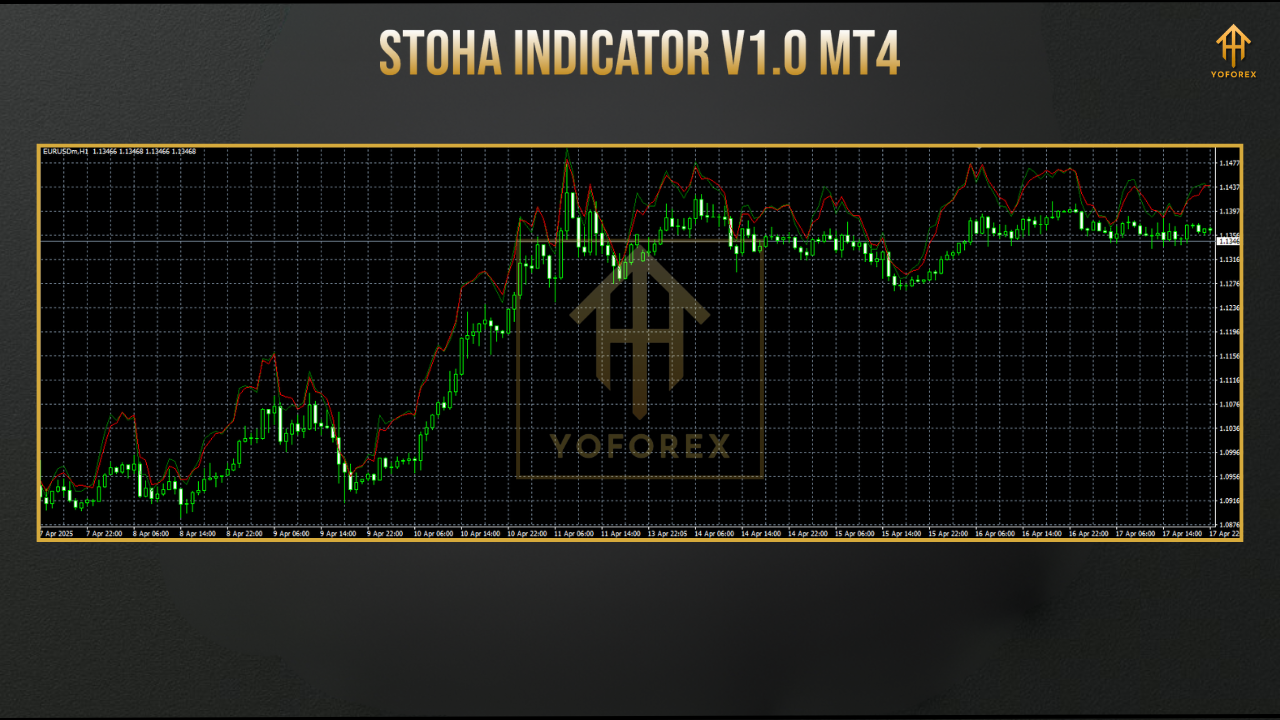
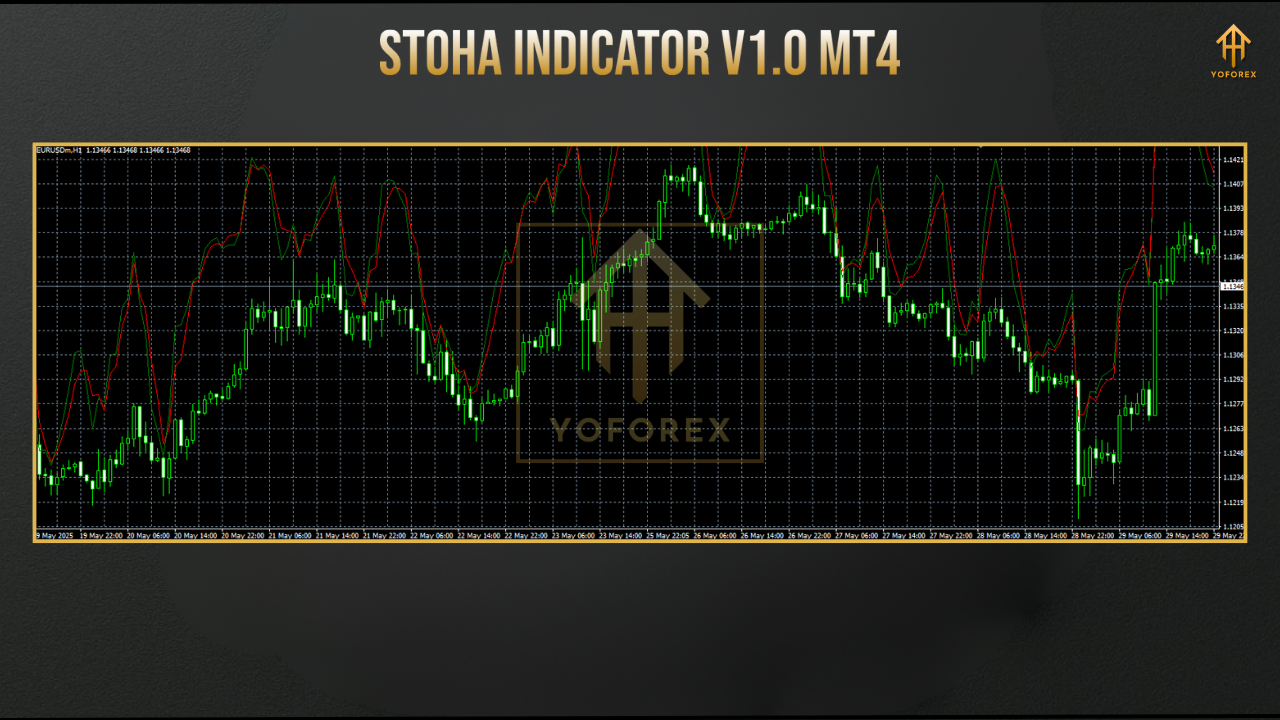
- Signal Arrows: The Stoha Indicator V1.0 enhances usability by placing green (buy) and red (sell) arrows on the price chart when the %K and %D lines cross in overbought or oversold zones, particularly in flat or range-bound markets.
Installing the Stoha Indicator V1.0 on MT4
- Download the Indicator: Obtain the Stoha Indicator V1.0 file (.ex4 or .mq4) from a trusted source.
- Open MT4 Data Folder: In MT4, go to “File” > “Open Data Folder” > “MQL4” > “Indicators.”
- Copy the File: Paste the downloaded indicator file into the Indicators folder.
- Restart MT4: Close and reopen MT4, or refresh the Navigator window.
- Add to Chart: Drag the Stoha Indicator V1.0 from the Navigator to your desired chart, and adjust settings as needed.
Customizing the Stoha Indicator Settings
- K Period: Default is often set to 14, but you can adjust it (e.g., 89 for slower signals or 5 for faster signals).
- Slow K Period: Typically set to 3, this smooths the %K line.
- D Period: Often set to 3, this determines the smoothing of the %D line.
- Show K/D Lines: Enable or disable the display of %K and %D lines for a cleaner chart.
- Chart Theme: Customize the background color for better visibility.
Trading Strategies with the Stoha Indicator V1.0
1. Overbought/Oversold Reversal Strategy
- Buy Signal: When the %K and %D lines cross below 20 and a green arrow appears, consider entering a long position, anticipating a price reversal upward.
- Sell Signal: When the lines cross above 80 with a red arrow, consider a short position, expecting a downward correction.
- Confirmation: Pair the Stoha Indicator with support/resistance levels or RSI to confirm signals.
2. Trend-Following Strategy
- In a bullish trend, focus on buy signals when the indicator exits the oversold zone (below 20).
- In a bearish trend, prioritize sell signals when the indicator exits the overbought zone (above 80).
- Use a Moving Average (e.g., 50-period EMA) to confirm the trend direction before acting on Stoha signals.
Advantages and Limitations
Advantages
- User-Friendly: The visual arrows simplify decision-making for beginners and experienced traders alike.
- Versatile: Works across multiple markets and timeframes.
- Customizable: Adjustable settings allow for tailored analysis.
Limitations
- False Signals in Trending Markets: Like other oscillators, the Stoha Indicator may produce false signals during strong trends. Always confirm with trend-following tools.
- Lagging Nature: As a momentum-based indicator, it may lag in fast-moving markets.
Tips for Maximizing the Stoha Indicator V1.0
- Combine with Other Tools: Use the Stoha Indicator alongside trend indicators like Moving Averages or ADX to filter out false signals.
- Test on a Demo Account: Before using it in live trading, test the indicator on a demo account to understand its behavior in different market conditions.
- Avoid Overloading the Chart: Using too many indicators can create confusion. Stick to a simple setup with the Stoha Indicator as a core component.
- Adjust for Market Conditions: Tweak the K and D periods based on whether the market is trending or ranging.
Conclusion
The Stoha Indicator V1.0 for MT4 is a versatile and powerful tool that enhances the traditional Stochastic Oscillator with customizable settings and clear visual signals. By identifying overbought and oversold conditions, it helps traders spot potential reversals and continuation patterns across various timeframes and markets. While it excels in range-bound markets, combining it with trend-following indicators can improve its effectiveness in trending conditions. Whether you’re a scalper, day trader, or swing trader, the Stoha Indicator V1.0 can be a valuable addition to your trading arsenal. Download it, test it, and integrate it into your strategy to make more informed trading decisions.