The forex market is filled with hundreds of trading robots that promise big returns, but only a few stand out for their strategy and execution. One such Expert Advisor (EA) gaining attention in 2025 is the Theranto V3 EA V1.2 MT4. Built for the MetaTrader 4 platform, this forex robot claims to deliver consistent profits by exploiting pullback opportunities—with some vendors even advertising returns of over 300%.
But can it really live up to the hype? In this review, we’ll take a deep dive into what Theranto V3 EA offers, how it works, its advantages and limitations, and whether it deserves a place in your trading arsenal.
What is Theranto V3 EA V1.2 MT4?
Theranto V3 EA is an automated forex trading system designed for MT4. It focuses primarily on the AUD/CAD pair and uses a pullback strategy. In simple terms, the EA looks for situations where the market makes a sharp move, then pulls back slightly before resuming its trend. The robot enters at the retracement to capture momentum in the original direction.
The EA comes in version 1.2, meaning it has undergone improvements since its initial release. According to the vendor, it has built-in risk management and optimized algorithms for stable performance in various market conditions.
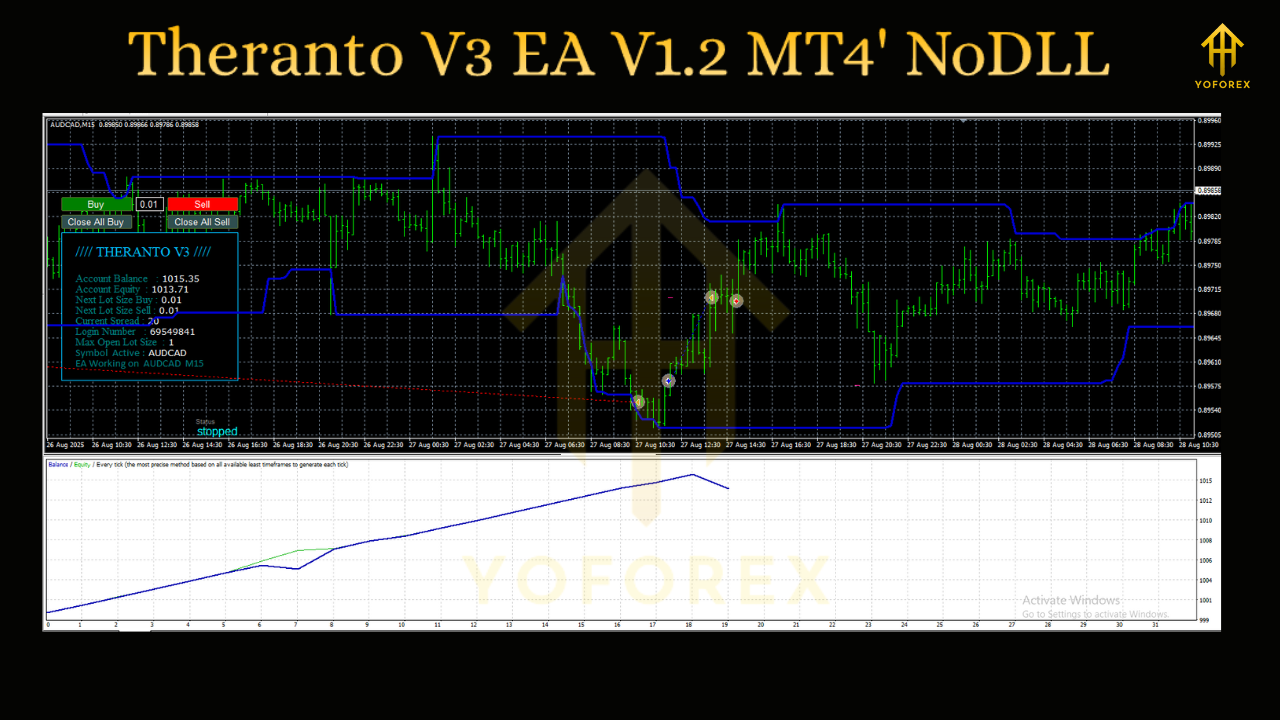
Key Features of Theranto V3 EA
Here’s what makes Theranto V3 EA unique compared to other EAs on the market:
-
Pullback Trading Logic
-
Uses price retracements after sharp moves to enter trades.
-
Designed to avoid chasing trends or false breakouts.
-
-
Optimized for AUD/CAD
-
Focuses heavily on AUD/CAD, a pair known for its clean technical moves.
-
May also work on other pairs, but performance is best with AUD/CAD.
-
-
Risk Control Parameters
-
Includes stop-loss and take-profit features.
-
Adjustable lot sizing for different account sizes.
-
-
Version Updates
-
V1.2 includes bug fixes, improved entry signals, and better trade management compared to earlier builds.
-
-
Fully Automated
-
Once installed, the EA places trades, manages exits, and adjusts stops automatically.
-
How Does Theranto V3 EA Work?
The core logic of this EA is based on trend continuation after pullbacks.
-
Step 1: The EA identifies a strong directional move (e.g., AUD/CAD surges upward).
-
Step 2: It waits for a retracement (a pullback in the opposite direction).
-
Step 3: Once market conditions confirm, the EA enters in the original direction with pre-set stop-loss and take-profit levels.
-
Step 4: Trade management kicks in to minimize losses and secure profits.
This method works best in trending conditions but can struggle during sideways, choppy markets.
Performance Claims
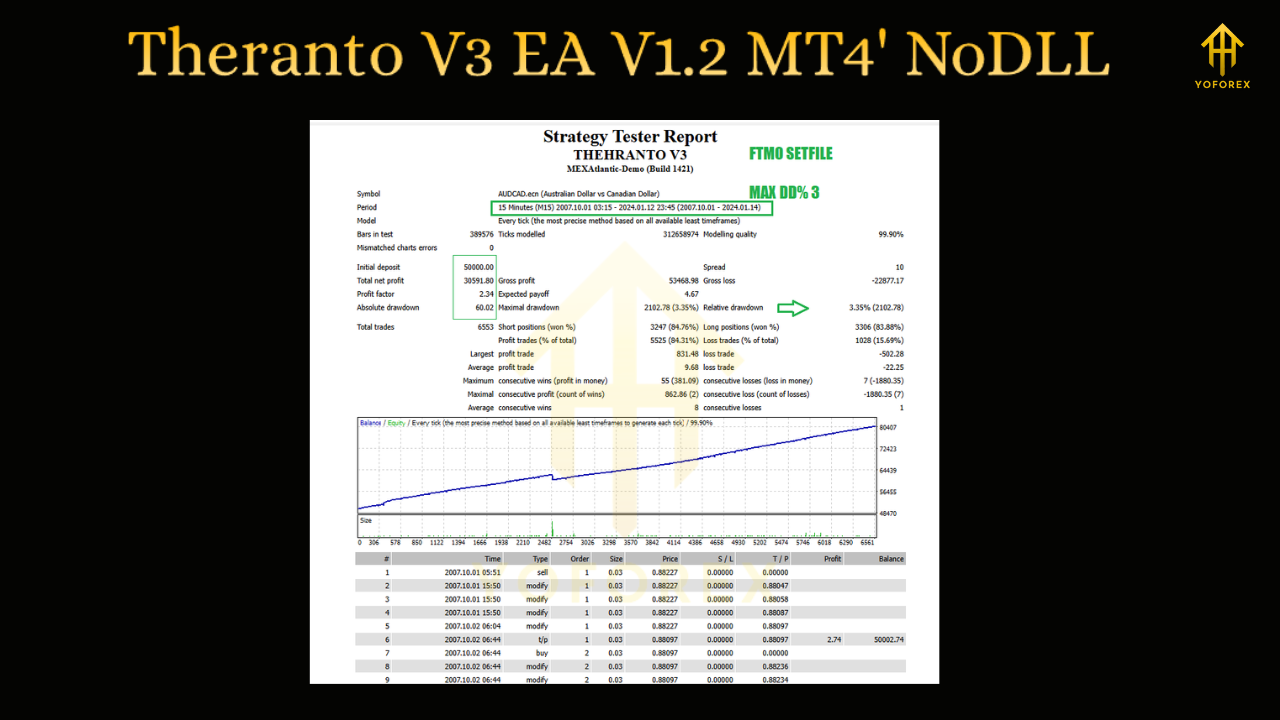
Vendors promoting Theranto V3 EA often highlight “378% real profit” results. While impressive, traders should view these numbers with caution. Such claims are usually based on specific testing conditions, high leverage, or favorable market phases.
Backtests show solid performance on AUD/CAD with relatively good risk-reward ratios. However, live results are limited, and traders should always test the EA on a demo account before risking real money.
Pros and Cons
✅ Pros
-
Smart pullback strategy avoids chasing markets.
-
Optimized for a specific currency pair, giving it a focus.
-
Automated trade management reduces manual workload.
-
Easy to install and run on MT4.
-
Includes stop-loss and money management features.
❌ Cons
-
Works best only on AUD/CAD—limited versatility.
-
Profit claims (300%+) may be exaggerated.
-
Live verified results (Myfxbook/FXBlue) are scarce.
-
May underperform during sideways or news-driven volatility.
Who Should Consider Theranto V3 EA?
Theranto V3 EA is ideal for traders who:
-
Prefer swing and momentum strategies.
-
Trade mainly on AUD/CAD.
-
Want a hands-free trading solution.
-
Have some experience with EA optimization and broker setups.
It may not be suitable for:
-
Beginners expecting guaranteed profits.
-
Traders who want multi-currency diversification.
-
Those with low-risk tolerance, since pullback strategies can suffer drawdowns.
Installation & Setup
Installing Theranto V3 EA V1.2 is straightforward:
-
Download the EA file (.ex4).
-
Open MetaTrader 4.
-
Navigate to File → Open Data Folder → MQL4 → Experts.
-
Paste the EA file into the folder.
-
Restart MT4 and attach the EA to the AUD/CAD chart.
-
Adjust parameters (lot size, stop-loss, risk %).
Pro tip: Always run it first on a demo account to understand how it reacts under live conditions.
Backtest Results
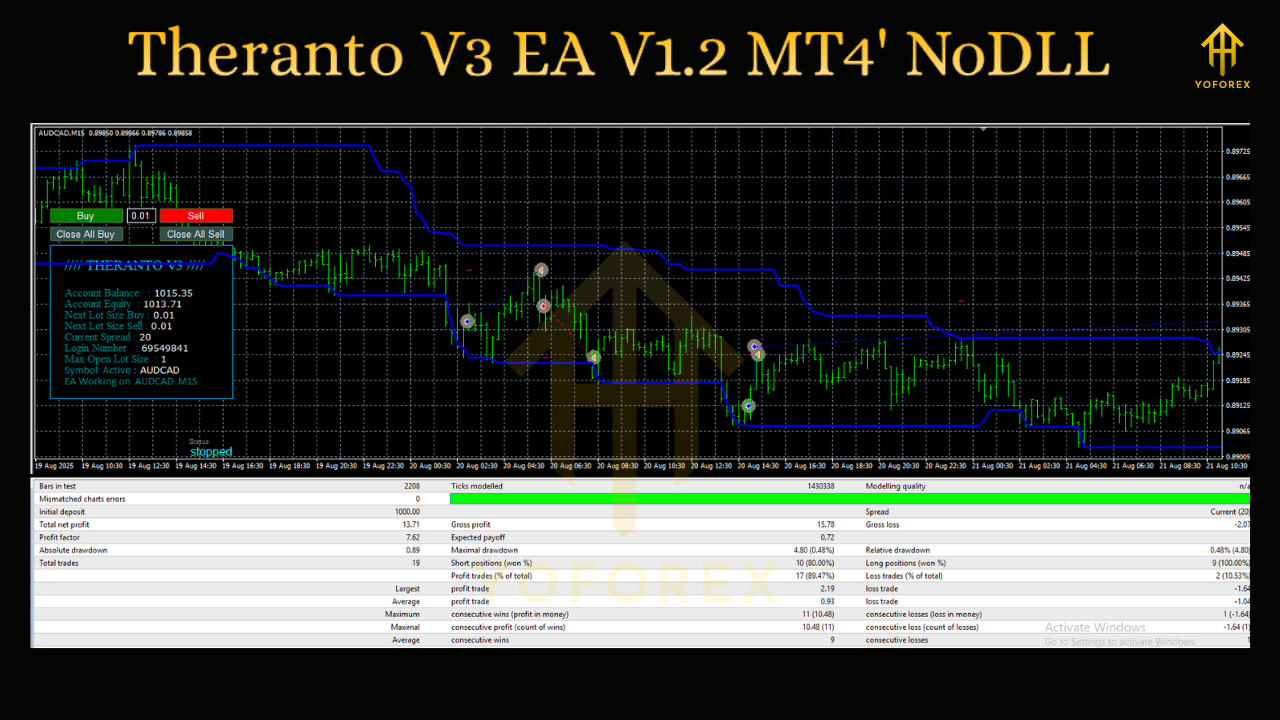
Several reports online show promising backtests from 2018–2024:
-
Average monthly growth: 5–12%
-
Win rate: ~65–70%
-
Maximum drawdown: 20–35% depending on settings
-
Best results achieved on AUD/CAD H1 chart
While these stats look good, keep in mind that backtests do not guarantee future performance.
Risk Management Tips
If you decide to use Theranto V3 EA:
-
Use a VPS for stable execution.
-
Risk only 1–2% per trade.
-
Avoid running during high-impact AUD/CAD news events.
-
Withdraw profits regularly instead of compounding aggressively.
Final Verdict
The Theranto V3 EA V1.2 MT4 is an interesting pullback robot with potential for profitable trading, especially on AUD/CAD. Its focused strategy and automation features make it appealing for semi-experienced traders.
However, like all forex robots, it is not a magic money machine. The 300% profit claims should be taken with caution, and users should perform their own backtests and demo runs before using real capital.
For disciplined traders who combine it with risk management, Theranto V3 EA can be a useful addition to their trading toolkit in 2025.