Venom EA V1.0 MT4: A Deep Dive into this Mysterious Forex Robot
In the ever-evolving world of Forex trading, automated solutions like Expert Advisors (EAs) have become a popular tool for traders looking to capitalize on market movements 24/7. One such name that has been whispered in trading circles is the Venom EA V1.0 for MetaTrader 4. This blog post will take a comprehensive look at this EA, piecing together the available information to give you a clear picture of what it claims to offer.
Disclaimer: Information about the Venom EA V1.0 is not readily available from a verifiable, official source. This blog post is based on user-provided specifications and analysis of a trading manual that appears to be associated with the system. As with any trading tool, extensive personal testing and caution are strongly advised.
Unpacking the Venom EA V1.0: Core Specifications
The Venom EA V1.0 is designed to operate on the popular MetaTrader 4 (MT4) platform. Here are the core specifications that have been associated with this expert advisor:
- Platform: MetaTrader 4
- Currency Pairs: AUD/CAD, AUD/NZD, NZD/CAD, USD/JPY
- Timeframe: M15, H1
- Minimum Deposit: $500
These parameters suggest that the EA is designed for a specific set of currency pairs, likely those with certain volatility and trading characteristics that align with its internal strategy. The dual timeframe compatibility (M15 and H1) could indicate a strategy that looks for both short-term and slightly longer-term trade setups. A minimum deposit of $500 is a relatively accessible entry point for many traders, though it’s crucial to remember that this is the bare minimum to operate the EA and does not guarantee success or insulate from risk.
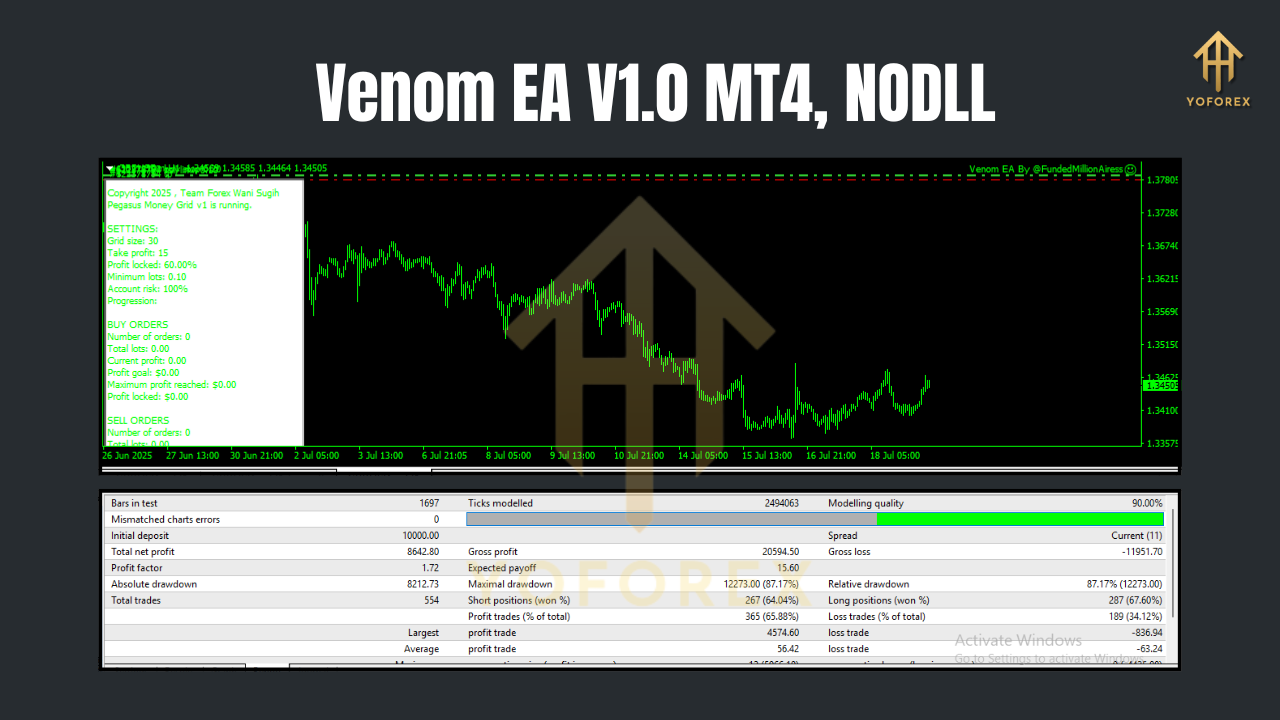
The Trading Strategy: A Glimpse into the “VENOM Trading System”
While an official vendor website for the Venom EA V1.0 is elusive, a user manual for a “VENOM Trading System” by a developer named “Third Wave FX” offers significant clues into the probable trading logic embedded within the EA. This system appears to be a sophisticated one, relying on a confluence of proprietary indicators to identify trading opportunities.
The core of the strategy revolves around the alignment of three key components:
- Vectorial Bias: This likely acts as the primary trend-determining indicator. An alignment here would signal the overall direction the EA is looking to trade in (bullish or bearish).
- S/R Level 1 & S/R Level 2: These are two distinct support and resistance levels. A trade signal is likely generated when the price action respects these levels in conjunction with the Vectorial Bias. For instance, a buy signal might require the price to be above a key support level while the Vectorial Bias is bullish.
- Positional Bias: This component seems to gauge the strength of the current market position, helping to decide whether to hold a trade for higher profits or exit at a predefined level.
The trading manual suggests that the most potent signals occur on the first alignment of these three elements during the trading day. This implies a “trade of the day” type of approach, focusing on quality over quantity.
The manual also outlines a clear risk management strategy, which may be hard-coded into the EA or available as user-adjustable settings:
- Take Profit: 30 pips
- Stop Loss: 40 pips
- Risk per Trade: A maximum of 5% of the account equity.
It’s worth noting that the manual suggests the system is suitable for all currency pairs, with a specific recommendation for majors like GBP/USD, EUR/USD, and USD/JPY. The user-provided list of AUD/CAD, AUD/NZD, and NZD/CAD may indicate a specific version of the EA tailored for these pairs.
Potential Performance and User Experience: The Missing Pieces
This is where a significant degree of caution is required. The internet lacks a substantial body of independent reviews, verified performance data (like Myfxbook or FXBlue links from the official vendor), or extensive forum discussions about the Venom EA V1.0.
While a Myfxbook account for a “XAU VENOM EA” exists, this is for trading gold (XAU/USD) and is from a user, not the developer. Therefore, its performance cannot be reliably attributed to the Venom EA V1.0 for the specified currency pairs.
The absence of a clear online footprint for the vendor, “Third Wave FX,” makes it challenging to assess their reputation, track record, and the level of customer support they provide.
Pros and Cons: A Speculative Analysis
Based on the available information, here’s a potential breakdown of the pros and cons of the Venom EA V1.0:
Potential Pros:
- Defined Strategy: The underlying “VENOM Trading System” appears to be based on a clear and logical set of rules, which is preferable to black-box systems where the trading logic is unknown.
- Automated Trading: Like all EAs, it offers the ability to trade the markets 24/5 without manual intervention, removing the emotional element from trading.
- Specific Risk Management: The mentioned take profit, stop loss, and risk per trade parameters suggest a focus on disciplined trading.
- Accessible Minimum Deposit: A $500 minimum deposit makes it accessible to a broader range of traders.
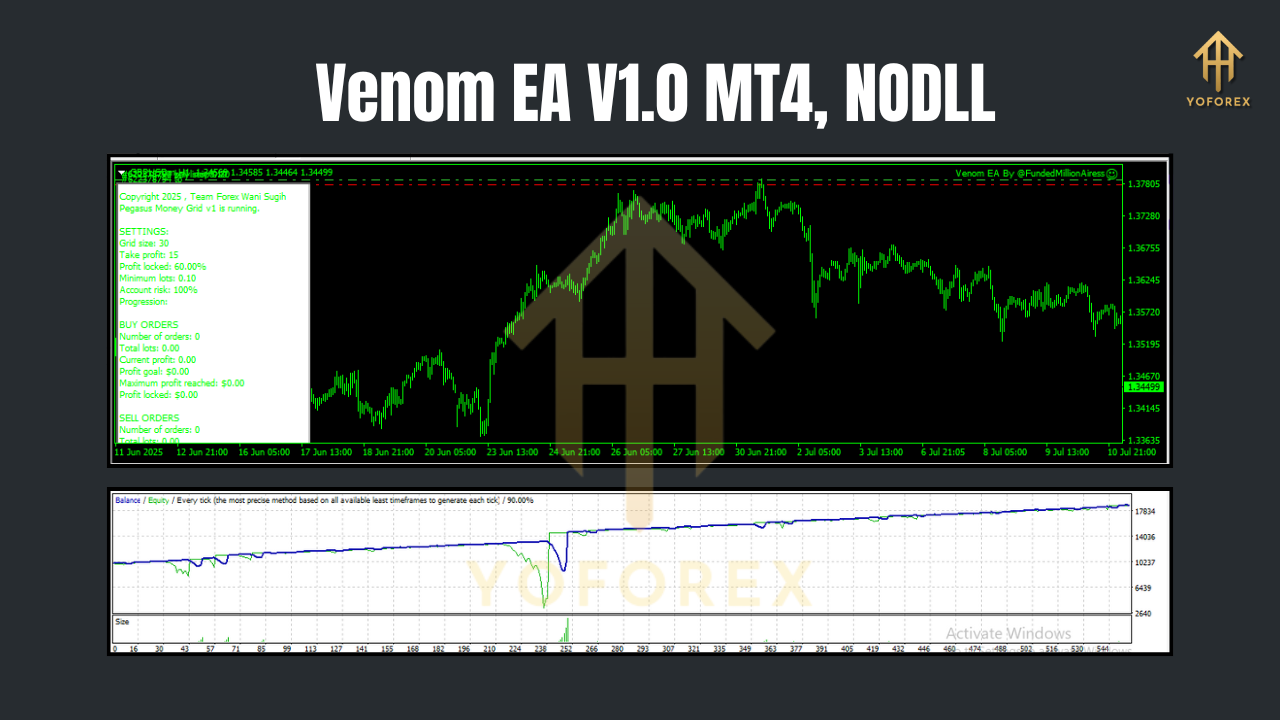
Potential Cons:
- Lack of Verifiable Information: The scarcity of independent reviews and official vendor information is a major red flag. It’s difficult to trust a trading tool without a transparent track record.
- Unverified Performance: There is no verifiable, long-term proof of profitability. Past performance is never a guarantee of future results, but in this case, there’s a lack of any credible past performance data to begin with.
- Potential for Scams: The Forex market is rife with developers who promise high returns and then disappear. The lack of an official presence for “Third Wave FX” raises concerns.
- Static Strategy: The fixed take profit and stop loss levels might not be suitable for all market conditions. Dynamic adjustments are often necessary for long-term success.
How to Get Started (Hypothetically)
Should a trader get their hands on the Venom EA V1.0 files, the setup process would likely follow the standard procedure for installing an Expert Advisor on MT4:
- Open MT4: Launch the MetaTrader 4 platform.
- Open the Data Folder: Go to “File” in the top menu and click on “Open Data Folder.”
- Copy the EA Files: Navigate to the “MQL4” folder and then the “Experts” folder. Copy the
.ex4or.mq4file of the Venom EA V1.0 into this folder. If there are any associated indicators, they would go into the “Indicators” folder. - Refresh or Restart MT4: Close and reopen the MT4 platform or right-click on “Expert Advisors” in the “Navigator” window and select “Refresh.”
- Attach to a Chart: Drag the Venom EA V1.0 from the “Navigator” window onto a chart of one of the specified currency pairs (e.g., AUD/CAD) and set the timeframe to M15 or H1.
- Adjust Settings: A settings window will pop up. Here, you would input your license key (if applicable) and adjust parameters like risk management settings.
- Enable AutoTrading: Ensure the “AutoTrading” button in the top toolbar of MT4 is enabled.
Crucially, it is highly recommended to first run any new EA on a demo account for an extended period to understand its behavior and performance before risking real capital.
The Final Verdict: Proceed with Extreme Caution
The Venom EA V1.0 is an enigma. The underlying “VENOM Trading System” described in its manual presents an interesting, rule-based approach to trading. However, the stark lack of verifiable vendor, independent reviews, and proven performance makes it a high-risk proposition.
For traders who have been offered this EA, the best course of action is to demand verifiable, long-term, and independent proof of its profitability. Without this, the Venom EA V1.0 remains a speculative tool at best.