Introduction
Clear trend direction is the backbone of consistent trading. The FMX Trend Indicator V1.20 for MT4 is built to simplify that decision with a clean, rules-based display that works on any currency pair and any timeframe. Whether you scalp the M1–M5 charts, day-trade M15–H1, or swing trade H4–D1, FMX’s blend of trend baseline, momentum confirmation, and volatility filtering helps you spot high-probability moves without cluttering your screen. This guide walks you through how it works, installation, settings, proven strategies, risk control, and practical tips to get the best out of V1.20.
What is the FMX Trend Indicator V1.20?
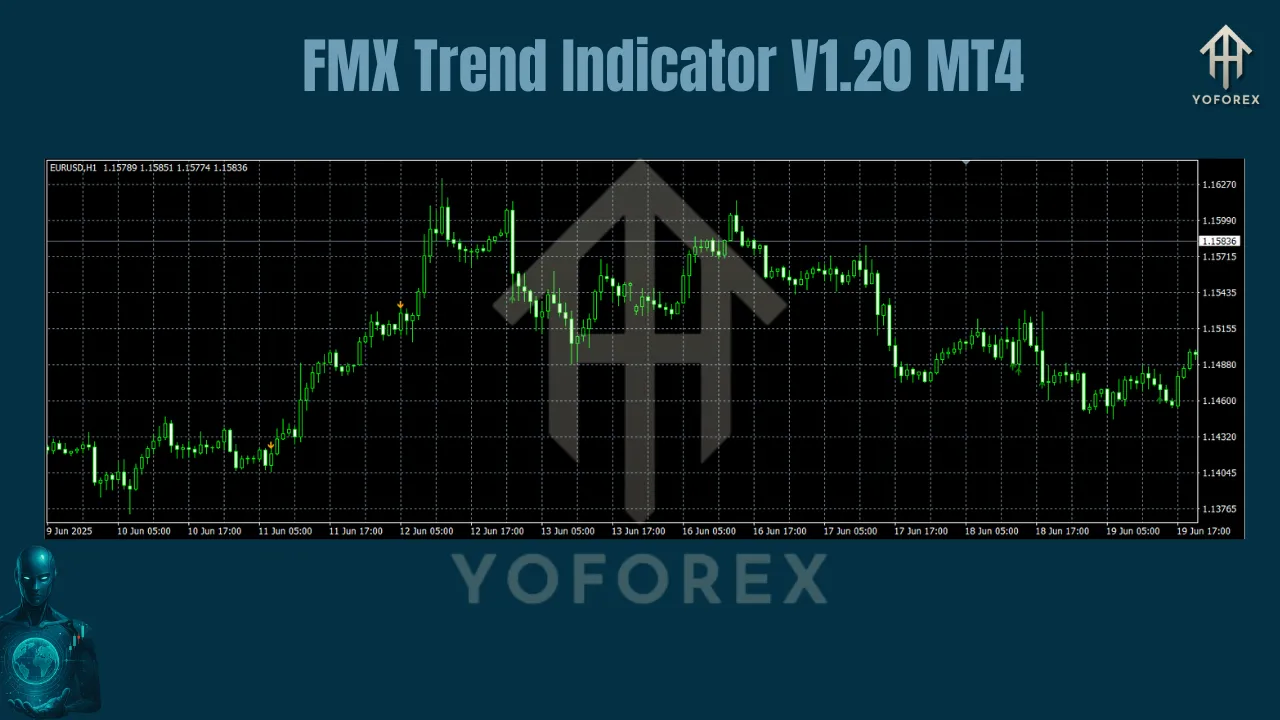
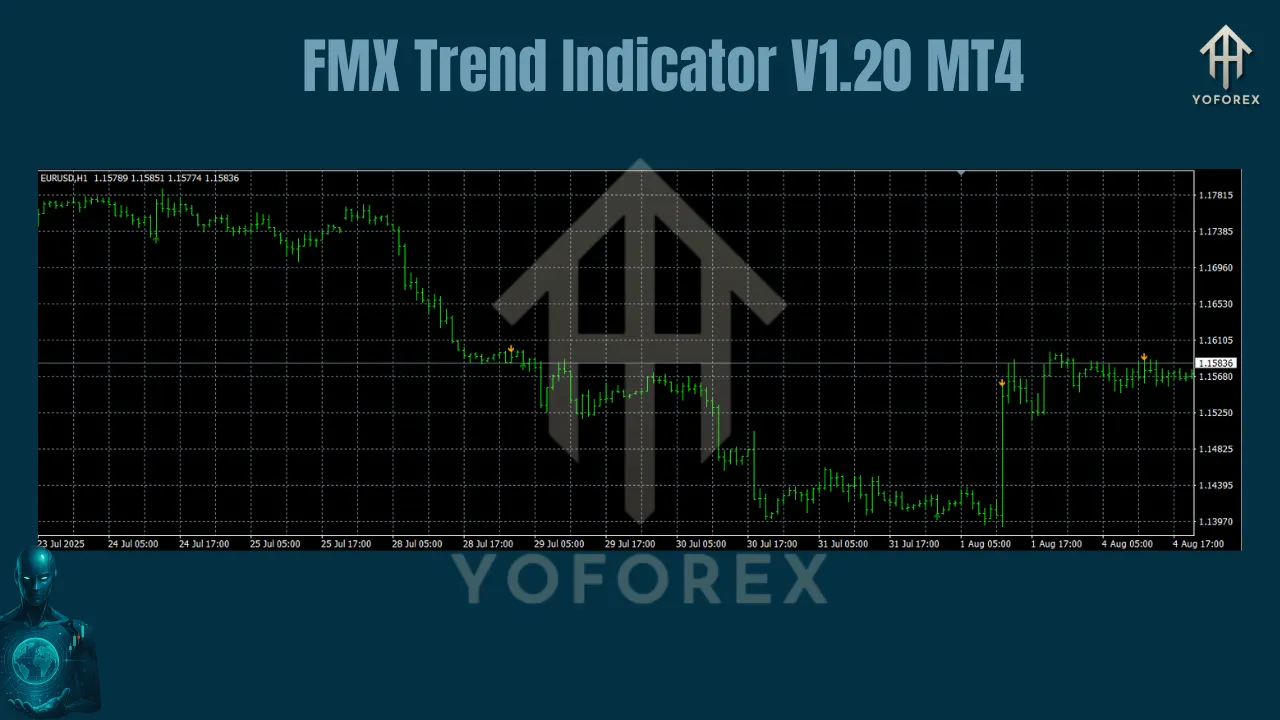
FMX Trend is a custom MT4 indicator that plots a dynamic trend baseline, overlays a momentum signal, and draws an adaptive volatility channel. Together, they identify trend direction, quality, and potential entry zones. In V1.20, the algorithm has been tuned for faster signal confirmation with fewer false flips during sideways markets.
Core components
- FMX Baseline: A smoothed moving-average style line that tracks directional bias.
- Momentum Signal: A fast line or histogram that flips color when short-term momentum aligns with the baseline.
- Volatility Channel: An ATR-based envelope that expands and contracts with market conditions, highlighting breakout or pullback areas.
- MTF Ribbon (optional): A compact higher-timeframe bias strip to keep lower-timeframe entries aligned with the bigger trend.
- Alerts: Pop-up, push, or email when momentum confirms a new trend or price touches key levels.
How FMX Trend Works
The indicator processes recent price data to:
- Define the dominant trend via the FMX Baseline (above = bullish bias, below = bearish bias).
- Confirm momentum when the signal flips and closes on the same side of the baseline.
- Score trend quality using the distance to the volatility channel; stronger trends close outside or near the outer band, weak trends mean price is stuck inside a tight channel.
- Prevent whipsaws with a micro-filter that dampens rapid flips during low volatility or news spikes.
Key Features and Benefits
- Any Pair, Any Timeframe: Parameterized to handle majors, minors, exotics, metals, and indices across M1 to D1.
- Adaptive Filtering: ATR and smoothing options let you tune for noisy or calm markets.
- MTF Confluence: Optional higher-timeframe bias keeps you trading with the broader flow.
- Lightweight and responsive: Optimized to run on multiple charts without lag.
- Rules you can codify: Clear color/position rules make it easy to create a repeatable plan and journal objectively.
Installation and Setup
- Download the file
FMX_Trend_V1.20.ex4(or.mq4). - In MT4, go to File → Open Data Folder → MQL4 → Indicators and paste the file.
- Restart MT4 or right-click Indicators in the Navigator and select Refresh.
- Drag FMX Trend V1.20 onto any chart.
- In Inputs, set your baseline period, signal sensitivity, ATR multiplier, and alert options. Click OK.
Recommended Settings
These starting points work well across asset types—always forward-test and adjust to your risk tolerance.
By trading style
- Scalping (M1–M5): Baseline 20–30; Signal 5–8; ATR Multiplier 1.2–1.6; MTF Ribbon = next timeframe up (M15).
- Intraday (M15–H1): Baseline 50–80; Signal 10–14; ATR Multiplier 1.6–2.2; MTF Ribbon = H4.
- Swing (H4–D1): Baseline 100–200; Signal 14–20; ATR Multiplier 2.0–3.0; MTF Ribbon = D1/W1.
By market personality
- High-volatility pairs (GBPJPY, XAUUSD): Slightly longer baseline and higher ATR multiplier.
- Low-volatility pairs (USDCHF, EURGBP): Shorter baseline and lower ATR multiplier for quicker confirmation.
Tip: If you see frequent color flips, lengthen the baseline or increase ATR multiplier. If entries feel late, shorten the signal length slightly.
High-Probability Trading Strategies
1) FMX Trend Continuation (Pullback Entry)
Idea: Trade in the direction of the baseline after a healthy pullback.
-
Rules:
-
Bias: Price above baseline for longs, below for shorts.
-
Wait for price to retest the baseline or inner volatility band.
-
Enter when the momentum signal flips back with the trend and the candle closes in trend direction.
-
- Stops: A few pips beyond the opposite side of the volatility channel or below/above the pullback swing.
- Targets: Next recent swing or fixed R multiples (1:2 or 1:3).
- Works best: Trending sessions, London/NY overlap.
2) Breakout with Volatility Filter
Idea: Only take breakouts when volatility expands to avoid fake moves.
-
Rules:
-
Identify a squeeze: narrow channel and baseline flattening.
-
Set alerts for price close outside the outer band with momentum confirmation.
-
Enter on the first close outside the band in the direction of the break.
-
- Stops: Just inside the channel or behind the most recent inside bar.
- Targets: Project 1–1.5× the channel width or trail behind the baseline.
- Works best: After consolidation ranges or news pauses.
3) MTF Alignment “Green-over-Green”
Idea: Trade only when your chart timeframe and the MTF Ribbon agree.
-
Rules:
-
Longs: Ribbon bullish and price above baseline; wait for signal flip to green.
-
Shorts: Ribbon bearish and price below baseline; wait for red flip.
-
- Stops/Targets: As above; consider scaling out at 1R and letting remainder trail under the baseline.
- Works best: Trend days and swing environments.
4) Countertrend Exhaustion (Advanced)
Idea: Fade extreme pushes into the outer band when the momentum fails to make a new extreme.
-
Rules:
-
Price tags or pierces the outer band but momentum shows divergence or a weak close.
-
Enter on confirmation candle back inside the band.
-
- Stops: Beyond the extreme wick.
- Targets: Baseline retest or mid-channel.
- Note: Lower hit rate; use smaller size and strict management.
Risk and Trade Management
- Sizing: Risk 0.5–1.5% per trade. Keep it smaller on correlated pairs.
- Protect quickly: After price moves 1R, consider moving stop to breakeven or use partials.
- Time stops: If momentum stalls for several candles, exit early rather than letting a winner turn.
- Weekly cap: Set a weekly loss limit. If hit, step back and review.
Backtesting and Optimization
- Process: Start with baseline 50/Signal 10/ATR 1.8 on H1. Test major pairs over at least six months.
- Metrics to watch: Win rate, average R, max drawdown, average trade duration.
- Iterate: Adjust one parameter at a time. Aim for robust performance across pairs and months, not perfection on one symbol.
Common Mistakes to Avoid
- Trading every color flip: Use the baseline and volatility context; stand aside in chop.
- Ignoring higher timeframe: The MTF Ribbon exists for a reason—trade with the tide.
- No plan for news: Spreads widen and signals distort; either widen stops or pause.
- Over-tuning: If your settings only work on one week of data, you’re curve-fitting.
Practical Tips
- Keep your chart clean—FMX Trend plus levels and a session separator is usually enough.
- Journal each trade with a screenshot of baseline, channel, and signal state.
- On metals or indices, consider increasing ATR multiplier by 0.2–0.5 to account for bursts.
- If you run multiple charts, standardize colors and parameters to reduce decision fatigue.
Conclusion
The FMX Trend Indicator V1.20 MT4 gives you a disciplined way to read direction, momentum, and volatility at a glance. With clear rules, adaptive filtering, and optional higher-timeframe confluence, it supports consistent execution on any pair and timeframe. Start with the recommended settings, pick one strategy, backtest it, then trade it live with modest risk. Consistency—not complexity—drives results.
Join our Telegram for the latest updates and support