
Angelic StablePro EA V0.92 MT4: Mastering AUDCAD & NZDCAD on the 30M Chart
In the fast-paced world of Forex trading, automation has become a game-changer. Expert Advisors (EAs) like the Angelic StablePro EA V0.92 for MT4 are designed to execute trades with precision, removing emotional bias and optimizing strategy performance. Today, we explore this powerful EA tailored for the AUDCAD and NZDCAD currency pairs on the 30-minute (30M) timeframe. If you’re seeking a stable, data-driven approach to trading these commodity-linked crosses, this guide is your roadmap.
What is Angelic StablePro EA V0.92?
Angelic StablePro EA V0.92 is a sophisticated automated trading tool built for MetaTrader 4 (MT4). Engineered for stability and consistency, it leverages advanced algorithms to analyze market conditions, identify high-probability setups, and execute trades autonomously. Version 0.92 introduces refined risk management, optimized entry/exit logic, and enhanced adaptability to volatile market environments—making it ideal for traders who prioritize steady growth over aggressive gambles.
Key Focus Areas:
- Currency Pairs: AUDCAD & NZDCAD
- Timeframe: 30M (30-minute chart)
- Strategy: Trend-following with mean-reversion elements
- Risk Level: Low-to-Medium (Prioritizes capital preservation)
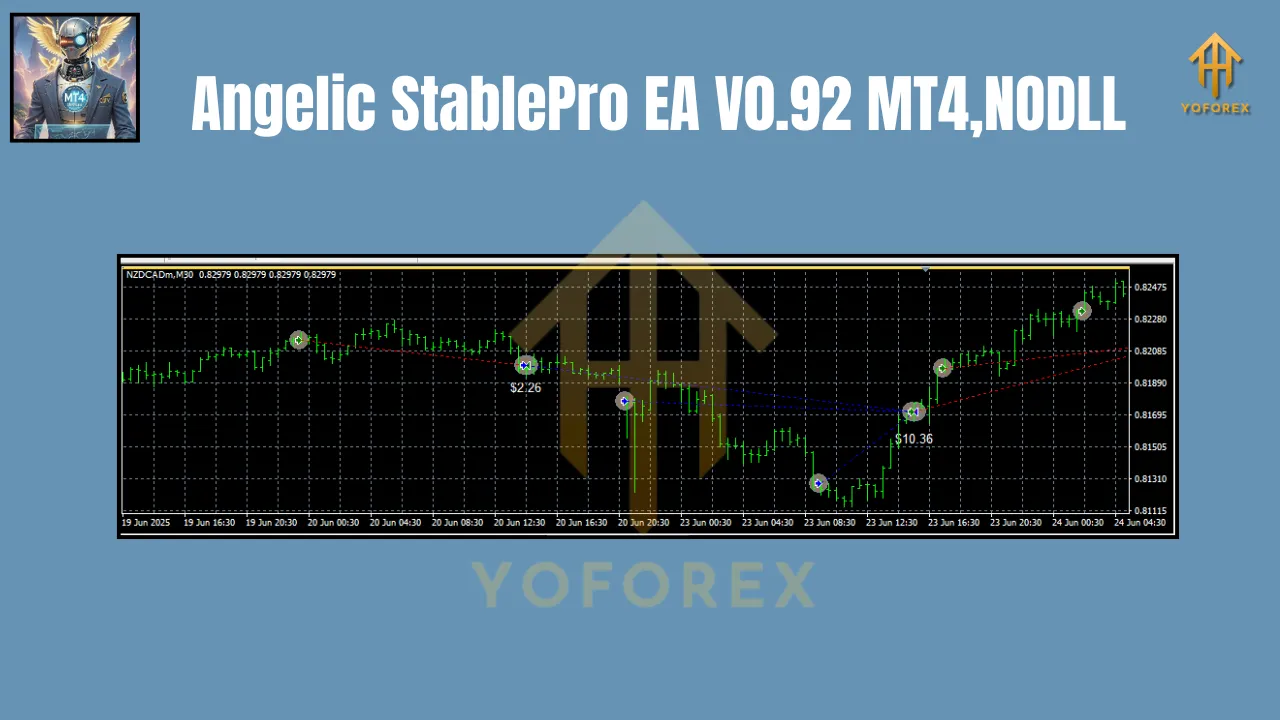
Why AUDCAD & NZDCAD? The Perfect Pairs for StablePro EA
AUDCAD and NZDCAD are often overlooked but offer unique advantages for algorithmic trading:
-
Commodity Correlation:
Both AUD (Australian Dollar) and NZD (New Zealand Dollar) are heavily influenced by commodity prices (e.g., metals, agriculture), while CAD (Canadian Dollar) is tied to oil. This creates predictable trends during commodity market shifts, which the EA exploits. -
Lower Volatility:
Compared to majors like EURUSD or GBPJPY, AUDCAD and NZDCAD exhibit smoother price action. This reduces noise, allowing the EA to identify clearer trends and avoid false signals. -
Economic Synergy:
Australia, New Zealand, and Canada share similar economic cycles (resource-driven economies). This synchronicity enhances the EA’s ability to anticipate movements based on regional data (e.g., employment, GDP). -
Spread Efficiency:
These pairs typically maintain tight spreads during major trading sessions (Sydney, Tokyo, London), minimizing slippage and transaction costs—critical for EA profitability.
The 30M Timeframe: Balancing Speed and Accuracy
Why does Angelic StablePro EA V0.92 thrive on the 30M chart?
- Reduced Market Noise: Unlike shorter timeframes (e.g., M1-M15), the 30M chart filters out erratic price spikes, focusing on sustainable trends.
- Timely Trade Execution: Trades align with intraday momentum, capturing swings without requiring overnight exposure (reducing swap fees and weekend gaps).
- Optimal Signal Frequency: The EA generates 2-5 high-quality signals weekly per pair—enough for growth but not excessive to trigger overtrading.
- Compatibility with Core Strategy: The EA’s algorithm uses 30M data to confirm trends across higher timeframes (H1/H4), ensuring entries align with broader market sentiment.
Key Features of Angelic StablePro EA V0.92
This EA isn’t just automated—it’s intelligent. Here’s what sets it apart:
-
Dynamic Risk Management:
- Automatically adjusts lot sizes based on account equity.
- Uses stop-loss and take-profit levels calibrated for each pair’s volatility.
- Implements a trailing stop to lock in profits during strong trends.
-
Multi-Layered Market Analysis:
- Combines moving averages, RSI divergence, and support/resistance zones.
- Filters trades using volatility indicators (e.g., ATR) to avoid low-momentum periods.
-
News Filter Integration:
- Pauses trading before high-impact news events (e.g., RBA, BoC rate decisions) to prevent whipsaws.
-
Customizable Parameters:
- Adjust risk per trade (default: 1-2% of balance).
- Toggle between conservative/aggressive modes.
- Set trading sessions (e.g., avoid Asian session liquidity lulls).
-
Backtesting & Optimization:
- Pre-optimized settings for AUDCAD/NZDCAD on 30M charts.
- Supports MT4’s Strategy Tester for forward-testing with historical data.
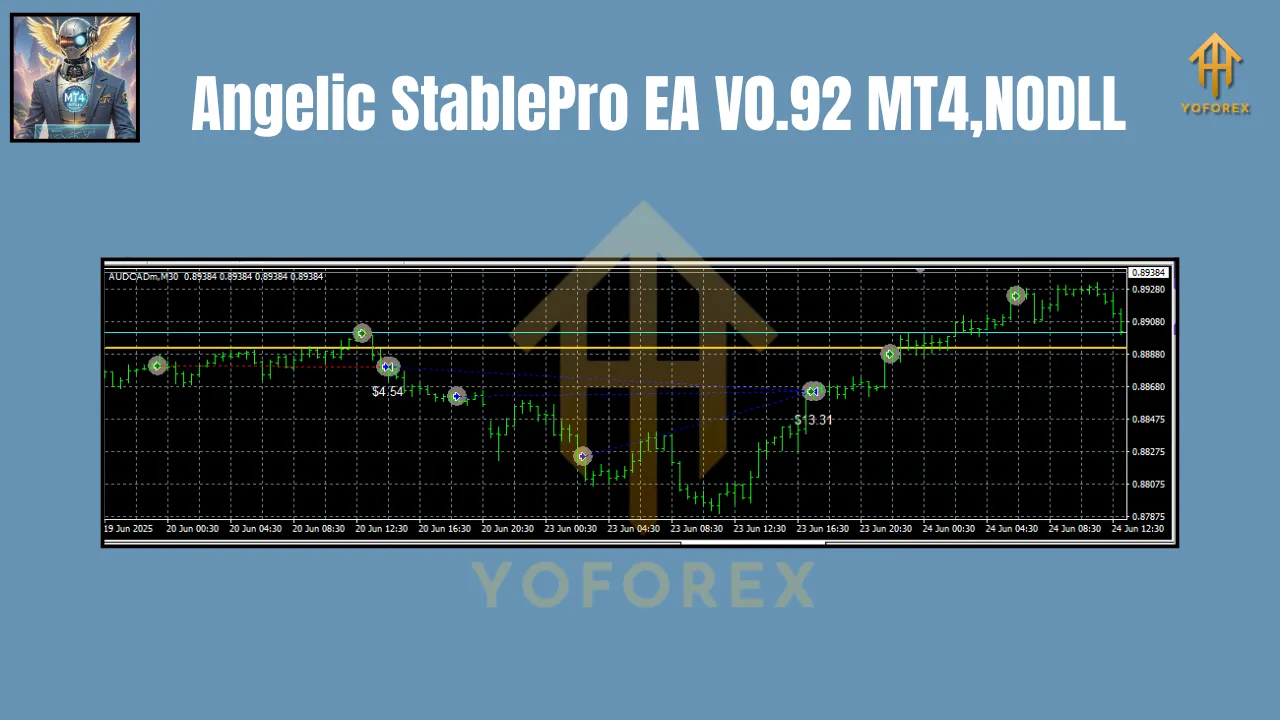
How to Set Up Angelic StablePro EA V0.92
Getting started is straightforward:
-
Installation:
- Download the EA file (.ex4) and drag it into your MT4’s “Experts” folder.
- Restart MT4 and attach the EA to AUDCAD or NZDCAD 30M charts.
-
Configuration:
- Enable automated trading in MT4 (Tools > Options > Expert Advisors).
- Input your risk preferences (e.g., lot size, max drawdown).
- Activate the news filter if trading during economic releases.
-
Monitoring:
- Check the EA’s journal tab for trade logs and errors.
- Review weekly performance via MT4’s account history.
Pro Tip: Start with a demo account to validate settings before deploying real capital.
Performance & Expectations
Angelic StablePro EA V0.92 targets consistent monthly gains of 5-10% with a max drawdown of 10-15%. However, realistic expectations are crucial:
- Win Rate: ~65-75% (higher during trending markets).
- Average Trade Duration: 4-12 hours.
- Risk-Reward Ratio: 1:1.5 to 1:2.5.
Risks to Consider:
- Sudden commodity price shocks (e.g., oil supply disruptions).
- Low-liquidity periods (e.g., holidays).
- Correlation breakdowns between AUD/NZD and CAD.
Mitigation: The EA’s built-in safeguards (news filter, volatility checks) minimize these risks.
Conclusion: Is Angelic StablePro EA V0.92 Right for You?
For traders seeking a hands-off approach to AUDCAD and NZDCAD, Angelic StablePro EA V0.92 offers a compelling blend of stability, adaptability, and precision. Its focus on the 30M timeframe strikes a perfect balance between opportunity and risk, while its robust algorithm handles market complexities in real-time.
Final Recommendation:
- Ideal For: Part-time traders, algorithmic enthusiasts, and those targeting steady growth.
- Not For: High-frequency scalpers or traders seeking overnight riches.
Embrace the power of automation with Angelic StablePro EA V0.92—where technology meets trading discipline. Download it today, optimize your settings, and let the EA navigate the AUDCAD and NZDCAD markets with angelic precision!