Unlocking the DAX: A Deep Dive into the DAX EA V1.0 for MT4
The German stock index, known globally as the DAX (DE30, GER30, DE40, GER40, DAX40, Germany30, or Germany40), stands as a powerhouse of European equity markets. Its volatility, liquidity, and reflection of Europe’s largest economy make it a magnet for traders worldwide. Yet, navigating its intraday swings and macroeconomic sensitivity demands precision, discipline, and unwavering attention. Enter the DAX EA V1.0 for MT4 – a specialized automated trading solution designed to harness the DAX’s potential, even for traders with modest starting capital. Let’s explore how this EA democratizes access to one of the world’s most dynamic indices.
Why Trade the DAX? The Allure of Germany’s Blue-Chip Benchmark
The DAX isn’t just an index; it’s a barometer of European economic health. Comprising 40 of Germany’s largest and most liquid companies (including Siemens, BMW, and SAP), it offers:
- High Volatility: Daily movements of 1-3% are common, creating ample profit opportunities.
- Liquidity: Billions in daily volume ensure tight spreads and minimal slippage.
- Global Influence: Reacts to Eurozone data, ECB policies, and geopolitical events, offering diverse trading catalysts.
- Extended Hours: Trading from 07:00 to 21:00 GMT (with variations) accommodates different time zones.
However, these strengths also pose challenges: rapid reversals, news-driven spikes, and the emotional toll of manual trading. This is where automation becomes a game-changer.
What is the DAX EA V1.0?
The DAX EA V1.0 is a purpose-built Expert Advisor (EA) for MetaTrader 4 (MT4), engineered exclusively for trading the DAX and its synonymous symbols across any timeframe. Whether you’re a scalper targeting M1-M5 charts or a swing trader favoring H4-D1, the EA adapts its strategy to market conditions. With a minimum deposit of just $100, it opens the door for retail traders to participate in DAX trading without requiring substantial capital.
Core Features & Strategy Breakdown
While proprietary algorithms remain confidential, the EA’s design philosophy centers on three pillars:
1. Multi-Timeframe Trend Analysis
The EA scans multiple timeframes simultaneously to identify the dominant trend. For example:
- A bullish trend on H4 might trigger long entries on M15, while avoiding counter-trend shorts.
- Filters out “noise” during sideways markets, reducing false signals.
2. Volatility-Adaptive Entry Logic
The DAX’s volatility can shift abruptly. The EA:
- Uses Average True Range (ATR) to adjust entry thresholds dynamically.
- Waits for confirmations (e.g., price breaking key levels with volume spikes) before entering trades.
- Avoids trading during low-liquidity sessions (e.g., overnight) unless specific conditions are met.
3. Robust Risk Management
Capital preservation is non-negotiable. The EA incorporates:
- Fixed Stop Loss & Take Profit: Pre-set levels based on market volatility (e.g., 1.5x ATR for SL, 3x ATR for TP).
- Dynamic Lot Sizing: Calculates position size as a percentage of account equity (e.g., 1% risk per trade).
- Equity Stop: Shuts down trading if drawdown exceeds a user-defined threshold (e.g., 20%).
Why Use an EA for DAX Trading?
Manual DAX trading is demanding. The EA eliminates human limitations:
- 24/5 Vigilance: Monitors markets around the clock without fatigue.
- Emotion-Free Execution: No fear, greed, or hesitation – just disciplined adherence to rules.
- Speed: Reacts to price changes in milliseconds, capturing fleeting opportunities.
- Backtestable: Strategy performance can be validated using historical data.
Setting Up: Minimum Requirements & Installation
Getting started is straightforward:
- Platform: MT4 (available with most brokers offering DAX CFDs).
- Deposit: Minimum $100 (recommended starting balance: $200-$500 for flexibility).
- Symbols: Ensure your broker offers DAX, DE30, GER30, or other synonyms.
- Installation:
- Download the EA file (.ex4).
- Place it in MT4’s “Experts” folder.
- Restart MT4, drag the EA onto a DAX chart, and enable automated trading.
- Configuration: Adjust parameters like risk percentage, SL/TP multipliers, and trading hours.
Risk Management: The EA’s Safety Net
The DAX EA V1.0 treats risk management as sacrosanct:
- Stop Loss: Every trade has a hard SL, preventing catastrophic losses.
- Take Profit: Locks in gains at optimal levels, avoiding reversals.
- Max Drawdown Control: Halts trading if equity drops too low, protecting capital.
- Correlation Avoidance: Limits exposure by avoiding overlapping trades on correlated assets.
Backtesting & Optimization: Building Confidence
Before going live, rigorous testing is essential:
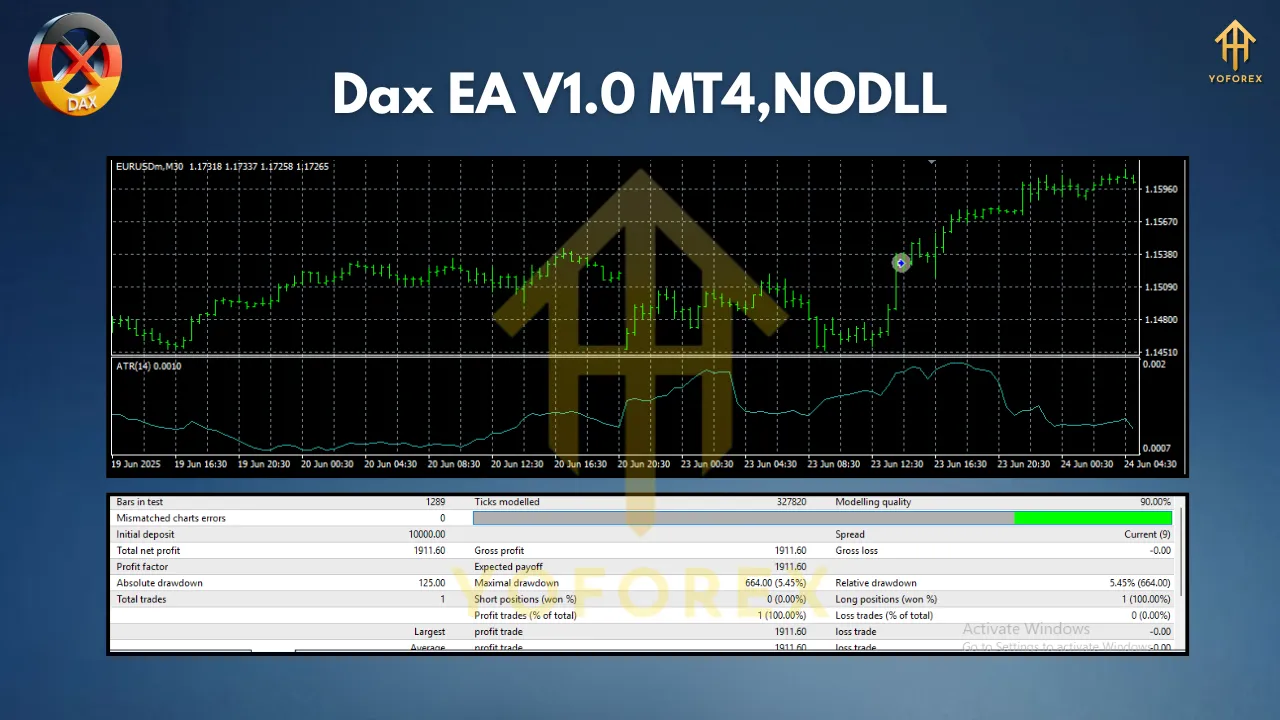
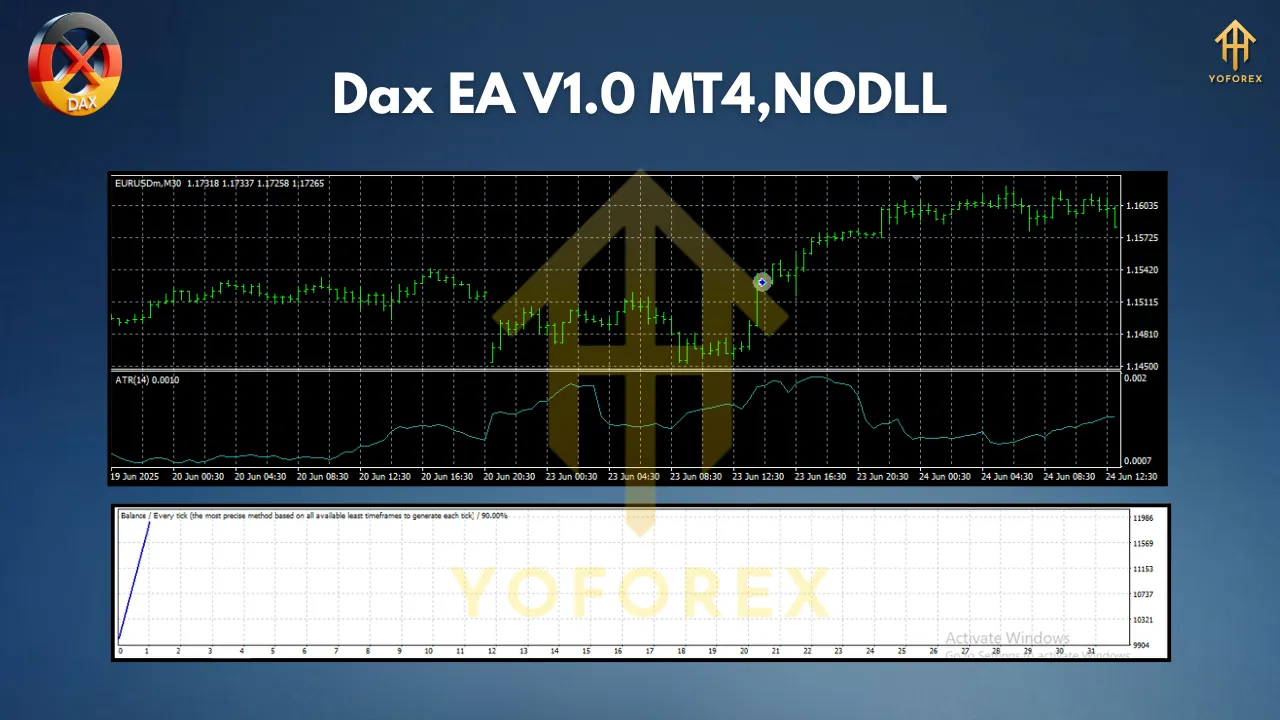
- Historical Backtesting: Use MT4’s Strategy Tester to evaluate performance over years of data. Focus on:
- Net profit vs. drawdown.
- Win rate and average profit/loss per trade.
- Stability across different market regimes (trending vs. ranging).
- Optimization: Fine-tune parameters (e.g., ATR periods, risk percentage) for recent market conditions. Avoid overfitting by testing on out-of-sample data.
- Forward Testing: Run the EA on a demo account for 1-2 months to validate real-time performance.
Live Trading: What to Expect
Once deployed, the EA operates autonomously, but monitoring remains key:
- Performance Metrics: Track weekly/monthly returns, drawdown, and trade frequency.
- Market Shifts: Adjust settings during major events (e.g., elections, ECB announcements) if the EA lacks news filters.
- Broker Compatibility: Ensure low spreads and fast execution – critical for DAX’s volatility.
Conclusion: Is the DAX EA V1.0 Right for You?
The DAX EA V1.0 isn’t a “get-rich-quick” solution; it’s a disciplined tool for traders seeking systematic exposure to the German index. Its strengths lie in:
- Accessibility: Low entry barrier ($100 deposit).
- Flexibility: Works on any timeframe.
- Safety: Built-in risk controls.
- Efficiency: Automation frees you from screen time.
Recommendation: Start with a demo account. Test the EA for 1-2 months, analyze its behavior, and optimize settings. Once consistent, deploy it on a live account with the minimum $100 deposit, scaling up as confidence grows.