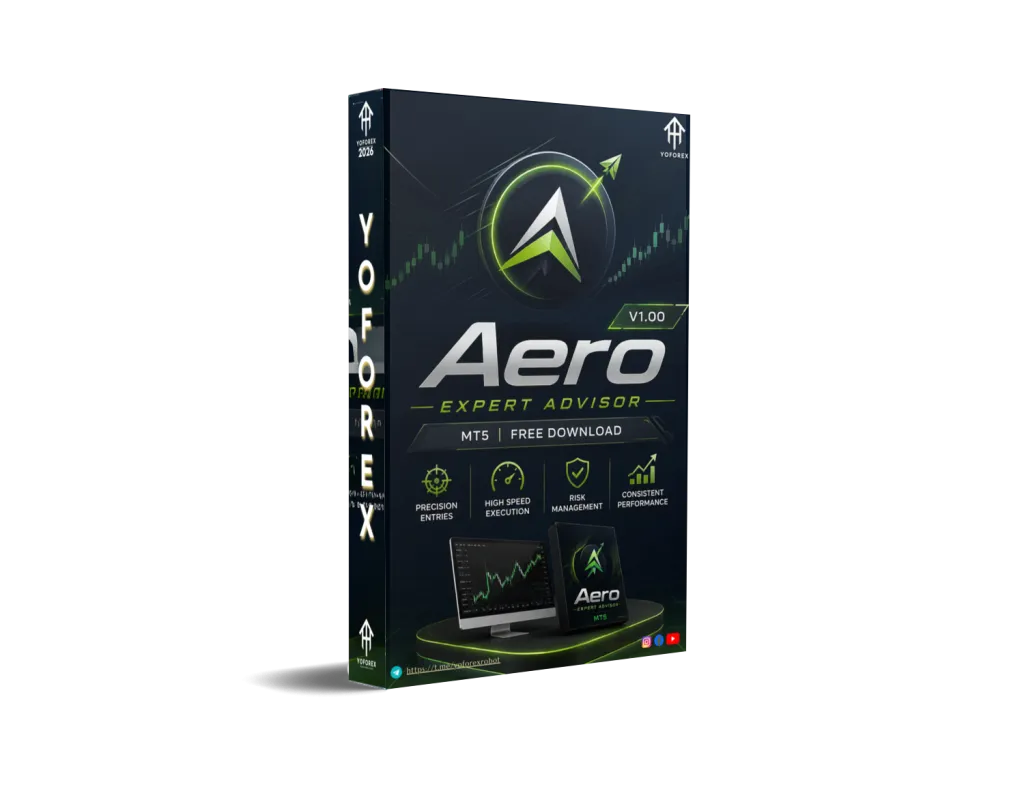
Aero EA V1.00 MT5: A Practical Look at This EUR/USD M15 Automated Trading Bot
Many traders face the same daily reality: limited time to watch charts, emotional decisions during volatile moves, and the challenge of staying consistent on a single pair like EUR/USD. Manual trading on the M15 timeframe demands constant attention. Missed entries, late exits, and inconsistent risk control are common.
Aero EA V1.00 MT5 is an Expert Advisor designed for MetaTrader 5 that aims to address this by automating trade execution on EUR/USD using the M15 chart. It is available through the YoForex ecosystem (yoforexea.com and yoforex.org), a platform known for offering MT4 and MT5 trading tools.
This article explains what the bot is, how it operates at a high level, its practical features, who it suits, and what you should verify before using it. No performance guarantees are made—forex trading always carries risk of loss.
What Is Aero EA V1.00 MT5?
Aero EA V1.00 MT5 is a fully automated Expert Advisor built for the MetaTrader 5 platform. It is intended to run on the EUR/USD pair on the M15 timeframe. Once attached to a chart and configured, it can open, manage, and close trades according to its internal logic without requiring the trader to monitor the market continuously.
It belongs to the category of trading bots that help users automate a defined approach on a liquid major pair. Like any EA, its behavior depends on the settings you choose, the broker conditions, and current market structure.
How Does Aero EA V1.00 MT5 Work?
The bot attaches to an EUR/USD M15 chart in MT5. After you enable Algo Trading and allow live trading, it monitors price action on that timeframe and executes trades based on its programmed rules.
Typical automated flow includes:
- Continuous chart analysis on M15
- Entry decisions when conditions align with its logic
- Application of stop-loss, take-profit, or other protective orders
- Position management until exit criteria are met
Because it is designed for EUR/USD on M15, it focuses on one of the most liquid pairs and a timeframe that balances opportunity frequency with manageable noise compared with lower charts. Exact entry filters and indicators are part of the EA’s internal code and should be reviewed in the provided documentation or by testing in the Strategy Tester.
Traders should always start on a demo account to observe real behavior under their broker’s spreads and execution.
Key Features
- Platform: MetaTrader 5 only
- Primary pair: EUR/USD
- Timeframe: M15
- Automation: Fully automated trade execution once enabled
- Risk controls: Adjustable parameters for lot size, stops, and protective settings (exact options appear in the EA inputs)
- Operation: Designed for continuous running (ideally on a VPS)
Quick Features Table
| Feature | Details |
|---|---|
| Platform | MetaTrader 5 (MT5) |
| Strategy | Automated (internal logic) |
| Trading Style | Suitable for M15 automation |
| Pairs | EUR/USD |
| Timeframe | M15 |
| Risk Management | Configurable inputs |
| Automation | Full (attach and enable) |
| Best For | Traders seeking EUR/USD M15 automation |
Main Benefits
Practical advantages for the right user include:
- Reduced screen time on EUR/USD M15
- Consistent application of the EA’s rules without emotional interference
- Ability to keep the system running 24/5 with proper hosting
- Configurable risk parameters so you can match position size to your account
- Simple attachment process familiar to most MT5 users
These benefits only materialize when the EA is tested thoroughly, settings are understood, and risk is controlled by the trader.
Who Is Aero EA V1.00 MT5 For?
- MT5 users who want to automate trading specifically on EUR/USD M15
- Busy traders who cannot watch the M15 chart throughout the day
- Beginners exploring automation who are willing to start on demo and learn the inputs
- Intermediate traders already familiar with attaching EAs and managing risk
- Algorithmic traders comparing focused single-pair bots
It fits traders who prefer a defined pair and timeframe rather than multi-pair or multi-timeframe systems.
Who Should Avoid It?
- Traders who only use MetaTrader 4 (this version is MT5)
- Users seeking multi-pair or higher-timeframe swing systems
- Anyone expecting guaranteed profits or zero drawdown
- Traders unwilling to test on demo first or monitor initial live performance
- Those without basic understanding of lot sizing, spreads, and margin
Honest assessment prevents mismatch between expectations and reality.
Aero EA V1.00 MT5 vs Manual Trading
| Aspect | Aero EA V1.00 MT5 | Manual Trading on EUR/USD M15 |
|---|---|---|
| Time commitment | Low after setup | High (constant monitoring) |
| Emotional decisions | Removed once running | Present |
| Consistency | Follows programmed rules | Depends on trader discipline |
| Flexibility | Limited to EA logic | Full discretion |
| Overnight/weekend | Can run continuously (VPS) | Requires presence or alerts |
What To Check Before Buying
Use this practical checklist:
- Strategy understanding: Review any provided description or test in Strategy Tester to see entry/exit behavior.
- Risk parameters: Confirm lot size, stop-loss, and max risk per trade options match your tolerance.
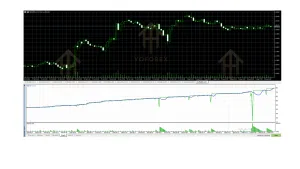
- Drawdown behavior: Observe historical and demo equity curves; never assume past results continue.
- MT5 compatibility: Verify the file is the .ex5 version for MetaTrader 5.
- Broker compatibility: Test spreads, commission, and execution on your intended broker (low-spread ECN preferred for M15).
- VPS requirement: For reliable 24/5 operation, a stable VPS near the broker server is strongly recommended.
- Settings: Understand every input before going live.
- Support: Check available documentation and contact channels from the provider (YoForex).
- Testing: Run extended demo or forward tests under real market conditions before risking capital.
Never skip independent verification.
How To Get Started
- Obtain the Aero EA V1.00 MT5 file from the official YoForex source.
- Open MetaTrader 5 and go to File → Open Data Folder → MQL5 → Experts.
- Copy the .ex5 file into the Experts folder and restart MT5 or refresh the Navigator.
- Open an EUR/USD chart and set it to M15.
- Drag the EA onto the chart.
- In the properties window, review and adjust inputs (lot size, risk, etc.), enable “Allow Algo Trading,” and click OK.
- Ensure the Algo Trading button on the toolbar is active (green).
- Monitor on demo first, then consider a small live allocation only after satisfactory results.
A VPS keeps the terminal running without interruption.
FAQs
What platform does Aero EA V1.00 require?
MetaTrader 5 only.
Which pair and timeframe is it designed for?
EUR/USD on the M15 chart.
Do I need a VPS?
Yes, for continuous and reliable operation. Running from a home PC that may disconnect is not ideal.
Can beginners use it?
Yes, if they start on demo, learn the inputs, and understand basic risk management. Automation does not remove the need for education.
Is there a guarantee of profit?
No. No Expert Advisor can guarantee results. Markets change and losses are possible.
How do I know if the settings are correct?
Test thoroughly in the MT5 Strategy Tester and on a demo account with your broker’s conditions.
Where can I get support or updates?
Through the YoForex channels associated with the product listing.
Should I use it on multiple pairs?
The confirmed focus is EUR/USD M15. Using it outside the intended configuration is at your own risk and should be tested separately.
Conclusion
Aero EA V1.00 MT5 offers a focused automation option for traders who want to run a system on EUR/USD M15 inside MetaTrader 5. It addresses the time and consistency challenges of manual trading on that timeframe, provided the user approaches it with realistic expectations, proper testing, and disciplined risk management.
If the description matches your needs—MT5, EUR/USD focus, M15 automation—the logical next step is to review the full product details, download or purchase through the official YoForex site, and begin with careful demo testing.
Visit yoforexea.com or yoforex.org for the current Aero EA V1.00 MT5 listing, documentation, and access. Always trade responsibly and never risk capital you cannot afford to lose.
Support & Disclaimer
Support
If you need help installing or configuring your EA, or face any kind of bug, feel free to reach out on:
WhatsApp: Click here
Telegram Group: Join our community
Disclaimer:
Forex and gold trading involve risk. Past performance doesn’t guarantee future results. Always test robots on demo before live trading and use proper risk management.
REFERRAL
Join the VIP Signals Telegram Channel for real-time expert trading signals and stay ahead in the forex market. Get personalized strategies by becoming a part of our Real Account Management Telegram Channel and optimize your trading experience. If you’re aiming to Pass PropFirm Challenges , join our dedicated channel for tips and proven methods. Start managing your capital effectively with expert advice from our Funded Account Management Telegram Channel. For advanced traders, our HFT EA / Passing Telegram Channel offers high-frequency trading insights and strategies to boost your performance.