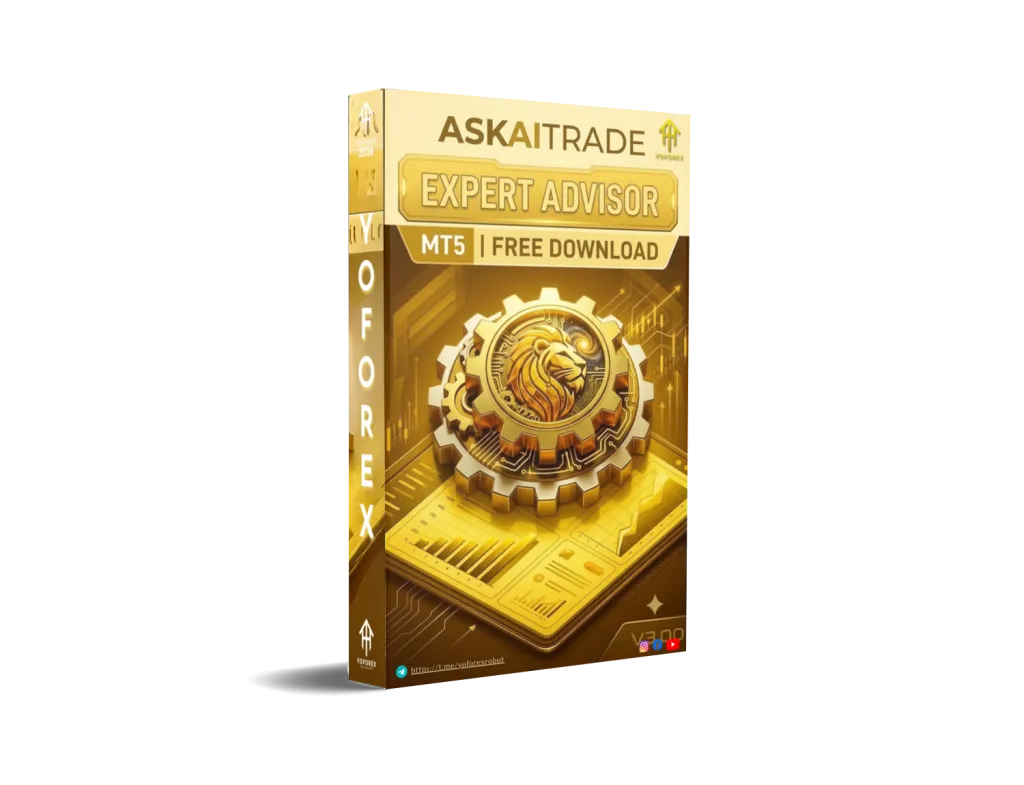
Askaitrade EA V3.00 MT5: A Practical Look at Automating EUR/USD on the M15 Timeframe
Many Forex traders want consistent market coverage without staring at charts all day. Manual trading on a liquid pair like EUR/USD can demand constant attention, especially on shorter timeframes where opportunities appear and disappear quickly. Emotional decisions, missed sessions, and inconsistent execution are common frustrations.
Askaitrade EA V3.00 MT5 is positioned as an automated solution for traders who prefer to let software handle trade execution on the MetaTrader 5 platform. This article explains what the bot is, how it operates in practical terms, its known characteristics, who it may suit, and what you should evaluate before considering it.
What Is Askaitrade EA V3.00 MT5?
Askaitrade EA V3.00 is an Expert Advisor designed for the MetaTrader 5 platform. It is a fully automated trading system that can analyze the market and manage positions according to its programmed logic once attached to a chart and enabled.
According to available information and the version discussed here, it works on the EUR/USD pair using the M15 (15-minute) timeframe. Like most EAs, it runs inside the MT5 terminal and can operate continuously when the platform stays connected (typically via a VPS for reliability).
It is not a signal service or indicator. It is intended to execute and manage trades automatically based on its internal rules.
How Does Askaitrade EA V3.00 MT5 Work?
Once installed and attached to an EUR/USD M15 chart with AutoTrading enabled, the EA monitors price action on that timeframe. When its internal conditions are met, it can open, manage, and close positions without requiring the trader to click buy or sell manually.
The process generally follows these steps:
- Continuous monitoring of the EUR/USD M15 chart.
- Evaluation of market conditions against the EA’s coded rules.
- Placement and management of trades when signals align.
- Application of any built-in risk or trade management parameters set by the user.
Exact entry logic, indicators, or filters are not publicly detailed in depth across sources, so traders should treat the strategy as proprietary and verify behavior through their own testing. The EA is described as fully automated, meaning it does not require constant manual intervention once running.
Key Features
Available information points to these characteristics:
- Platform: MetaTrader 5 (MT5)
- Trading pair focus: EUR/USD
- Recommended timeframe: M15
- Operation mode: Fully automated
- Designed for hands-off execution after proper setup
Detailed public documentation on advanced filters, lot sizing modes, or specific risk tools is limited. Users should review the input parameters inside MT5 and any provided set files after obtaining the EA.
Quick Features Table
| Feature | Details |
|---|---|
| Platform | MetaTrader 5 (MT5) |
| Strategy | Automated (proprietary logic) |
| Trading Style | Automated execution on M15 |
| Pairs | EUR/USD |
| Timeframe | M15 |
| Risk Management | User-configurable (check inputs) |
| Automation | Fully automated |
| Best For | Traders seeking EUR/USD M15 automation |
Main Benefits
The primary practical advantages of a tool like Askaitrade EA V3.00 MT5 include:
- Removal of emotional interference — The EA follows its rules without hesitation or second-guessing.
- Consistent market presence — It can watch the M15 chart even when you cannot.
- Time efficiency — Useful for busy traders who cannot monitor EUR/USD during all sessions.
- Standardized execution — Trades are handled according to predefined parameters rather than discretionary judgment in the moment.
These benefits depend entirely on proper configuration, realistic risk settings, a suitable broker environment, and ongoing monitoring. No EA eliminates market risk.
Who Is Askaitrade EA V3.00 MT5 For?
This EA may suit:
- MT5 users who specifically want automation on EUR/USD.
- Traders comfortable with the M15 timeframe.
- Busy individuals seeking to reduce screen time.
- Intermediate or experienced traders who understand how to test and monitor automated systems.
- Those willing to run the EA on a reliable VPS and review results regularly.
It can also appeal to traders exploring passive-style automation while still maintaining oversight.
Who Should Avoid It?
Consider skipping or approaching with extreme caution if you:
- Prefer full discretionary control over every trade.
- Are completely new to MetaTrader and have never tested an EA on demo.
- Expect guaranteed results or “set and forget forever” performance.
- Cannot or will not monitor drawdowns, broker conditions, or EA behavior.
- Trade only on MT4 (this version is for MT5).
- Lack sufficient capital or risk tolerance for automated trading.
Honest self-assessment matters more than any marketing description.
Askaitrade EA V3.00 MT5 vs Manual Trading
| Aspect | Askaitrade EA V3.00 MT5 | Manual Trading on EUR/USD M15 |
|---|---|---|
| Execution | Automated according to rules | Trader-dependent |
| Emotional influence | Minimal once running | High potential |
| Time required | Setup + monitoring | Continuous chart watching |
| Consistency | Rule-based | Varies with discipline |
| Flexibility | Limited to coded logic | Full discretionary adaptation |
| Oversight needed | Still required | Constant |
What To Check Before Buying
A practical buyer checklist:
- Strategy understanding — Confirm the EA’s intended approach and limitations.
- Risk settings — Review lot size, stop-loss, take-profit, and any equity protection options in the inputs.
- Drawdown tolerance — Know your maximum acceptable drawdown before running live.
- MT5 compatibility — Ensure your terminal build and broker support the EA.
- Broker conditions — Low spreads, reliable execution, and EA-friendly environment on EUR/USD matter.
- VPS requirement — Continuous operation usually needs a stable VPS.
- Settings and set files — Check whether optimized parameters or guidance are provided.
- Support — Clarify update policy and contact options.
- Testing — Always run thorough demo and forward tests yourself. Past results (if any) do not guarantee future performance.
Never skip independent verification.
How To Get Started
- Obtain the Askaitrade EA V3.00 MT5 file from a trusted source linked to the brand (yoforex.org / related resources).
- Open MetaTrader 5 → File → Open Data Folder → MQL5 → Experts. Place the .ex5 file there.
- Restart MT5 or refresh the Navigator.
- Open an EUR/USD chart and switch to the M15 timeframe.
- Drag the EA onto the chart.
- Adjust input parameters carefully (start conservative).
- Enable AutoTrading and allow algorithmic trading if required.
- Preferably run on a VPS.
- Monitor closely on demo first, then small live size if results are acceptable.
Always keep risk per trade low relative to your account.
FAQs
What platform does Askaitrade EA V3.00 work on?
It is built for MetaTrader 5 (MT5).
Which pair and timeframe does it use?
It works on EUR/USD using the M15 timeframe.
Is it fully automated?
Yes, once configured and enabled it can operate without manual trade entries.
Do I need a VPS?
Strongly recommended for uninterrupted operation.
Can beginners use it?
Beginners can install it, but they should first learn basic EA testing, risk management, and MT5 operation on demo accounts.
Does it guarantee profits?
No Expert Advisor can guarantee profits. Markets change and all trading involves risk of loss.
Where can I find more information or the EA?
Check resources associated with yoforex.org and the yoforexea.com blog for related trading tools and guides.
What is the most important step before going live?
Thorough independent testing on a demo account under realistic conditions.
Conclusion
Askaitrade EA V3.00 MT5 offers a structured way to automate trading on EUR/USD using the M15 chart inside MetaTrader 5. It addresses the common problem of limited time and emotional inconsistency by executing according to its rules.
Success still depends on your risk settings, broker quality, testing discipline, and realistic expectations. No bot removes the inherent risks of Forex trading.
If this description matches what you are looking for, review the EA details, test thoroughly, and decide based on your own results and risk tolerance. You can explore available options and further resources at yoforex.org. Trade responsibly.
Support & Disclaimer
Support
If you need help installing or configuring your EA, or face any kind of bug, feel free to reach out on:
WhatsApp: Click here
Telegram Group: Join our community
Disclaimer:
Forex and gold trading involve risk. Past performance doesn’t guarantee future results. Always test robots on demo before live trading and use proper risk management.
REFERRAL
Join the VIP Signals Telegram Channel for real-time expert trading signals and stay ahead in the forex market. Get personalized strategies by becoming a part of our Real Account Management Telegram Channel and optimize your trading experience. If you’re aiming to Pass PropFirm Challenges , join our dedicated channel for tips and proven methods. Start managing your capital effectively with expert advice from our Funded Account Management Telegram Channel. For advanced traders, our HFT EA / Passing Telegram Channel offers high-frequency trading insights and strategies to boost your performance.