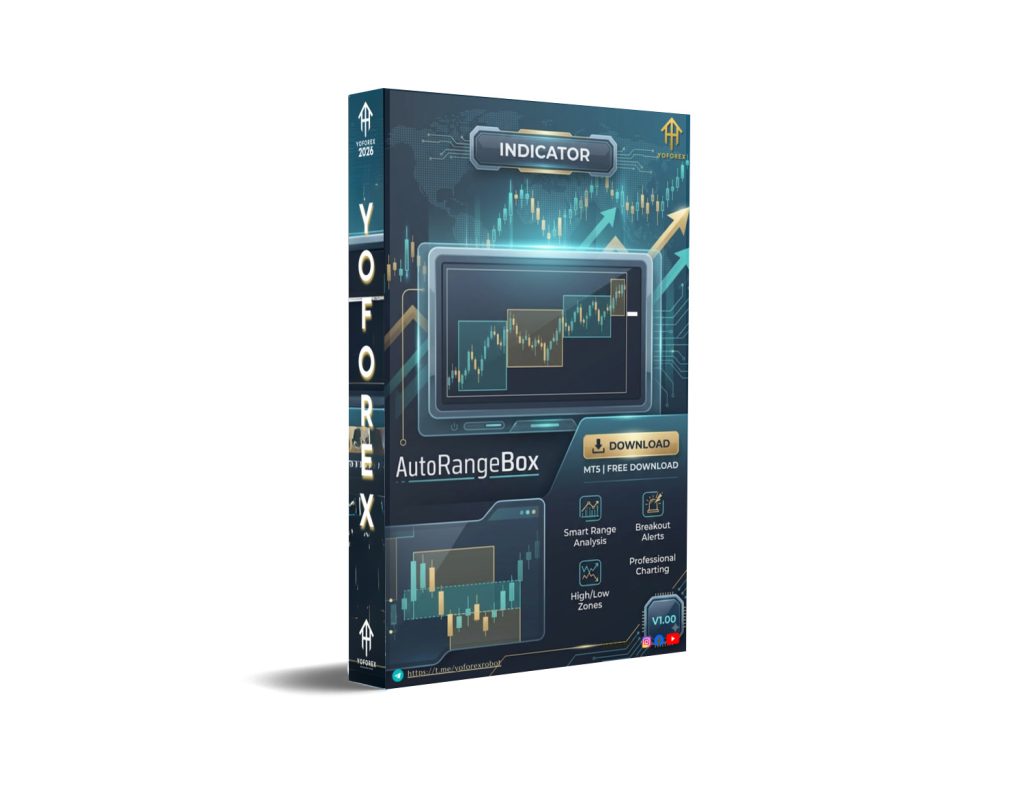
AutoRangeBox INDICATOR V1.00 MT5: A Practical Guide for Range-Based Trading
Many traders find the Forex market frustrating. Prices swing wildly one day and then drift sideways the next. Spotting the difference and acting on it without second-guessing every tick is tough. If you want a visual tool that automatically highlights these natural “boxes” of price action, the AutoRangeBox INDICATOR V1.00 MT5 is worth a closer look.
What Is AutoRangeBox INDICATOR V1.00 MT5?
AutoRangeBox is a visual range detection indicator for MetaTrader 5. It scans recent price action and draws clean, colored rectangles that show where price has been consolidating or moving in a defined band. The goal is simple: give you an instant snapshot of the current trading range so you can make faster, more confident decisions.
It works on any major Forex pair, any timeframe from M1 to MN, and works independently of the chart’s active timeframe. No manual boxes to draw — the indicator handles the work.
How Does AutoRangeBox Work?
Here’s the process in plain language:
- Scan the chart – The indicator looks at recent bars (you can adjust the period).
- Identifies highs and lows – It calculates the most recent range extremes.
- Draws the box – A filled rectangle appears with the high at the top edge and the low at the bottom.
- Updates live – As new bars form, the box can shift or stay if the range is still valid.
When price breaks above the top of the box, it often signals a breakout and potential trend continuation. When price stays inside the box, it’s usually a ranging day. That’s the entire concept — visual range analysis turned into a single glance on your chart.
Key Features
- Automatic range detection – No need to draw lines yourself. The box appears instantly based on your chosen period.
- Clean visual design – Colored rectangles with optional mid-line for easy reading.
- Works on any timeframe – Attach it once and it adapts across your charts.
- Multi-symbol support – Useful for seeing ranges across EURUSD, GBPUSD, and others at once.
- Customizable sensitivity – Adjust how aggressively it detects the range.
Quick Features Table
| Feature | Details |
|---|---|
| Platform | MetaTrader 5 (MT5) |
| Strategy | Range detection / breakout analysis |
| Trading Style | Trend-following, scalping, breakout |
| Pairs | All major Forex pairs + indices |
| Timeframe | Any (M1 to MN) |
| Risk Management | Purely visual – no auto-trading |
| Automation | Visual only (pairs perfectly with EAs) |
| Best For | Traders who like seeing price structure |
Main Benefits
The biggest practical advantage is clarity. Once the box is on the chart, you stop second-guessing every price movement. You can see at a glance whether the market is trending or consolidating. Many traders use it to:
- Skip false breakouts during ranging days.
- Set tighter stops and more realistic targets around the box edges.
- Combine with other tools — for example, waiting for a candle close outside the box before entering a breakout strategy.
It won’t trade for you, but it removes the mental load of constantly re-measuring price action.
Who Is AutoRangeBox For?
This indicator suits traders who:
- Love seeing clear price structure on the chart.
- Want to automate part of their analysis (visual automation).
- Trade on any style — scalping, swing, or breakout.
- Prefer visual tools over fully automated robots.
- Are either beginner or intermediate and want to level up their range awareness quickly.
If you’re a busy trader who checks charts a few times a day, it can save time and reduce decision fatigue.
Who Should Avoid It?
Skip it if you:
- Prefer fully automated Expert Advisors with built-in entries and risk rules.
- Trade only news-heavy sessions and ignore chart patterns.
- Hate visual tools and want everything hands-off.
- Expect the indicator to do all the thinking for you.
AutoRangeBox is a supporting tool, not a complete trading system.
AutoRangeBox INDICATOR V1.00 MT5 vs Manual Trading
| Aspect | Manual Range Trading | AutoRangeBox MT5 Indicator |
|---|---|---|
| Speed | Slow – you draw boxes yourself | Instant on chart |
| Accuracy | High if done right | Good when settings match your style |
| Mental load | High – constant recalculations | Low – visual snapshot |
| Scalability | One chart at a time | All pairs and timeframes at once |
| Flexibility | Limited | Adjustable period and colors |
| Best when | You have time and patience | You want faster insights |
What To Check Before Buying
Before purchasing the AutoRangeBox INDICATOR V1.00 MT5, run through this short checklist:
- Strategy fit – Does it match the style you trade (breakout, range, etc.)?
- Risk tolerance – Purely visual — no automatic risk control.
- Broker compatibility – Works with any MT5 broker that supports indicators.
- VPS readiness – Not required since it’s visual, but helpful for 24/5 monitoring.
- Settings testing – Test different periods on a demo account first.
- Support & updates – Confirm the seller offers real help and future versions.
- Backtest your own – Always test on your specific pairs and broker.
How To Get Started
Setup takes less than two minutes:
- Download the AutoRangeBox INDICATOR V1.00 MT5 from the official seller.
- Open MetaTrader 5.
- Go to Navigator > Custom Indicators and drag the file into your Experts folder (or double-click to install).
- Attach it to any chart.
- Adjust the main period setting to match your preferred range length (start with 10–20 bars, then fine-tune).
- (Optional) Change colors or enable mid-line for better readability.
- Start trading with the visual cues the indicator provides.
That’s it. The box appears immediately.
FAQs
Is AutoRangeBox a trading robot or just an indicator?
It is a visual indicator only. It does not place trades — it simply shows you the ranges.
Can I use it on any Forex pair?
Yes. It works on every major and minor pair, indices, and commodities.
What timeframe should I use it on?
Any timeframe. The box calculations run independently of your chart’s period.
Does it work during news events?
It can help you avoid overtrading during volatile news times, but always use your own risk rules.
Is it suitable for beginners?
Yes — many new traders love it because the boxes make range trading intuitive.
Will I need extra software or a VPS?
No. Purely visual and runs locally on your MT5 terminal.
How do I change the range length?
Click the indicator settings and adjust the “Period” or “Box Length” parameter.
Can I combine it with an EA?
Absolutely. Many traders use the visual cues as confirmation before the EA takes the trade.
Conclusion
If you want a clear, always-up-to-date visual of price ranges on your MT5 charts, the AutoRangeBox INDICATOR V1.00 MT5 is a practical addition worth testing. Download it, try it on a demo account for a few days, and decide for yourself.
Visit the seller at https://yoforexea.com/blog or head straight to https://yoforex.org/ to grab your copy and start seeing ranges instantly.
What are you waiting for? Open MetaTrader 5, install AutoRangeBox, and see how much clearer your charts become. Happy trading!
Support & Disclaimer
Support
If you need help installing or configuring your EA, or face any kind of bug, feel free to reach out on:
WhatsApp: Click here
Telegram Group: Join our community
Disclaimer:
Forex and gold trading involve risk. Past performance doesn’t guarantee future results. Always test robots on demo before live trading and use proper risk management.
REFERRAL
Join the VIP Signals Telegram Channel for real-time expert trading signals and stay ahead in the forex market. Get personalized strategies by becoming a part of our Real Account Management Telegram Channel and optimize your trading experience. If you’re aiming to Pass PropFirm Challenges , join our dedicated channel for tips and proven methods. Start managing your capital effectively with expert advice from our Funded Account Management Telegram Channel. For advanced traders, our HFT EA / Passing Telegram Channel offers high-frequency trading insights and strategies to boost your performance.